Check the acquisition promise
Read the store headline, screenshots and description. What problem is the app promising to solve?
Study the storefront ↗
RootRise Technologies Pvt. Ltd. · iOS
Explore the ad evidence, study the storefront, and build your next acquisition hypothesis.
01 / Creative research
Read the store headline, screenshots and description. What problem is the app promising to solve?
Study the storefront ↗Explore apps with direct store-link matches. Compare their hooks and formats without assuming the same approach works here.
Browse observed advertisers ↗Store rankings and revenue estimates describe market context. They do not establish ad spend, conversions or ROAS.
Review the market context ↗02 / Storefront & product
Study the product story and store experience behind the acquisition funnel.


03 / Market context
Keep revenue, downloads and store rankings separate from advertising performance.
You have to install and open it just to get a popup that says you can only view 1 xps file per week or pay up! Decided to try it out, meh! Didn't even work on a small file with a logo and some text! Uninstalled after that! Copied all the xps files to usb drive, converted them all to pdf in a few minutes on a windows laptop, for free!
XPSView will neither complete its download nor delete. I receive constant notices from iOS that the app cannot be downloaded - would I like to try again? I tried several Internet recommendations for clearing the problem. These didn't work. Next step is to wipe my iPad clean. This issue needs a fix ASAP - either from the developer and/or the App Store.
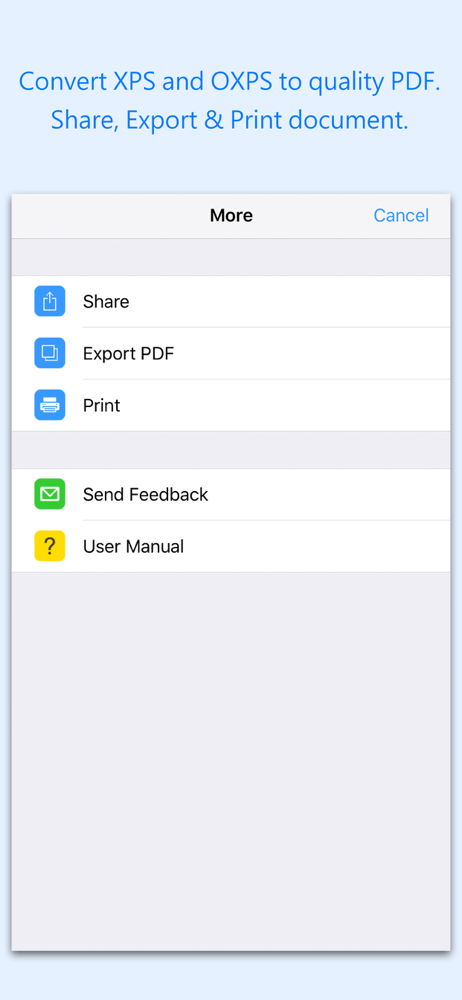
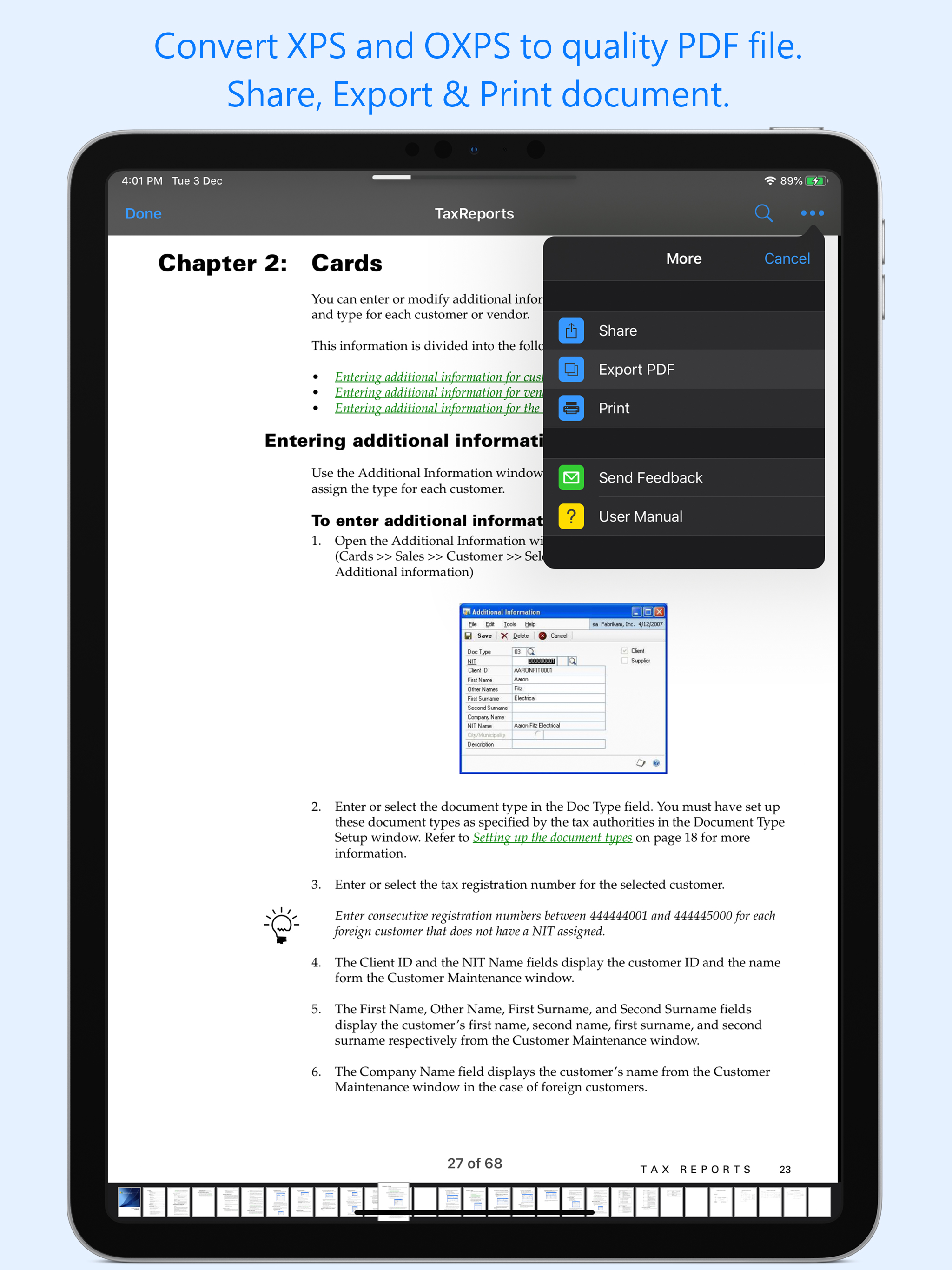
When dealing with documents from Windows, my only "print to disk" option is usually *.xps files. This app seems to open them just fine *and* lets me print them to an AirPrint-enabled printer. I am not sure what issues the other reviewers are having, but this works just fine as an "Open with..." target for xps documents attached to emails. The xps files that I am using are coming from Windows 7 - this app has opened them reliably for me. Maybe other XPS files are problematic. Being able to "Print to XPS" and then email stuff to my iPad is very nice, especially for things like travel documents and the like. I took a bit of a chance on this app, as there wasn't a single positive review. I am happy I did.
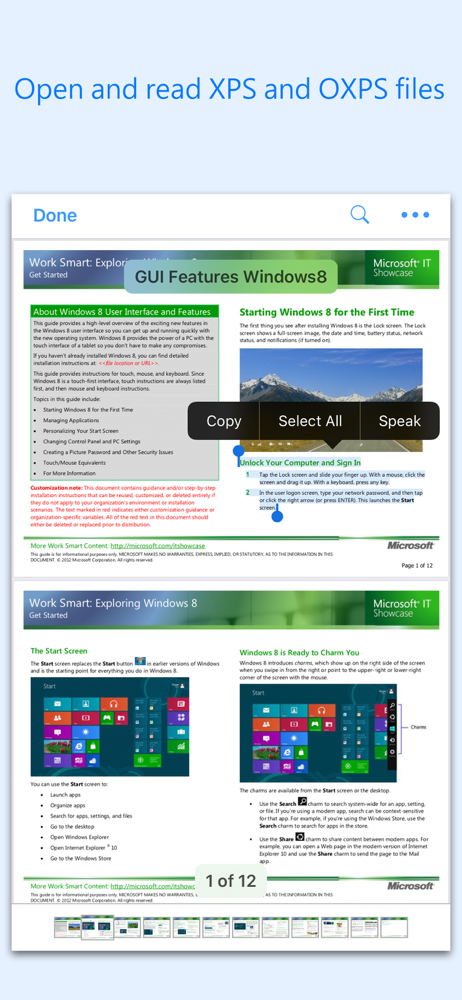
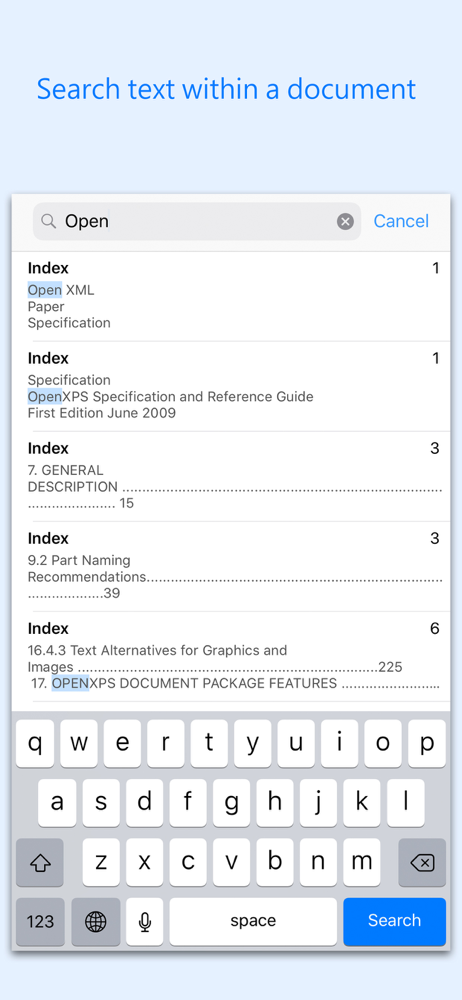
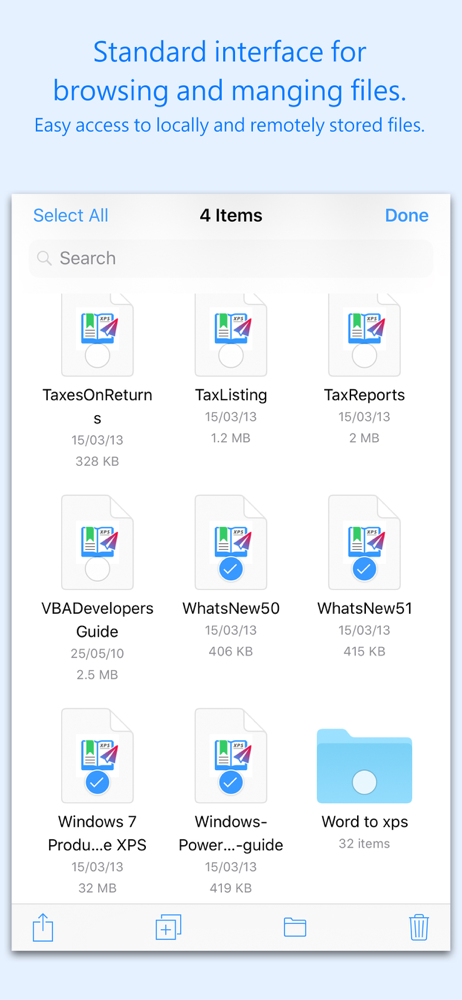
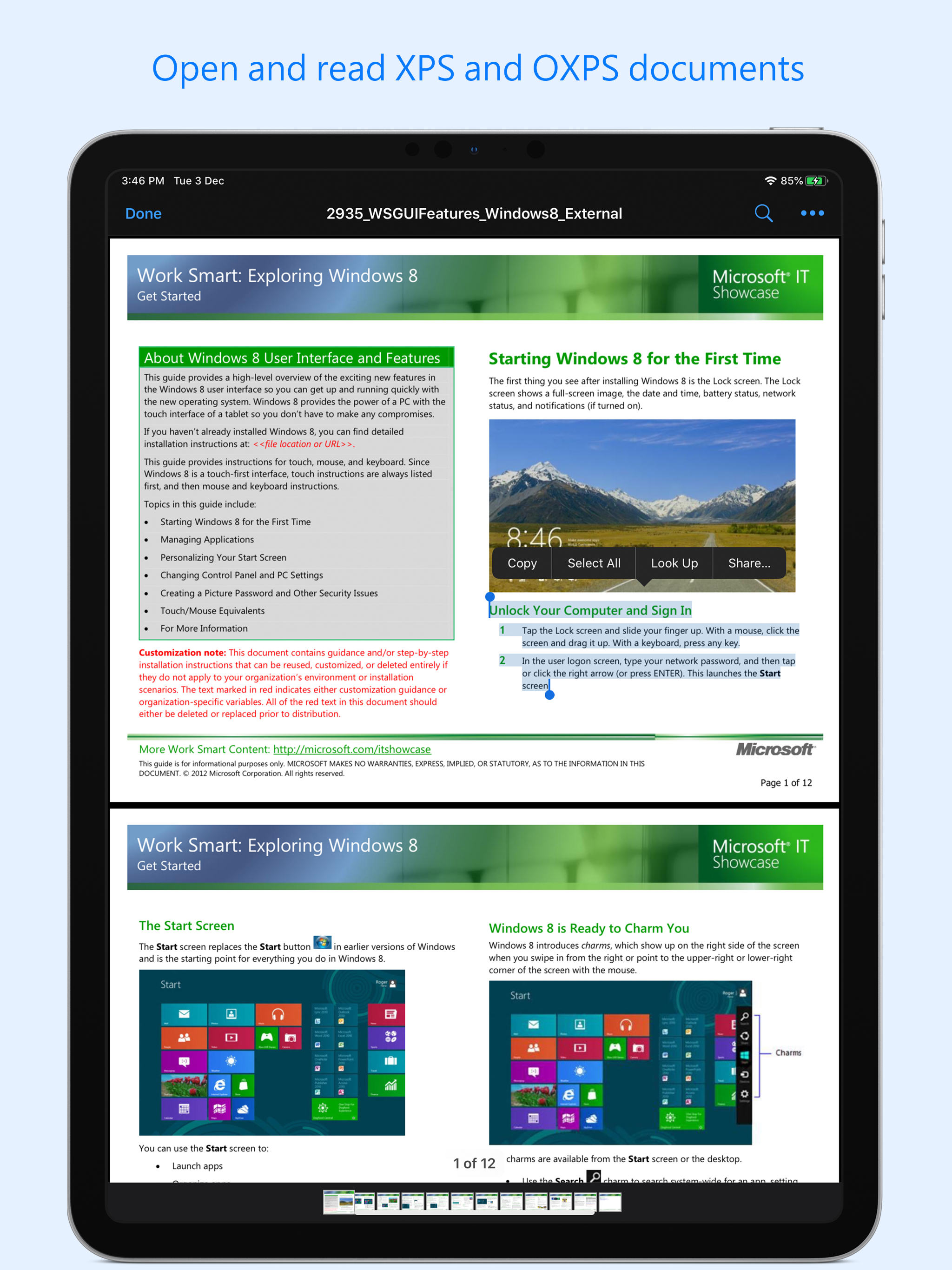
XPSView allows you to open and read XPS (XML Paper Specification, *.xps) and OpenXPS (*.oxps) documents on iOS device. It offers you fantastic reading...
| Name | Price | Type |
|---|---|---|
| Premium : Monthly Access | $0.99 | Monthly |
| Premium : Yearly Access | $3.99 | Yearly |
| Premium : Lifetime Access | $5.99 | One-time |