
Check the acquisition promise
Read the store headline, screenshots and description. What problem is the app promising to solve?
Study the storefront ↗
健 卜 · iOS
Explore the ad evidence, study the storefront, and build your next acquisition hypothesis.
01 / Creative research
Read the store headline, screenshots and description. What problem is the app promising to solve?
Study the storefront ↗Explore apps with direct store-link matches. Compare their hooks and formats without assuming the same approach works here.
Browse observed advertisers ↗Store rankings and revenue estimates describe market context. They do not establish ad spend, conversions or ROAS.
Review the market context ↗02 / Storefront & product
Study the product story and store experience behind the acquisition funnel.




03 / Market context
Keep revenue, downloads and store rankings separate from advertising performance.
As others have stated, this app clearly has a lot of care and time dedicated to it. The design is clean and simple, and the mechanics of using the app is so smooth and seamless that moving from task to task is incredibly easy. I personally love the connection to Todoist since I rely heavily on that app to plan my work. Having the ability to just tap to import my important tasks is so great. The points system is also really cool, as the prizes are nice and well designed. I feel more incentivized to work towards my goals with the little things like these. Overall, I would recommend. Especially if you use Todoist! This is the best pomodoro for moving tasks easily and checking them off.
The app has one of the cleanest designs i’ve ever seen. It’s beautiful and functional, two things you rarely see together. I literally used it as an example of a clean design in university because it has such a nice look. The only problem i have with it, and please do fix it, is that it’s hard to toggle between different length of pomodoros. I tend to sometimes do 25min and 5min break and then sometimes 50min and 10 min break. I can choose different tasks to toggle between 50 or 25min of work but the break time in between stays the same. It’s the default time that i had set in pomodoro settings. So anytime i try a different timing i simply choose a different task (that has time specified) but i have to set the break time manually every single time. And it really is slightly annoying. Same goes with long break duration and pomodoros per round. Please fix this. It would be way more convinient to set work time, short and long break duration and pomodoros per round in a single tast. So it would be easier to choose 50/10 method with 2 pomodoros or a 25/5 method with 4 pomodoros.
Update: There are some visual bugs in this app. I don't think the developer does a very good job around them. For instance, for the last 10 days, this app got 10 updates. An update every single day yet they are there. It has started to get annoying actually. ---------- It has a very simple and soft user interface. But actions you do confuse you. It took me some time to understand the difference between stop, finish and distraction features. Double tap, hold, single tap... Everything does something different. Hard to get used to. Pro version makes it more confusing I think. There's something called To Do and another thing called Inbox. What is inbox?! There's not explanation. Also, I'd like to be able to make my working times longer than 60 minutes. I don't understand why there's a limit. Although it seems like I disliked the app, I really loved it and bought pro license on the 2nd day. It does the job, and does it very smoothly!
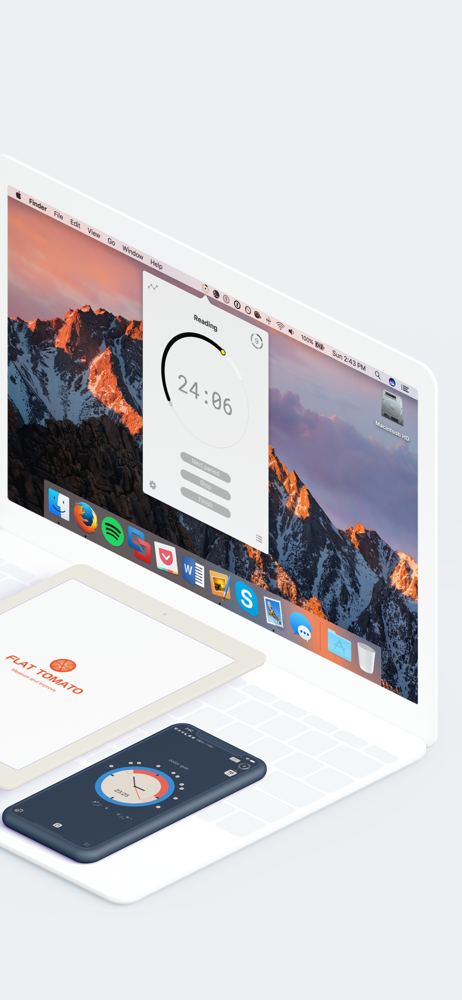
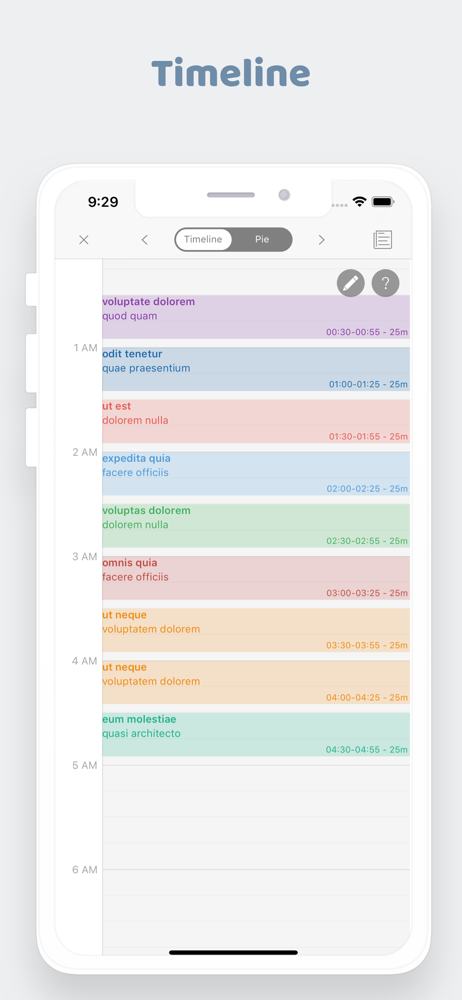
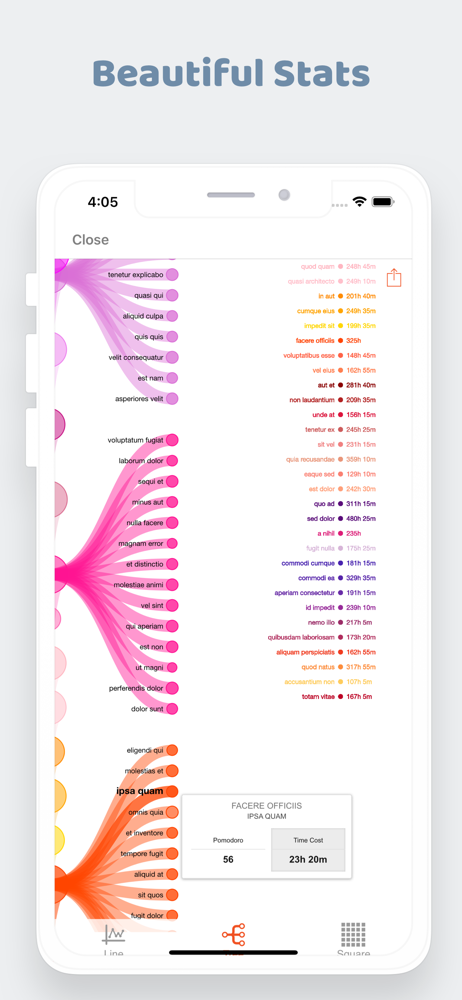
Flat Tomato is an application for time management, to help people improving productivity by keeping away from distraction and tracking the time spends...
| Name | Price | Type |
|---|---|---|
| One Month Pro Upgrade | $0.99 | One-time |
| One Month Premium Subscription | $0.99 | Monthly |
| POMO Tier1 | $0.99 | One-time |
| POMO Tier2 | $1.99 | One-time |
| One Year Premium Subscription | $2.49 | Yearly |
| One Year Pro Upgrade | $2.99 | One-time |
| POMO Tier3 | $2.99 | One-time |
| Perpetual Pro Upgrade | $7.99 | One-time |
| Perpetual Pro Upgrade | $7.99 | One-time |


