Check the acquisition promise
Read the store headline, screenshots and description. What problem is the app promising to solve?
Study the storefront ↗
Arendi AG · iOS
Explore the ad evidence, study the storefront, and build your next acquisition hypothesis.
01 / Creative research
Read the store headline, screenshots and description. What problem is the app promising to solve?
Study the storefront ↗Explore apps with direct store-link matches. Compare their hooks and formats without assuming the same approach works here.
Browse observed advertisers ↗Store rankings and revenue estimates describe market context. They do not establish ad spend, conversions or ROAS.
Review the market context ↗02 / Storefront & product
Study the product story and store experience behind the acquisition funnel.


03 / Market context
Keep revenue, downloads and store rankings separate from advertising performance.
I tested iPhone 6 on iOS 12.4 and it instantly detected my other iPhone 📲 (6S), my Bose QC35 BT headphones 🎧, my ⌚️ FitBit Charge HR and some more (probably my laptop and/or PC. Perfect utility app. Does the 1 function it advertises and does it well. And it’s free!
Maybe it used to two years ago I love the retro meter too but someone already said that. Cheers
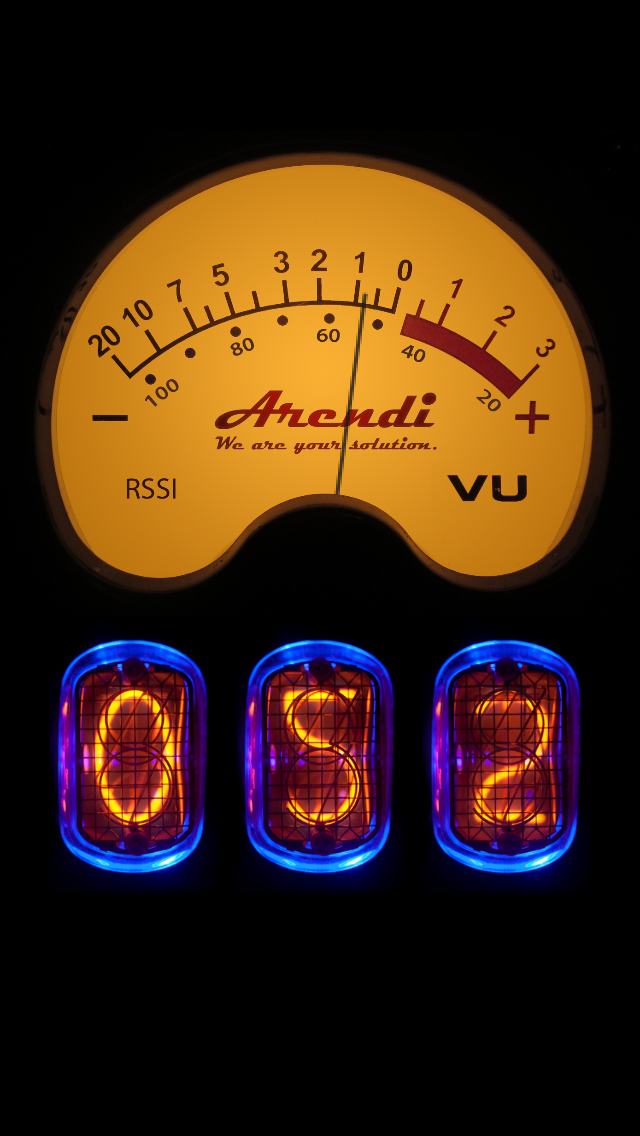
This app performs a very simple and very specific function - it displays signal strength (RSSI) of Bluetooth Perhipherals. And it does it very well. The vintage voltmeter is a really nice touch and the display is large and very readable. It allows me to move the phone or Ipad around the area and really get a sense for real world range capabilities of any BLE device very easily and there is really no "operation" to learn. It's quite reactive to changes and seems to be very accurate. Simple. One function. And it executes that function very well.
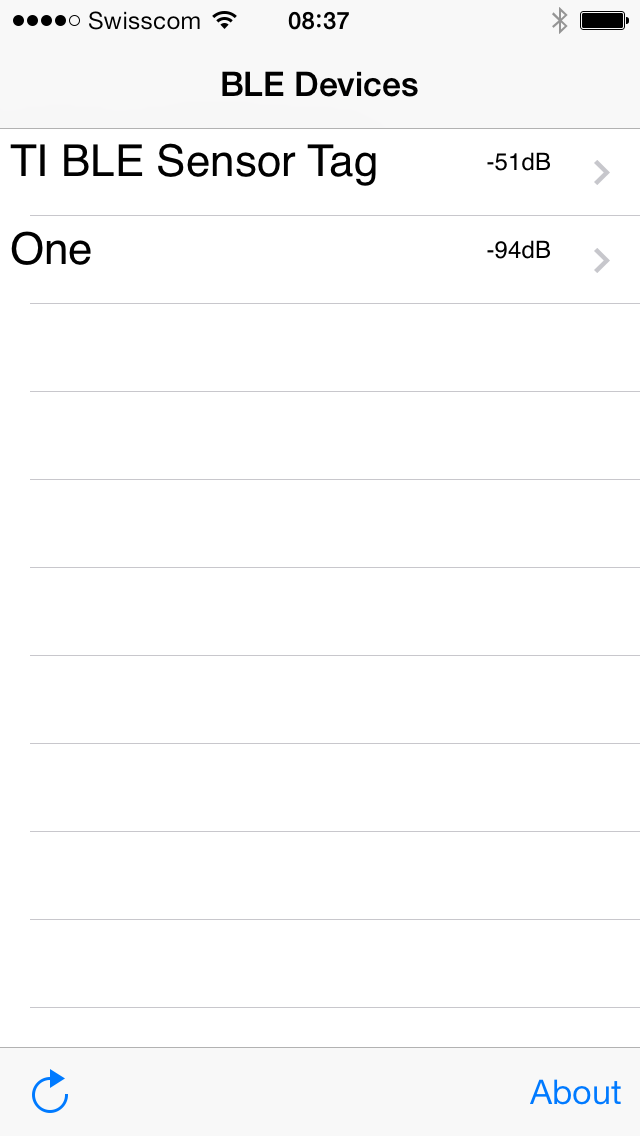
Development tool to connect to nearby BLE devices and display their current RSSI value