
Check the acquisition promise
Read the store headline, screenshots and description. What problem is the app promising to solve?
Study the storefront ↗
Alvaro Escarcha Esteban · iOS
Explore the ad evidence, study the storefront, and build your next acquisition hypothesis.
01 / Creative research
Read the store headline, screenshots and description. What problem is the app promising to solve?
Study the storefront ↗Explore apps with direct store-link matches. Compare their hooks and formats without assuming the same approach works here.
Browse observed advertisers ↗Store rankings and revenue estimates describe market context. They do not establish ad spend, conversions or ROAS.
Review the market context ↗02 / Storefront & product
Study the product story and store experience behind the acquisition funnel.




03 / Market context
Keep revenue, downloads and store rankings separate from advertising performance.
Formattery is nice file converter, especially for quickly handling different formats without relying on online tools. One feature I’d really love to see is a Mac menu bar mode, because it would make opening the app and converting files much faster and more convenient in daily use.
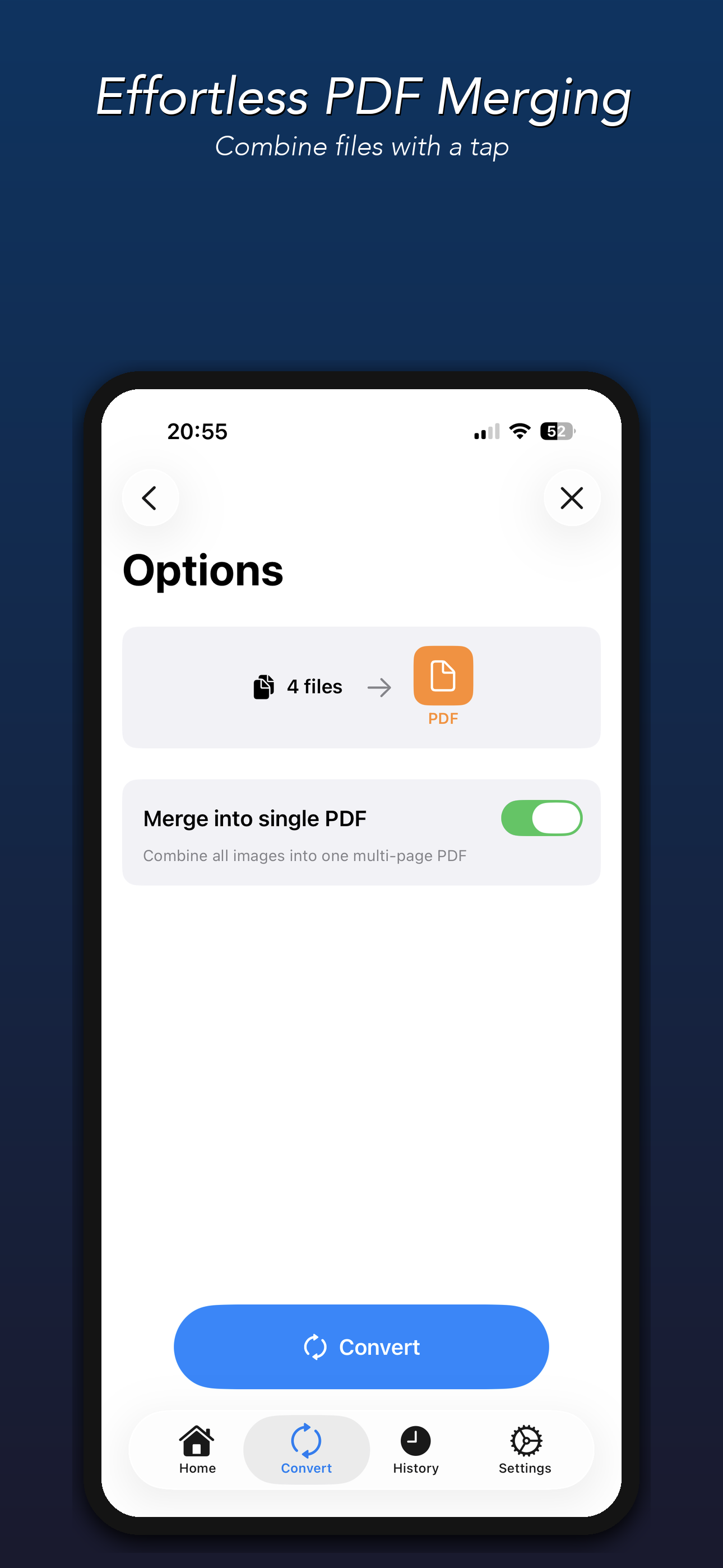
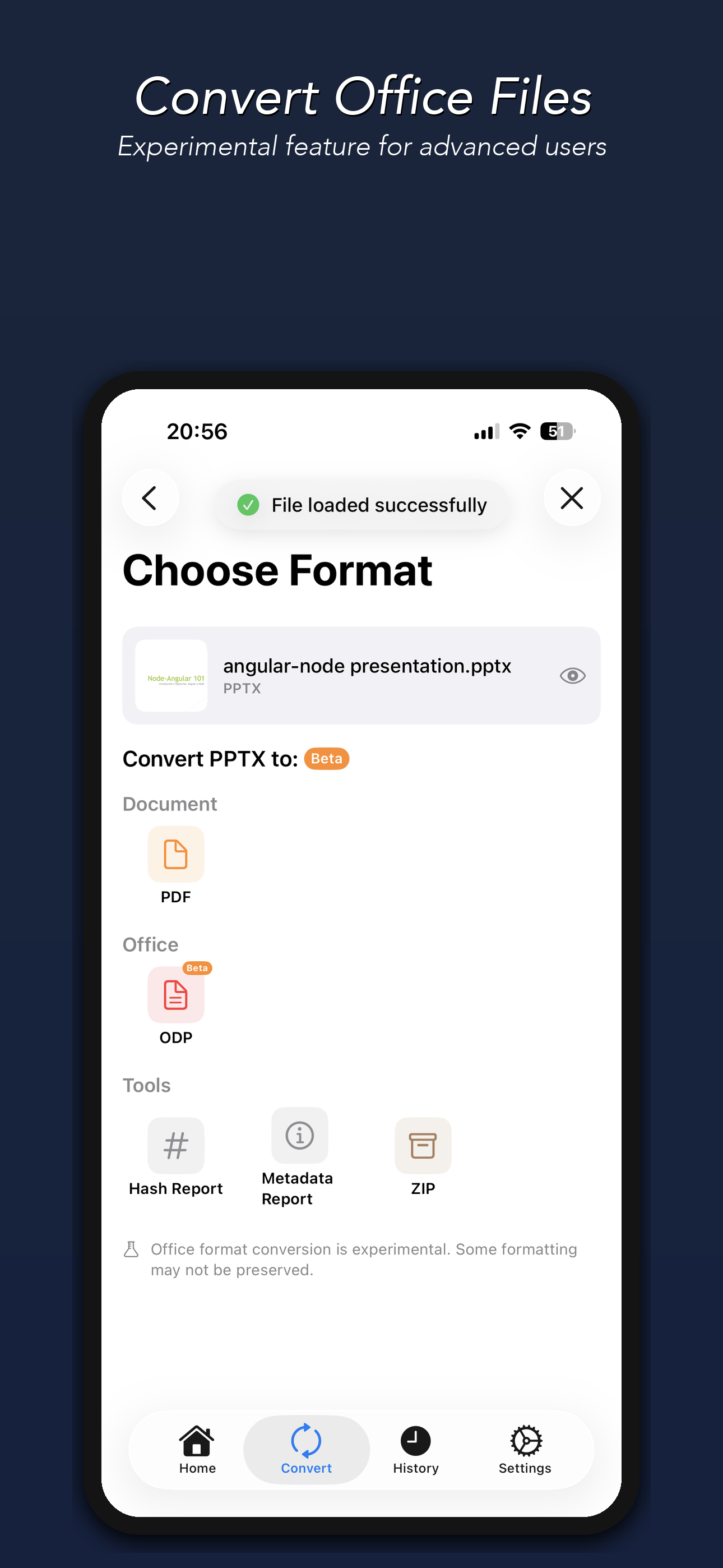
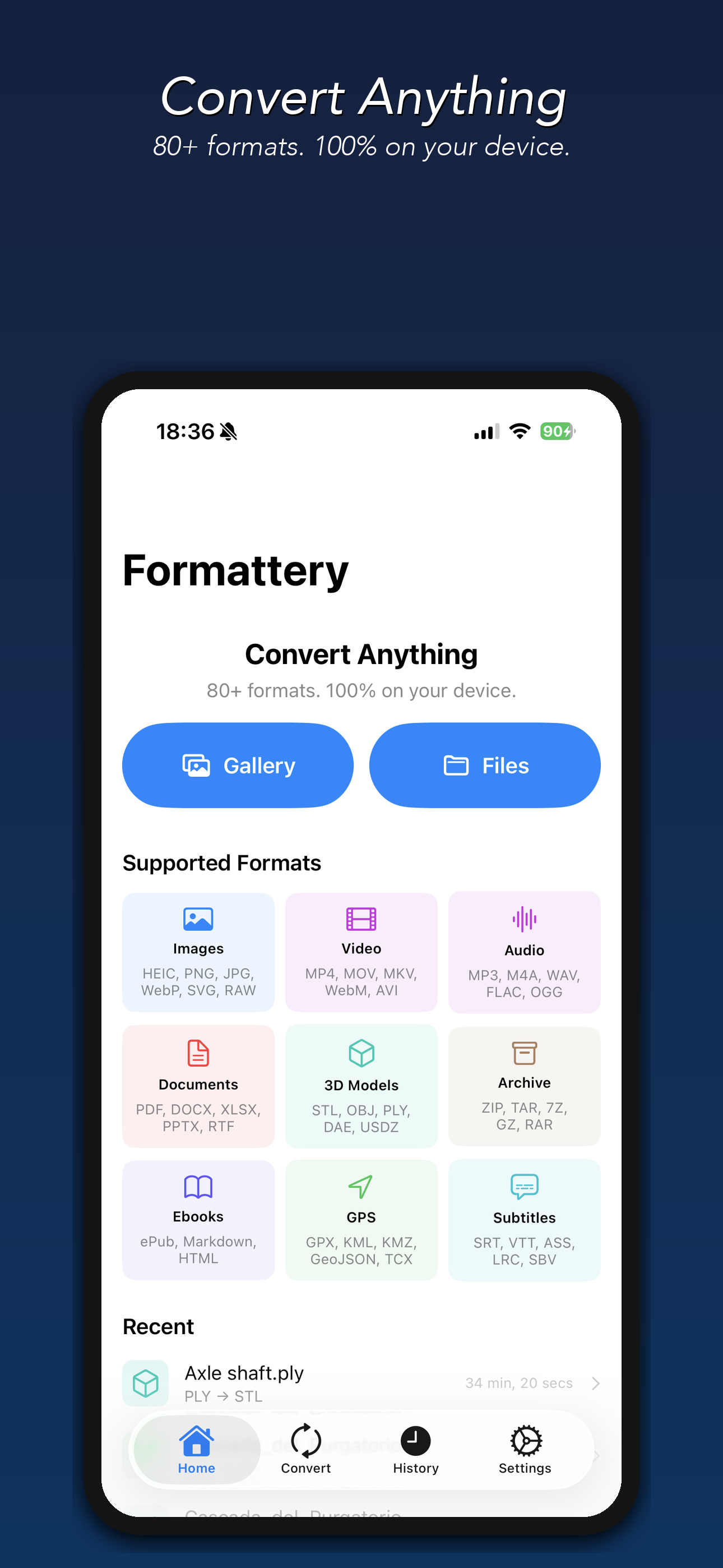
This app is incredibly useful! I love that everything converts 100% on-device, so my files stay private with no uploads. It handles 80+ formats including images, documents, video, and even ebooks & 3D models. The batch conversion and quality adjustment are lifesavers. Best of all: no subscription, just a one-time Pro upgrade. Highly recommend!
لماذا لا يمكن شراء نسخة البرو (pro)
Convert any file — fast, private, and 100% on your device. Formattery converts images, documents, videos, and audio files instantly without uploading...
| Name | Price | Type |
|---|---|---|
| Lifetime Pro — All Formats | $4.99 | One-time |


