
Check the acquisition promise
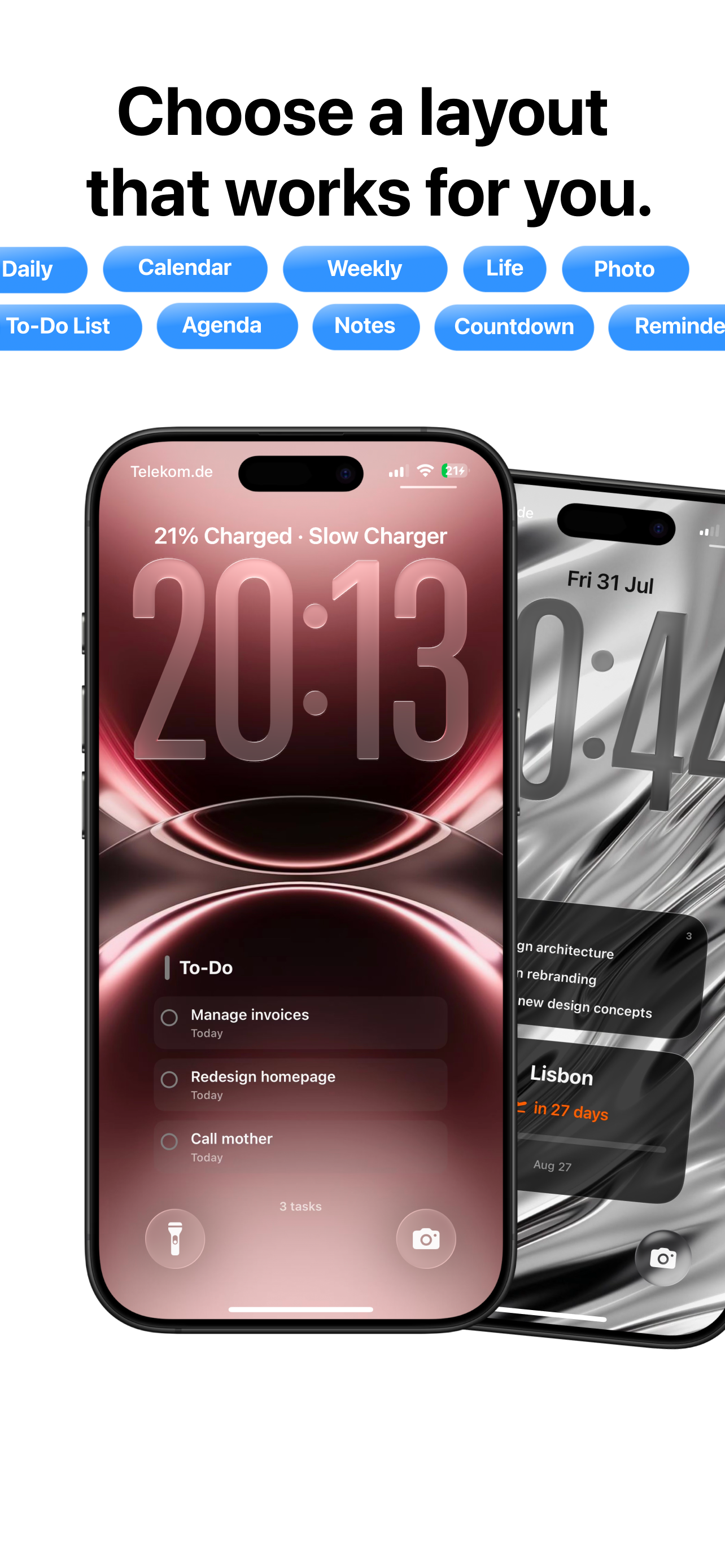
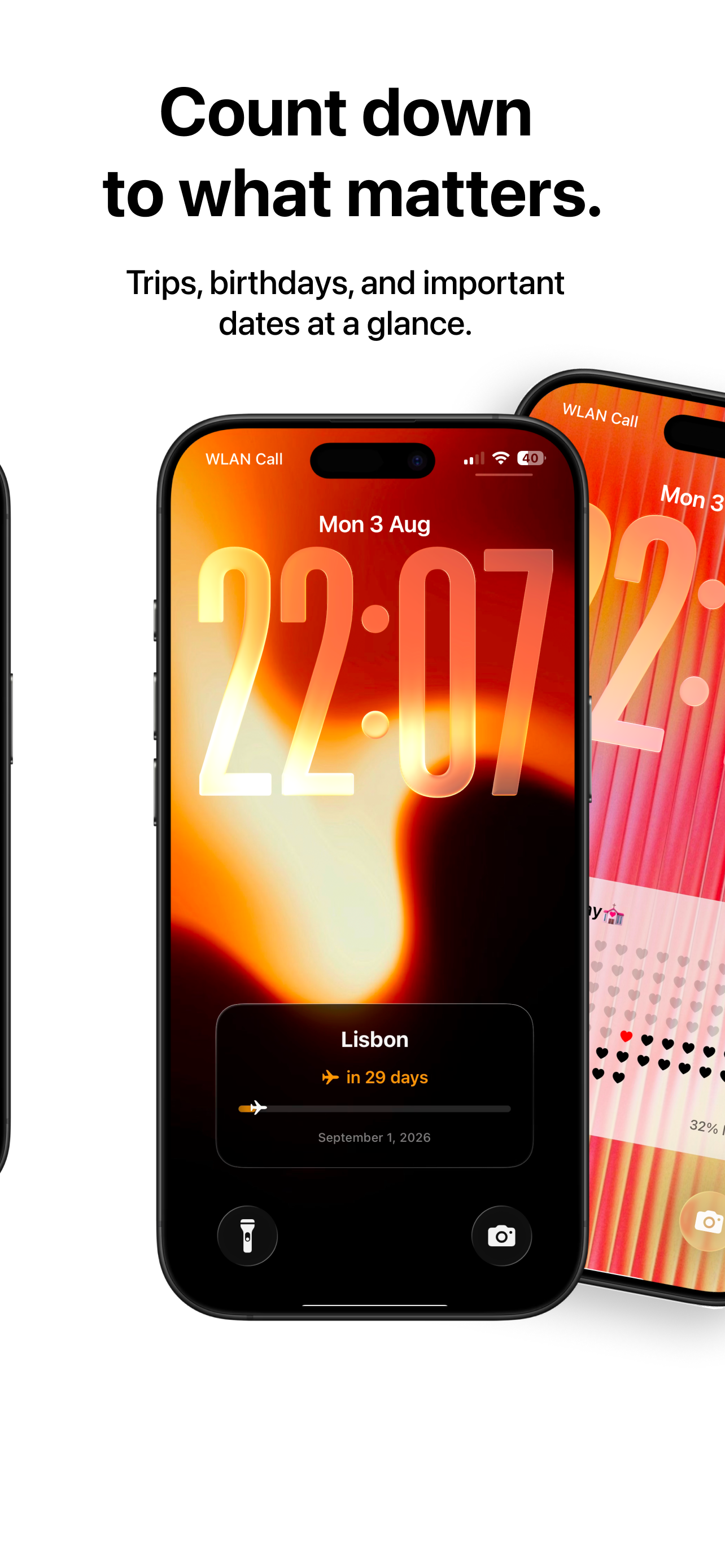
Read the store headline, screenshots and description. What problem is the app promising to solve?
Study the storefront ↗
Dmytro Katyukha · iOS
Explore the ad evidence, study the storefront, and build your next acquisition hypothesis.
01 / Creative research
Read the store headline, screenshots and description. What problem is the app promising to solve?
Study the storefront ↗Explore apps with direct store-link matches. Compare their hooks and formats without assuming the same approach works here.
Browse observed advertisers ↗Store rankings and revenue estimates describe market context. They do not establish ad spend, conversions or ROAS.
Review the market context ↗02 / Storefront & product
Study the product story and store experience behind the acquisition funnel.




03 / Market context
Keep revenue, downloads and store rankings separate from advertising performance.
Looks and sounds great on paper, and fills a need I’ve been looking for to help out dementia addled parents, but the execution leaves a lot to be desired. I don’t know if it’s a lack of testing or foresight, but absolutely nothing about this app is simple, intuitive, or actually working. There is no amount of fiddling with layouts or setups that can actually get anything displayed on the lock screen, or even allow me to pick what to show. I have multiple reminders and calendars for it to pull data from and yet it showed nothing. In the process it deletes my previous wallpaper setup replacing it with nothing but black and a poorly composited image of a widget with the drop shadow from the clock that used to be there. I really tried for about 30 minutes to make this work, but it just doesn’t. For the amount of money they’re asking for this, it should be far more intuitive and actually work. This is a hard avoid for now.
Was one of the first to try this app. Loved it at first! Then, after a recent update, my layouts became stuck behind a paywall. Can’t customize your background without paying. Would love to see more from having a free version. And if the dev is going state that the first 1000 get early access privileges, they should stick to their word. If positive changes come, I will update this review.
Just what I was looking for. I can see my day at a glance on my lock screen. I have it update every hour to show my upcoming events. Easy to set up. No bugs or crashes. Perfect
Turn your Lock Screen into a calendar you can read at a glance. Calendarly places your events, shifts, reminders, notes and countdowns on a wallpaper...
| Name | Price | Type |
|---|---|---|
| Calendarly Pro (Monthly) | $2.99 | Monthly |
| Calendarly Lifetime | $9.99 | One-time |
| Calendarly Pro (Lifetime) | $13.99 | One-time |
| Calendarly Pro (Yearly) | $14.99 | Yearly |
| Calendarly Pro (Yearly) | $16.99 | Yearly |
| Calendarly Pro (Lifetime) | $24.99 | One-time |
| Calendarly Pro (Lifetime) | $34.99 | One-time |


