
Check the acquisition promise
Read the store headline, screenshots and description. What problem is the app promising to solve?
Study the storefront ↗
JDS Labs · iOS
Explore the ad evidence, study the storefront, and build your next acquisition hypothesis.
01 / Creative research
Read the store headline, screenshots and description. What problem is the app promising to solve?
Study the storefront ↗Explore apps with direct store-link matches. Compare their hooks and formats without assuming the same approach works here.
Browse observed advertisers ↗Store rankings and revenue estimates describe market context. They do not establish ad spend, conversions or ROAS.
Review the market context ↗02 / Storefront & product
Study the product story and store experience behind the acquisition funnel.


03 / Market context
Keep revenue, downloads and store rankings separate from advertising performance.
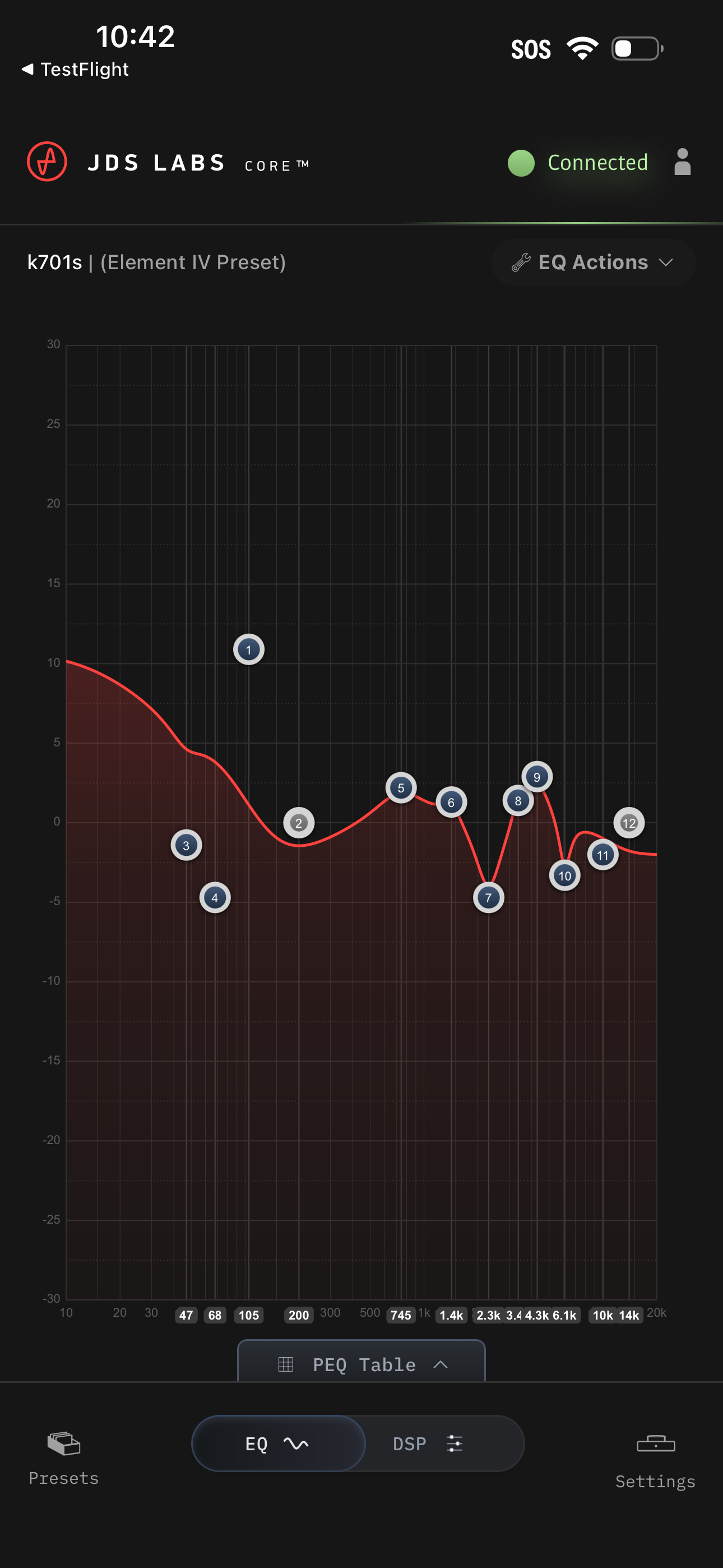
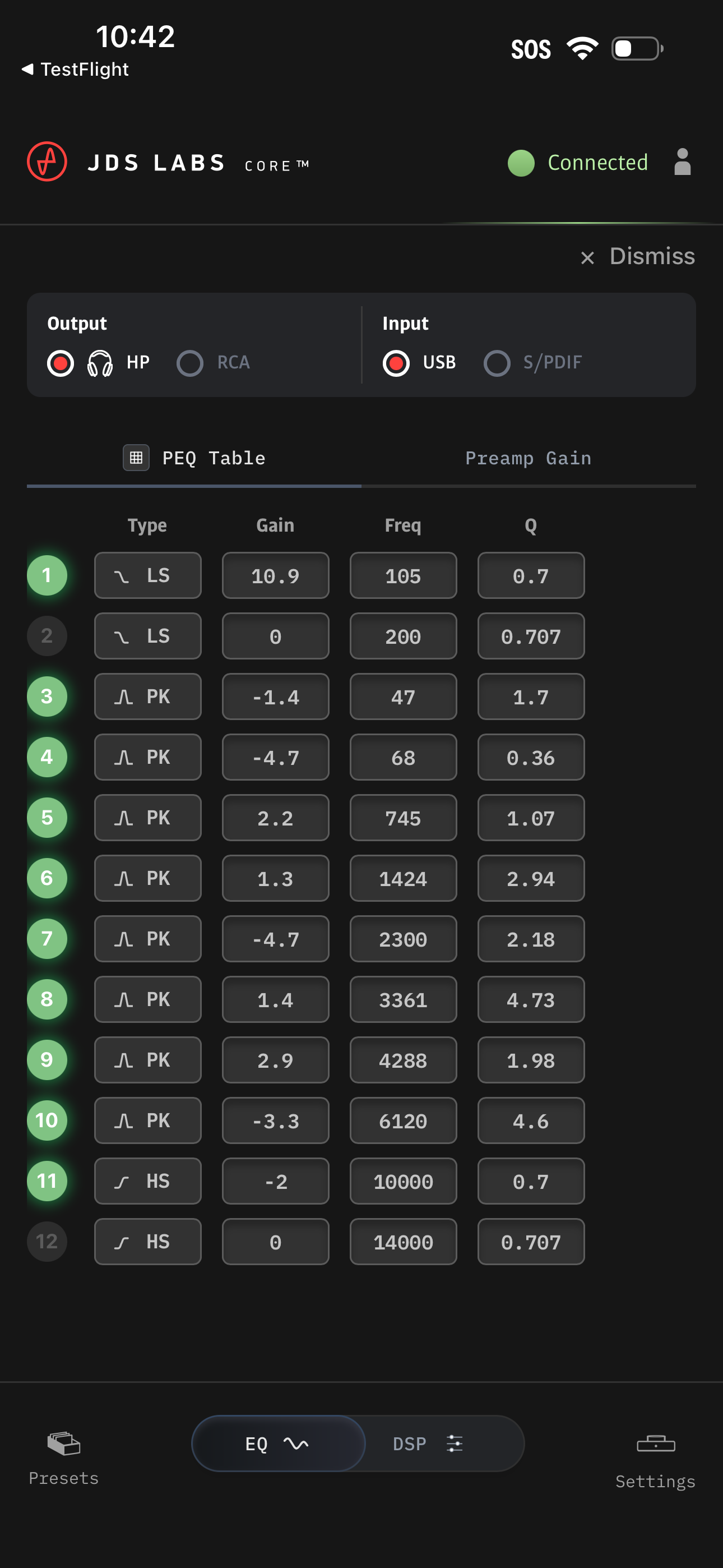
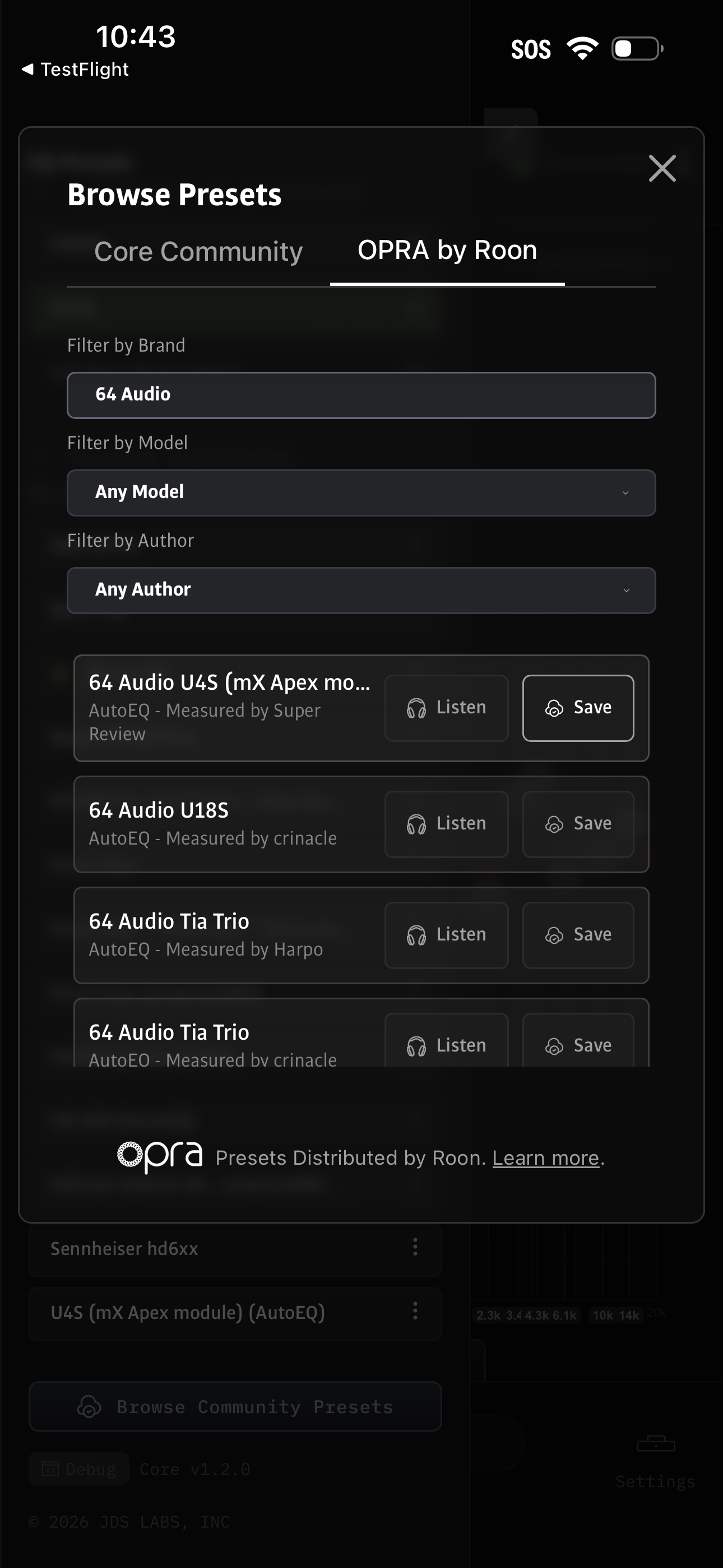
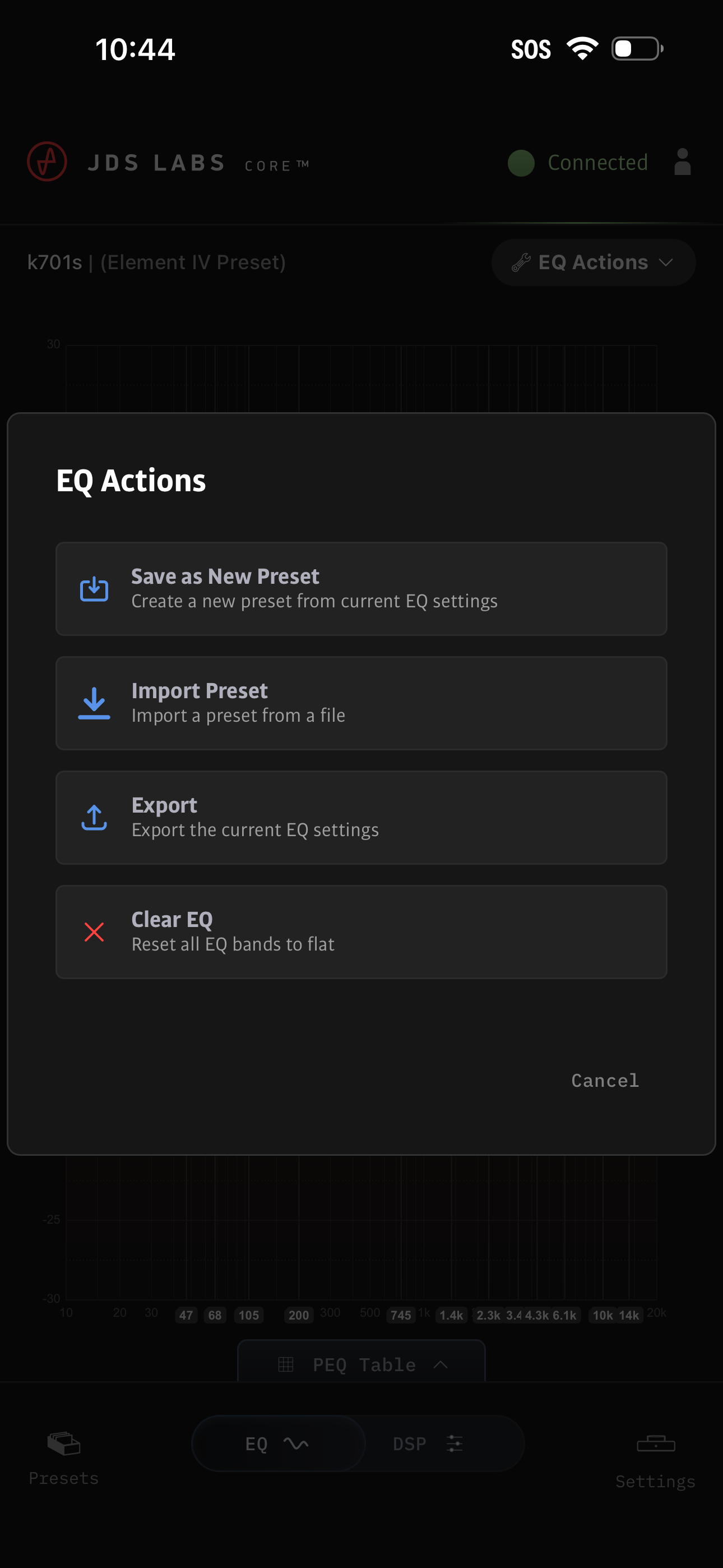
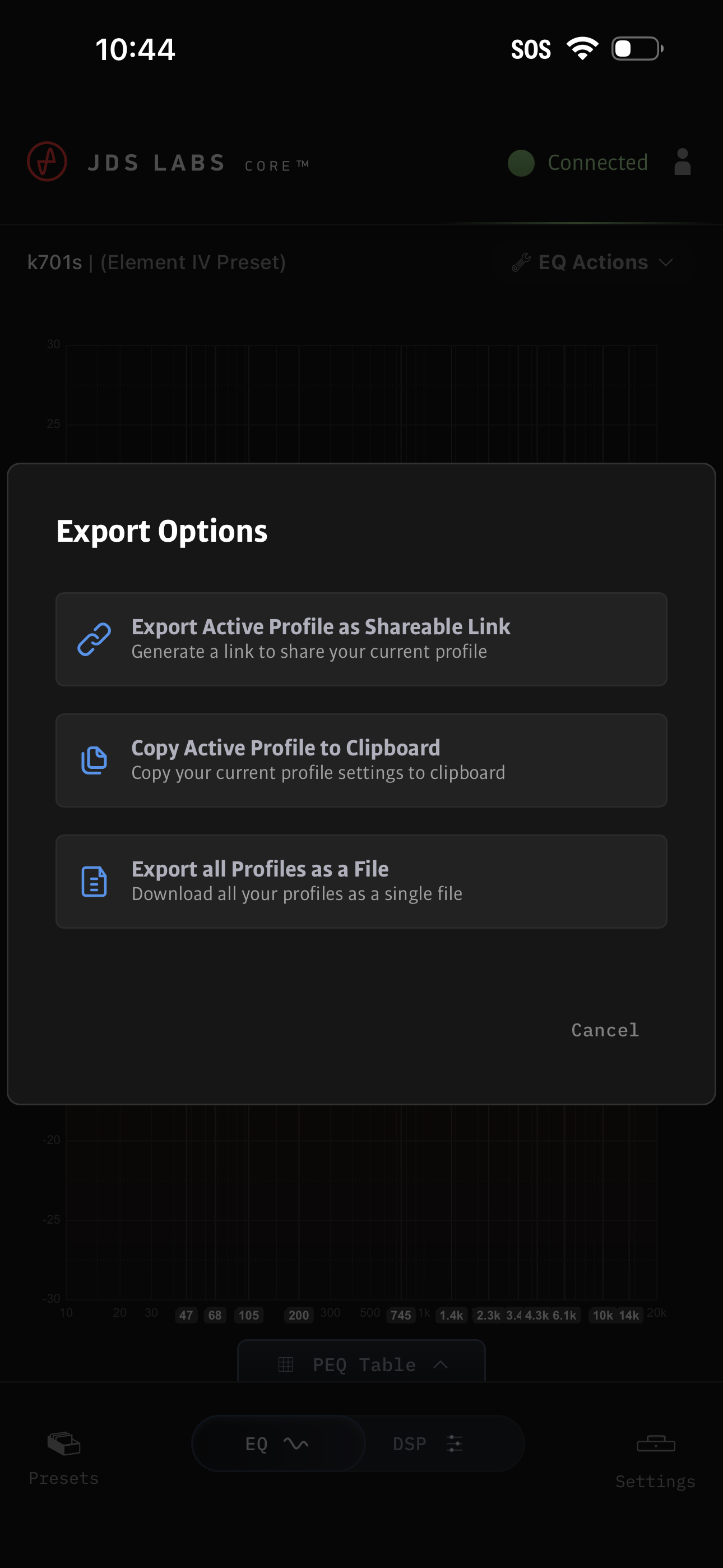
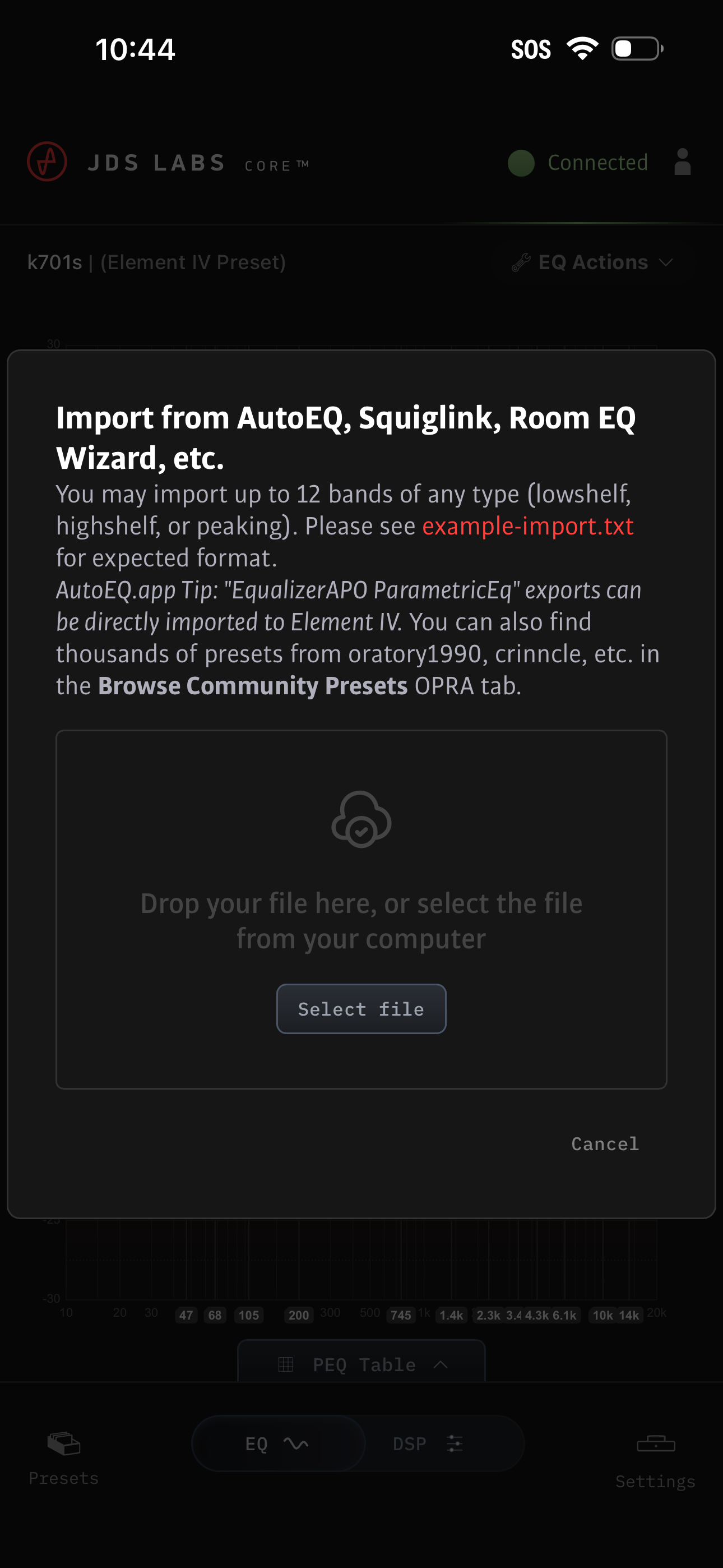
This app runs on my iPad mini, alongside my music source apps like *Apple Music Classical*. Most important is that the EQ feature is now easily available. With the app I can quickly search some repositories on the internet to download preconfigured EQ profiles for my particular headphones. With a few taps I can instantly switch between EQ profiles, or turn off EQ, while listening to music. With my finger I can drag to visually edit an EQ profile, or enter numbers for precise EQ edits. This makes experimenting with EQ simple, quick, and fun. The app indicates the version of firmware currently installed on my Element IV, and tells me whether it is the latest version or not. The only limitation with this app is that it cannot install new firmware, but that is due to security policies of Apple, not the fault of JDS labs. Installing firmware requires my Mac. All the other settings on the Element IV can be controlled with this app, if you feel the need. You can turn on/off the lights, change the display on the device, alter the speed of the knob, and so on. This app is polished and reliable. What a great improvement to the Element IV!
It's great to adjust settings w/o firing up a laptop. Kudos to the JDS Labs team.
This is very nicely executed. Everything is where you’d think it would be… very intuitive with nothing irritating or overly complex. It makes the Element IV a truly outstanding product. Using it with the current iPad Mini and the app works flawlessly for me.
JDS Labs Core is the companion app for JDS Labs Element IV, a high-fidelity headphone amplifier and DAC: - Control the 12-band parametric EQ - Access...


