
Check the acquisition promise
Read the store headline, screenshots and description. What problem is the app promising to solve?
Study the storefront ↗
Ethan Garr · iOS
Explore the ad evidence, study the storefront, and build your next acquisition hypothesis.
01 / Creative research
Read the store headline, screenshots and description. What problem is the app promising to solve?
Study the storefront ↗Explore apps with direct store-link matches. Compare their hooks and formats without assuming the same approach works here.
Browse observed advertisers ↗Store rankings and revenue estimates describe market context. They do not establish ad spend, conversions or ROAS.
Review the market context ↗02 / Storefront & product
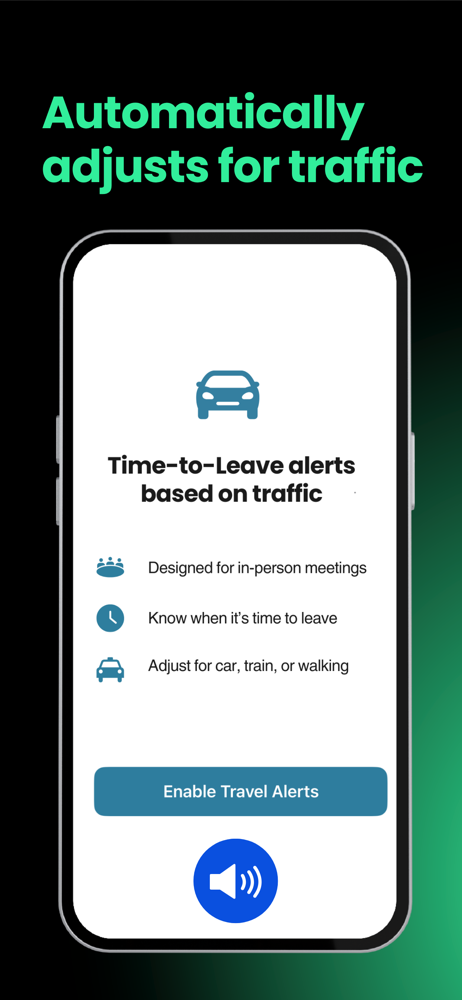
Study the product story and store experience behind the acquisition funnel.





03 / Market context
Keep revenue, downloads and store rankings separate from advertising performance.
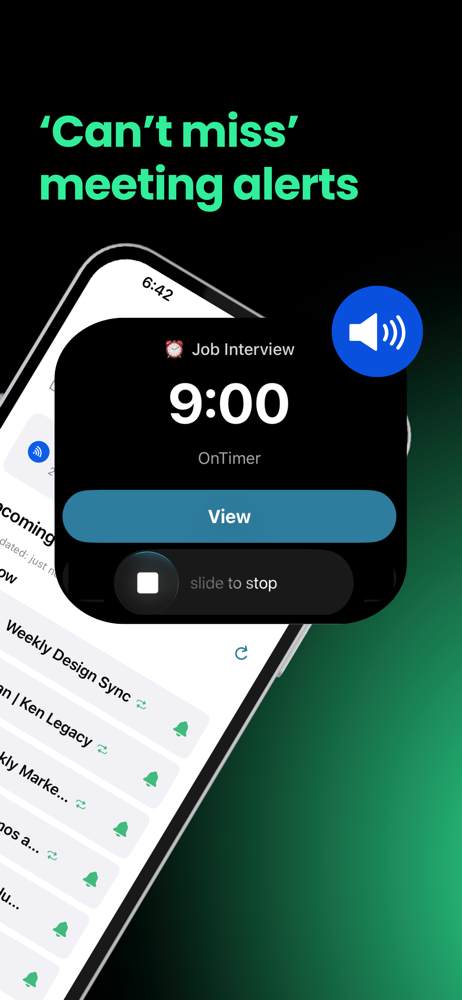
I use Claude to plan my entire schedule. Meds, training, client calls, wind down, all of it. Claude writes the day to my Google Calendar and that used to be where the system broke, because iOS calendar notifications are useless. Quiet banners you swipe away without looking. I had a perfect schedule sitting in my calendar and still missed half of it. OnTimer fixed it. It reads my calendar and automatically creates a real alarm for every event. Not a notification. A loud alarm that actually cuts through. I don’t build alarms manually. I don’t maintain two systems. Claude writes the plan, OnTimer turns it into sound, and I just live my day. If you searched “Google Calendar to iPhone alarm,” “convert calendar to alarms,” “AI calendar alarm,” “Claude calendar sync,” or “ADHD calendar alarm app,” this is it. The developer is also a real human (I won’t say his name for privacy) who actually cares. Responsive, fast, works the problem with you, ships fixes. Almost extinct in the App Store right now. Setup took two minutes. Loud alarms. Customizable lead time. If you use AI to plan your life and you’re on iPhone, OnTimer is the piece that closes the loop.
OnTimer has completely changed how I stay on top of my day. The seamless integration with Google Calendar makes setting reminders effortless, and everything just works exactly when you need it. It’s simple, reliable, and incredibly helpful—especially for keeping important tasks from slipping through the cracks. A smart, well-designed app I didn’t know I needed but now use every day. Well done!
App does exactly what it claims in a simple, quick and elegant way. Especially for someone like me who has multiple meetings and various arrangements across multiple calendars it was a breeze to setup and keep me well organized so I don’t miss anything scheduled.
“Are you joining the meeting?” If you’ve ever gotten that message while you were sidetracked by an email, a task, or one more thing, OnTimer is for y...
| Name | Price | Type |
|---|---|---|
| OnTimer Pro (Monthly) | $7.99 | Monthly |
| OnTimer Pro (Yearly) | $49.99 | Yearly |


