
Check the acquisition promise
Read the store headline, screenshots and description. What problem is the app promising to solve?
Study the storefront ↗
Igor Bidenko · iOS
Explore the ad evidence, study the storefront, and build your next acquisition hypothesis.
01 / Creative research
Read the store headline, screenshots and description. What problem is the app promising to solve?
Study the storefront ↗Explore apps with direct store-link matches. Compare their hooks and formats without assuming the same approach works here.
Browse observed advertisers ↗Store rankings and revenue estimates describe market context. They do not establish ad spend, conversions or ROAS.
Review the market context ↗02 / Storefront & product
Study the product story and store experience behind the acquisition funnel.


03 / Market context
Keep revenue, downloads and store rankings separate from advertising performance.
It’s an amazing app, but the battery % is a little bit off sometimes
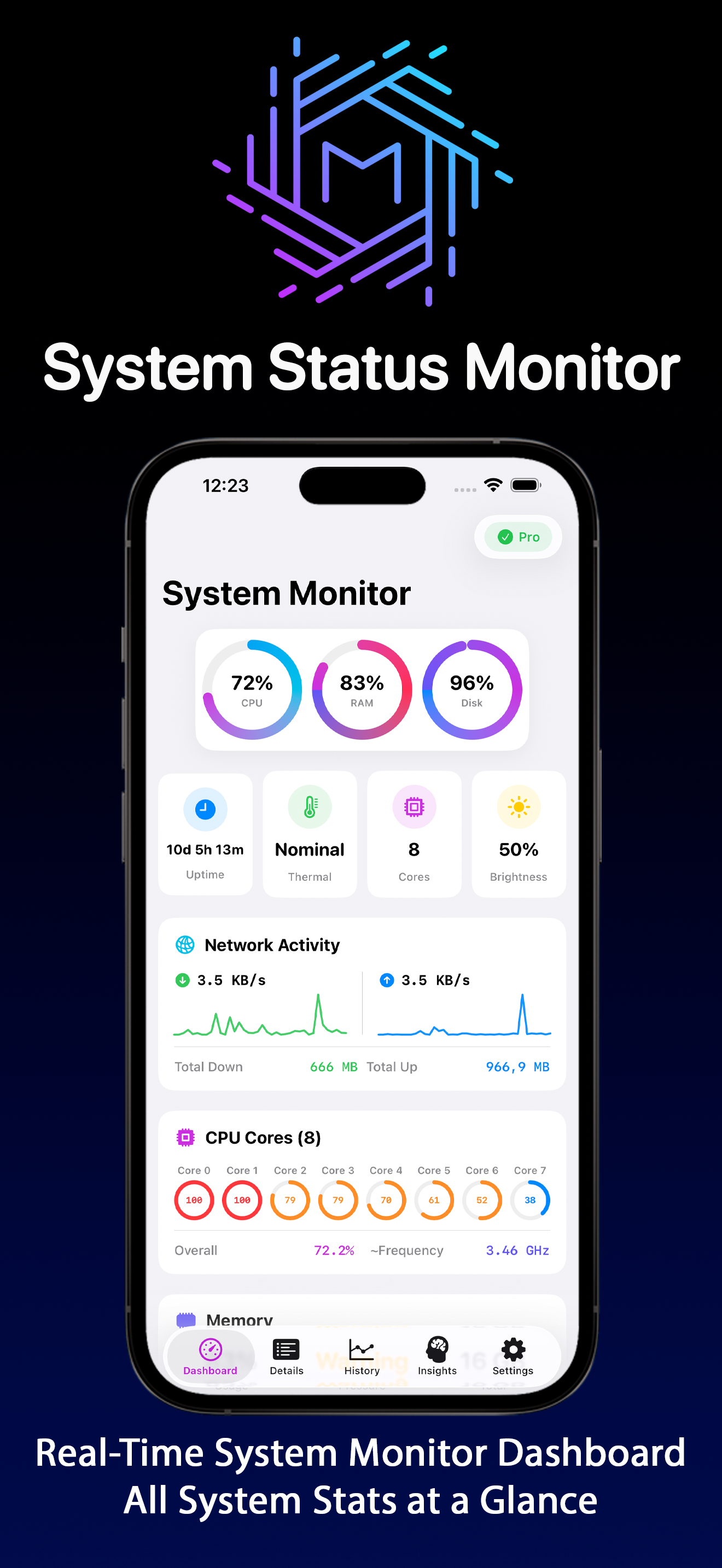
Fast and responsive, shows CPU, RAM, and other key info in a clear way. Everything you need is easy to find, without extra noise. Great for keeping an eye on system performance.
Great app, but it could benefit from additional layout options. Like selecting where you want information to show on the main screen. Currently it only shows in a portrait format but would be a great addition to have a landscape view option as well.
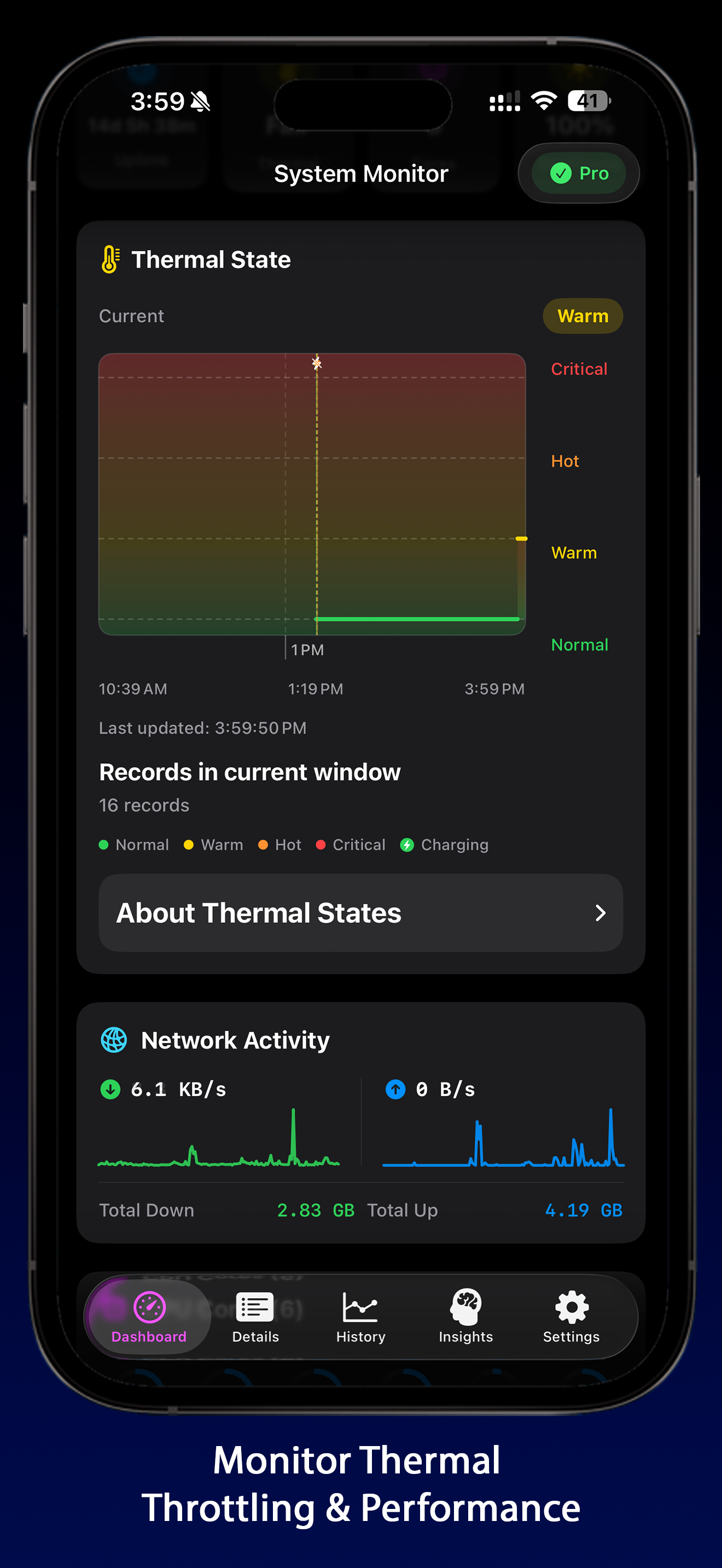
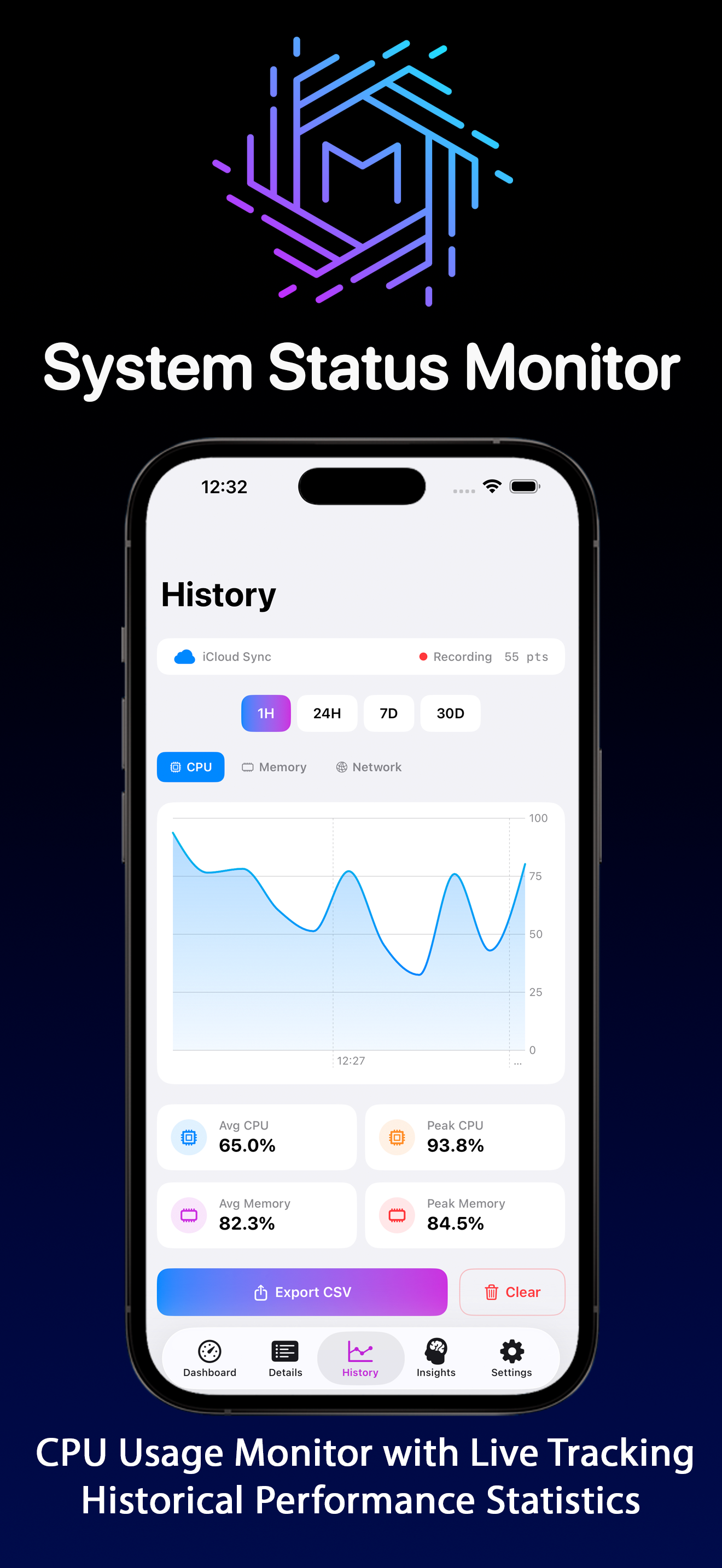
System Monitor is the ultimate device monitor and system status tracker designed for iPhone and iPad. Get comprehensive real-time insights into your d...
| Name | Price | Type |
|---|---|---|
| System Status Monitor (Monthly) | $4.99 | Monthly |
| System Status Monitor (Annual) | $19.99 | Yearly |
| System Status Monitor | $29.99 | One-time |


