Check the acquisition promise
Read the store headline, screenshots and description. What problem is the app promising to solve?
Study the storefront ↗
Jacob D Kamile · iOS
Explore the ad evidence, study the storefront, and build your next acquisition hypothesis.
01 / Creative research
Read the store headline, screenshots and description. What problem is the app promising to solve?
Study the storefront ↗Explore apps with direct store-link matches. Compare their hooks and formats without assuming the same approach works here.
Browse observed advertisers ↗Store rankings and revenue estimates describe market context. They do not establish ad spend, conversions or ROAS.
Review the market context ↗02 / Storefront & product
Study the product story and store experience behind the acquisition funnel.





03 / Market context
Keep revenue, downloads and store rankings separate from advertising performance.
Does not work if you enable the extension and then go back in your Internet history on safari- like if you go back to the page you just exited. You have to refresh that page too. I assume all the other pages you were on before. Very annoying and unexpected. They should have put that caveat there.
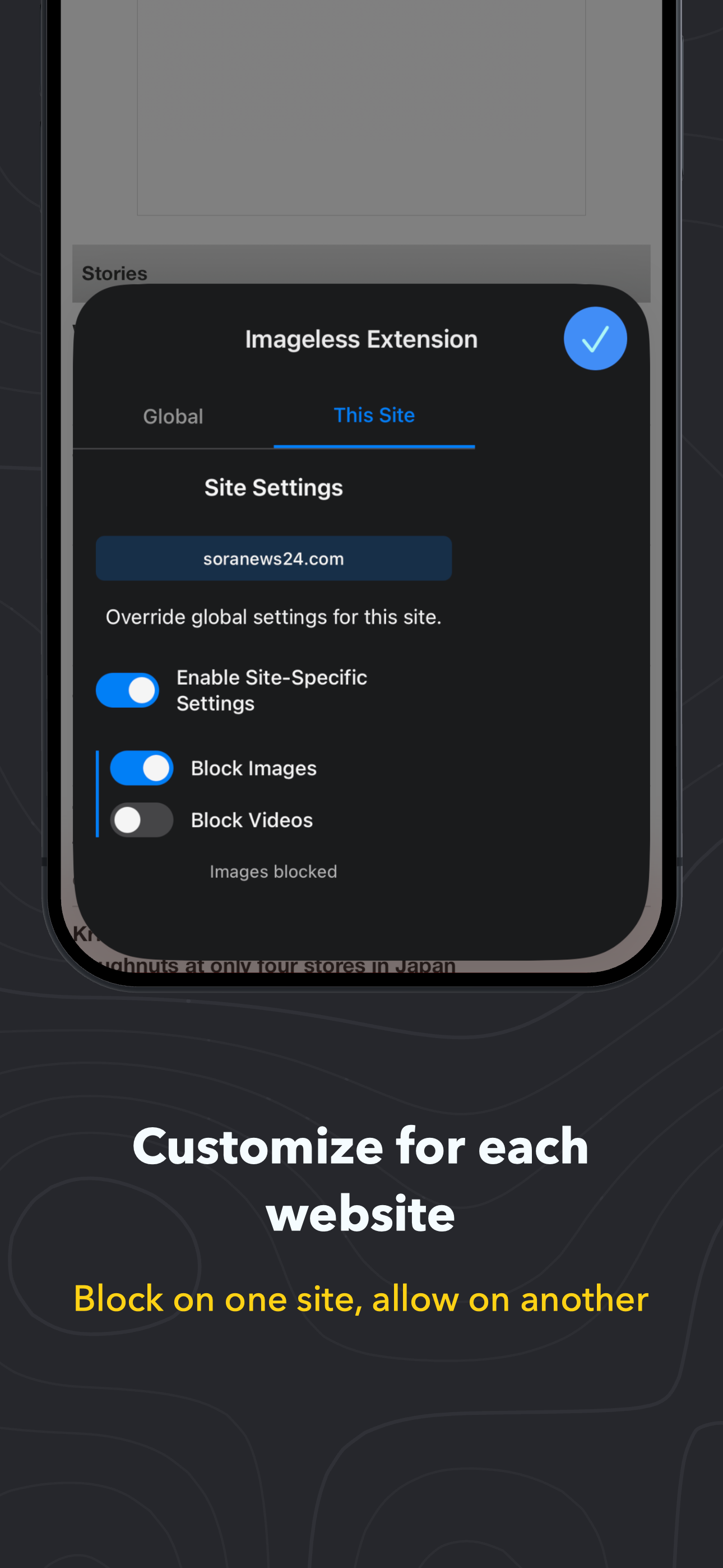
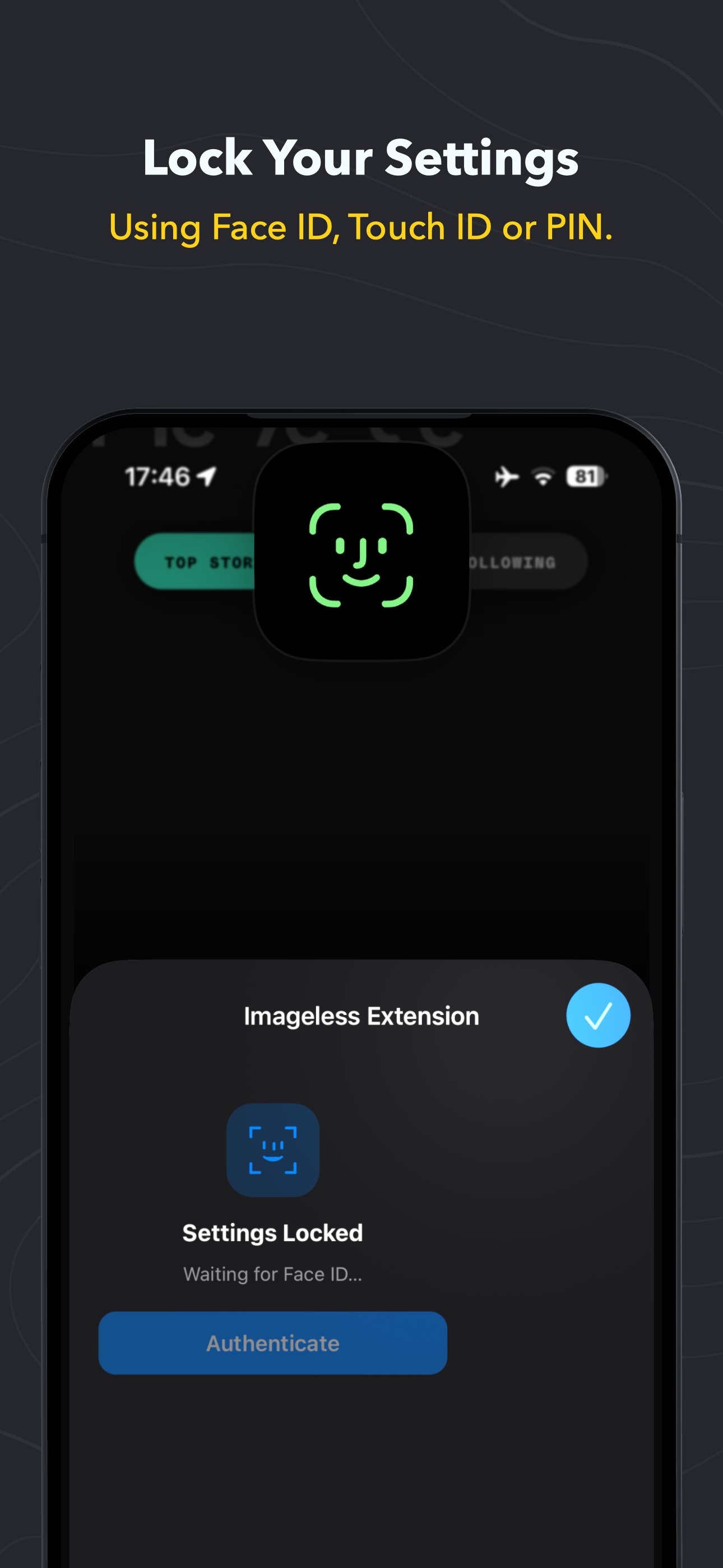
I’ve been looking throughout the App Store for Safari extensions that can block images and videos of which there are a handful. I have decided to stick with this one though because it provides functionalities that others don’t (per-site settings, settings lock, haven’t found anywhere that the blocker doesn’t work). The developer is also super responsive. I contacted him about a small request and he responded within the same day. I’m also very grateful for the privacy considerations and that the app doesn’t use ads or IAPs. I haven’t found another app that does all of these things.
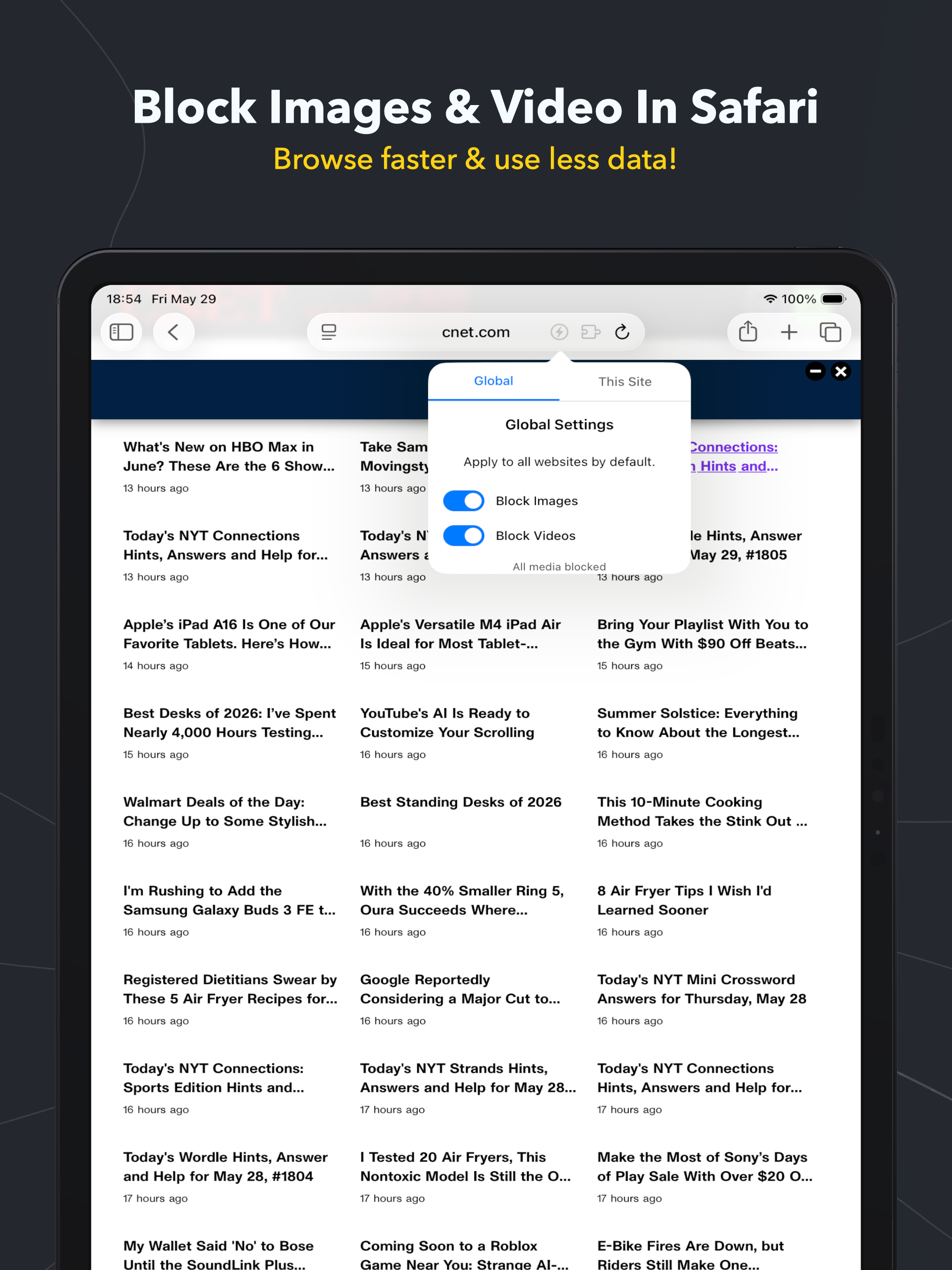
Imageless is a simple Safari Extension that allows you to easily block images & video, reducing data usage and speeding up browsing. Features: * Bl...