Check the acquisition promise
Read the store headline, screenshots and description. What problem is the app promising to solve?
Study the storefront ↗
Eye LLC · iOS
Explore the ad evidence, study the storefront, and build your next acquisition hypothesis.
01 / Creative research
Read the store headline, screenshots and description. What problem is the app promising to solve?
Study the storefront ↗Explore apps with direct store-link matches. Compare their hooks and formats without assuming the same approach works here.
Browse observed advertisers ↗Store rankings and revenue estimates describe market context. They do not establish ad spend, conversions or ROAS.
Review the market context ↗02 / Storefront & product
Study the product story and store experience behind the acquisition funnel.



03 / Market context
Keep revenue, downloads and store rankings separate from advertising performance.
This app is great for enhancing physical security at home and business locations, but it does not allow critical alerts to iOS. I asked the developer about this and they responded that they tried to enable critical alerts, but Apple blocks them from doing so. It would be great if Apple stopped obstructing this feature and allowed this app to be best in class by sending critical alerts when your home security system is under attack by a wifi jamming device.
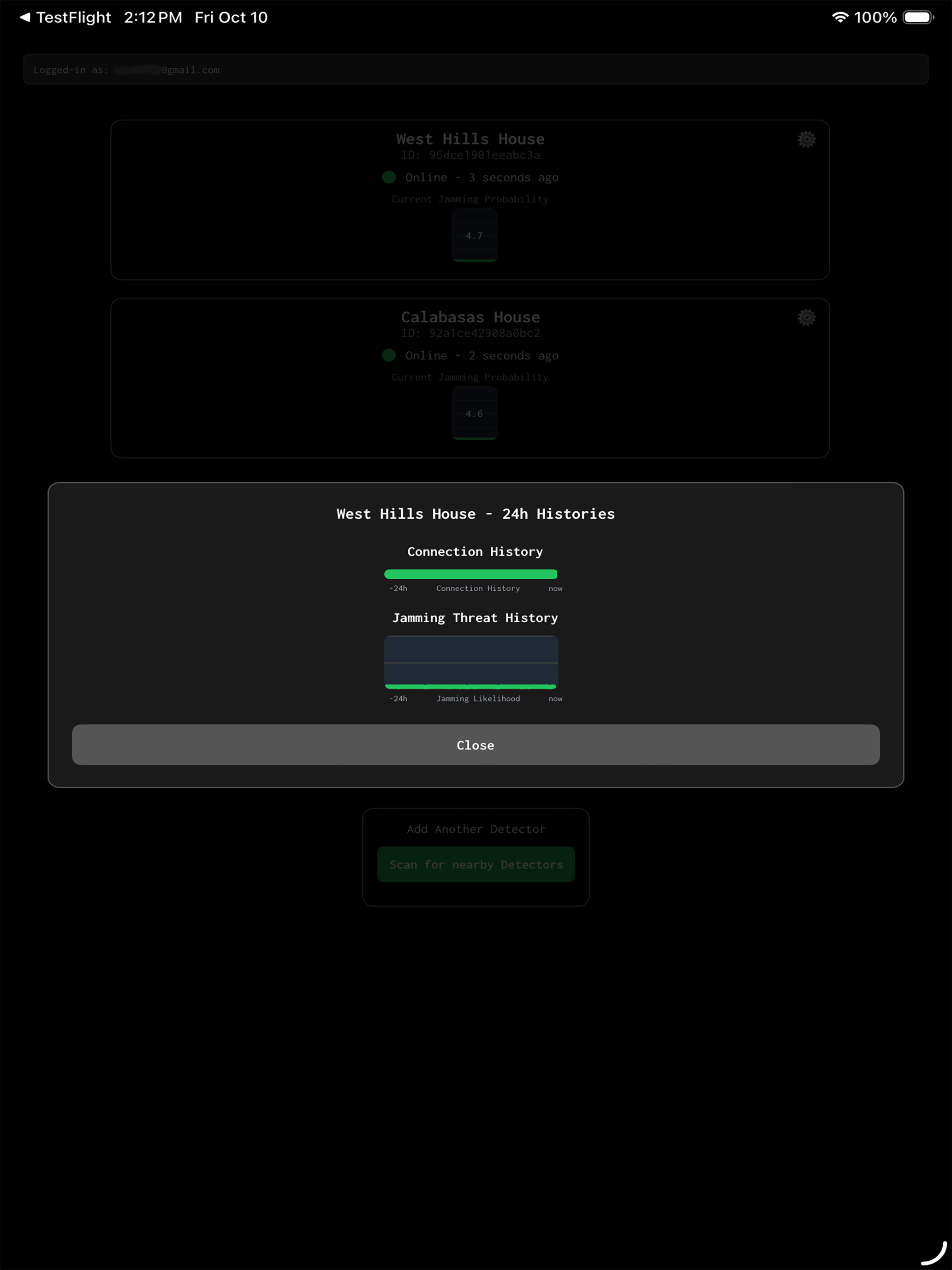
The WiFi Jammer Detector picks up both weak and strong jamming attempts with visual guides and notification. During a jamming attempt the device would detect the event and you would get notified. You will know your network is being jammed: wireless cameras will not connect. But if you also have PoE cameras, you would most likely be connected to check the property. I highly recommend this device if you are concerned of your cameras being jammed. Just follow the instructions in the YouTube channel. Also, please note, the app alone will not detect jamming. The detector has to be purchased and connected to your network ( main router, or switcher) that is wired and connected to main router) The detector should not be connected to a wireless node( like a wireless eero node).
Once you have your Wi-Fi Jammer Detector (wifijammerdetector.com) powered on, open the app and follow the on-screen instructions to get set up. The ap...