Check the acquisition promise
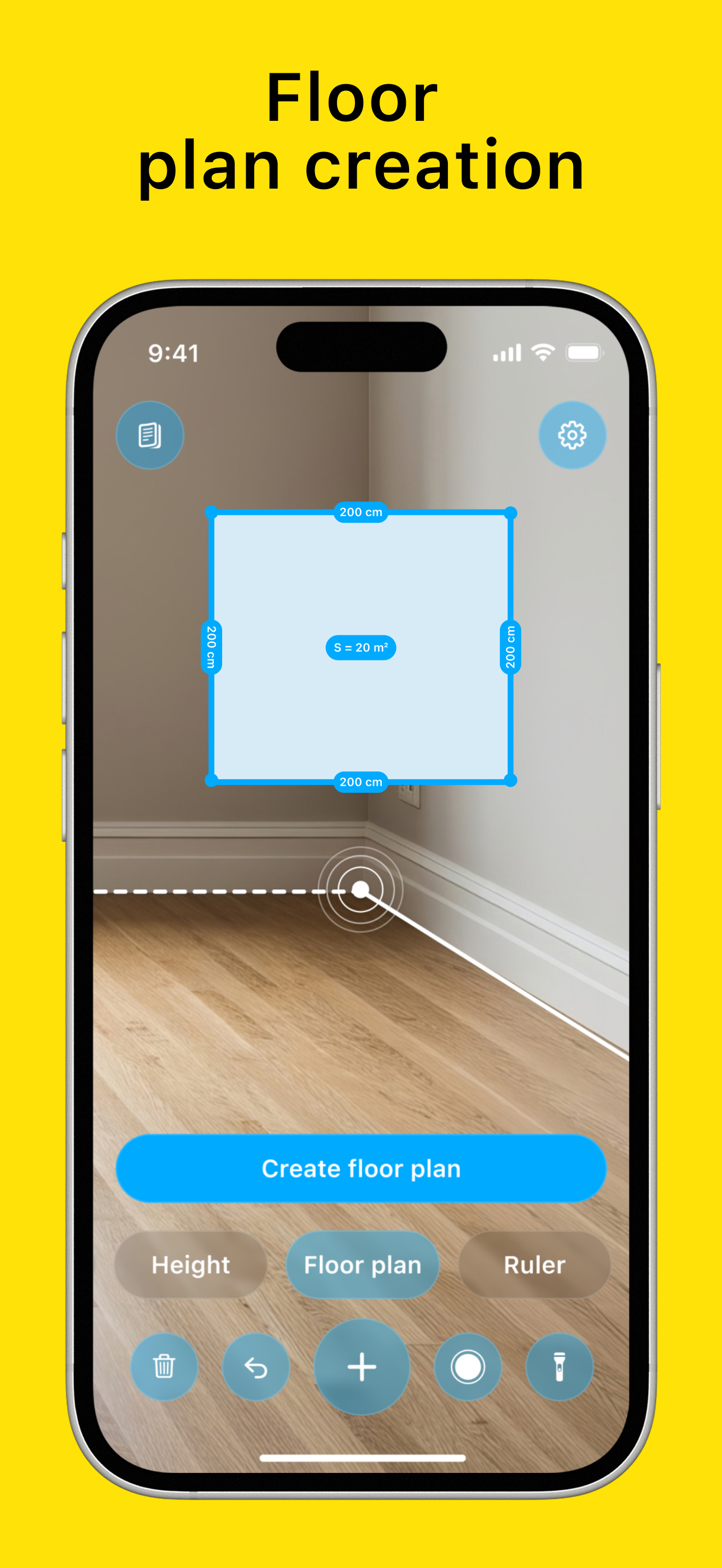
Read the store headline, screenshots and description. What problem is the app promising to solve?
Study the storefront ↗
FOOD WAY SH.P.K. · iOS
Explore the ad evidence, study the storefront, and build your next acquisition hypothesis.
01 / Creative research
Read the store headline, screenshots and description. What problem is the app promising to solve?
Study the storefront ↗Explore apps with direct store-link matches. Compare their hooks and formats without assuming the same approach works here.
Browse observed advertisers ↗Store rankings and revenue estimates describe market context. They do not establish ad spend, conversions or ROAS.
Review the market context ↗02 / Storefront & product
Study the product story and store experience behind the acquisition funnel.


03 / Market context
Keep revenue, downloads and store rankings separate from advertising performance.
I only got as far as test measuring a standard 12in tile. 29cm is close enough, the minor difference is probably user error, but then i changed units to inches and when i saw 3.9in i just uninstalled the app. Ther goea 7 minutes if my life.
The app demands that I go to the App Store and give a review and won’t even let me see the measurement that I just took. It asked if it was helpful. I said yes but then it wouldn’t let me see the result I was expecting from the measurement I just took. So here I am writing a review instead of actually getting the measurement I needed.
I tried to measure the space for my new fridge but it was completely off.
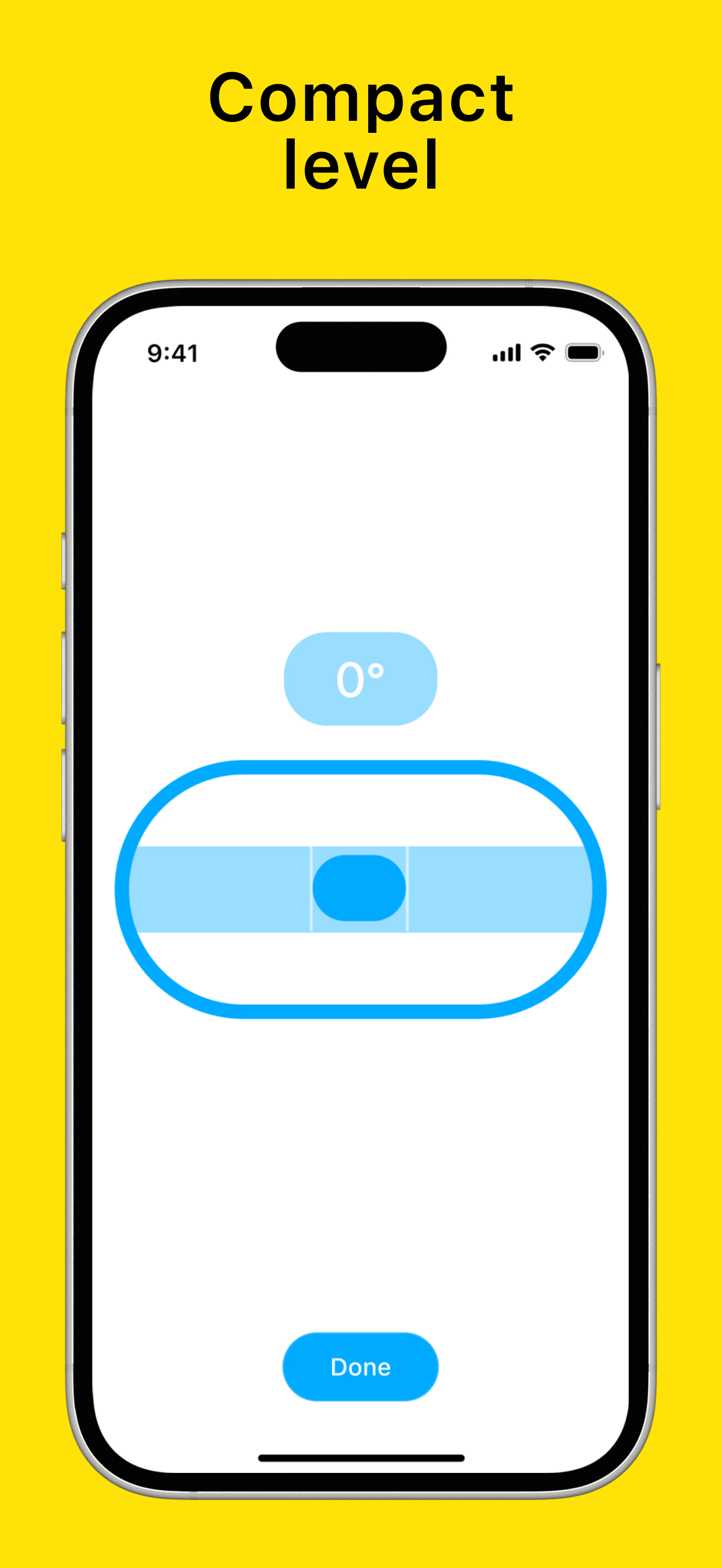
AR Ruler: Tape Measure – Complete Measurement Tools Turn your phone into a smart toolkit! AR Ruler: Tape Measure brings a full set of measuring instr...
| Name | Price | Type |
|---|---|---|
| AR Ruler Premium (Weekly) | $5.99 | Weekly |
| Tape Measure Premium (Weekly) | $5.99 | Weekly |
| AR Ruler Lifetime | $119.99 | One-time |