Check the acquisition promise
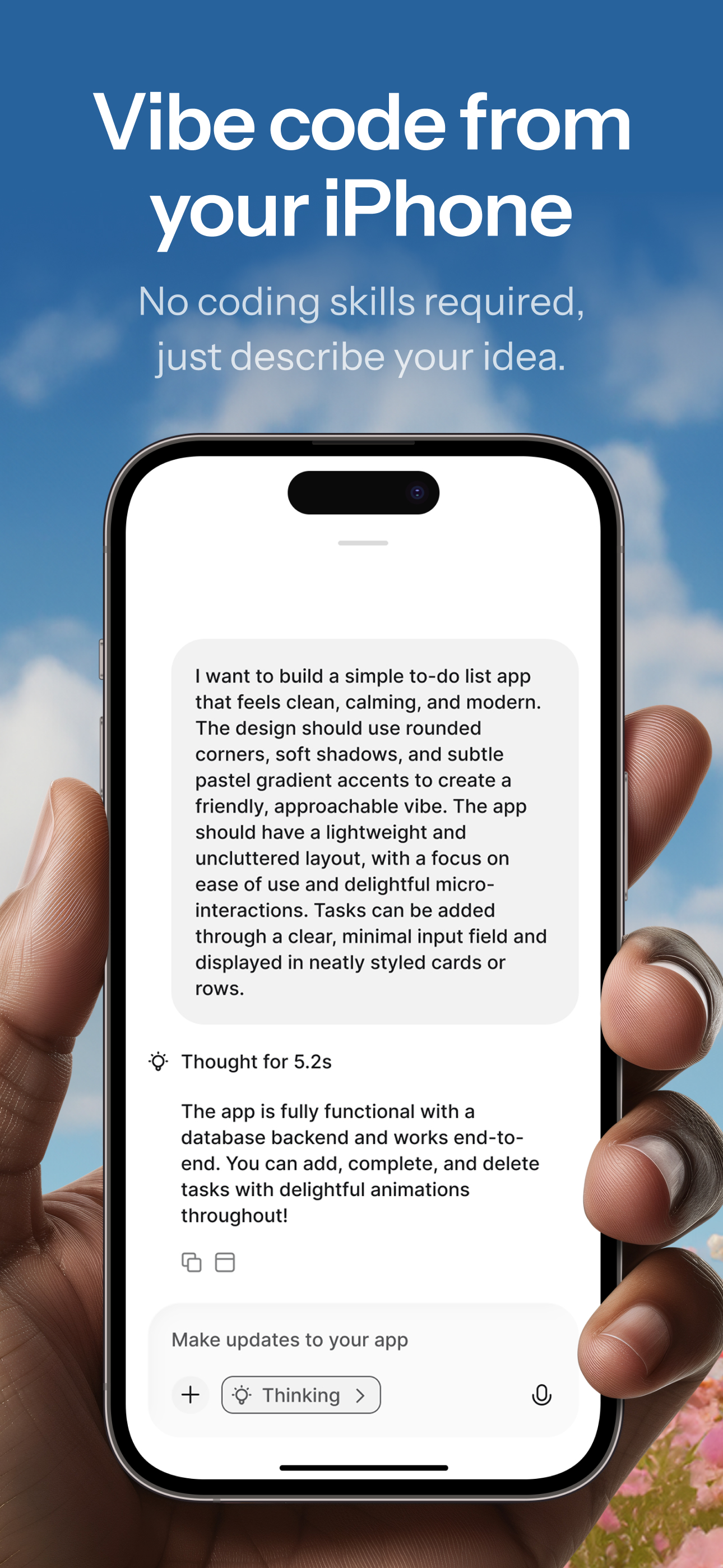
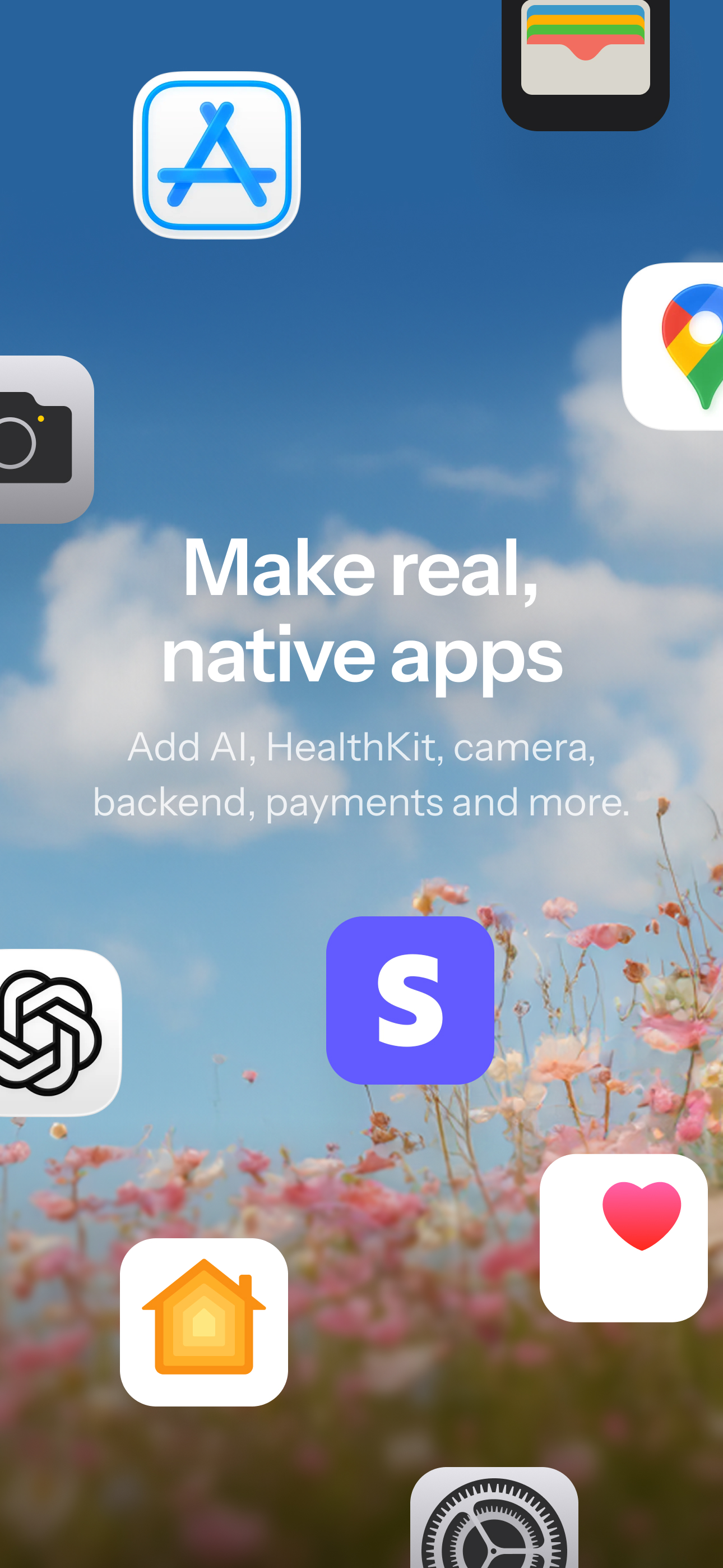
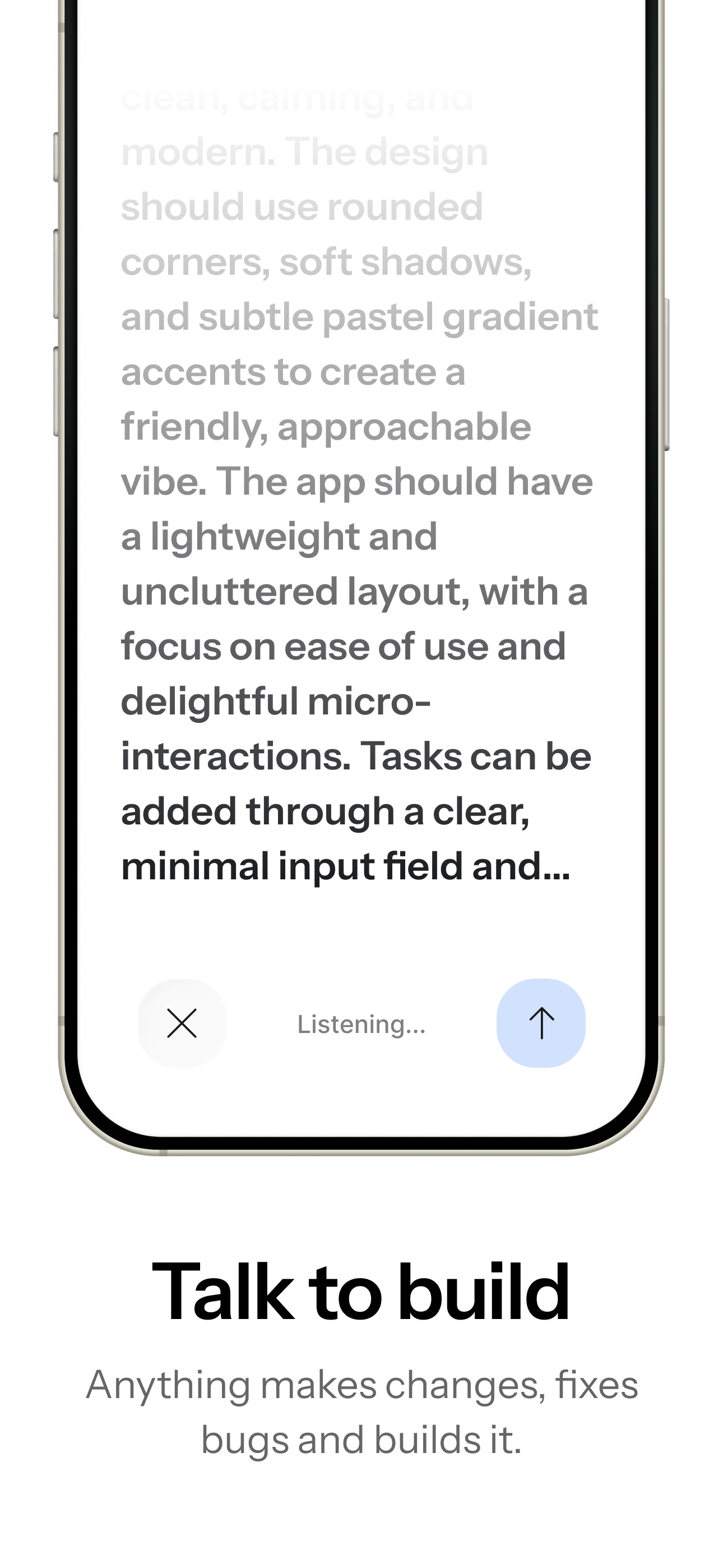
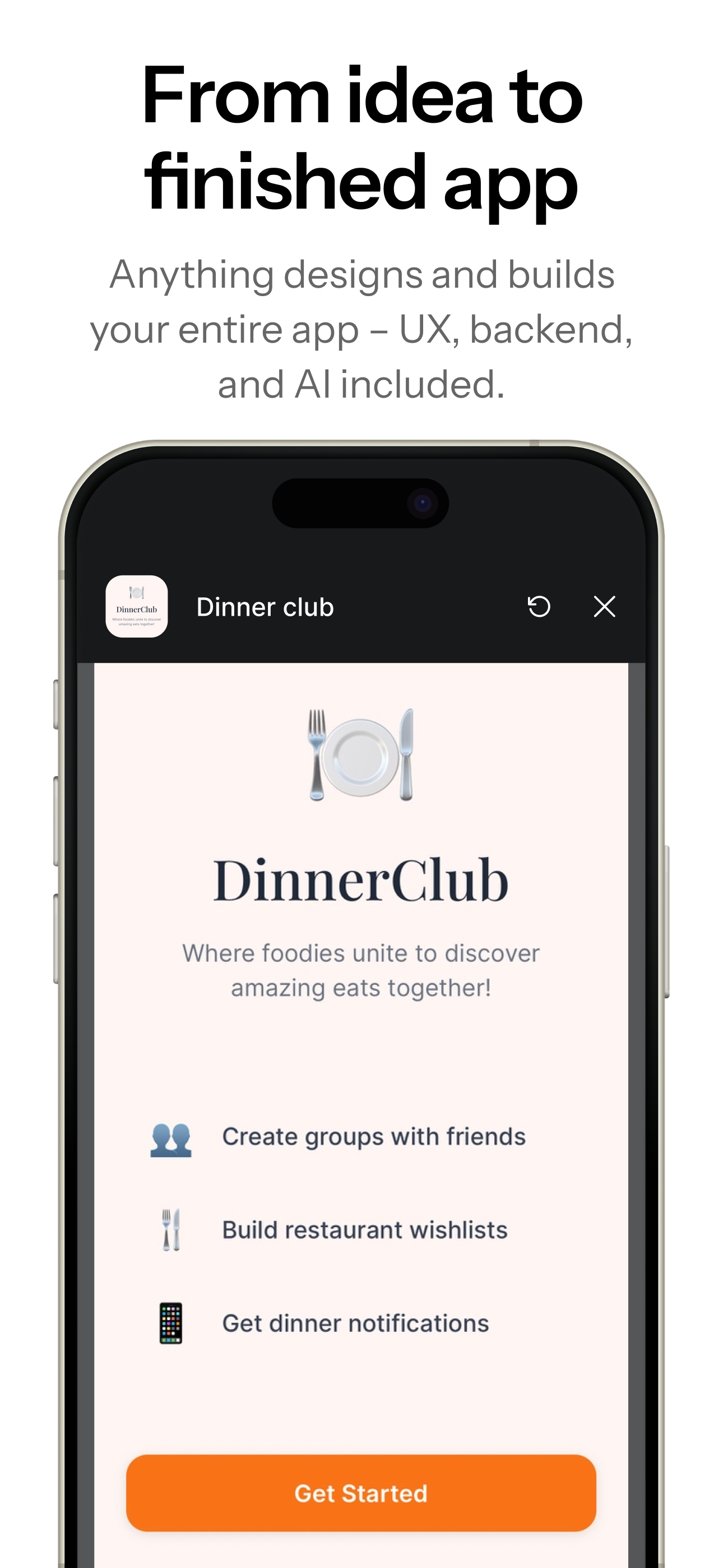
Read the store headline, screenshots and description. What problem is the app promising to solve?
Study the storefront ↗
Create, Incorporated · iOS
Explore the ad evidence, study the storefront, and build your next acquisition hypothesis.
01 / Creative research
Read the store headline, screenshots and description. What problem is the app promising to solve?
Study the storefront ↗Explore apps with direct store-link matches. Compare their hooks and formats without assuming the same approach works here.
Browse observed advertisers ↗Store rankings and revenue estimates describe market context. They do not establish ad spend, conversions or ROAS.
Review the market context ↗02 / Storefront & product
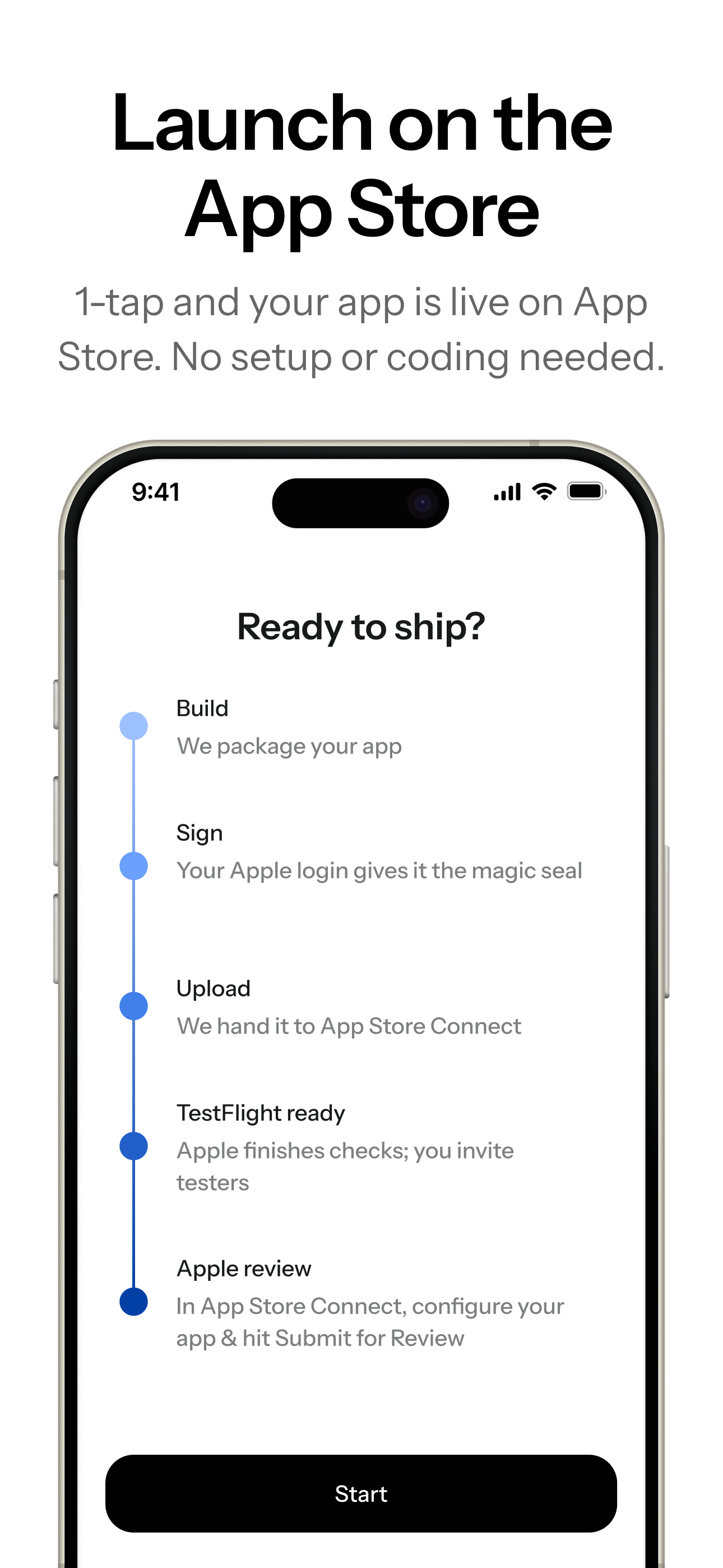
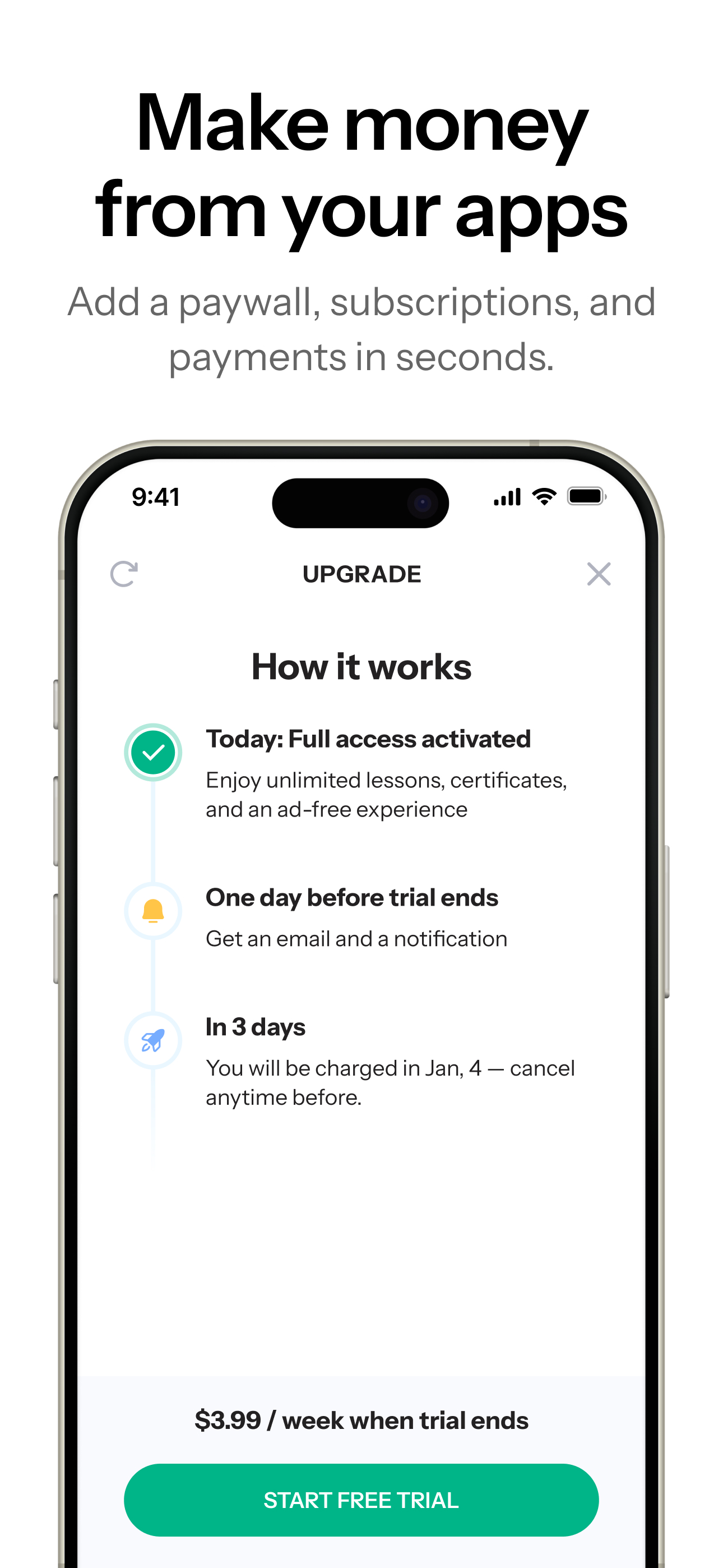
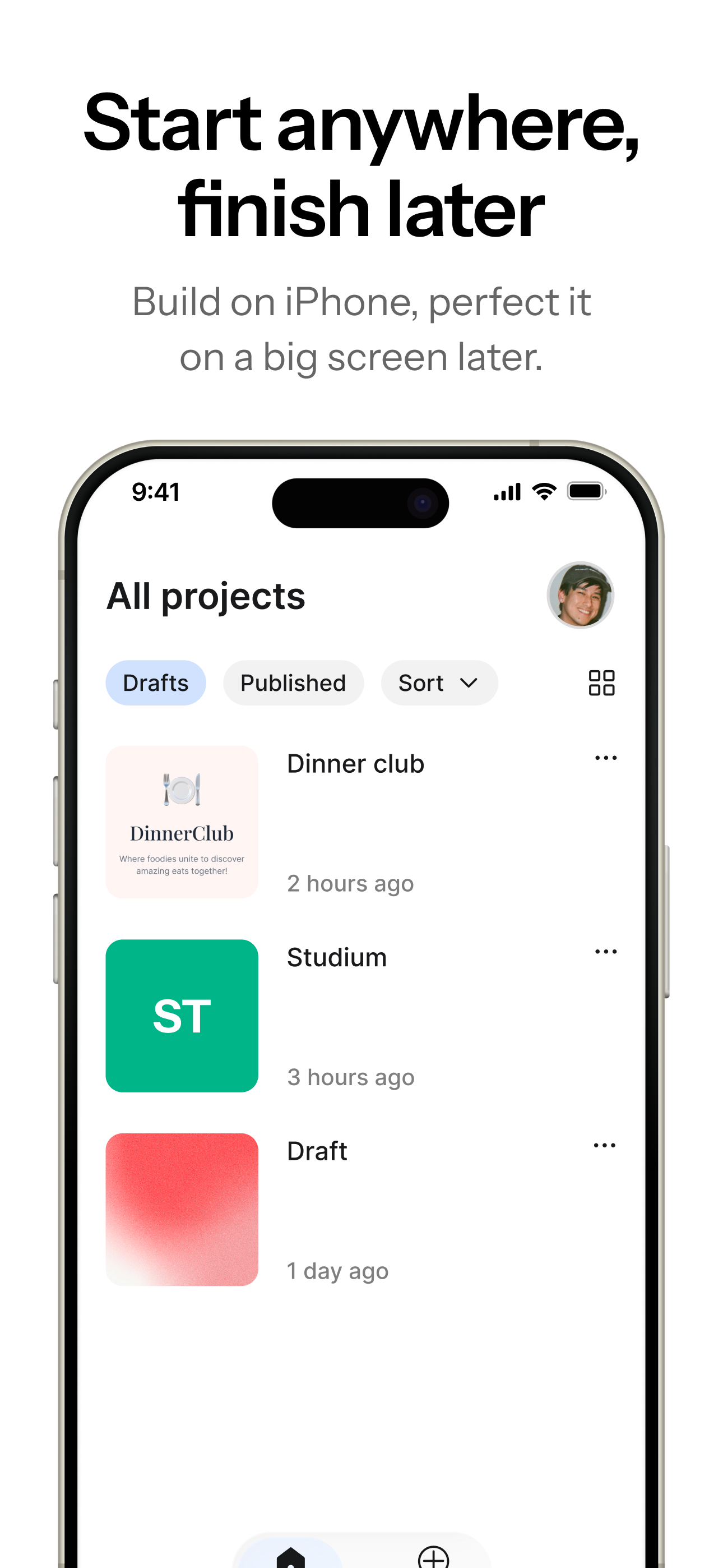
Study the product story and store experience behind the acquisition funnel.

03 / Market context
Keep revenue, downloads and store rankings separate from advertising performance.
This is by far the greatest app that I have ever downloaded! I finally get to do things that I have always been wanting to do! Thank you Anything App, Creators, Developers, Owners, and everyone who is included in this app, for a more easy way to build your own app and to make sure it becomes compliant for publishing on the App Store along with also having a website! Yes, you spend money to make an app as you need additional credits unless you are making a tiny app but it’s definitely well spent and you can make money off of your own app! There’s so many things that you can do to make an app! Use your imagination and make it happen! You can also create more than just one app as well!
I spent over five hours using Anything – AI App Builder with the paid Pro plan to create a mobile app. The building tools were decent, and while there were a few difficulties, I was eventually satisfied with the design. At first it was just a static page, but after asking for interactive controls, pages, and tabs, things were finally ironed out. The real problem came when I tried to publish or even test the app. There was no publisher, no export option, and none of the QR codes the AI chat told me I needed. These features simply do not exist on the iOS mobile version of the platform. After reading reviews from other users, I learned you must have a desktop to publish. I confirmed this with their own AI bot, which also said the same thing. This was extremely frustrating because none of this is clearly stated up front. You can spend hours building an app on your phone, but you cannot publish or test it from your phone—even with a paid Pro subscription. The essential features only appear on desktop. After investing hours into the project and paying for Pro, discovering at the very end that a desktop was required was beyond disappointing. Anything App really needs to be more transparent about this limitation. If you’re planning to publish an app, be aware: you must use a desktop.
This app is actually working way better than expected!! I’m building a productivity / todo app that accommodates my needs, and the app has been exceeding my expectations!! I only wish you had more credits to start off with to see how far you could bring your vision to life before committing to a monthly fee, but otherwise I’m truly impressed and thank you for developing such a gem!!
Anything is the fastest way to build apps. Now, from your iPhone on the go. Free to start. Join 1M builders using Anything to launch. BUILD APPS W...
| Name | Price | Type |
|---|---|---|
| 10k Credits | $10.00 | One-time |
| Pro 20k - Monthly | $19.00 | Monthly |
| 25k Credits | $25.00 | One-time |
| Pro 50k - Monthly | $49.00 | Monthly |
| 50k Credits | $50.00 | One-time |
| 75k Credits | $75.00 | One-time |
| 100k Credits | $100.00 | One-time |
| Pro 20k - Yearly | $190.00 | Yearly |
| Max 200k - Monthly | $199.00 | Monthly |
| 200k Credits | $200.00 | One-time |