
Check the acquisition promise
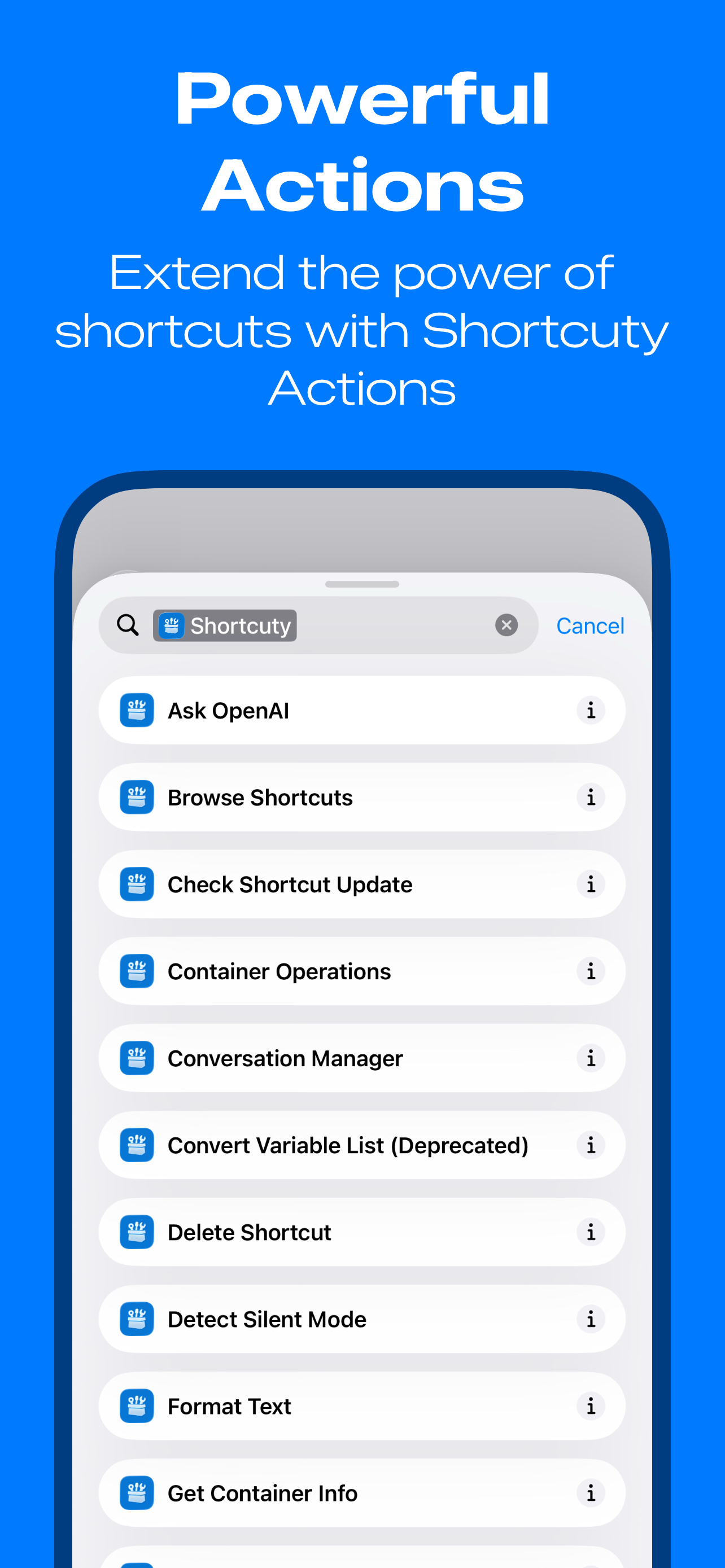
Read the store headline, screenshots and description. What problem is the app promising to solve?
Study the storefront ↗
Arthur Hoefer · iOS
Explore the ad evidence, study the storefront, and build your next acquisition hypothesis.
01 / Creative research
Read the store headline, screenshots and description. What problem is the app promising to solve?
Study the storefront ↗Explore apps with direct store-link matches. Compare their hooks and formats without assuming the same approach works here.
Browse observed advertisers ↗Store rankings and revenue estimates describe market context. They do not establish ad spend, conversions or ROAS.
Review the market context ↗02 / Storefront & product
Study the product story and store experience behind the acquisition funnel.




03 / Market context
Keep revenue, downloads and store rankings separate from advertising performance.
The last 2-3 months I’ve been diving into my shortcuts, as my automation setup on my desktop outside of iOS is top tier. The pain points with Shortcuts are building them and lack of native template features. I’ve tried Matthew C. and routinehub; great in theory but easy to get lost in “info overload”. I’ve been using Shortcuty for all of 2 hours and solved my biggest problems, ALREADY. The biggest win is Action Clips: in short, copy a complex clip you’ve already sunk tweaking time into and save it as a “variable” in shortcuty. DYNAMIC to say the least! The app itself is intuitive and feels close-knit in comparison to the legacy Hubs for shortcuts that we’re used to. 😂 Can’t believe I’m that guy saying this but, truly, only write reviews when the impact is too pivotal to deny. I notice the app also doesn’t feel bombarded with options. I’ve found great shortcuts so far (Action Button MENU, A favorites list for your top apps and the action clips will be the biggest win by far 😂) plug, swap, ship. Well done!
I had been working on my own app to share Shortcuts (to serve as a native alternative to RoutineHub) for a while when Shortcuty released. I was initially reluctant to try it out, but eventually did, and all I can say is wow! This app is amazing. Such high quality. It is immediately evident how much thought, care, and passion the dev(s) poured into this. The features are well thought out and were implemented perfectly. The UI is clean, sleek, and intuitive. My initial jealousy turned to admiration pretty quick. I even stopped working on my app because I could have never built something this good. This is it, folks! It seriously doesn’t get any better than this. Thanks, dev team! PS: They also have great customer support!
This app features smooth animations and nice graphics, and it performs exactly as expected. I did not encounter any bugs or issues during use. It does not include a premium subscription, It doesn’t display intrusive pop ups promoting paid features. The only available payment option is a voluntary donation as a form of appreciation. For users who enjoy creating Apple Shortcuts, this app is an excellent choice. When combined with Shortcuts and Shortcuty, it provides a complete toolkit for building, refining, and sharing Shortcut creations with other interested users.
Transform your iPhone into a productivity powerhouse with Shortcuty – the ultimate community for iOS Shortcuts enthusiasts. DISCOVER AMAZING SHO...
| Name | Price | Type |
|---|---|---|
| Small Tip | $0.99 | One-time |
| AdFree Monthly | $0.99 | Monthly |
| Medium Tip | $2.99 | One-time |
| Large Tip | $4.99 | One-time |
| Generous Tip | $9.99 | One-time |


