
Check the acquisition promise
Read the store headline, screenshots and description. What problem is the app promising to solve?
Study the storefront ↗
Empty Studio · iOS
Explore the ad evidence, study the storefront, and build your next acquisition hypothesis.
01 / Creative research
Read the store headline, screenshots and description. What problem is the app promising to solve?
Study the storefront ↗Explore apps with direct store-link matches. Compare their hooks and formats without assuming the same approach works here.
Browse observed advertisers ↗Store rankings and revenue estimates describe market context. They do not establish ad spend, conversions or ROAS.
Review the market context ↗02 / Storefront & product
Study the product story and store experience behind the acquisition funnel.




03 / Market context
Keep revenue, downloads and store rankings separate from advertising performance.
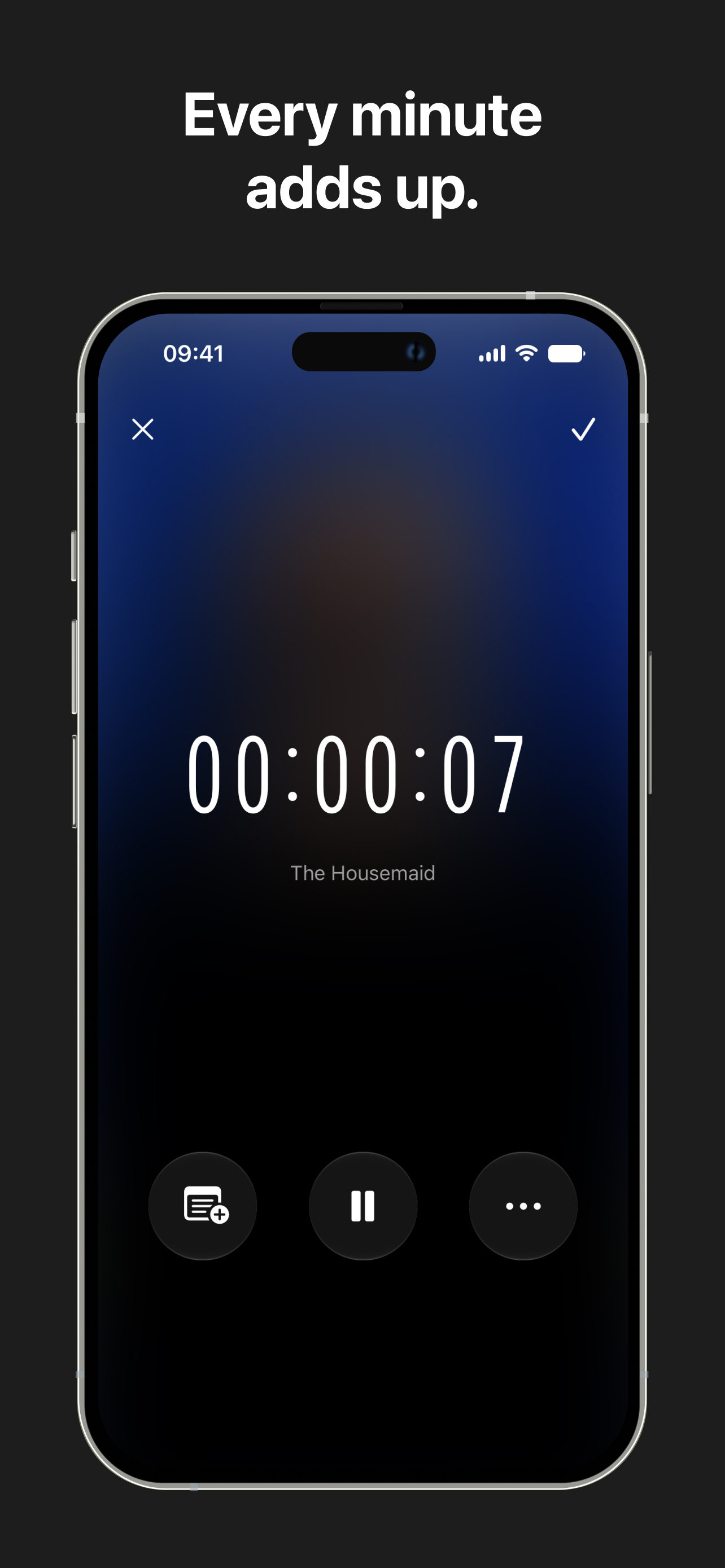
I’m surprised at how much this app. It makes a great compliment The StoryGraph. It has a timer you can start whenever you start a book. You can actually track how long you spend reading a day. It’s easy to your specific books and the book bookshelf is cute. The improvements I would like to see are a couple more options on the bookshelf decoration for the free accounts and the ability to add narrators to books along with a unique audiobook shape. Regardless, I’m having fun with my free account considering upgrading to a paid account next month.
I had/have high hopes for this app. Adding books to the library is straightforward and for the most part automated, I only had to do manual searches for a handful of older books. The app’s privacy policy was what drew me to it initially, I want my library data stored locally so that’s a plus. The reading timer is nice and the app is generally easy to navigate. Where the app falls short for me is the lack of filtering/search features for the library. I am a compulsive book buyer and have been known to buy duplicates, so having a library that I can quickly filter and search is a must. Currently the library lists authors alphabetically by first name and there doesn’t appear to be a way to filter or change that. *I am using the free version as I am test driving a few apps to figure out which works best for my needs. If a search/filter feature is available on the paid version please let me know. ***while the idea of having customizable book shelves that can be decorated is fun, I’m more concerned with the functionality. I want a highly searchable, stat rich experience, I wish more apps would focus on functionality and less on window dressing - Bookology seems to fit that bill, the app isn’t stuffed with excess frills but it’s still lacking in the function department. Hopefully this will improve with future updates.
This app has been book changing, the shelves, beautiful, the spines, so fricken cool I can add my own, and I was expecting that as this app is still new, I love everything about it, my only problem is that I can only use it on my iPad, I wish I could get it on my Samsung zflip 7, maybe in the future expand to google play but that is my only complaint and have it have an apple and google login so data can be shared via devices
Bookology is a reading tracker and analytics app. Whether you're a casual reader or a devoted bookworm, it helps you organize your library, track your...
| Name | Price | Type |
|---|---|---|
| Bookology Pro (Monthly) | $5.99 | Monthly |
| Bookology Pro (Annual) | $24.99 | Yearly |
| Bookology Pro (Annual) | $29.99 | Yearly |
| Bookology Pro Lifetime | $99.99 | One-time |


