
Check the acquisition promise
Read the store headline, screenshots and description. What problem is the app promising to solve?
Study the storefront ↗
Chuta Dmytro · iOS
Explore the ad evidence, study the storefront, and build your next acquisition hypothesis.
01 / Creative research
Read the store headline, screenshots and description. What problem is the app promising to solve?
Study the storefront ↗Explore apps with direct store-link matches. Compare their hooks and formats without assuming the same approach works here.
Browse observed advertisers ↗Store rankings and revenue estimates describe market context. They do not establish ad spend, conversions or ROAS.
Review the market context ↗02 / Storefront & product
Study the product story and store experience behind the acquisition funnel.




03 / Market context
Keep revenue, downloads and store rankings separate from advertising performance.
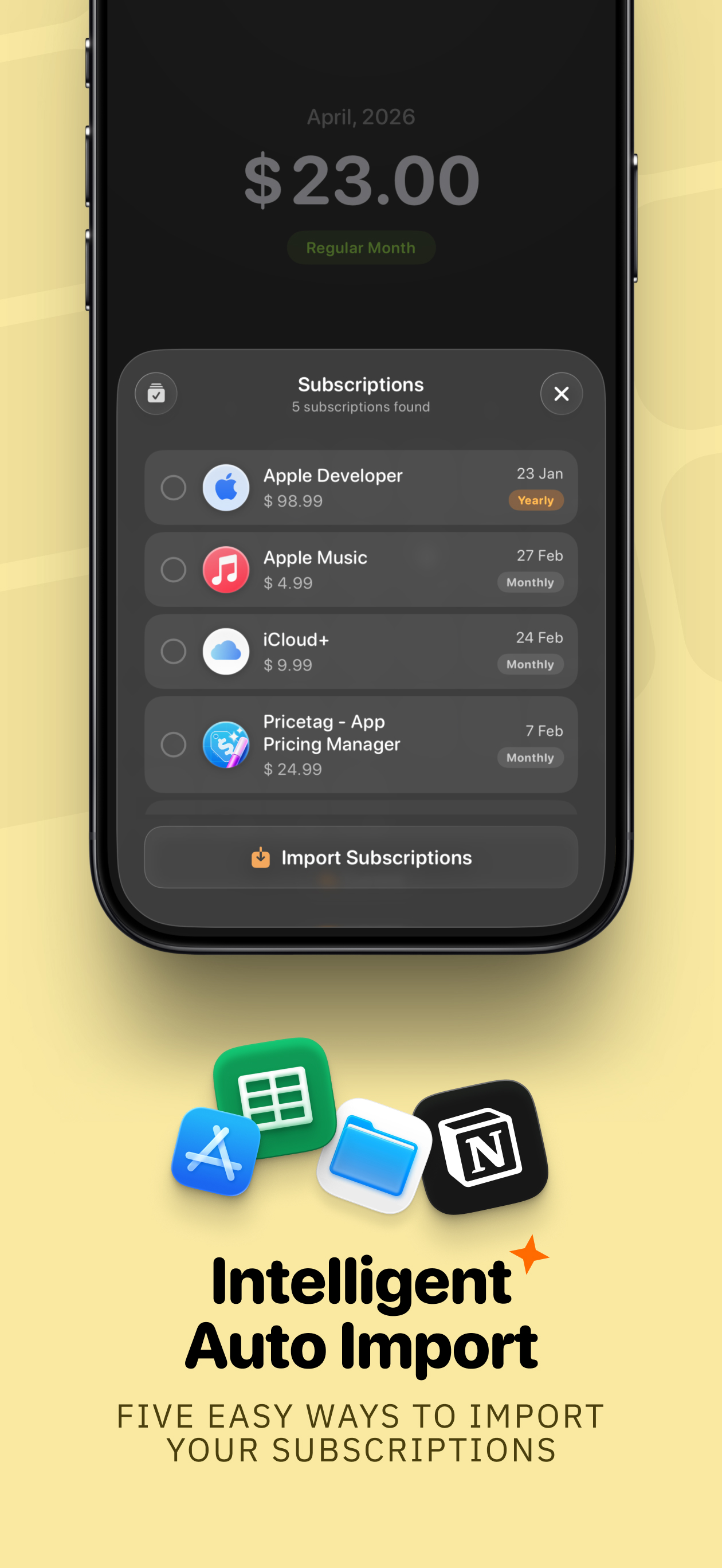
I remember checking out this app early on from interactions on Threads (or maybe 𝕏), and I suggested to the creator that it would be nice to have a way to import from Notion — and they added it! 🔥💯 plus the overall experience is intuitive & visual which helps me out a lot. Here’s hoping that eventually we can also get two-way sync with Notion at some point too if others are also looking for that!
First the good stuff: the interface is quite good-looking. The developers have covered most of the bases, with category tags, and a nice calendar display. I went ahead and paid for a lifetime subscription to test the import function as I have a pretty extensive excel sheet going already and wanted to see how Subscription Day would handle it. The bad news is that it really doesn’t handle it all that well. For starters, it won’t import a file with more than 40 rows. I broke down my test file with forty rows, and after chewing on it for a while, Subscription Day gave me the option to import 35 rows. No detail as to which rows were rejected or why. The AI Import function works on a CSV file, but the Import function will not work. And it would be nice to have the ability to add custom fields — I track which account pays the subscription for example. And it would be nice to have the ability to view the data in a list format, rather than month to month. Or maybe list by category? The statistics window gives you some nice charting but lacks filtering. I guess I’ll wait until the app gains a little maturity to work at importing more data into it.
I really love the app and bought the Pro version. The interface is great, although some minor tweaks would definitely make it better, especially functionality-wise. My biggest issue however is that there’s no iCloud Sync, which is very odd. I have multiple computers and I have to make sure I’m updating on a single computer so I can download the data and import it to the other one, without any major differences. This is very, very inconvenient and kind of takes away the point of such an app. Having a simple text file saved to my desktop is more convenient as it syncs any changes across multiple devices.
If you have so many subscriptions that you’ve lost track of them and hate unexpected charges, Subscription Day is built exactly for this. Subscriptio...
| Name | Price | Type |
|---|---|---|
| Upgrade to Family | $6.99 | One-time |
| Single (Promo) | $17.99 | One-time |
| Single (Lifetime) | $19.99 | One-time |
| Family (Promo) | $23.99 | One-time |
| Family Sharing (Lifetime) | $26.99 | One-time |


