Check the acquisition promise
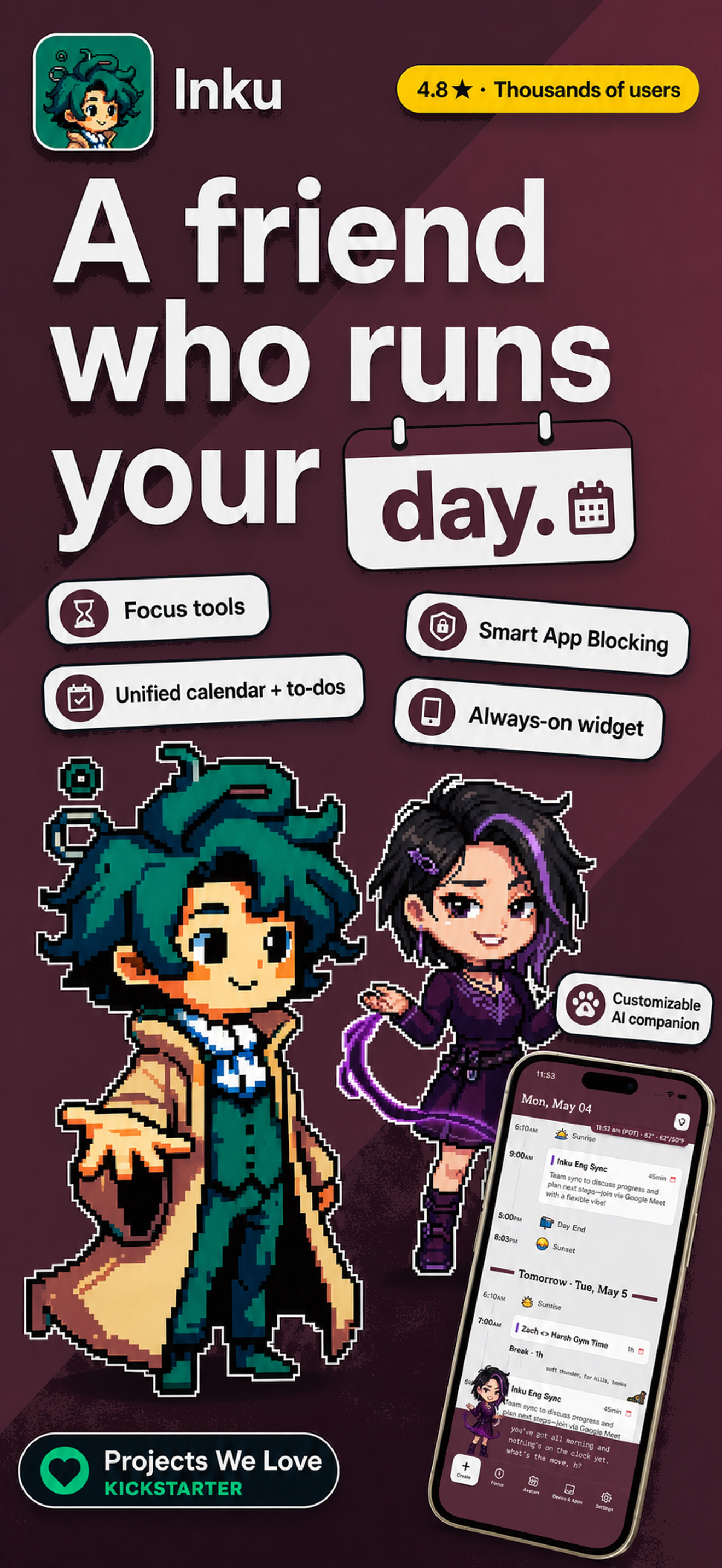
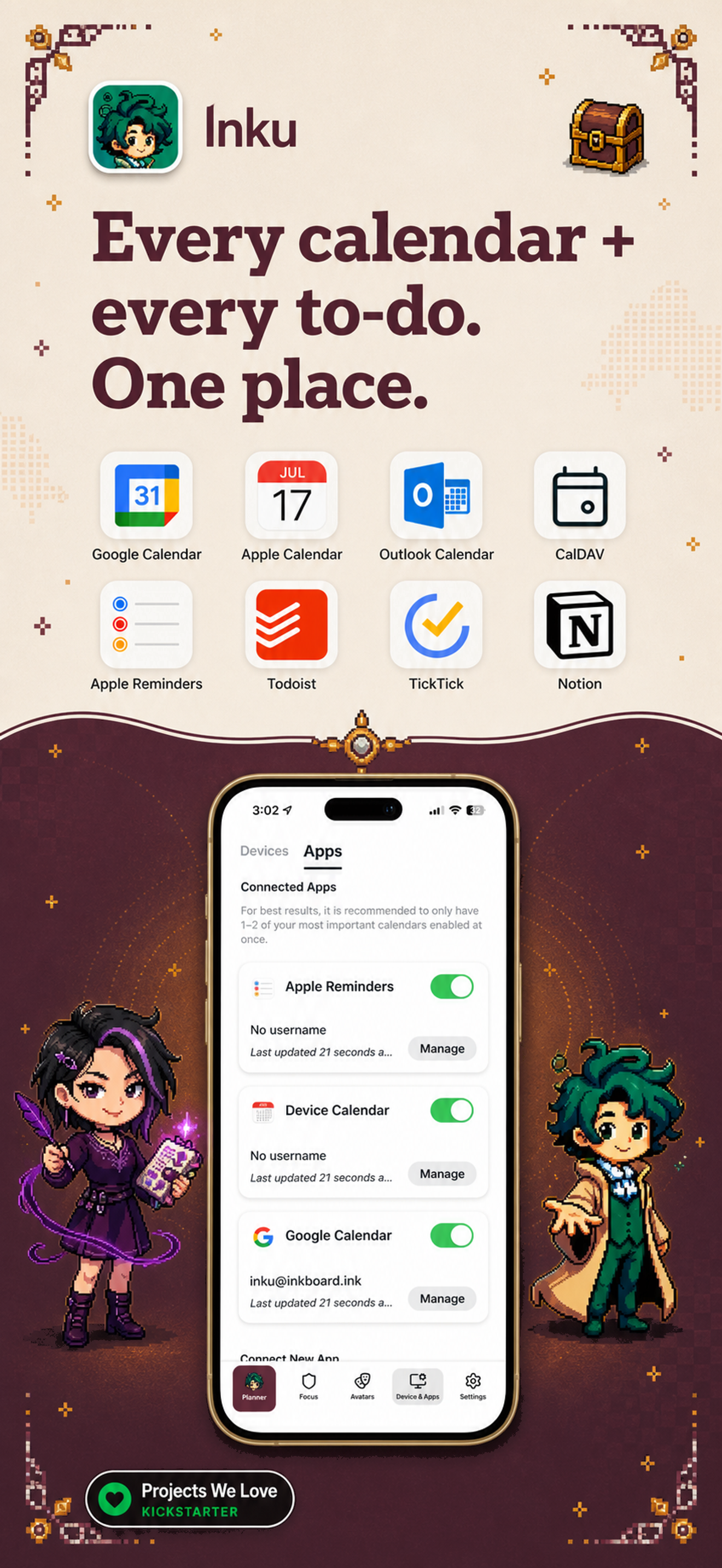
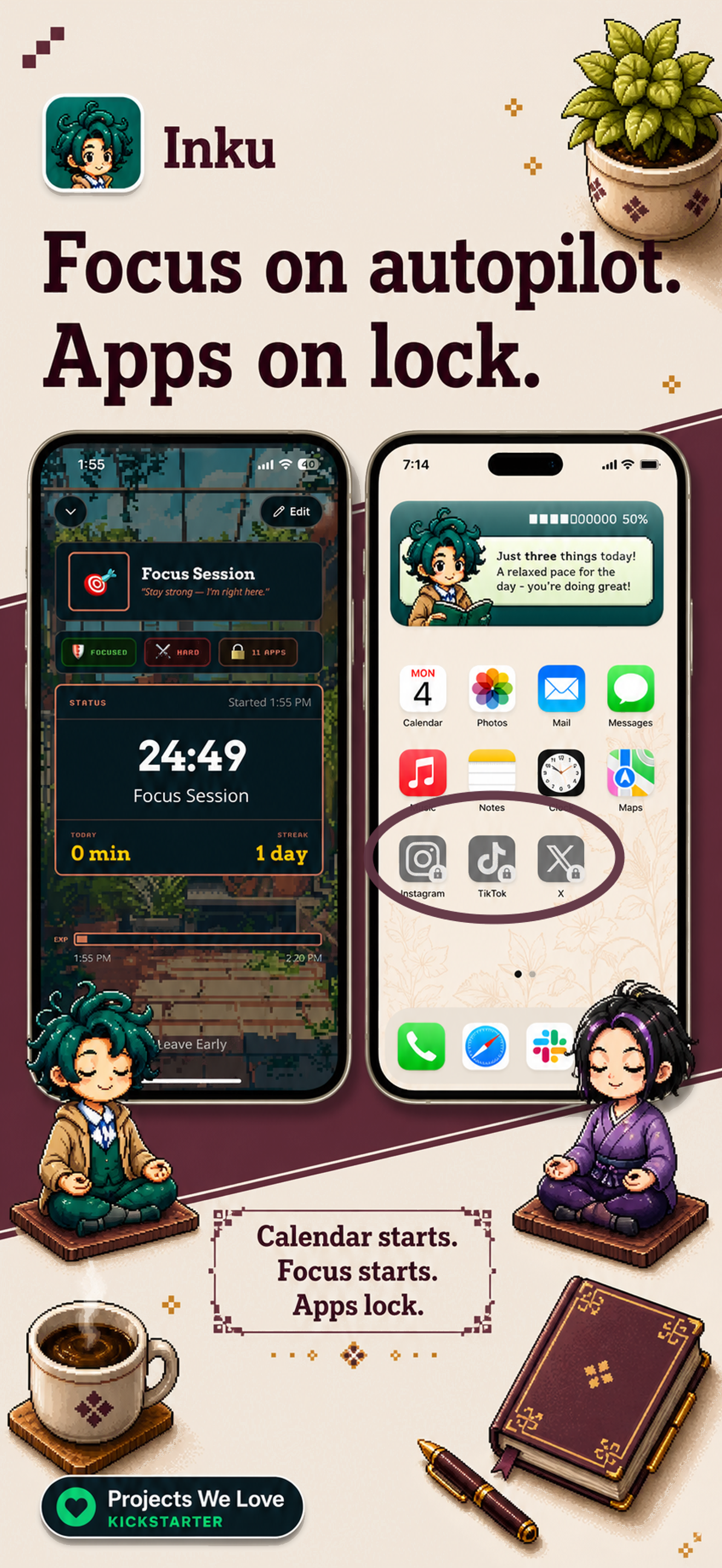
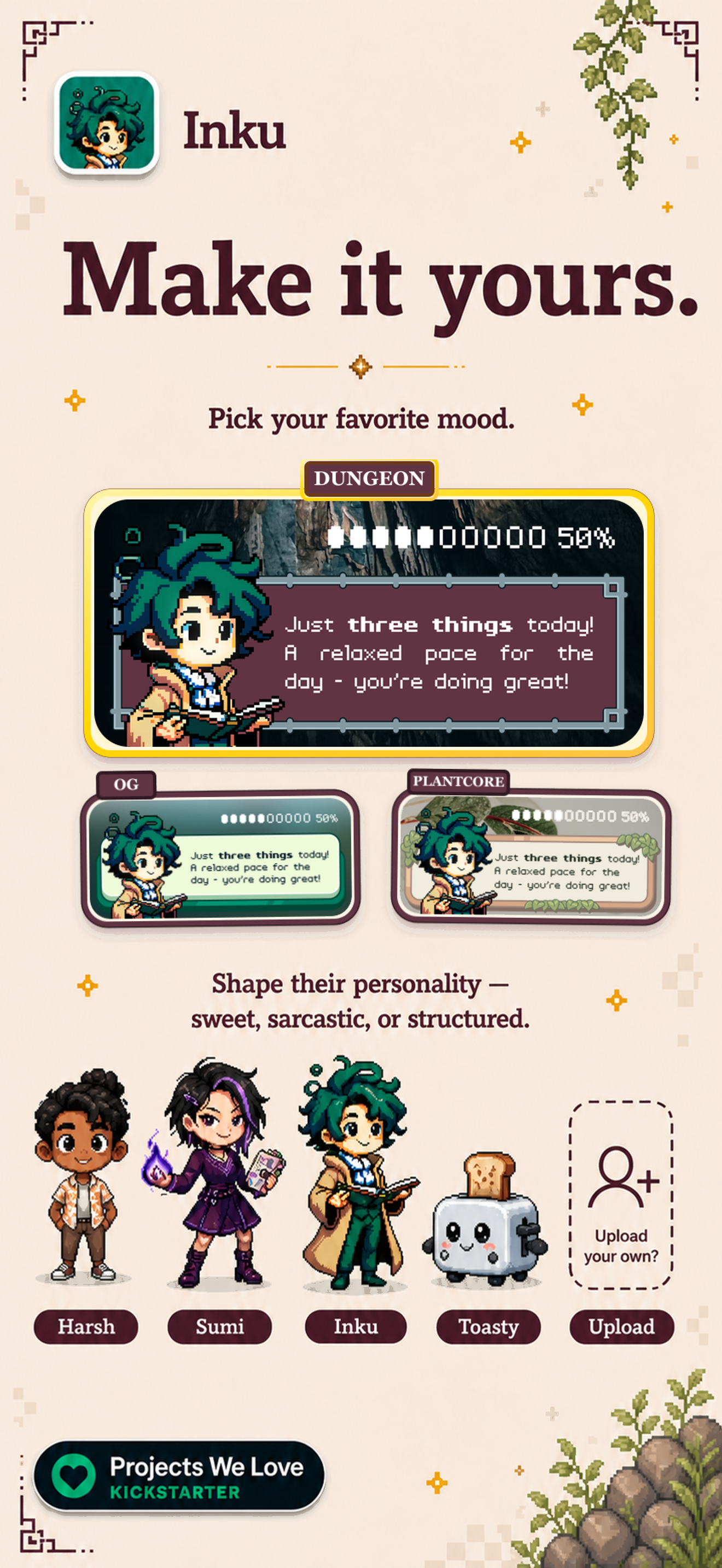
Read the store headline, screenshots and description. What problem is the app promising to solve?
Study the storefront ↗
Inkboard, Inc. · iOS
Explore the ad evidence, study the storefront, and build your next acquisition hypothesis.
01 / Creative research
Read the store headline, screenshots and description. What problem is the app promising to solve?
Study the storefront ↗Explore apps with direct store-link matches. Compare their hooks and formats without assuming the same approach works here.
Browse observed advertisers ↗Store rankings and revenue estimates describe market context. They do not establish ad spend, conversions or ROAS.
Review the market context ↗02 / Storefront & product
Study the product story and store experience behind the acquisition funnel.




03 / Market context
Keep revenue, downloads and store rankings separate from advertising performance.
I was a kickstarter backer for the e-ink calendar Inku device this app supports, and was very happy to see that it came exactly as described. The app is just as cute. When I encountered a hiccup with the device setup through the app, the Inku team on Discord immediately jumped on the issue and was able to help me resolve it the same day. I don’t think I’ve ever had a better experience with any app ever honestly. The makers are definitely passionate about this app/device and it looks so cute on my desk and in my iPhone widgets! Highly recommended.
I backed Inku because I thought the idea was cute but wasn’t really sure how much use I would actually get out of it. Turns out it ended up becoming one of my most important toolsets in my kit. As someone who manages three calendars (home life, work life, and side gigs), this app became instrumental with keeping me organized for the day. No longer did I have to keep all three calendars open, but I had a single location to watch everything that was happening for the day. The little AI summary and personality of the avatar is incredibly cute, too. My only points of contention are having to open the app itself sometimes to get it to refresh my widget, and not being able to upload my avatar properly (it takes transparent space and makes it white, turning it ugly) but these are minor gripes, all things considered. I can’t wait to be able to utilize the full experience with both the hardware, and software, across all of my devices.
I love the smart calendar and how it takes what is happening and makes relevant and realistic sentences for what you are doing each day like a friend is talking to you. I don't like that it gets cut off and there is no way to expand it or even go to the app to read the rest of it. I wish the app shows your calendar, too, not just on the widgets. I also love how you can add two of your own character designs to switch out! I wish I could add more and even add my own backgrounds. I can't wait until my Inku finally arrives!
Finally, a planner that gets how your brain actually works. Inku isn't another rigid calendar telling you to "just be more organized." It's designed...
| Name | Price | Type |
|---|---|---|
| Whimsy Pack 100 | $4.99 | One-time |
| Monthly | $5.99 | Monthly |
| Inku Weekly Subscription | $5.99 | Weekly |
| Inku Weekly Subscription | $9.99 | Weekly |
| Annual | $14.99 | Yearly |
| Annual | $14.99 | Yearly |
| AnnualPlus | $24.99 | Yearly |
| Annual Inku | $24.99 | Yearly |
| Annual | $34.99 | Yearly |
| Annual Inku | $34.99 | Yearly |