
Check the acquisition promise
Read the store headline, screenshots and description. What problem is the app promising to solve?
Study the storefront ↗
Jade Lizard Software LLC · iOS
Explore the ad evidence, study the storefront, and build your next acquisition hypothesis.
01 / Creative research
Read the store headline, screenshots and description. What problem is the app promising to solve?
Study the storefront ↗Explore apps with direct store-link matches. Compare their hooks and formats without assuming the same approach works here.
Browse observed advertisers ↗Store rankings and revenue estimates describe market context. They do not establish ad spend, conversions or ROAS.
Review the market context ↗02 / Storefront & product
Study the product story and store experience behind the acquisition funnel.




03 / Market context
Keep revenue, downloads and store rankings separate from advertising performance.
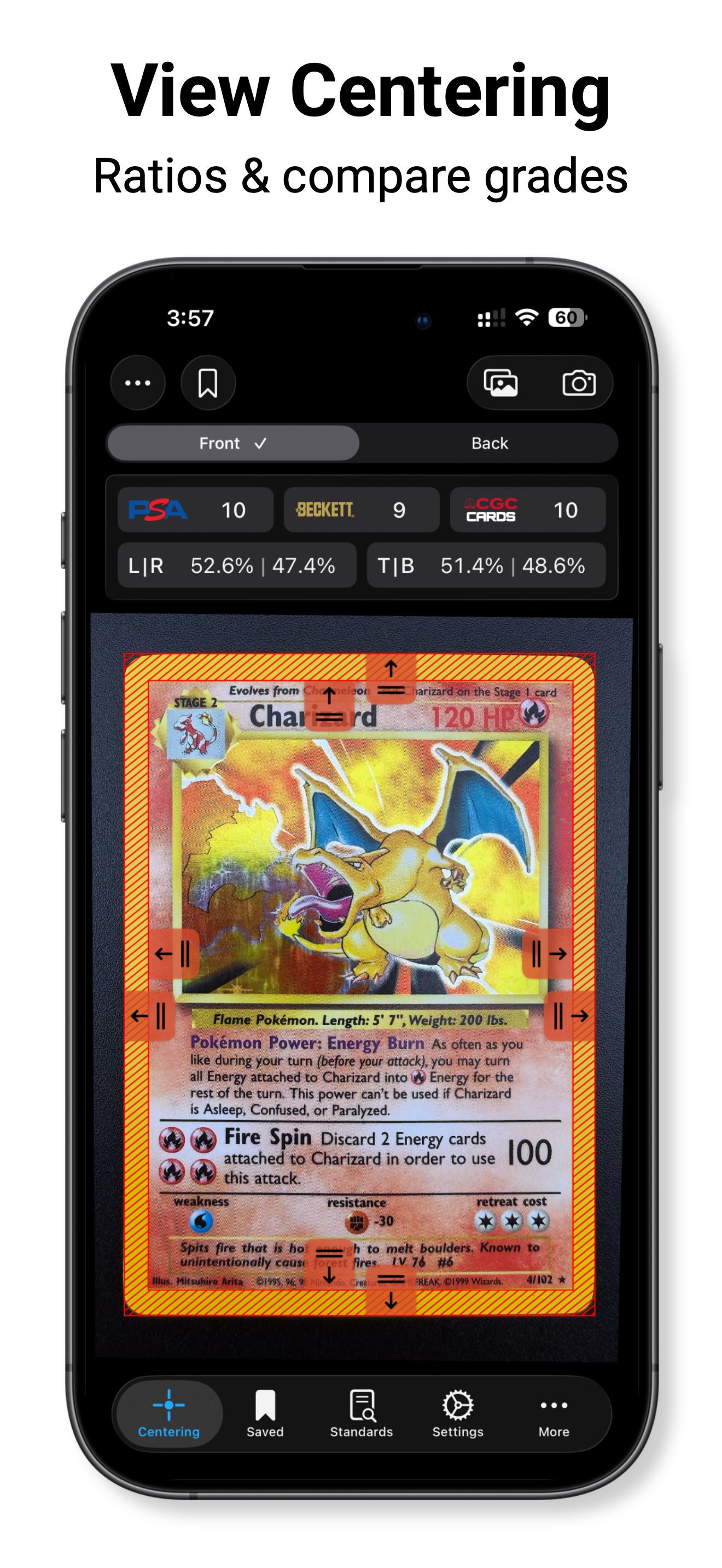
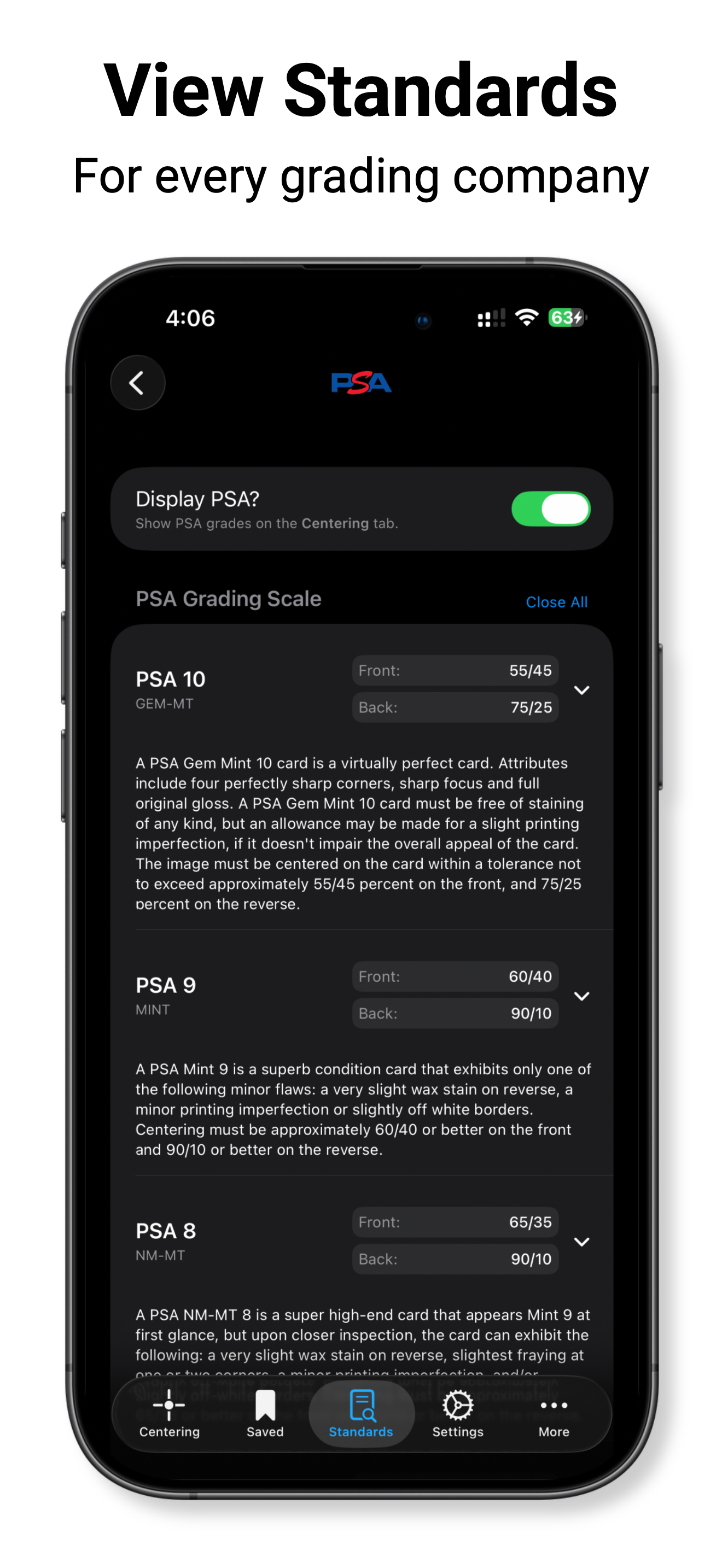
Do yourself a favor and get this tool. It’s a huge improvement over the physical centering tools and it’s the most valuable tool in my toolbox, including maybe my loupe. Are you really going to slide a piece of acrylic or plastic around on the surface of your cards trying to get the card centered up? You can have the card in a penny sleeve but those just make the card stick to the plastic. They’re also really hard to read and hard to use. While measuring the left side you’re constantly wondering if the right side is still lined up. With this tool, you don’t have those worries. The perspective fix feature works incredibly well too, but you’ll rarely need it because the leveling feature on the camera works great. I take my pictures about 8 inches from the card when The leveler gives me the green and I rarely need to fix the perspective, but I will use it anyway because of the zoom it gives me into my corners. I got this tool originally because the AI apps I was testing turned out to be really bad at judging centering, so this app hits the sweet spot of digital aid and DYI. There is a lot of variance in how the different grading companies will ding your cards for centering and it’s super helpful to see all of their probable scores in real time in one place. The dev is very responsive.
I don’t usually leave reviews but I figured since I was weary about getting the app I’d help others that are too. It actually works! You have to be on point as possible if you want it to be accurate which this app allows you to do so which is great. I tested it on my charizard sir before I sent it to psa the card was clean and the app said it would be a psa 10. The app was in fact correct it came back a 10! I test it constantly on cards I have that are already graded and it has never been off. With that being said I highly recommend!
But how do you purchase the premium version I don’t see the option in the app only tip jar option. If u could direct me on how to obtain the premium I would love to purchase it thank you UPDATE: after having paid the $4 (worth every cent) it’s perfect for guessing ur centering of the card,would highly suggest getting platform to take 0degree tilt perfect flat pictures to make sure ur centering is good. Otherwise it’s the best app in the market for centering in 20days I’ll comeback to update since I did use this app to get the centering on a Moonbreon which is in grading at the moment.
Card Centering Calculator is the ultimate tool for measuring your card's centering ratios before grading. Whether you collect Pokémon, One Piece, Lorc...
| Name | Price | Type |
|---|---|---|
| Small Tip | $0.99 | One-time |
| Medium Tip | $1.99 | One-time |
| Unlock Premium | $4.99 | One-time |
| Large Tip | $4.99 | One-time |
| Pristine Tip | $9.99 | One-time |


