App Profile: AcuEdit
Android / Games / Puzzles
AcuEdit
Installs:
Rating:
2.73
Total Reviews:
11
Top Countries:
US, AU, CA
< $5k
/mo
< 5k
/mo
Reviews: What People Think About AcuEdit
N2sing
Rating: 3/5
Ok... while I love being able to do designs on my iPad and sending them to my machine... This App will only allow me to use Gothic font... I am hoping it's an oversight.. Please FIX it....
desk diva
Rating: 2/5
This suite of apps is a total gimmick. Very limited functionality. I have a considerable library of embroidery designs in i Cloud that my iPad has access to but the app and the others cannot be used to send to embroidery machine.
Edit on a computer, put it on a stick and put it on machine.
If you want to edit designs already on your machine, you’ll have to hard usb cable to sewing machine and scoop them up.
Also, “editing” means rotate, slight resize, recolor. Not much that you can’t already do on your machine.
SUPER disappointed. Reconsidering purchase of high end model.
CraftyMal
Rating: 1/5
App requires uploading to the machine to then download from the machine in another application
Also app has very few designs and does a poor job of sorting between them by size and an even worse job scaling designs
Do better.
About AcuEdit
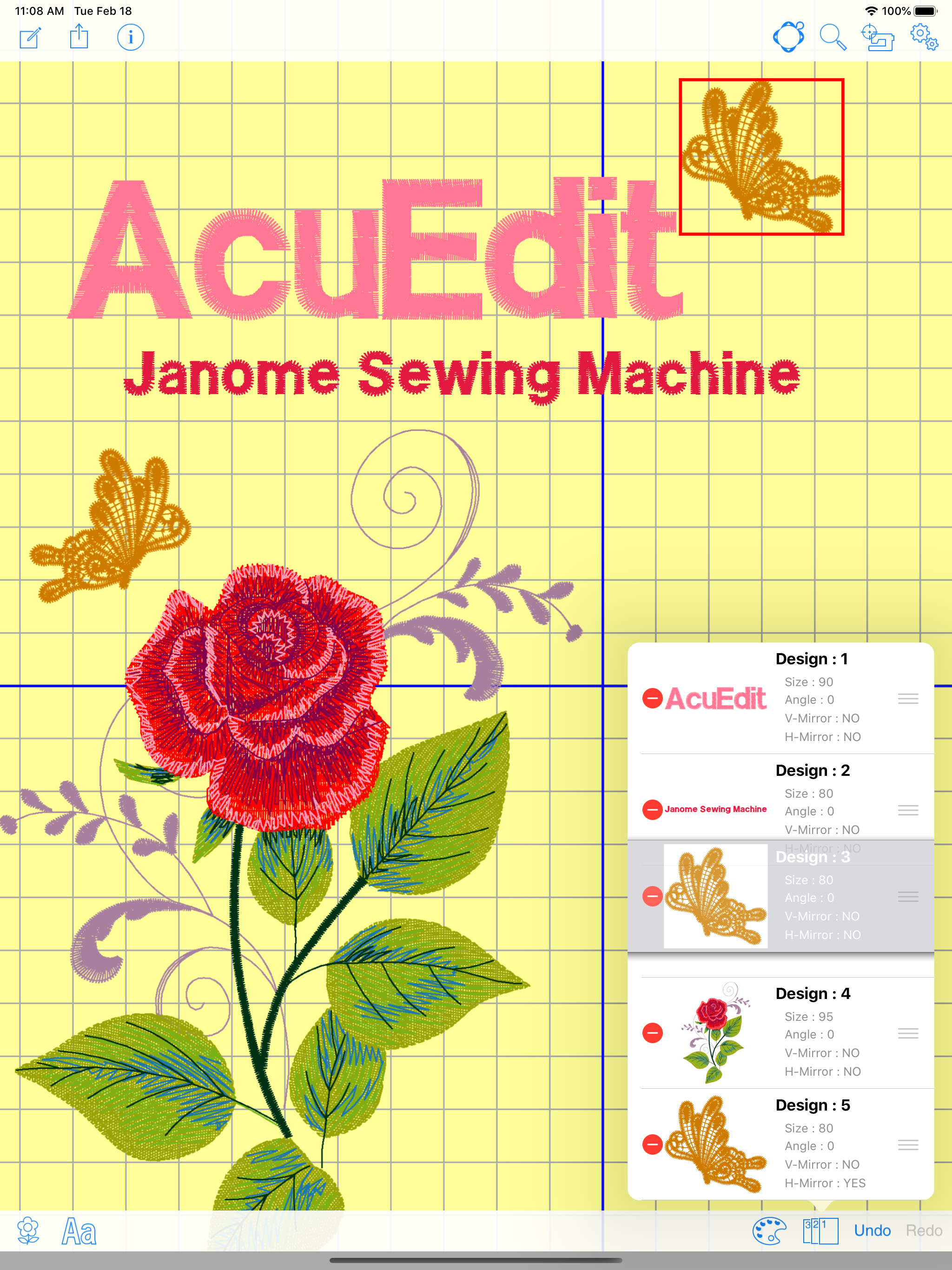
The AcuEdit app allows you to edit Janome embroidery designs on your iPad using Wireless LAN.
You can edit designs anywhere, anytime! Embroidery designs can even be edited when your machine is sewing.
Send the design data to your sewing machine and you are ready to go!
AcuEdit is compatible with the following sewing machine models:
Please refer to the following link :
https://www7.janome.co.jp/global/softupdate/acuedit/
Linking with sewing machine using Wireless LAN
* You can send embroidery data from your iPad to your sewing machine. The machine can start sewing your new designs upon receiving the data.
* AcuEdit can also receive embroidery designs from the Ready to Sew and Editing modes of your sewing machine.
AcuEdit Feature List
* Move
* Rotate
* Enlarge/Reduce
* Mirror image
* Vertical flip
* Centering
* Cornering
* Copy and paste
* Arching (monogramming)
* Space adjustment (monogramming)
* Delete
* Ability to change thread colors
* Ability to change sewing order
* Ability to Undo and Redo any change you make
* Edit embroidery designs by using the controller on the screen.
* Basic editing can also be made by moving two fingers across the screen.
* iPad photos can be displayed as the background of the editing screen.
Import embroidery designs
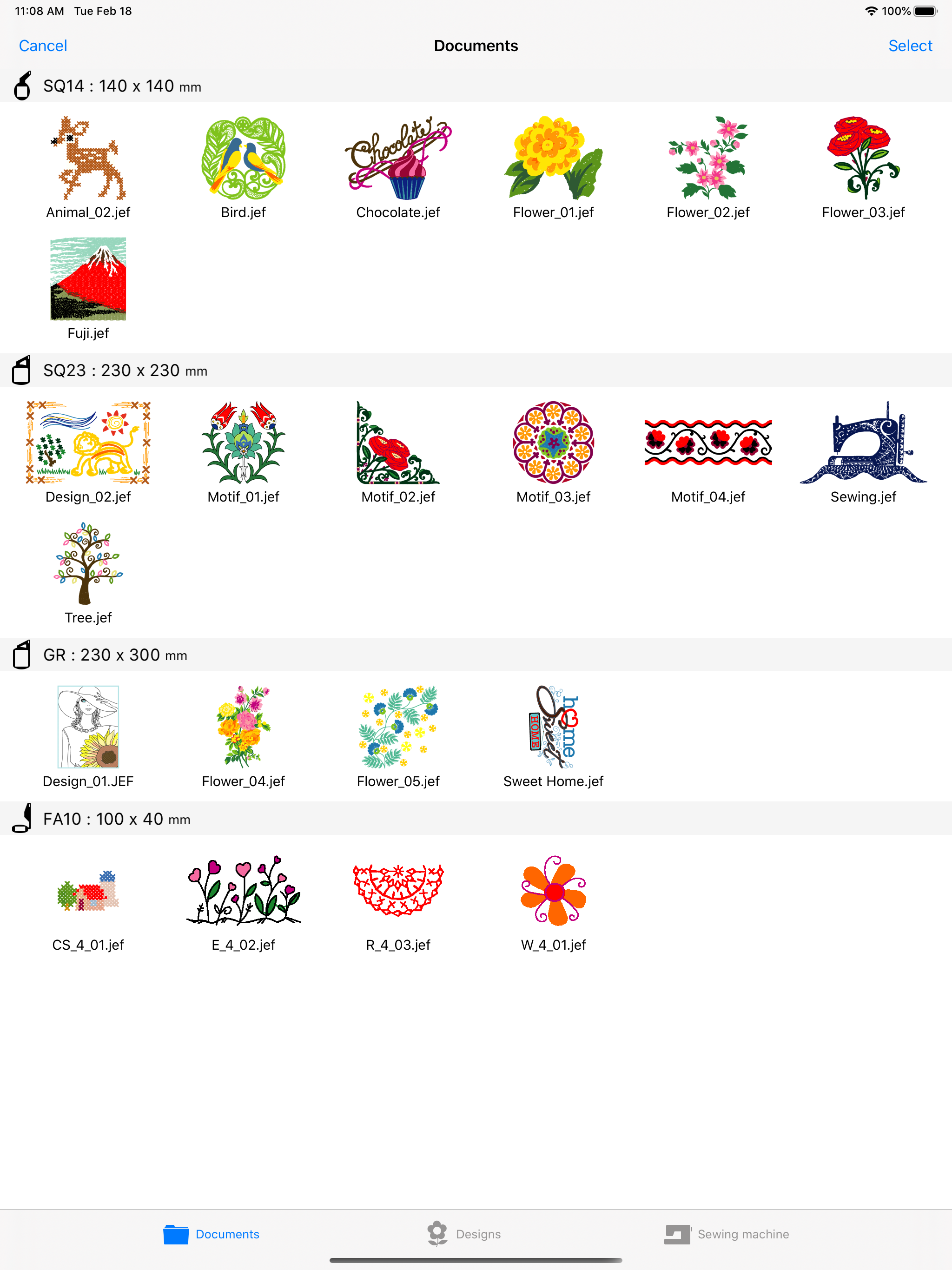
* Select designs from your embroidery collection on your iPad.
* You can use all built-in designs from compatible sewing machines.
(to use the built-in designs from Memory Craft 15000, first connect to your sewing machine and then you can download the latest embroidery designs from the sewing machine.)
(to use the built-in designs from SKYLINE S9/ atelier 9, it's necessary to download the embroidery designs from your sewing machine.)
* You can add monogramming designs by inputting them using the keypad.
* iTunes enables import of embroidery designs from the internet or your PC to your iPad.
* Embroidery designs can now be imported from email attachment files , online storage services and other apps.
Save embroidery designs
* Save embroidery designs on your iPad.
* View and delete thumbnails of embroidery designs.
Compatible embroidery formats
* jef
* jef+
* jpx
You can edit designs anywhere, anytime! Embroidery designs can even be edited when your machine is sewing.
Send the design data to your sewing machine and you are ready to go!
AcuEdit is compatible with the following sewing machine models:
Please refer to the following link :
https://www7.janome.co.jp/global/softupdate/acuedit/
Linking with sewing machine using Wireless LAN
* You can send embroidery data from your iPad to your sewing machine. The machine can start sewing your new designs upon receiving the data.
* AcuEdit can also receive embroidery designs from the Ready to Sew and Editing modes of your sewing machine.
AcuEdit Feature List
* Move
* Rotate
* Enlarge/Reduce
* Mirror image
* Vertical flip
* Centering
* Cornering
* Copy and paste
* Arching (monogramming)
* Space adjustment (monogramming)
* Delete
* Ability to change thread colors
* Ability to change sewing order
* Ability to Undo and Redo any change you make
* Edit embroidery designs by using the controller on the screen.
* Basic editing can also be made by moving two fingers across the screen.
* iPad photos can be displayed as the background of the editing screen.
Import embroidery designs
* Select designs from your embroidery collection on your iPad.
* You can use all built-in designs from compatible sewing machines.
(to use the built-in designs from Memory Craft 15000, first connect to your sewing machine and then you can download the latest embroidery designs from the sewing machine.)
(to use the built-in designs from SKYLINE S9/ atelier 9, it's necessary to download the embroidery designs from your sewing machine.)
* You can add monogramming designs by inputting them using the keypad.
* iTunes enables import of embroidery designs from the internet or your PC to your iPad.
* Embroidery designs can now be imported from email attachment files , online storage services and other apps.
Save embroidery designs
* Save embroidery designs on your iPad.
* View and delete thumbnails of embroidery designs.
Compatible embroidery formats
* jef
* jef+
* jpx
File size: 73737216
Launched countries: USAUCACNFRDEGBITJPKRRUDZAOARATAZBBBYBEBMBRBGCLCOCRHRCZDKDOECEGSVFIGHGRGTHKHUINIDIEILKZKEKWLBLTLUMOMGMYMXNLNZNGNOOMPKPAPEPHPLPTQAROSASGSKSIZAESLKSECHTWTHTNTRUAAEUYUZVEVNBOEELVNIPYKHMZYEBHCYMTBJBFCGJOLAMLSNTZUGZW
Minimum OS version: 16.0
Release Date: 1376031600000
Published by JANOME Corporation
Website url:
Publisher country: Japan