App Profile: Quick Share - File Transfer
Android / Games / Puzzles
Quick Share - File Transfer
Installs:
Rating:
5.00
Total Reviews:
6
Top Countries:
FR, LY, TZ
< $5k
/mo
< 5k
/mo
Reviews: What People Think About Quick Share - File Transfer
About Quick Share - File Transfer
Share files swiftly and effortlessly with just a tap using the Quick Share app.
The Quick Share app is used for sharing files between devices with minimal effort. It simplifies the process of transferring various types of content, including photos, videos, and documents, ensuring a seamless user experience. This streamlined sharing process ensures quick and secure file sharing for end users.
One of the key features of the Quick Share app is its user-friendly interface, which allows users to easily select the files they want to share and choose the recipient. Moreover, the Quick Share app typically supports different file sizes, enabling you to share high-resolution photos and more without experiencing significant delays or restrictions.
How it works?
For Sender:-
Step 1: Click "Send".
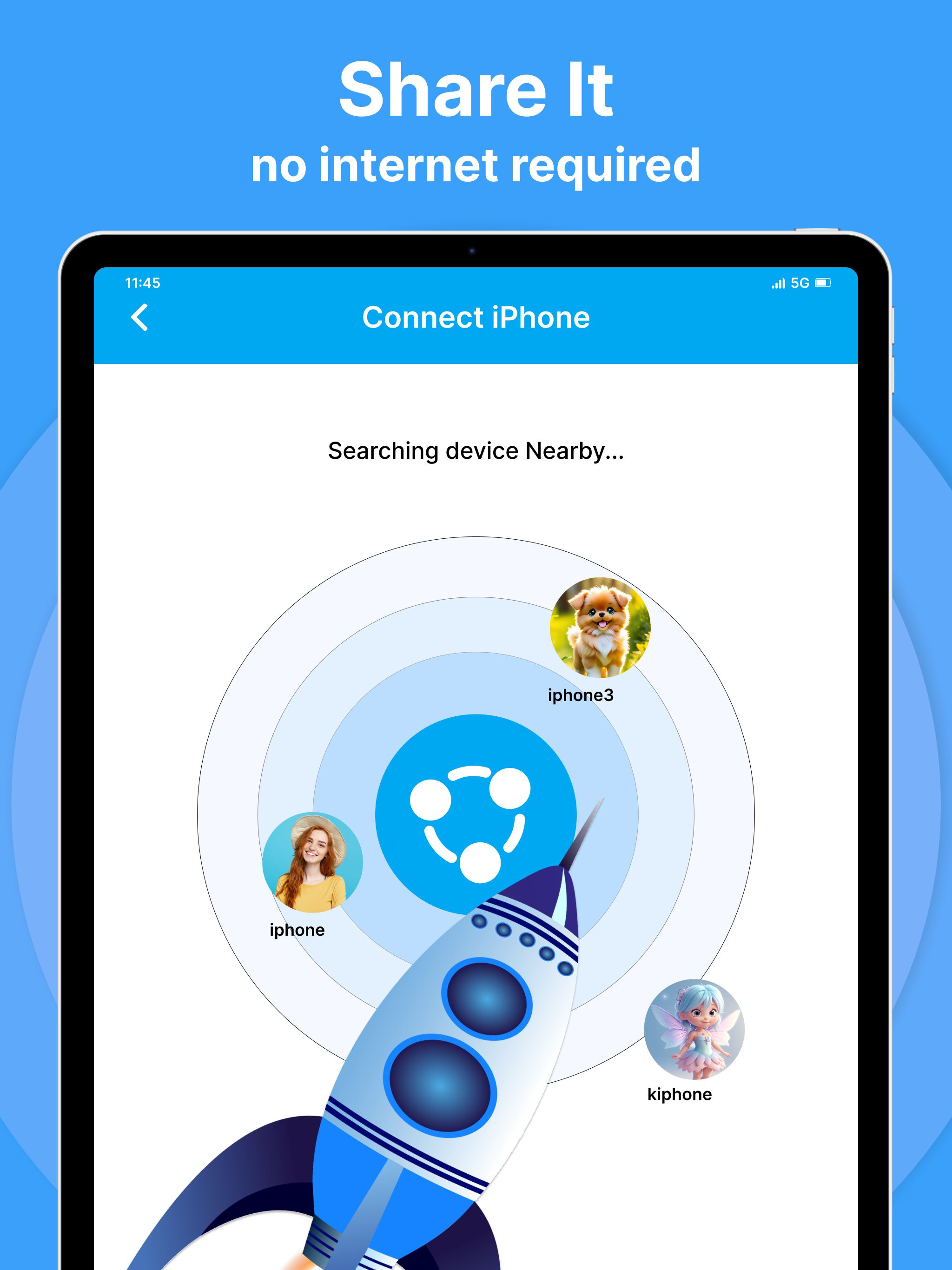
Step 2: Search for the receiver's device to connect.
Step 3: Select Multiple Files and Send.
For Receiver:-
Step 1: Click "Receive".
Step 2: Await until the sender connects.
Step 3: Wait until you receive the files successfully.
Overall, the Quick Share app transforms file sharing into a quick and hassle-free experience. Download the Quick Share app and discover the power of instant file sharing anytime, anywhere!
The Quick Share app is used for sharing files between devices with minimal effort. It simplifies the process of transferring various types of content, including photos, videos, and documents, ensuring a seamless user experience. This streamlined sharing process ensures quick and secure file sharing for end users.
One of the key features of the Quick Share app is its user-friendly interface, which allows users to easily select the files they want to share and choose the recipient. Moreover, the Quick Share app typically supports different file sizes, enabling you to share high-resolution photos and more without experiencing significant delays or restrictions.
How it works?
For Sender:-
Step 1: Click "Send".
Step 2: Search for the receiver's device to connect.
Step 3: Select Multiple Files and Send.
For Receiver:-
Step 1: Click "Receive".
Step 2: Await until the sender connects.
Step 3: Wait until you receive the files successfully.
Overall, the Quick Share app transforms file sharing into a quick and hassle-free experience. Download the Quick Share app and discover the power of instant file sharing anytime, anywhere!
File size: 18823168
Launched countries: USAUCACNFRDEGBITJPKRRUDZAOARATAZBHBBBYBEBMBRBGCLCOCRHRCYCZDKDOECEGSVFIGHGRGTHKHUINIDIEILKZKEKWLBLTLUMOMGMYMTMXNLNZNGNOOMPKPAPEPHPLPTQAROSARSSGSKSIZAESLKSECHTWTHTNTRUAAEUYUZVEVNBOKHEELVNIPYAFGEIQLYMAMZMMYEBJBFCMCGCIJOLAMLSNTZUGZMZW
Minimum OS version: 14.0
Release Date: 1721286000000
Published by Devkrushna Infotech Private Limited
Website url: https://www.devkrushnainfotech.com
Publisher country: