Check the acquisition promise
Read the store headline, screenshots and description. What problem is the app promising to solve?
Study the storefront ↗
RECIPTIX · iOS
Explore the ad evidence, study the storefront, and build your next acquisition hypothesis.
01 / Creative research
Read the store headline, screenshots and description. What problem is the app promising to solve?
Study the storefront ↗Explore apps with direct store-link matches. Compare their hooks and formats without assuming the same approach works here.
Browse observed advertisers ↗Store rankings and revenue estimates describe market context. They do not establish ad spend, conversions or ROAS.
Review the market context ↗02 / Storefront & product
Study the product story and store experience behind the acquisition funnel.




03 / Market context
Keep revenue, downloads and store rankings separate from advertising performance.
This so far is one of the best receipt apps I have used but lately there has been delays in the processing. I want to give it 5 stars but can’t. The update now just keeps processing the receipts and does not come out of that. The older version would at least read everything but did not have the ability to enter a cash expense with no receipt. With consant iOS updates, this should be at least compatible with older versions of iOS as not every one updates until bugs are worked out. Giving this a bit more time so they can work out the bugs.
I downloaded the app and encountered issues upon initial usage. Before deciding to delete it, I contacted the support team via email. I was impressed by the prompt response and assistance provided by their team. They guided me through the process effectively, and I am now using the app successfully as explained. It is an excellent application that I highly recommend to others.
Handy- one issue I found- I cannot create custom categories, so this is not useful for what I had planned to do with this app (keep track of all my reimbursable expenses for work) . “Other” isn’t specific enough. I was hoping to create a category like “Reimburse for work” and maybe even “Reimbursed for work” - that way I could keep track of what my employer has already reimbursed me for, versus what I still need to submit receipts to them for. Also it would be nice if we could add more than one category to an item so that I could sort in a more specific way (then I could include “reimburse for work” as some sort of tag, but still keep the app-generated label to be able to view items purchased within that label too. Right now my work-around is having to edit all my work-related purchases with the ‘Education’ tab since the items I need to keep track of for reimbursement purposes are all for use with my students.
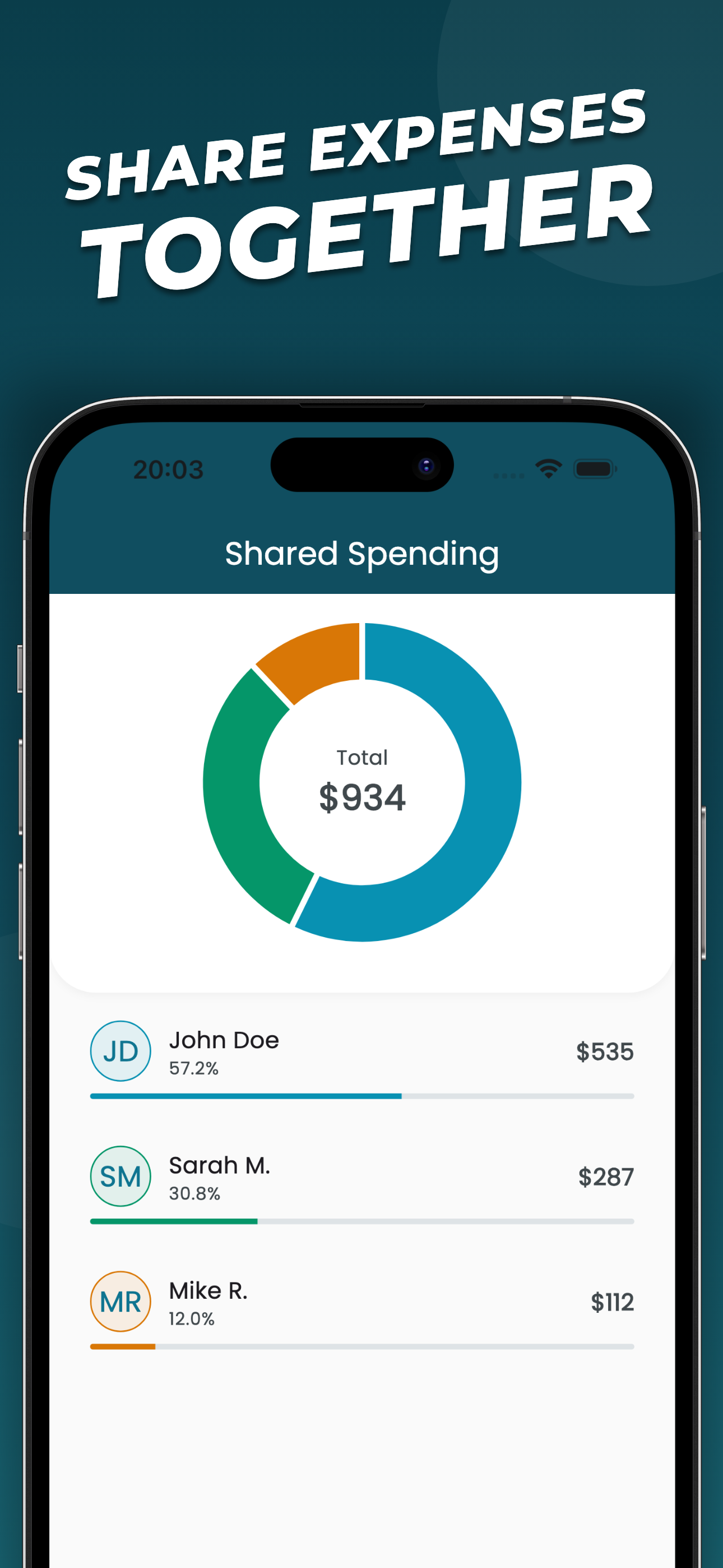
Receiptix — Expense Tracker & Receipt Scanner Track what you spend. Split costs with others. Know where your money goes. Receiptix helps you stay on...
| Name | Price | Type |
|---|---|---|
| Appreciate it! | $0.99 | One-time |
| You’re amazing! | $2.99 | One-time |
| Pro (weekly) | $4.99 | Weekly |
| Pro (weekly, with trial) | $5.99 | Weekly |
| Pro (monthly, 7 day trial) | $8.99 | Monthly |
| Pro (monthly) | $8.99 | Monthly |
| Huge thanks! | $9.99 | One-time |
| Pro (annual) | $69.99 | Yearly |
| Pro (annual, with trial) | $69.99 | Yearly |
| Pro (lifetime) | $99.99 | One-time |