App Profile: Bit Buddy
Android / Games / Puzzles
Bit Buddy
Installs:
Rating:
4.83
Total Reviews:
6
Top Countries:
UZ, RU, IN
< $5k
/mo
< 5k
/mo
Reviews: What People Think About Bit Buddy
Maui Kid
Rating: 5/5
The app that I never knew I needed! It’s easy to use with a great UI. Thank you for simplifying my storage and doing it with a quality app! 5 ⭐️
-Fire cat
Rating: 4/5
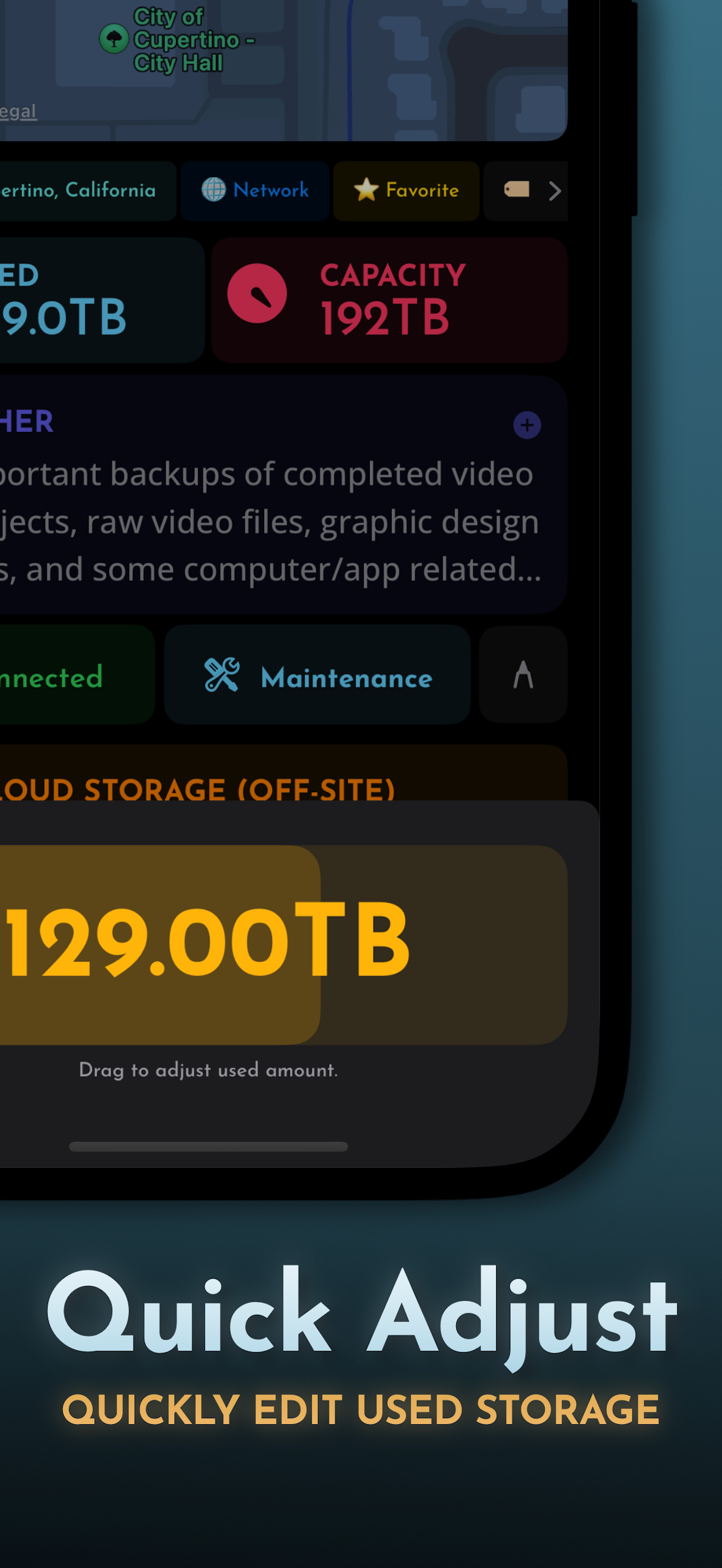
it works great but unfortunately there is a small issue when inputting capacity, and that’s that it only supports capacity in multiples of 2 greater than 16 GB and less than 192 TB, also it would be nice if the ui should how much total storage is available/used instead of just total storage capacity, also you can’t edit a location after it is set and saved, and the button that brings up the online location of an online drive is still active on offline drives, also sometimes clicking on the home brings up the tips menu, and the sorting isn’t remembered after the app is closed
About Bit Buddy
Perfect for Content Creators, Photographers, and Filmmakers:
Working in the creative field means managing countless external drives for your projects. Before you know it, your desk is cluttered with SSDs. Wouldn’t it be great to have an electronic log for each device, including its name, stored files, and other details? Look no further than Bit Buddy!
Bit Buddy offers everything you need to accurately, quickly, and securely log your external hard drives, SSDs, computers, game consoles, and more. All data is stored locally on your device, ensuring total privacy.
Key Features:
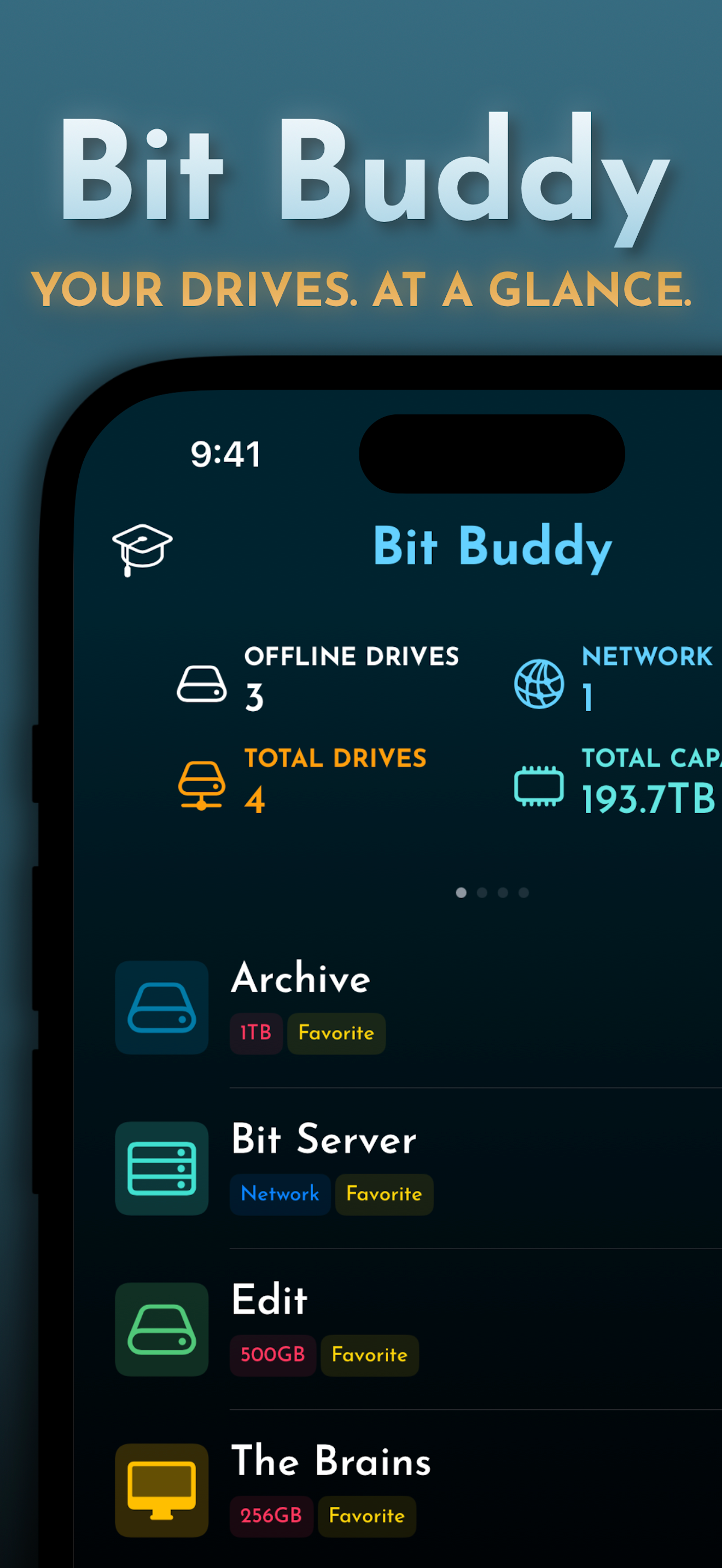
• Comprehensive Device List: View all your devices in a simple list format.
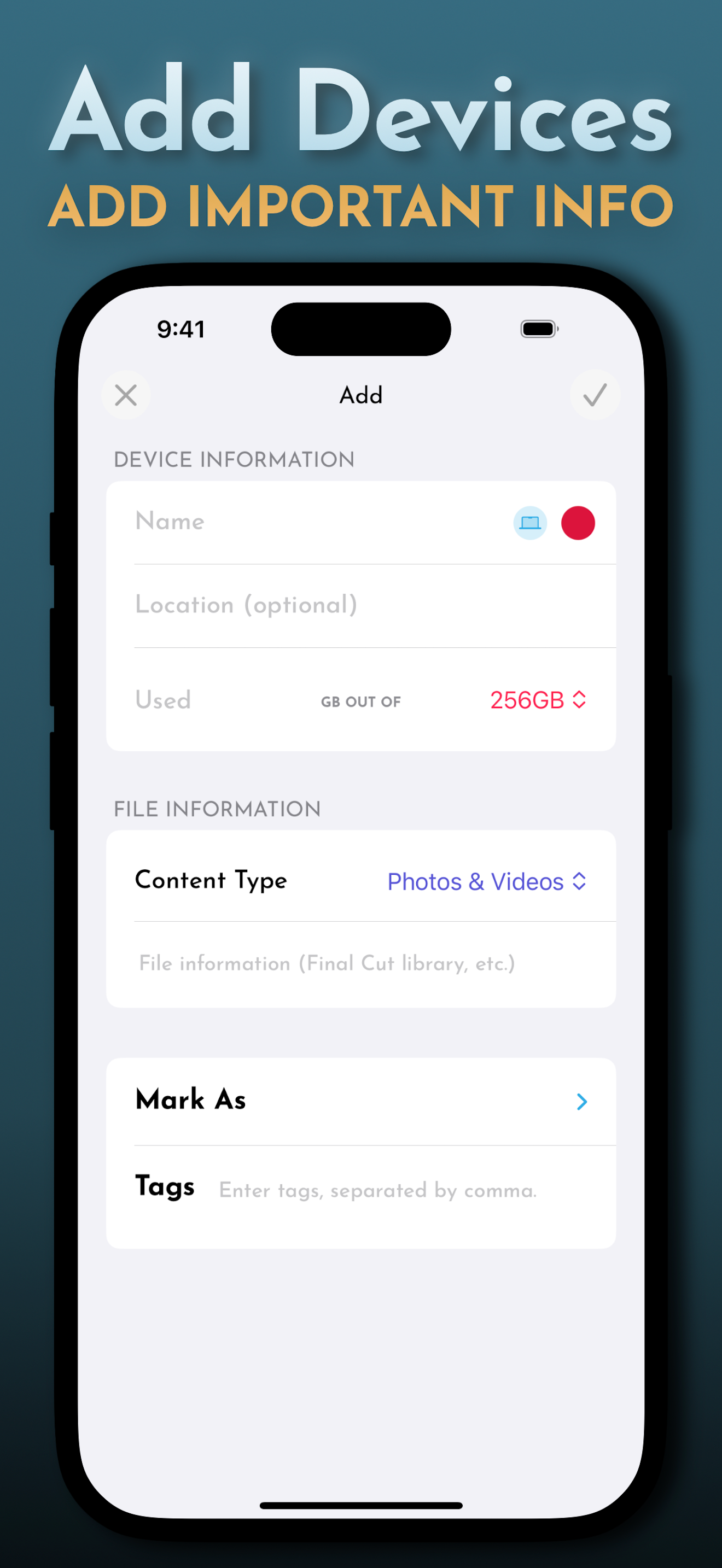
• Easy Device Addition: Streamlined process for adding new devices.
• Parent/Child Devices: Mark which devices are connected to which.
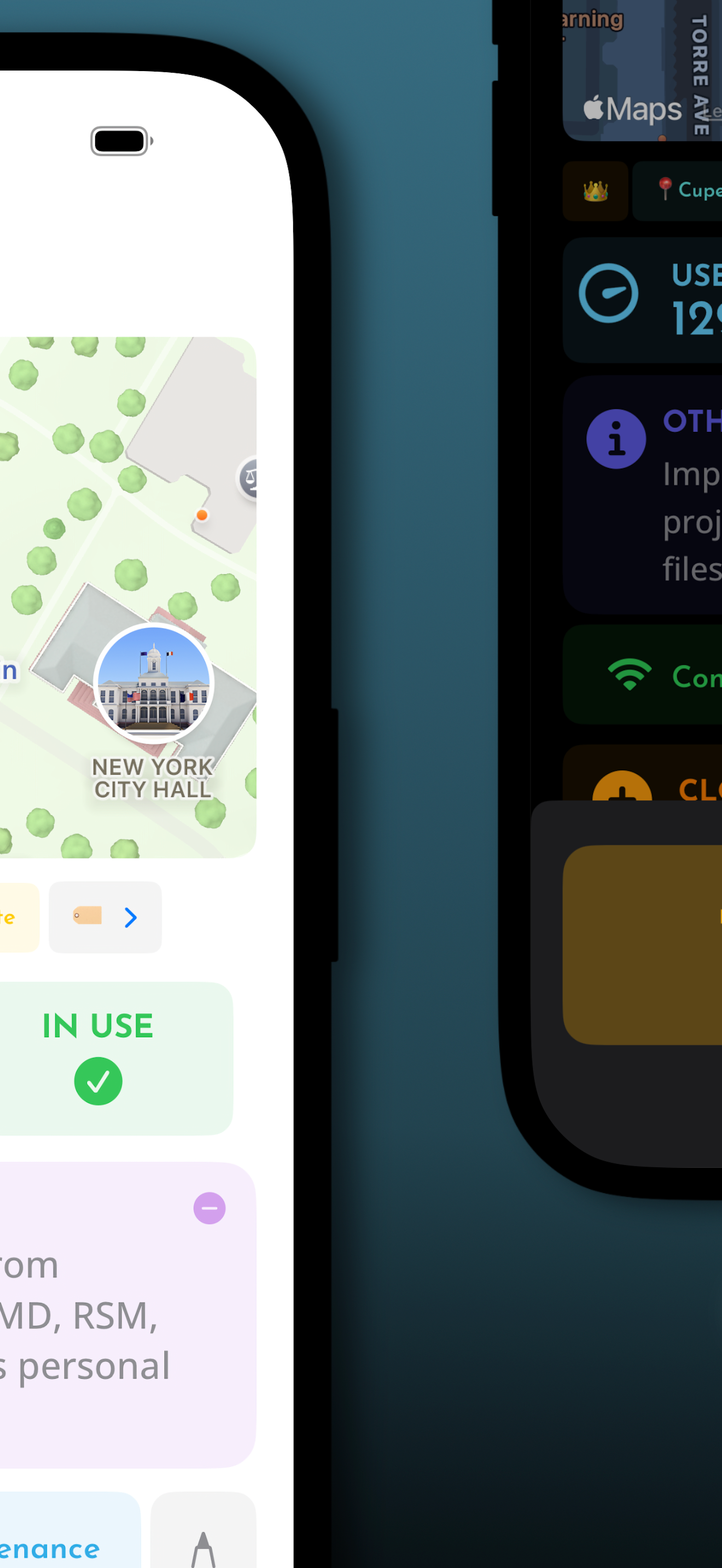
• Maintenance Logs/Schedules: Keep your devices alive with helpful maintenance logs and schedules.
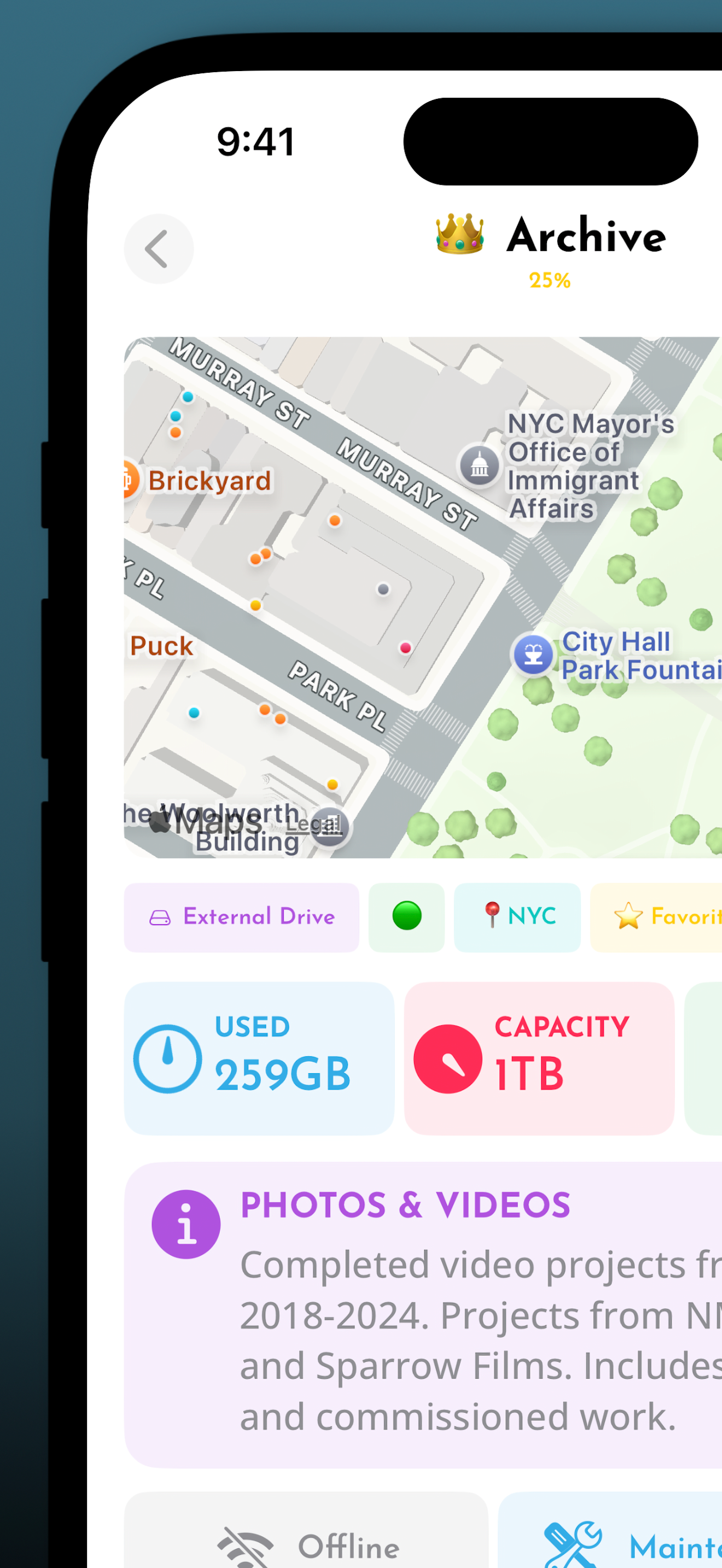
• Location Map: Built-in map to display device locations.
• Web/IP Address Field: Dedicated field for web and IP addresses.
• SD Card Pool: View and organize your SD cards in a new way.
• Detailed Device Info: Add intricate details about each device.
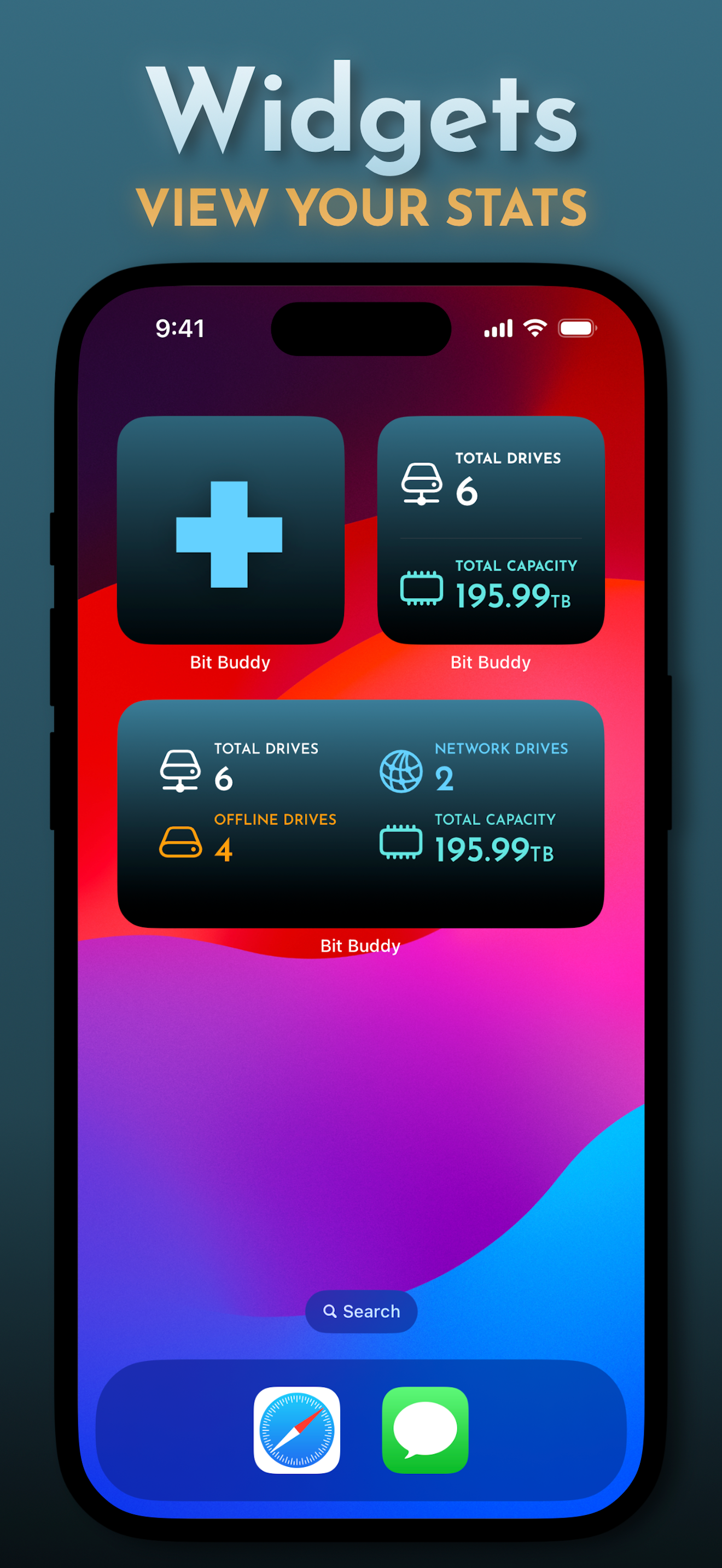
• Statistics View: Vital device information, including total drives and capacity.
• Personalized Sorting: Handy sort function to customize your list layout.
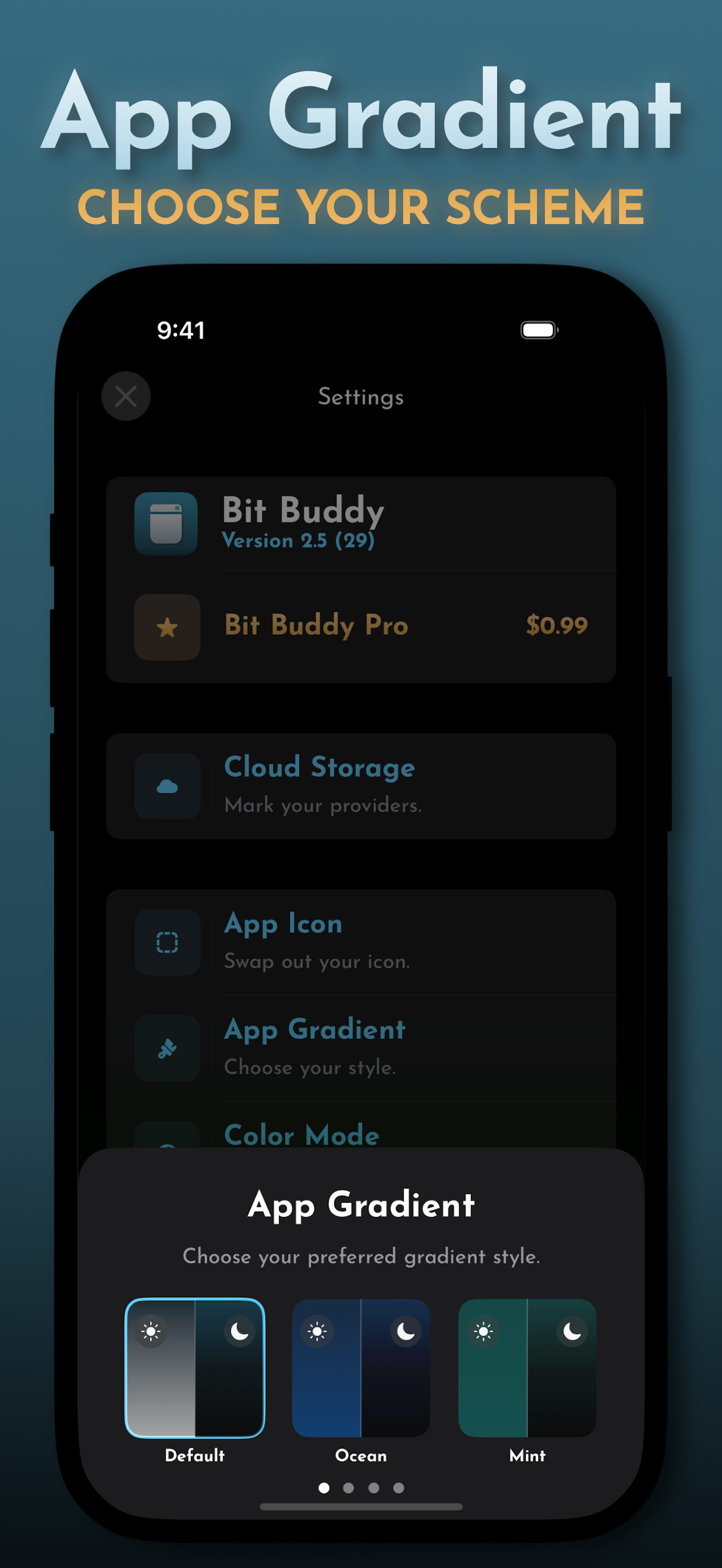
• Beautiful Icons and Widgets: Selection of alternate icons and widgets.
• Enhanced Security: Biometric authentication, Secure Wipe, and more!
Why Choose Bit Buddy?
• Privacy First: No servers involved—your data stays on your device.
• User-Friendly: Designed with creatives in mind for a seamless experience.
• Free to Use: Available for free with all essential features included.
• One-Time Upgrade: Purchase Bit Buddy Pro once and enjoy every single feature, current and upcoming.
Download Bit Buddy today and take control of your storage devices!
Some features require Bit Buddy Pro.
Working in the creative field means managing countless external drives for your projects. Before you know it, your desk is cluttered with SSDs. Wouldn’t it be great to have an electronic log for each device, including its name, stored files, and other details? Look no further than Bit Buddy!
Bit Buddy offers everything you need to accurately, quickly, and securely log your external hard drives, SSDs, computers, game consoles, and more. All data is stored locally on your device, ensuring total privacy.
Key Features:
• Comprehensive Device List: View all your devices in a simple list format.
• Easy Device Addition: Streamlined process for adding new devices.
• Parent/Child Devices: Mark which devices are connected to which.
• Maintenance Logs/Schedules: Keep your devices alive with helpful maintenance logs and schedules.
• Location Map: Built-in map to display device locations.
• Web/IP Address Field: Dedicated field for web and IP addresses.
• SD Card Pool: View and organize your SD cards in a new way.
• Detailed Device Info: Add intricate details about each device.
• Statistics View: Vital device information, including total drives and capacity.
• Personalized Sorting: Handy sort function to customize your list layout.
• Beautiful Icons and Widgets: Selection of alternate icons and widgets.
• Enhanced Security: Biometric authentication, Secure Wipe, and more!
Why Choose Bit Buddy?
• Privacy First: No servers involved—your data stays on your device.
• User-Friendly: Designed with creatives in mind for a seamless experience.
• Free to Use: Available for free with all essential features included.
• One-Time Upgrade: Purchase Bit Buddy Pro once and enjoy every single feature, current and upcoming.
Download Bit Buddy today and take control of your storage devices!
Some features require Bit Buddy Pro.
File size: 104981504
Launched countries: USAUCACNFRDEGBITJPKRRUDZAOARATAZBHBBBYBEBMBRBGCLCOCRHRCYCZDKDOECEGSVFIGHGRGTHKHUINIDIEILKZKEKWLBLTLUMOMGMYMTMXNLNZNGNOOMPKPAPEPHPLPTQAROSARSSGSKSIZAESLKSECHTWTHTNTRUAAEUYUZVEVNBOKHEELVNIPYAFGEIQLYMAMZMMYEBJBFCMCGCIJOLAMLSNTZUGZMZW
Minimum OS version: 17.6
Release Date: 1708675200000
Published by Nicholas Dapolito
Website url:
Publisher country: