Check the acquisition promise
Read the store headline, screenshots and description. What problem is the app promising to solve?
Study the storefront ↗
Cheng Cheng · iOS
Explore the ad evidence, study the storefront, and build your next acquisition hypothesis.
01 / Creative research
Read the store headline, screenshots and description. What problem is the app promising to solve?
Study the storefront ↗Explore apps with direct store-link matches. Compare their hooks and formats without assuming the same approach works here.
Browse observed advertisers ↗Store rankings and revenue estimates describe market context. They do not establish ad spend, conversions or ROAS.
Review the market context ↗02 / Storefront & product
Study the product story and store experience behind the acquisition funnel.




03 / Market context
Keep revenue, downloads and store rankings separate from advertising performance.
There are so many unit converter apps out there, but Unit Ease stands out. First, the UI is modern, smooth, and not bloated with unnecessary features. You get exactly what you need - quick, reliable conversions across a huge range of categories. I've used it for everything from engineering work (torque, flow, energy) to casual needs like converting Fahrenheit to Celsius or checking tire pressure in bar vs psi. What’s even better is that it has no fullscreen ads - that alone puts it above 90% of similar apps. The experience feels professional and well-thought-out. I also appreciate the ability to customize the decimal precision, which is useful when I'm working with scientific values. It even includes old and obscure units I never expected to find. This app clearly wasn't rushed, it was crafted with care. Five stars.
I downloaded Unit Ease for a one-time task and ended up using it regularly. The app is surprisingly lightweight for how powerful it is. It handles weight, length, temperature, volume, and more - but also includes less cọmmon units like clothing sizes, gas marks for ovens, and fuel consumption (e.g. miles per gallon vs liters per 100 km). I’m an engineer, and I’ve even used it on-site to convert torque and density values quickly. It’s fast and reliable, and the number formatting settings make it flexible for both personal and technical uses. The UI is polished and colorful, which makes it feel enjoyable to use — not like a boring calculator. The absence of full-screen ads is a huge bonus. Banner ads are minimal and never disruptive. Honestly, I expected to use this app once and delete it, but it’s earned a permanent spot on my home screen.
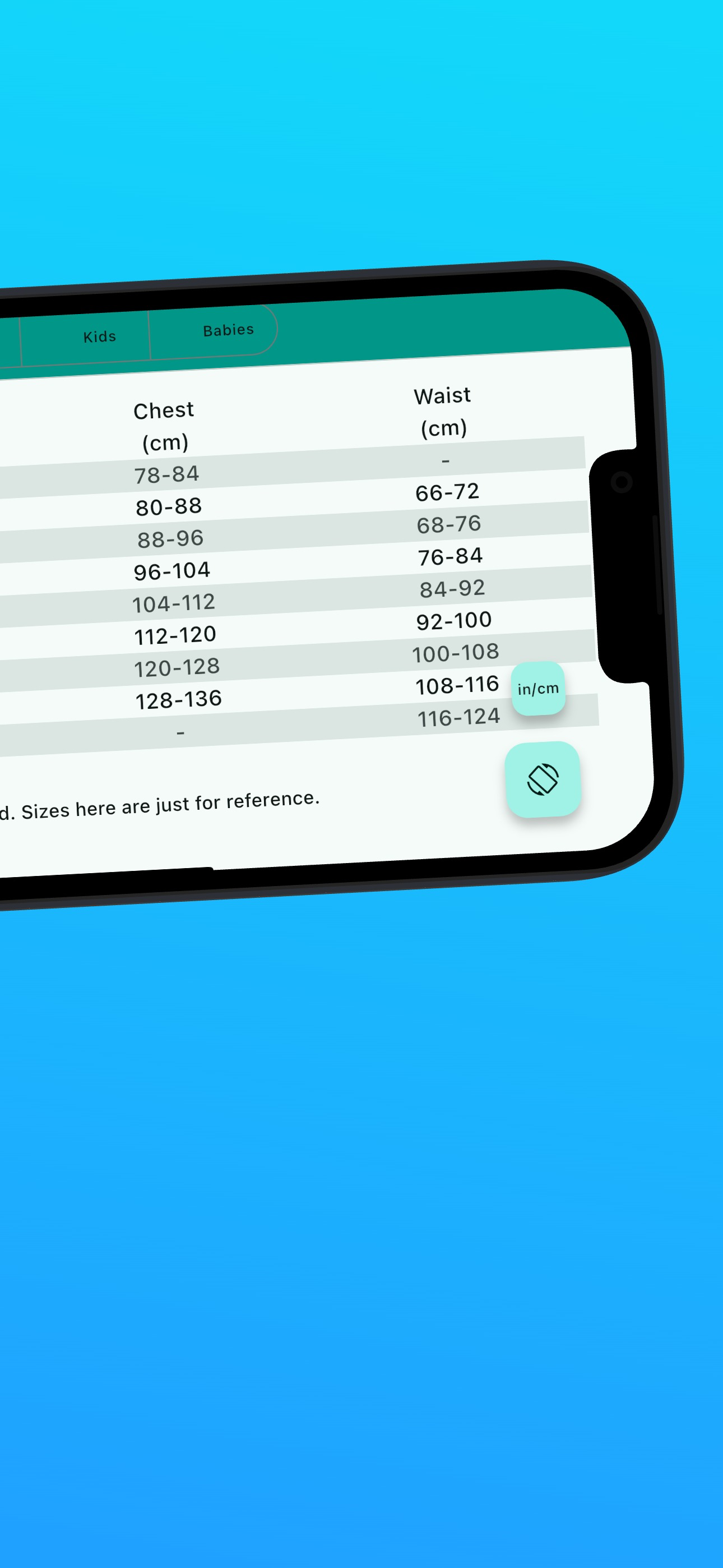
I recently moved from China to the US for university, and Unit Ease has made my daily life so much easier. Whether I’m cooking, shopping online, or doing physics homework, I use this app almost every day. The cooking conversions are especially helpful. I can easily switch between grams; cups, and tablespoons without needing to Google every time. What surprised me the most is the built-in size charts for clothing and shoes. I finally figured out my US shoe size and ordered online without worry. Plus, no annoying full-screen ads? That’s rare. It’s clean, fast, and accurate. I love how I can choose how many decimal places I want and even pick different number formats. This app truly feels designed for people who move between measurement systems, whether for study, travel, or work. I’ve already recọmmended it to several friends.
Unit Ease - Your Conversion Companion Key Features: - Convert units seamlessly: weight, length, temperature, volume, area, speed, time. - Dedicated s...
| Name | Price | Type |
|---|---|---|
| Go Premium | $4.99 | One-time |