Check the acquisition promise
Read the store headline, screenshots and description. What problem is the app promising to solve?
Study the storefront ↗
Dongwook Cho · iOS
Explore the ad evidence, study the storefront, and build your next acquisition hypothesis.
01 / Creative research
Read the store headline, screenshots and description. What problem is the app promising to solve?
Study the storefront ↗Explore apps with direct store-link matches. Compare their hooks and formats without assuming the same approach works here.
Browse observed advertisers ↗Store rankings and revenue estimates describe market context. They do not establish ad spend, conversions or ROAS.
Review the market context ↗02 / Storefront & product
Study the product story and store experience behind the acquisition funnel.
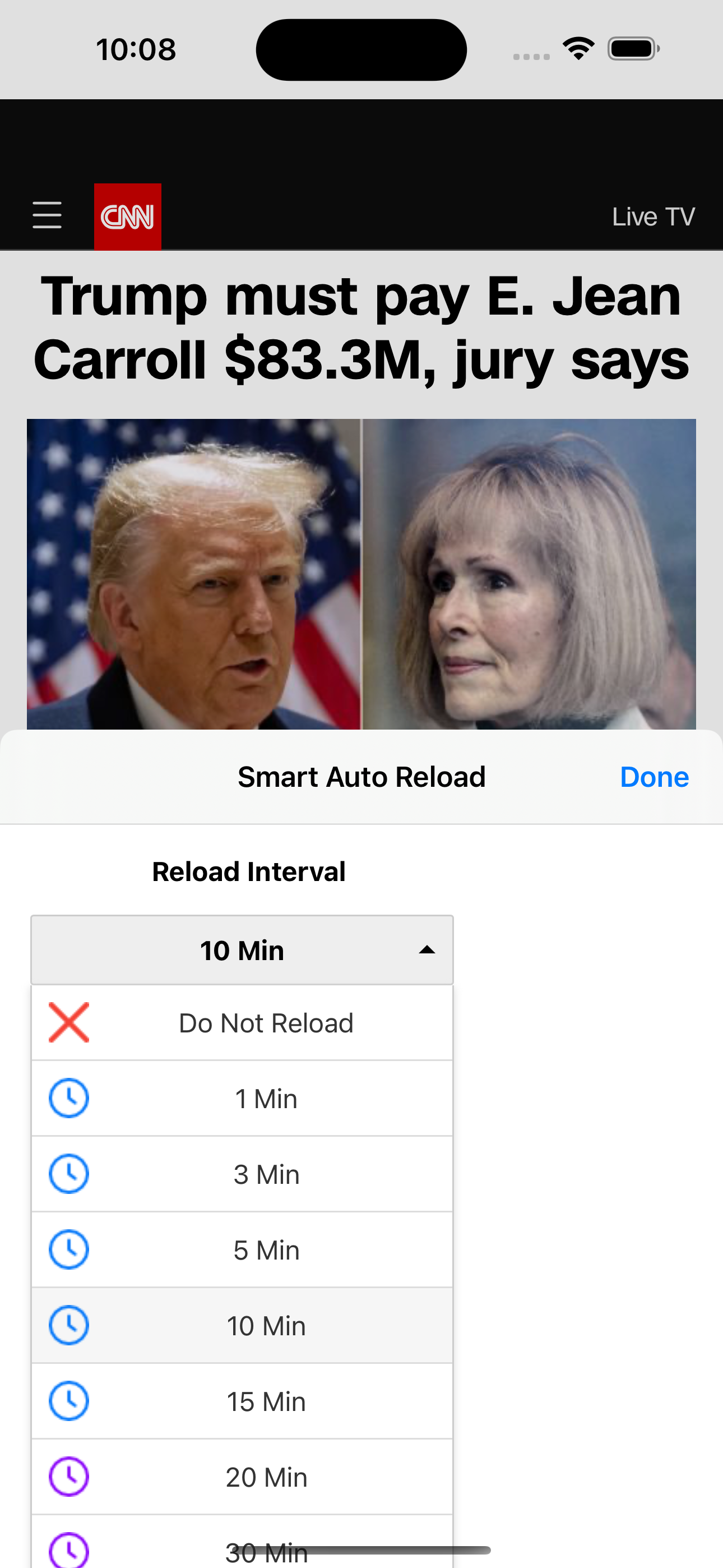
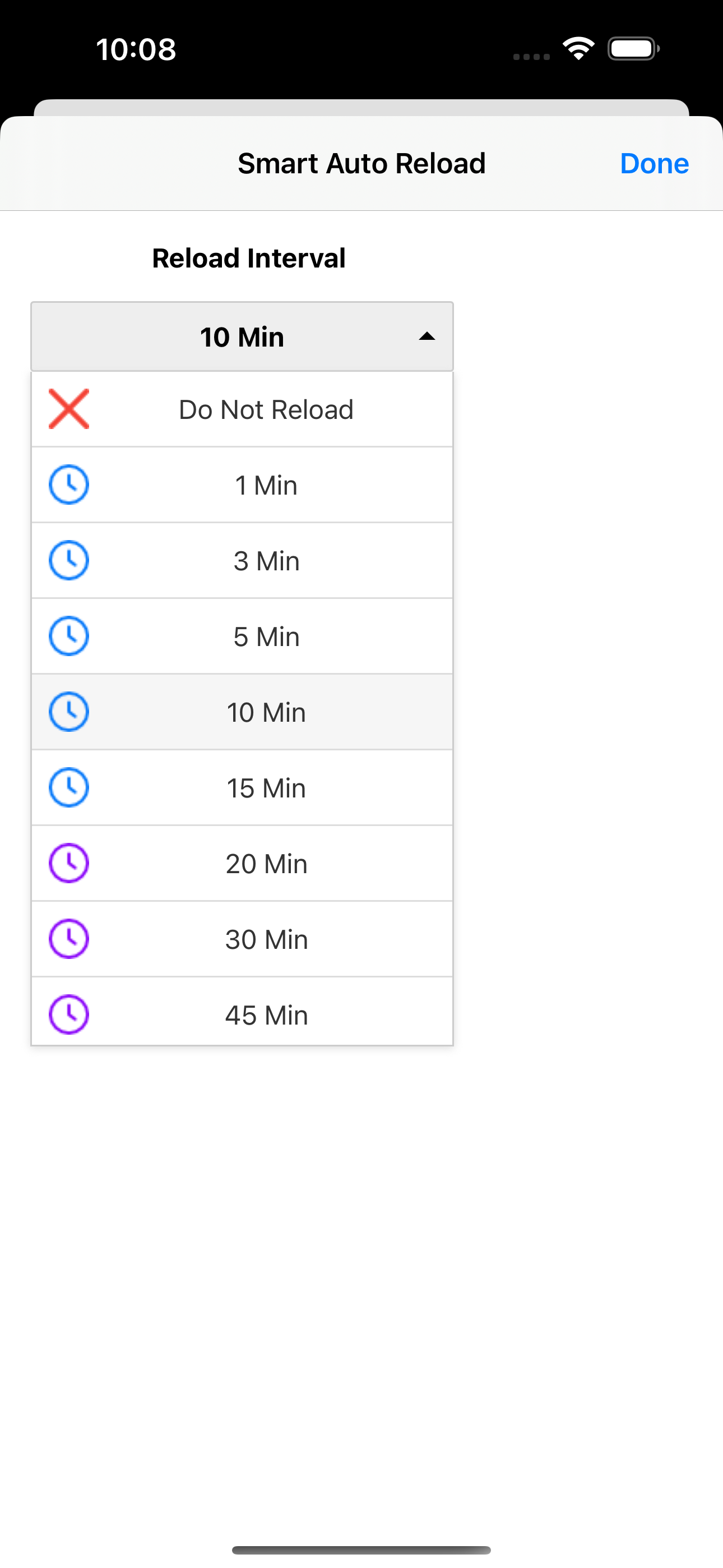




03 / Market context
Keep revenue, downloads and store rankings separate from advertising performance.
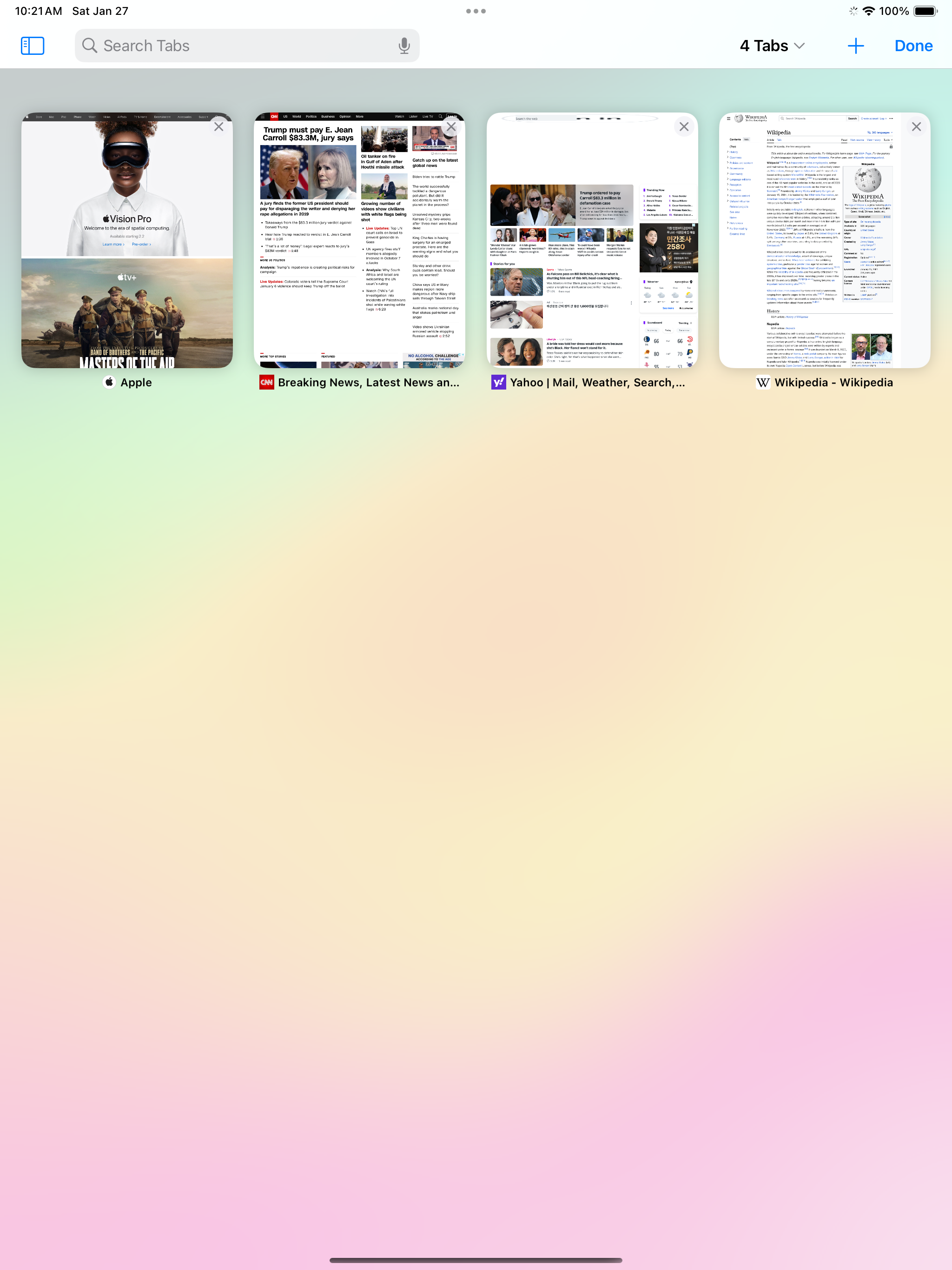
So, despite the fact that this can read all of your passwords and information you're writing, you can't even select it to only function for a single tab at a time. You should be able to select a buy a website in the settings, or be able to select a tab with a click on icon on the toolbar. But no, it's either on or off all of your webpages will just reload. The only app that's done it like this and it's absolutely pathetic.
Only option is to refresh every open tab. Can’t restrict it to a single tab. Not that smart.
Needs more flexibility and shorter refreshing times
[Smart Auto Reload] is a Safari extension which enables you to reload any web page automatically and in a smart way. - Automatically Reload web pages...