Check the acquisition promise
Read the store headline, screenshots and description. What problem is the app promising to solve?
Study the storefront ↗
Nicolas Kick · iOS
Explore the ad evidence, study the storefront, and build your next acquisition hypothesis.
01 / Creative research
Read the store headline, screenshots and description. What problem is the app promising to solve?
Study the storefront ↗Explore apps with direct store-link matches. Compare their hooks and formats without assuming the same approach works here.
Browse observed advertisers ↗Store rankings and revenue estimates describe market context. They do not establish ad spend, conversions or ROAS.
Review the market context ↗02 / Storefront & product
Study the product story and store experience behind the acquisition funnel.

03 / Market context
Keep revenue, downloads and store rankings separate from advertising performance.
I'm unable to compare two documents in Tap files. The process takes several minutes for a 600 KB document but ultimately fails. It's disappointing that the app doesn't meet the expectations outlined in its description.
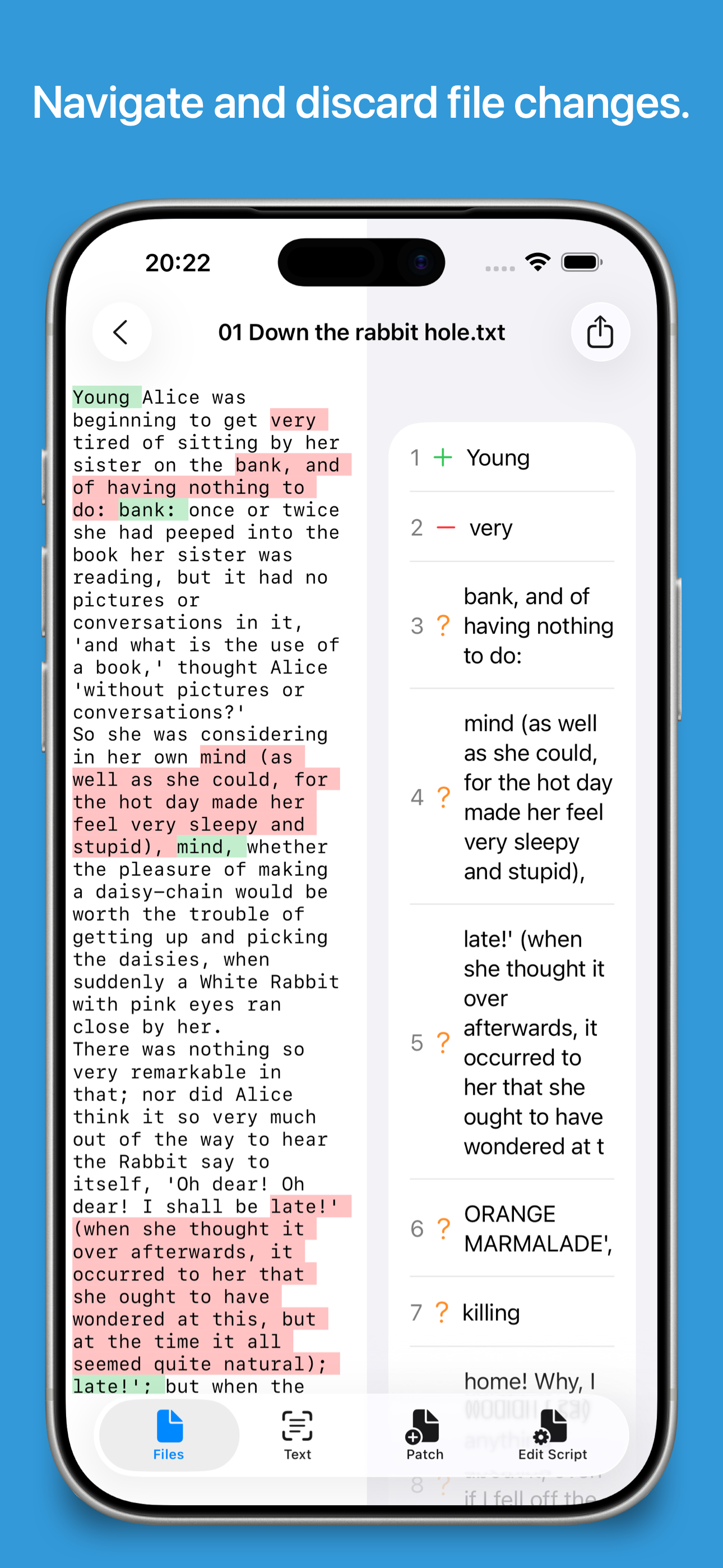
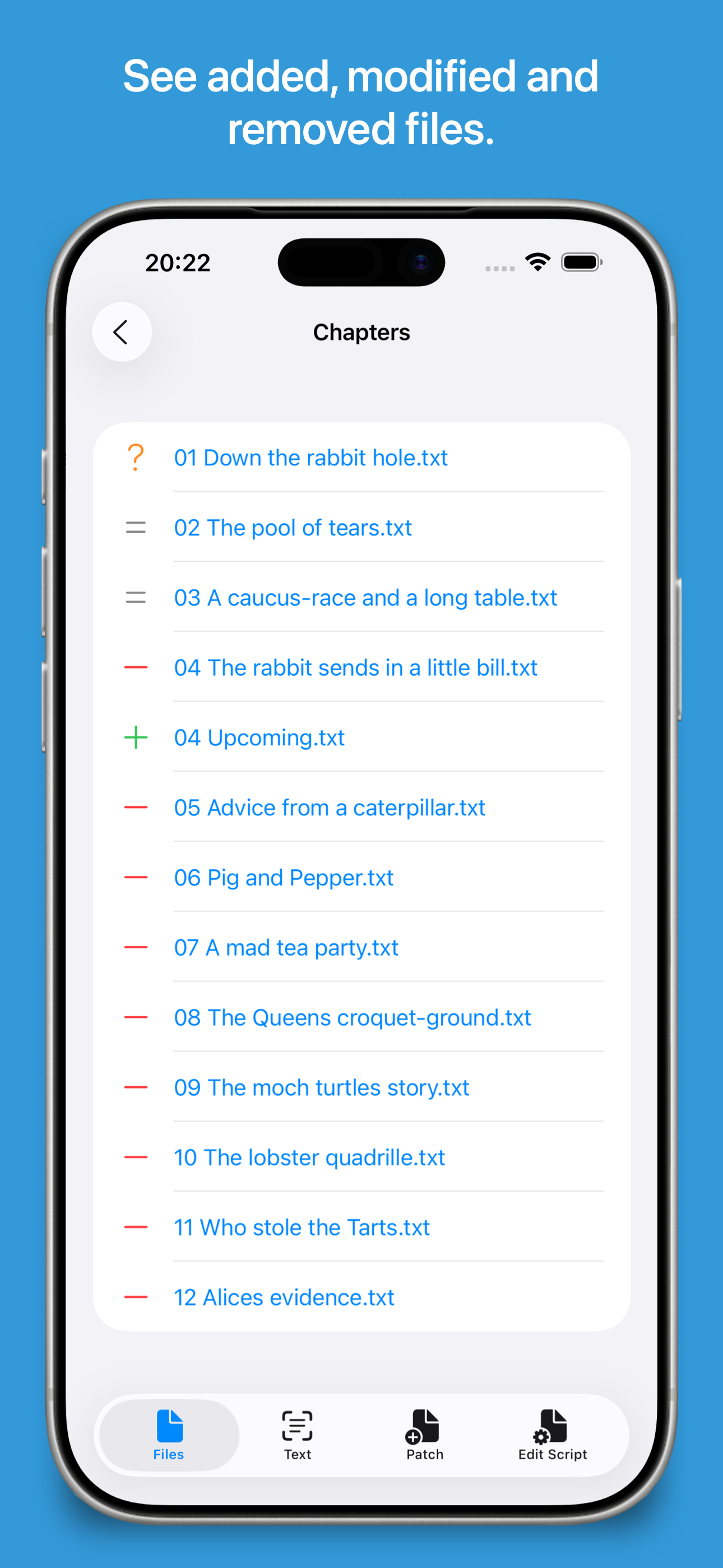
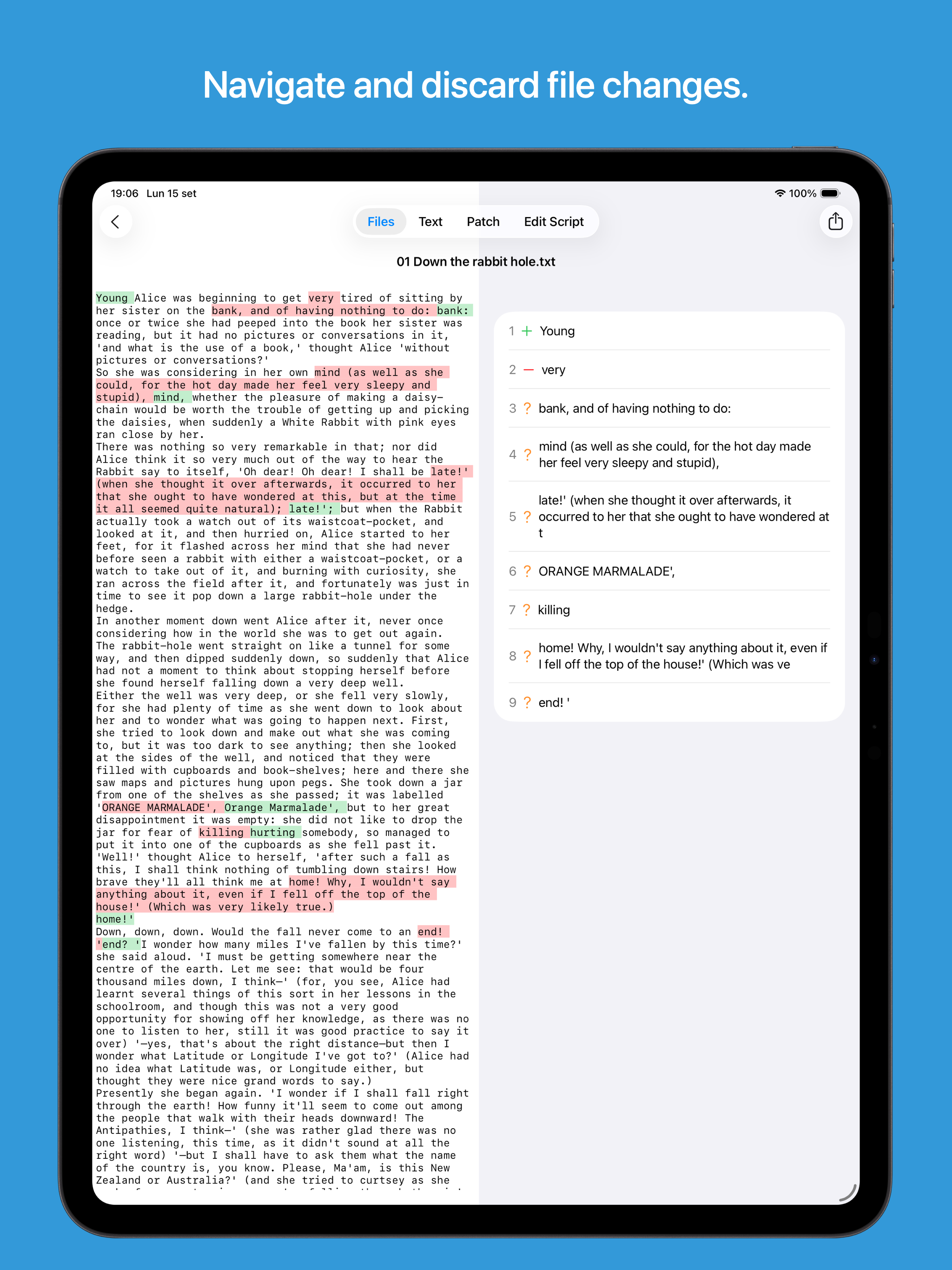
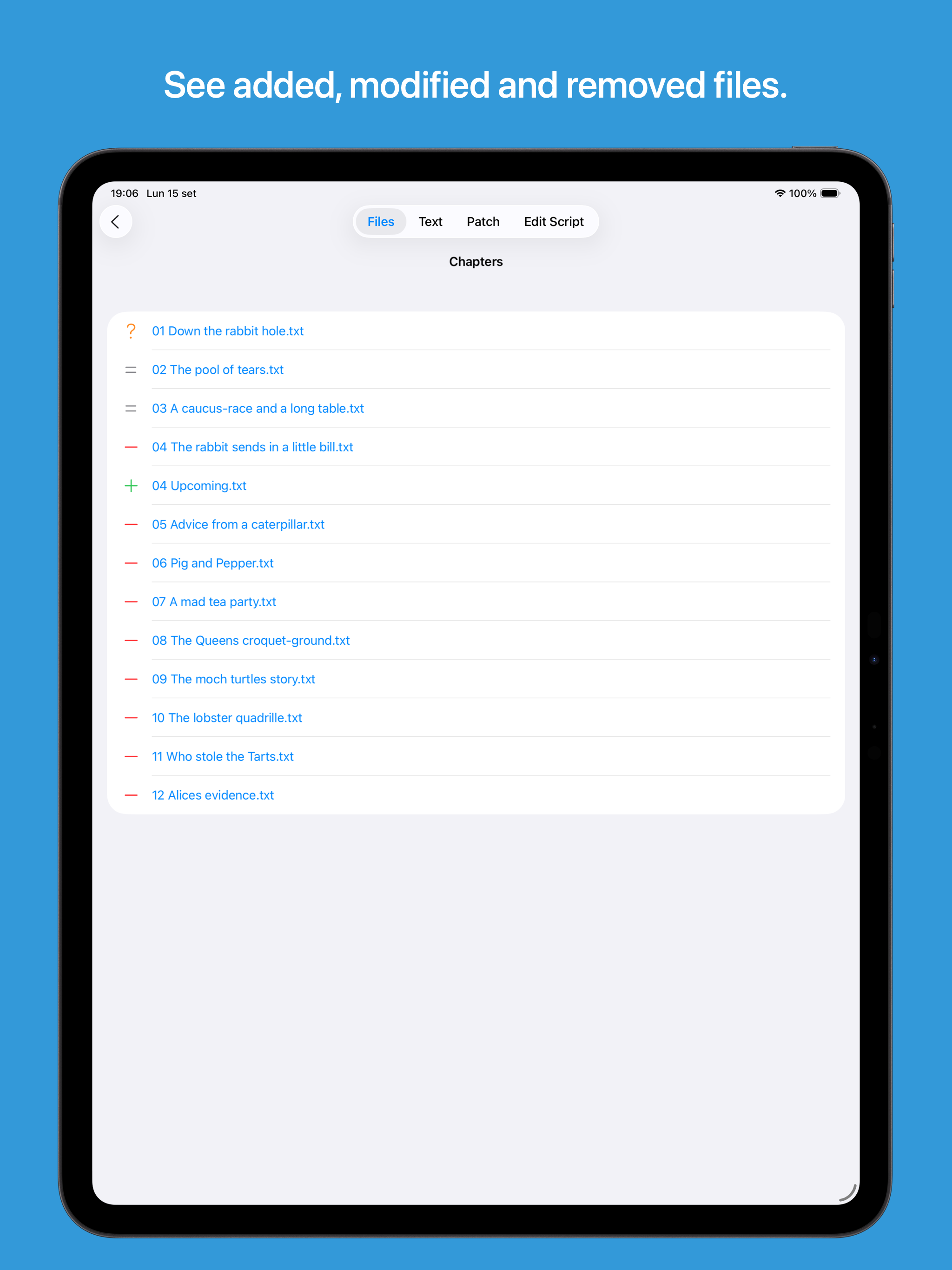
Guess I'm the first to review? Just like developer, I've been looking for a iOS file and folder comparison app. This is the ONLY one that works, and it works well. File comparison is great. It gives you some different algorithm choices, which is nice for larger files. After the compare, it brings up a nice hex and ascii view, then you can export the differences or use a number of other options. Folder compare works quickly and highlights the differences using different colors. There's a lot more features than this, which are highlighted on the helpful support webpage. The Developer may want to consider a free version with ads or limited capabilities, or maybe add "compare" the app title. For me, it was a very cheap investment for something I really needed on my iPad. If you are looking for an iPhone and iPad native app for comparing Files and/or folders, Patchword is the one to get.
I need something quick and easy to compare spreadsheet columns for differences and this did the trick perfectly! This app made my life so much easier!
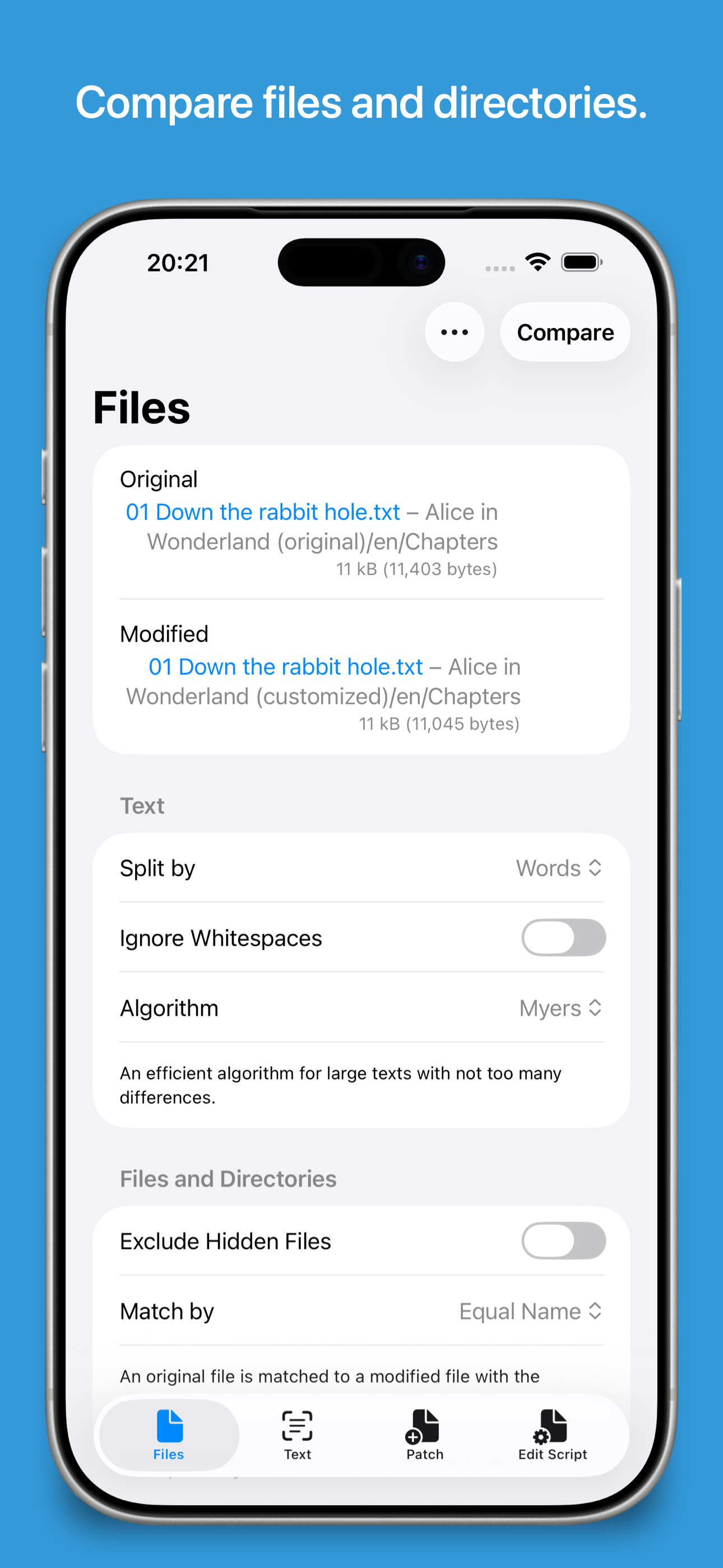
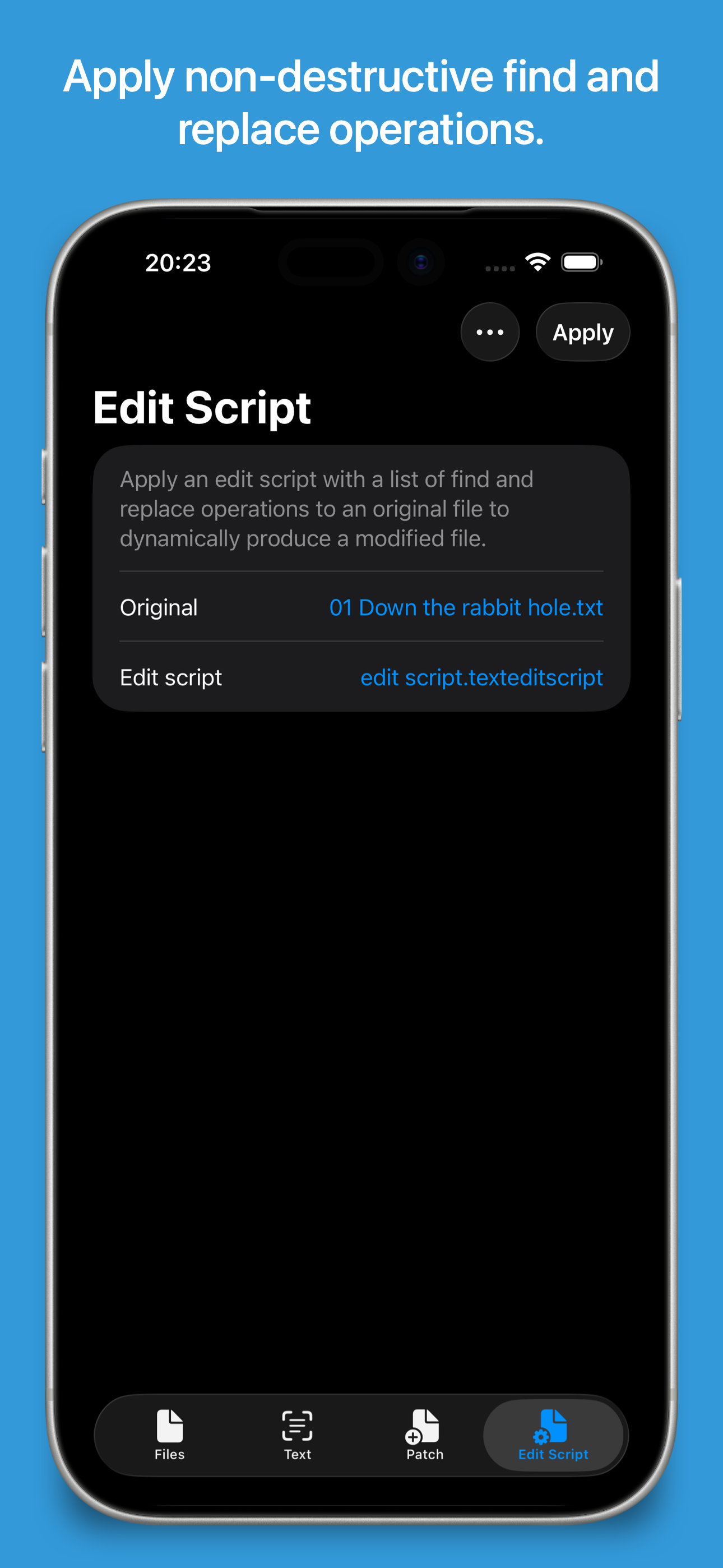
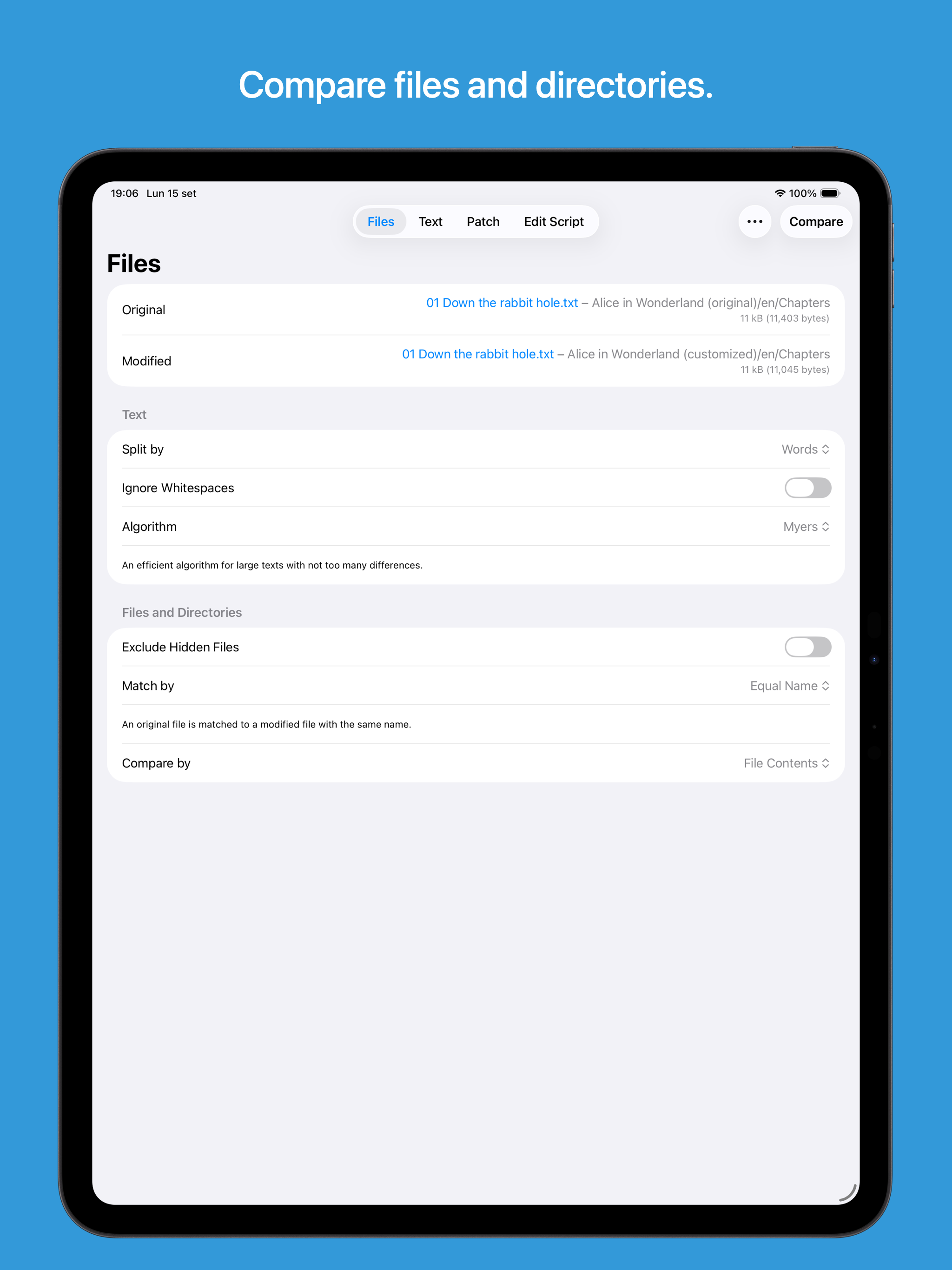
Select two files or paste two texts and compare them. Select two directories and compare them to see which files have been added, removed or modified...