Check the acquisition promise
Read the store headline, screenshots and description. What problem is the app promising to solve?
Study the storefront ↗
Steffen Ratzke von Stoyentin · iOS
Explore the ad evidence, study the storefront, and build your next acquisition hypothesis.
01 / Creative research
Read the store headline, screenshots and description. What problem is the app promising to solve?
Study the storefront ↗Explore apps with direct store-link matches. Compare their hooks and formats without assuming the same approach works here.
Browse observed advertisers ↗Store rankings and revenue estimates describe market context. They do not establish ad spend, conversions or ROAS.
Review the market context ↗02 / Storefront & product
Study the product story and store experience behind the acquisition funnel.




03 / Market context
Keep revenue, downloads and store rankings separate from advertising performance.
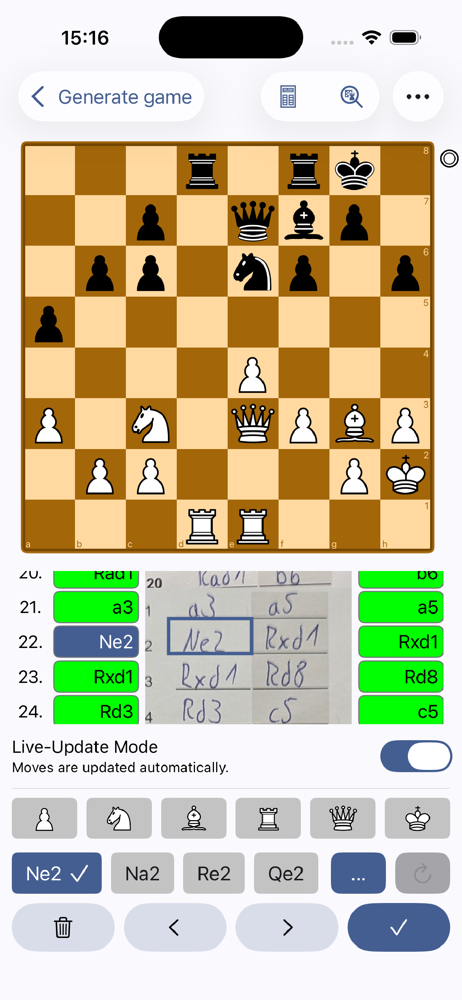
Very nice app that helps me with tournaments. Saves so much time to digitize chess games. Easy too use, good quality of recognition. Usually I have to correct one or two moves that I wrote unclear.
The app costs about $48 per year if you want to download the PGN. This might be worth the money if the app looked at subsequent moves to try to figure out what the note was, but it does not. In the game I input, the app got move 10 wrong, and instead of using the rest of the game to figure out move 10, it just moved the named piece to a random square for the rest of the game. In the time it took me to correct all the moves, I could have just about entered the whole game. The feature that is useful is that once I start entering corrections, it made new guesses, and I didn’t have to re-correct the rest of the game. I am just not sure this feature is worth $48 per year to me.
I only downloaded this to save time getting the PGN to study. After I learned I had to pay to do that or open in a chess app, I uninstalled
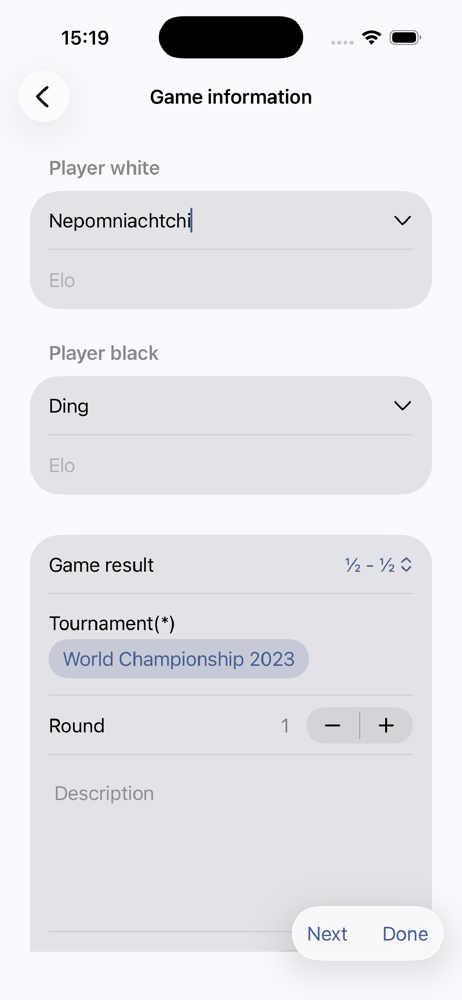
Scan your score sheets to digitize your chess games. The texts gets extracted from the score sheet to generate the game. An overview presents the sco...
| Name | Price | Type |
|---|---|---|
| Monthly Plan | $2.99 | Monthly |
| Weekly Plan | $2.99 | Weekly |
| Monthly Plan | $4.99 | Monthly |
| Yearly Plan | $14.99 | Yearly |
| Yearly Plan | $22.99 | Yearly |
| Yearly Plan | $22.99 | Yearly |