
Check the acquisition promise
Read the store headline, screenshots and description. What problem is the app promising to solve?
Study the storefront ↗
Kyovan Ltd. · iOS
Explore the ad evidence, study the storefront, and build your next acquisition hypothesis.
01 / Creative research
Read the store headline, screenshots and description. What problem is the app promising to solve?
Study the storefront ↗Explore apps with direct store-link matches. Compare their hooks and formats without assuming the same approach works here.
Browse observed advertisers ↗Store rankings and revenue estimates describe market context. They do not establish ad spend, conversions or ROAS.
Review the market context ↗02 / Storefront & product
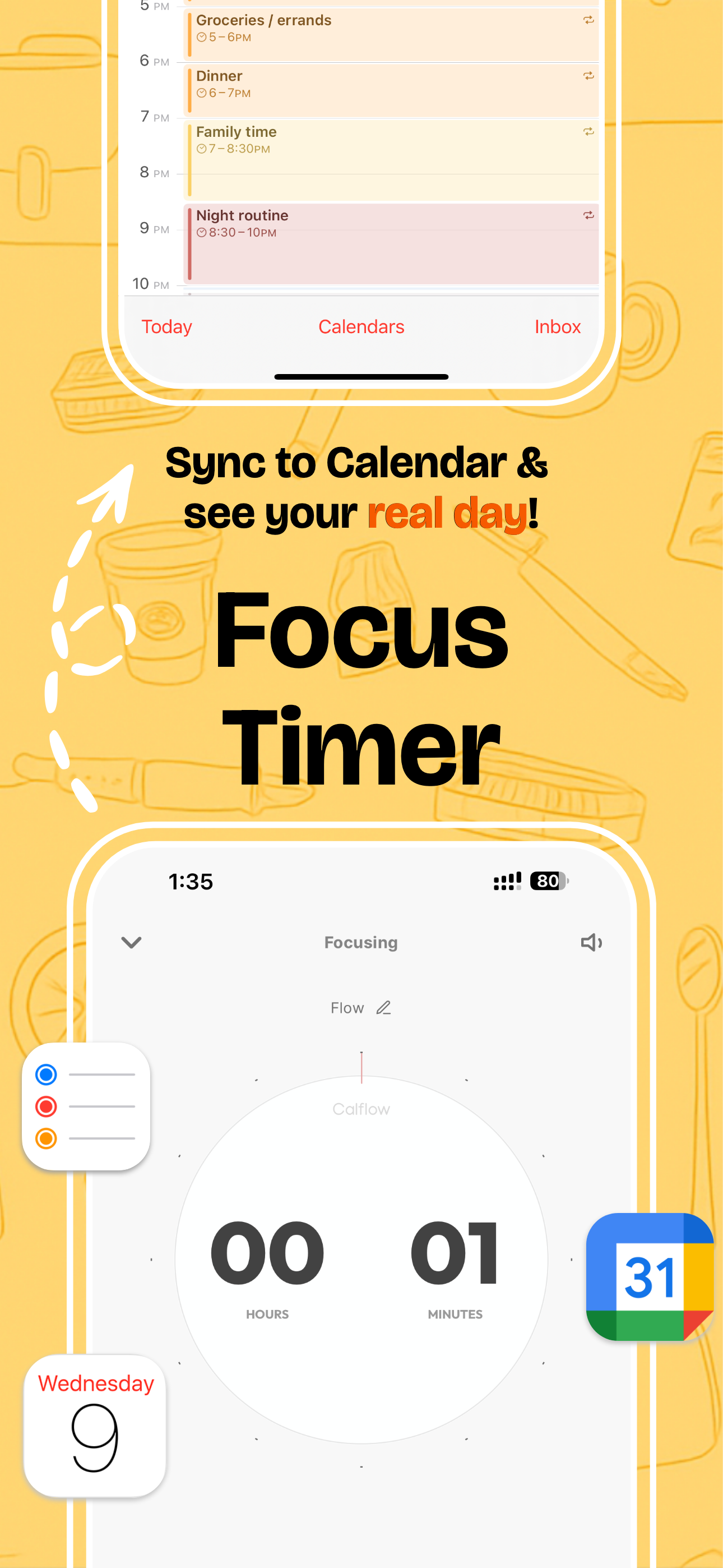
Study the product story and store experience behind the acquisition funnel.



03 / Market context
Keep revenue, downloads and store rankings separate from advertising performance.
I have always loved tracking different things on my life and this app pulls it all together. Setting up automations that track time spent in apps as well as syncing everything in the calendars has been just what I’ve wanted. The goals feature is great too to be able to easily see where things are working and where changes might be necessary. So far this is the best app I’ve found for comprehensive tracking.
I always want a software to log my life with one click and the widget has successfully helped me to do so. With one click it will start timing and another one click it will finish the timing and log an event on my calendar. I review how much time I spent on each category every day. This is my dream function!!!
If you’re like me and scrolling endlessly through time tracking apps to track your life, I’ve got good news for you, this one is it! Especially if you were looking for one that works with Apple Watch & iPad as well! This app hits all the marks! -Functional widget -Grouping of tasks -Syncs with your calendar/reminders and much more! Really take your time to explore this app and play with it. Trust me, once you get a hang of it you’ll wish you found it sooner! I’m really excited to see where this app goes. This should really be in the top 10 apps for productivity..Leaving a review now to show that I was here before it became famous!
If you’re using Apple Reminders and iOS Calendar/ Google Calendar in your workflow, and you wonder how you spend your time, tasks, daily activities, e...
| Name | Price | Type |
|---|---|---|
| Monthly plan | $3.99 | Monthly |
| Annual plan | $12.99 | Yearly |
| One-time purchase | $37.99 | One-time |


