Check the acquisition promise
Read the store headline, screenshots and description. What problem is the app promising to solve?
Study the storefront ↗
Phan Nhut · iOS
Explore the ad evidence, study the storefront, and build your next acquisition hypothesis.
01 / Creative research
Read the store headline, screenshots and description. What problem is the app promising to solve?
Study the storefront ↗Explore apps with direct store-link matches. Compare their hooks and formats without assuming the same approach works here.
Browse observed advertisers ↗Store rankings and revenue estimates describe market context. They do not establish ad spend, conversions or ROAS.
Review the market context ↗02 / Storefront & product
Study the product story and store experience behind the acquisition funnel.



03 / Market context
Keep revenue, downloads and store rankings separate from advertising performance.
Love the insight into the operation of my phone. It’s good to know what my processor is struggling with and what’s eating up my RAM. I wish I could use it as an overlay in my apps to see in real time what’s happening. Like PIP window in the corner. But honestly this is a great app. It gives me insight to how my phone is running.
If highly recommend this app for anyone looking to monitor different starts on your phone. It’s an excellent app in design and features imho.
I dont get it. Its a nice free app and i use it to free some space on my ipad Ram. But it never stay for long , i tried to get some info of where all my Ram is working but you cannot get much info but title on where it used. I thought maybe the Pro version will give me some more info or option to fix things , but nothing , not on the app any not on the app store download page Shame
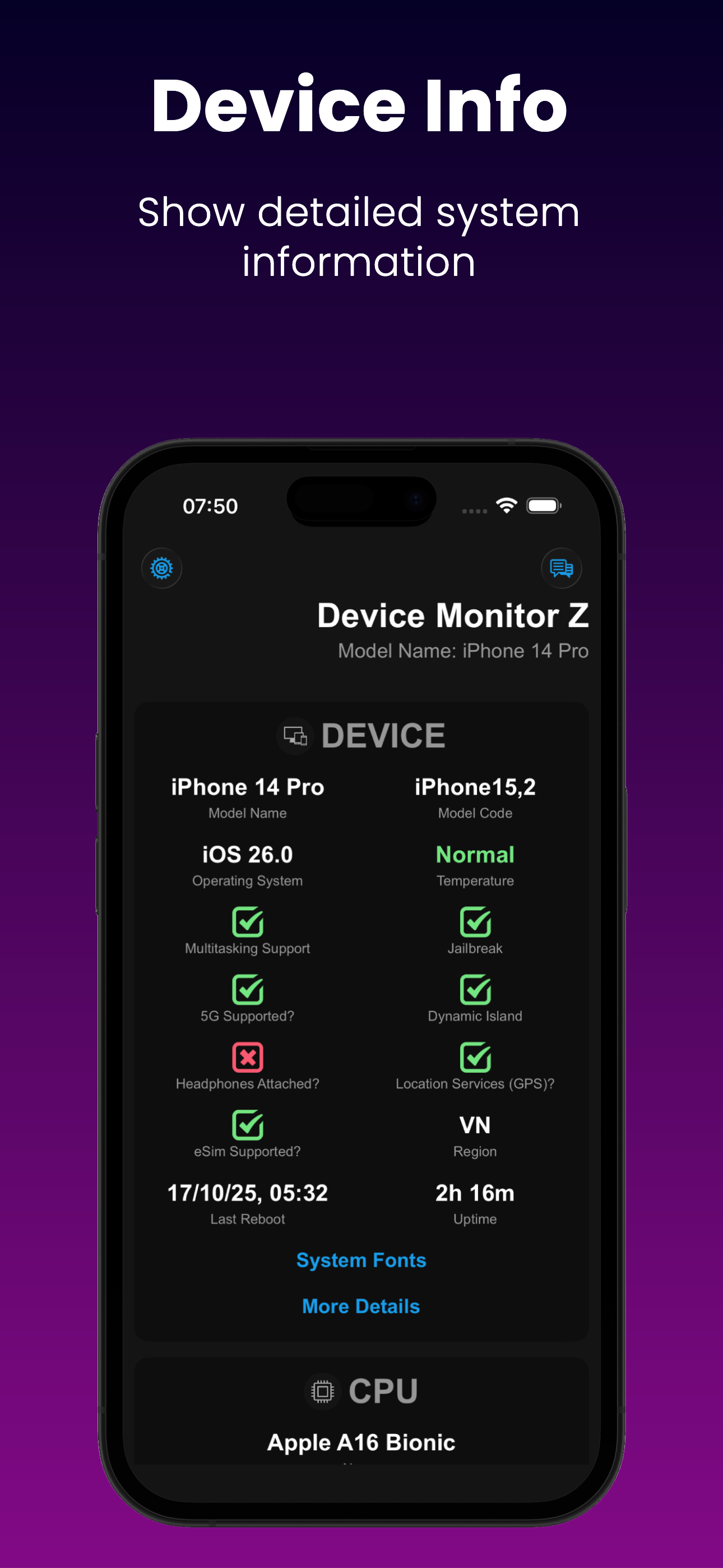
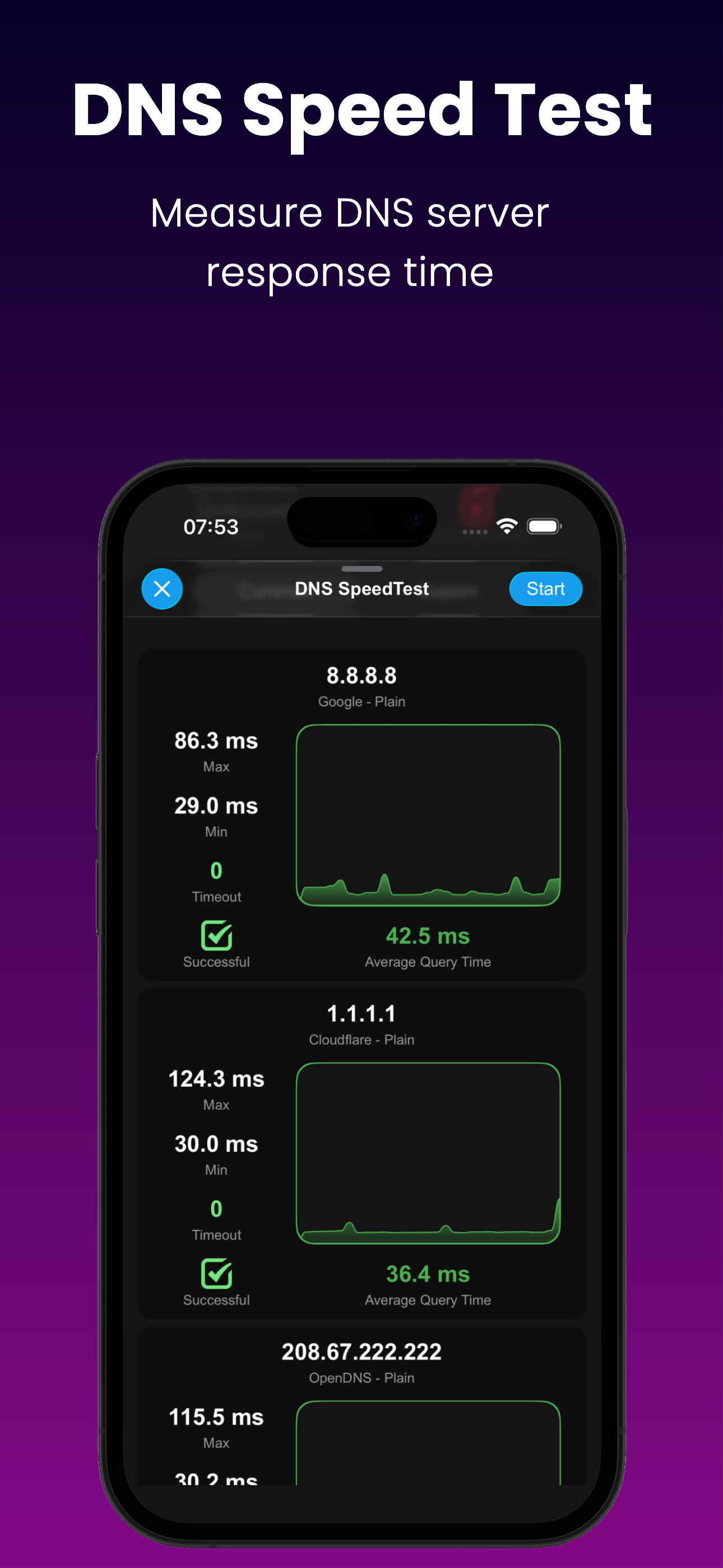
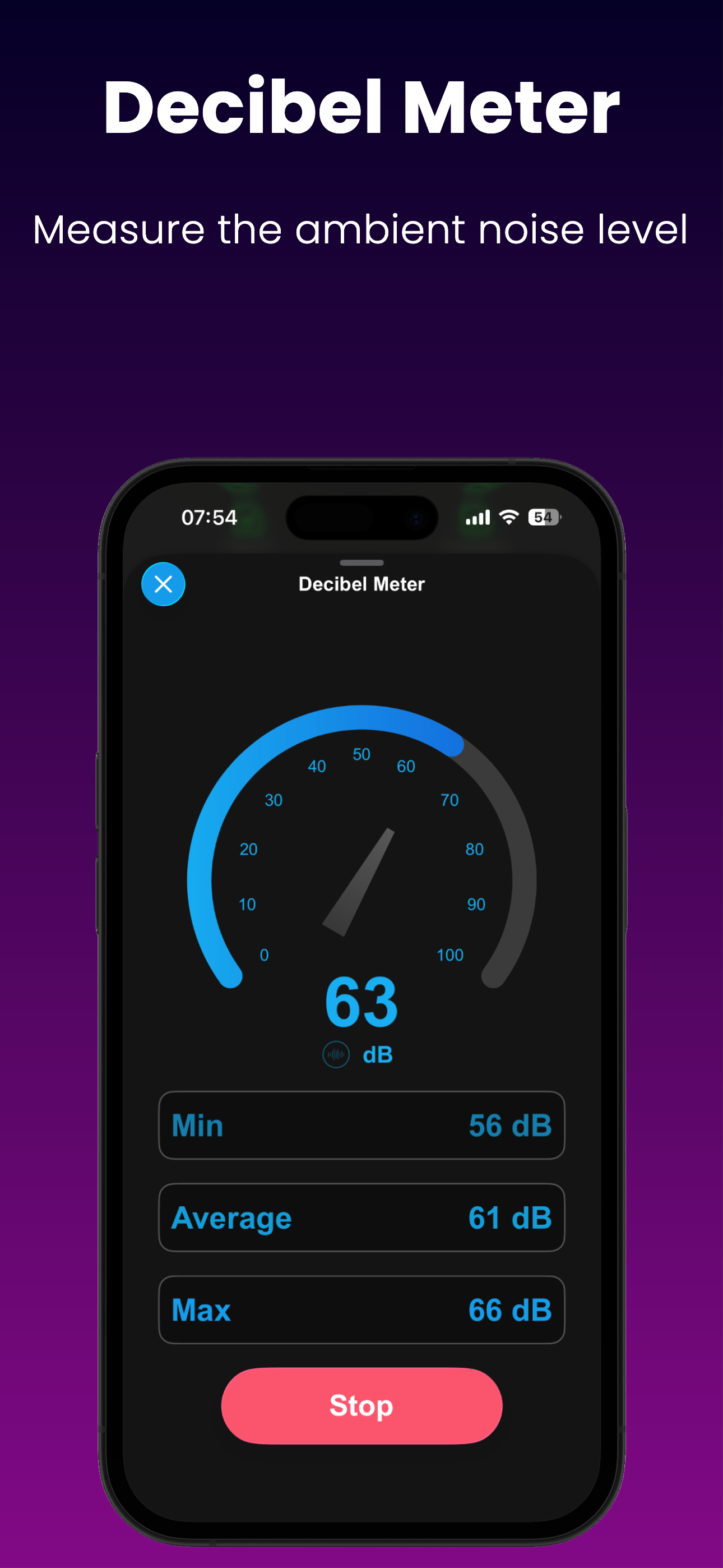
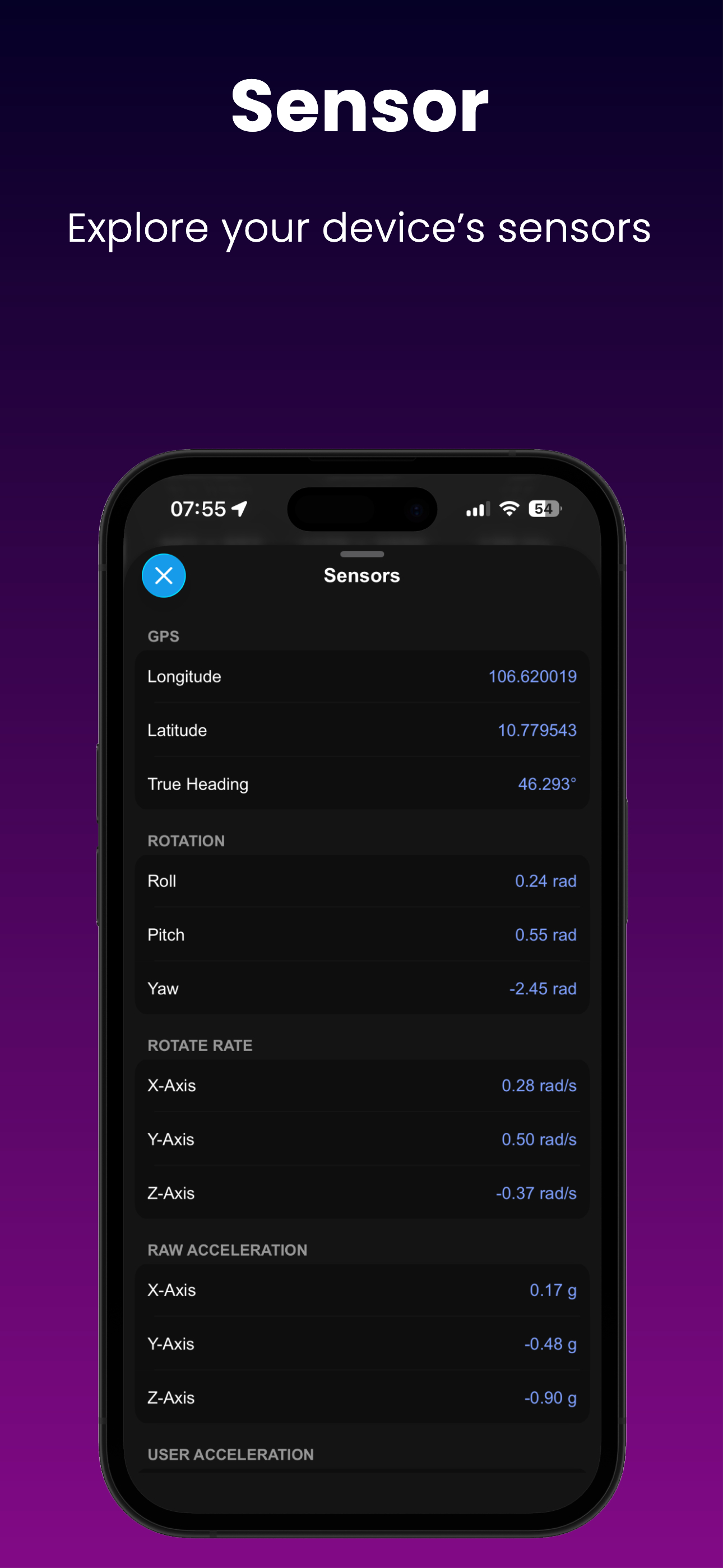
Discover the power of our app - Device Monitor Z (also known as iDevice Monitor) is an app optimized for iPhone, iPod Touch, and iPad users. It provid...
| Name | Price | Type |
|---|---|---|
| Pro Kit | $1.99 | One-time |