
Check the acquisition promise
Read the store headline, screenshots and description. What problem is the app promising to solve?
Study the storefront ↗
Shenzhen Yunchong Intelligence Technology Co.,Ltd. · iOS
Explore the ad evidence, study the storefront, and build your next acquisition hypothesis.
01 / Creative research
Read the store headline, screenshots and description. What problem is the app promising to solve?
Study the storefront ↗Explore apps with direct store-link matches. Compare their hooks and formats without assuming the same approach works here.
Browse observed advertisers ↗Store rankings and revenue estimates describe market context. They do not establish ad spend, conversions or ROAS.
Review the market context ↗02 / Storefront & product
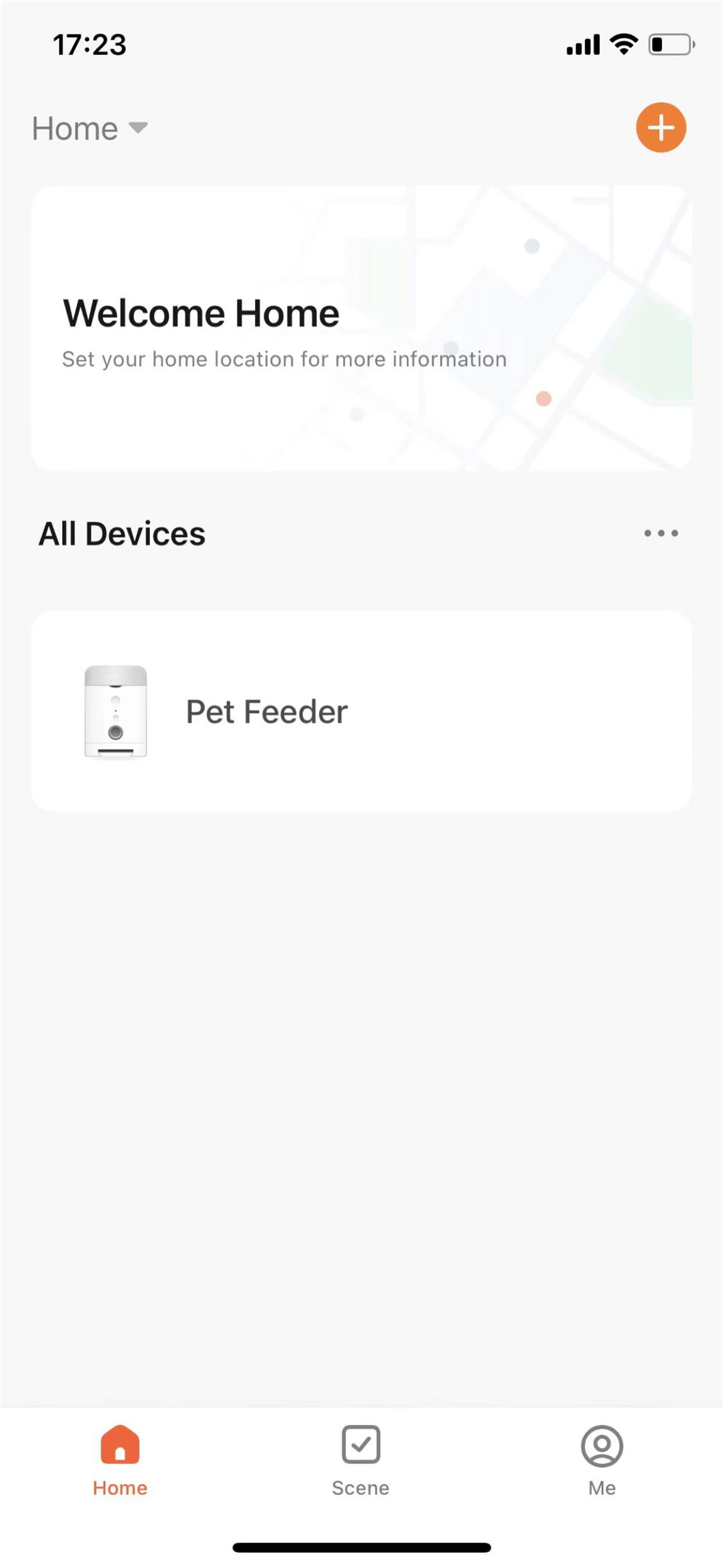
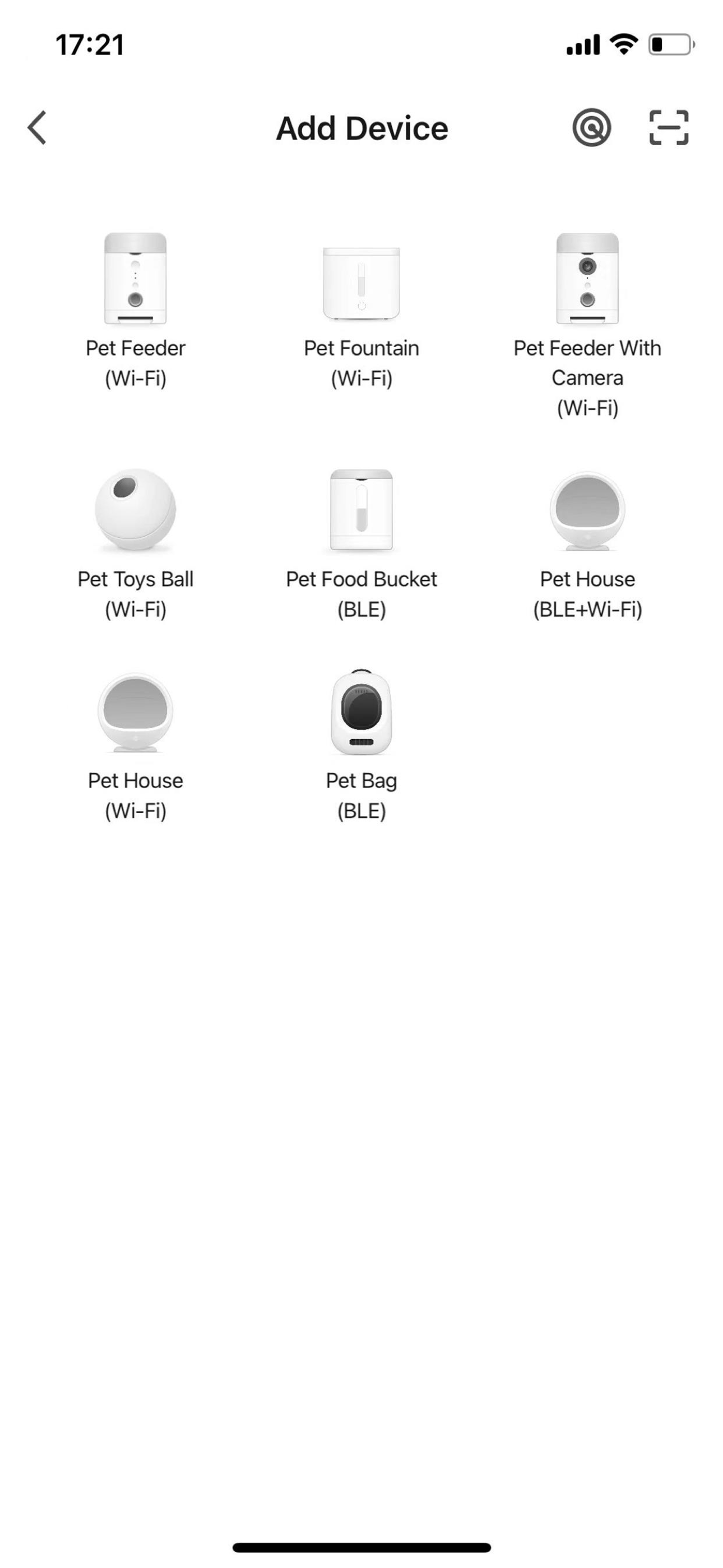
Study the product story and store experience behind the acquisition funnel.


03 / Market context
Keep revenue, downloads and store rankings separate from advertising performance.
My one disappointment was that I did not see where I needed “D” batteries. I wasn’t prepared for that. I’ve see some negative reviews and they have confused me. Once I got the batteries, and downloaded the app, I was good to go. I didn’t have any problems setting it up. If you know military time it’s much easier to set a feeding schedule for each day at each time. I have not had a problem revising my schedule. As a matter of fact, I waited to see what happened at 6:30 PM, aka, 18:30 and realized I had programmed too much food. I revised each feeding time, no problem. So far I’m very happy and I think anyone who buys this and downloads the app needs to just have patience. There is nothing wrong with this feeder/app. I will update in a few days.
The initial setup wasn’t the easiest but once set, it was reliable and the camera works well. Recently, I noticed the time was off and wanted to adjust the clock. I have the location configured but finding the clock is impossible. The help section isn’t very helpful even when using the search.
The app has a lot of things but they are all over the place. Even finding something i set before is hard. I created automation for the water fountain when you go in the device you see it there but there is no add or edit button, you have to back out all the way to main screen where all the devices are and then go to scenes tab to do it. The push notifications stopped working, i see them in the log but not getting any. When i try to setup a new scene that sends notifications, the send notification option is grayed out and pressing shows some gibberish alert. Unfortunately these companies push out products with half working hardware and app, collect the money and disappear, happened with led strips, happened with plugs etc.. pay a little more and buy from a known reputable company so at least when you have a problem you’ll get an answer.
PetTech is a pet intelligent device management platform, providing you with humanized information tips and interactions, as well as convenient intelli...