Check the acquisition promise
Read the store headline, screenshots and description. What problem is the app promising to solve?
Study the storefront ↗
NavistarInc. · iOS
Explore the ad evidence, study the storefront, and build your next acquisition hypothesis.
01 / Creative research
Read the store headline, screenshots and description. What problem is the app promising to solve?
Study the storefront ↗Explore apps with direct store-link matches. Compare their hooks and formats without assuming the same approach works here.
Browse observed advertisers ↗Store rankings and revenue estimates describe market context. They do not establish ad spend, conversions or ROAS.
Review the market context ↗02 / Storefront & product
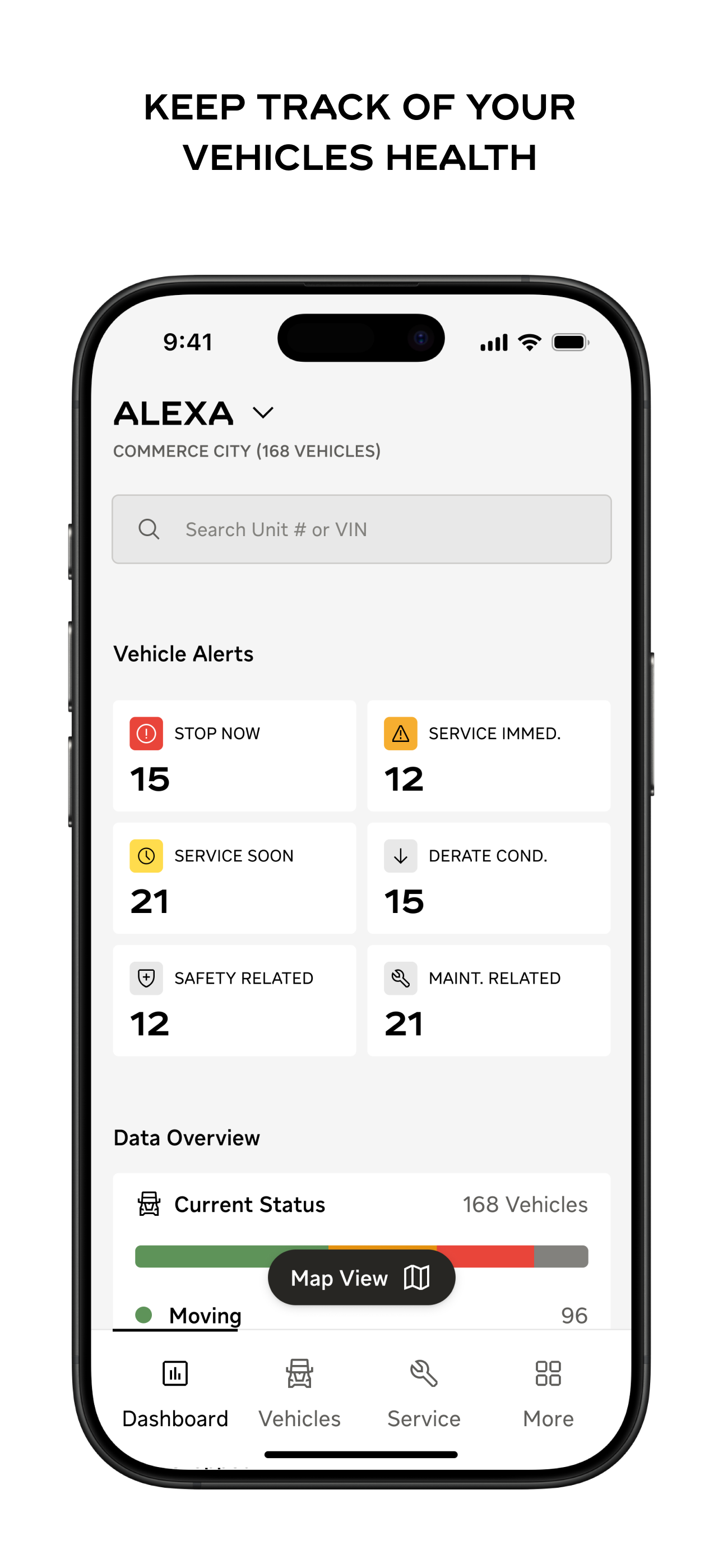
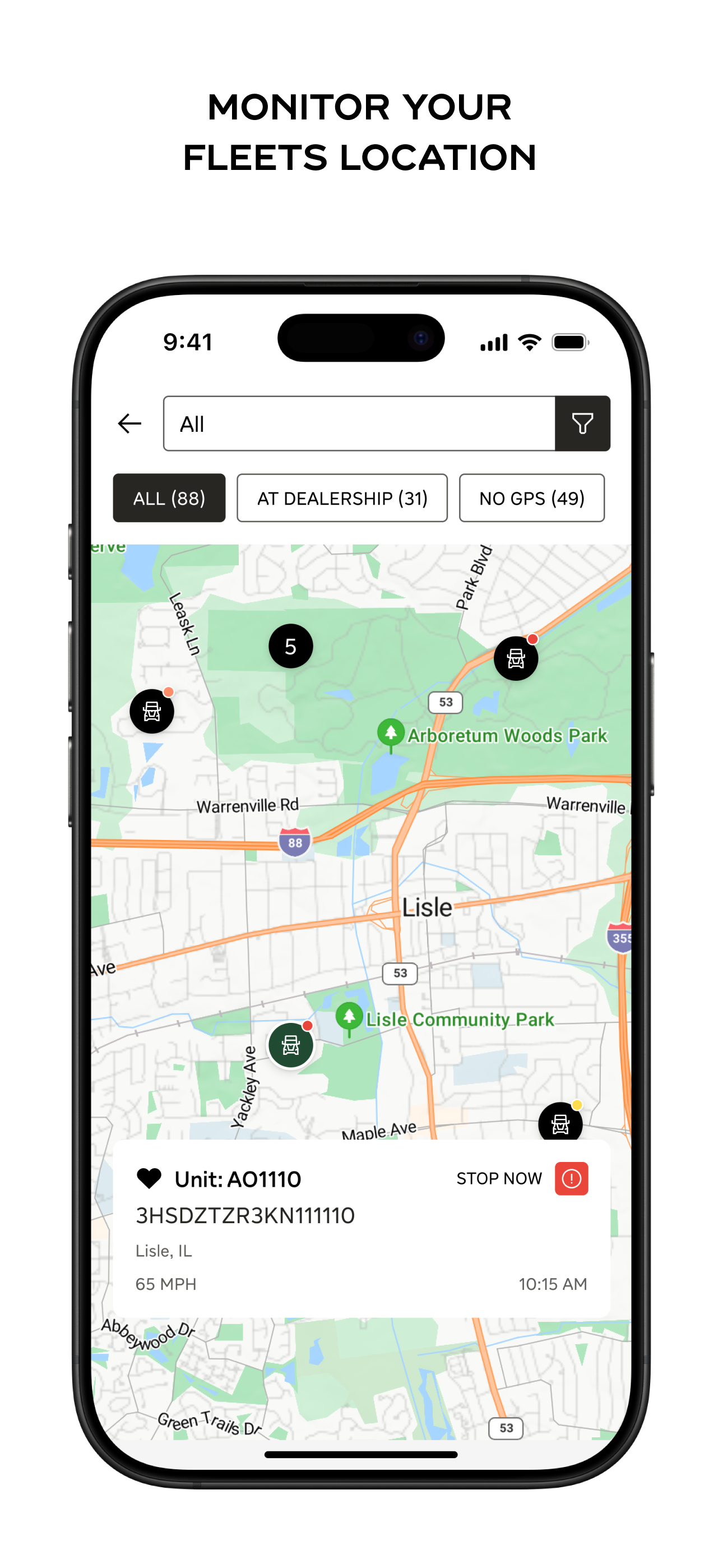
Study the product story and store experience behind the acquisition funnel.



03 / Market context
Keep revenue, downloads and store rankings separate from advertising performance.
The app is cool, but a couple things. When. viewing this on my Ipad, It will not change to a Landscape mode. Could this be corrected? When running thru data, I find I have to exit the app and go to Desktop mode if I want better access to data and then navigate into the Fleet Information page. Why cant we just do that from the app. This is my first resource when an operator calls in regarding an EV that goes into fault mode. Gives me a better idea of how to address the call. Maybe its just me. But I would appreciate the consideration. Thanks!
Easy way to see my truck’s diagnostics
Home & Dashboard screen is taking time to load.
Upgrade to a more refined and connected experience with our latest release. Easily Schedule Service with your dealer and Communicate directly through...