
Check the acquisition promise
Read the store headline, screenshots and description. What problem is the app promising to solve?
Study the storefront ↗
Seafile Ltd. · iOS
Explore the ad evidence, study the storefront, and build your next acquisition hypothesis.
01 / Creative research
Read the store headline, screenshots and description. What problem is the app promising to solve?
Study the storefront ↗Explore apps with direct store-link matches. Compare their hooks and formats without assuming the same approach works here.
Browse observed advertisers ↗Store rankings and revenue estimates describe market context. They do not establish ad spend, conversions or ROAS.
Review the market context ↗02 / Storefront & product
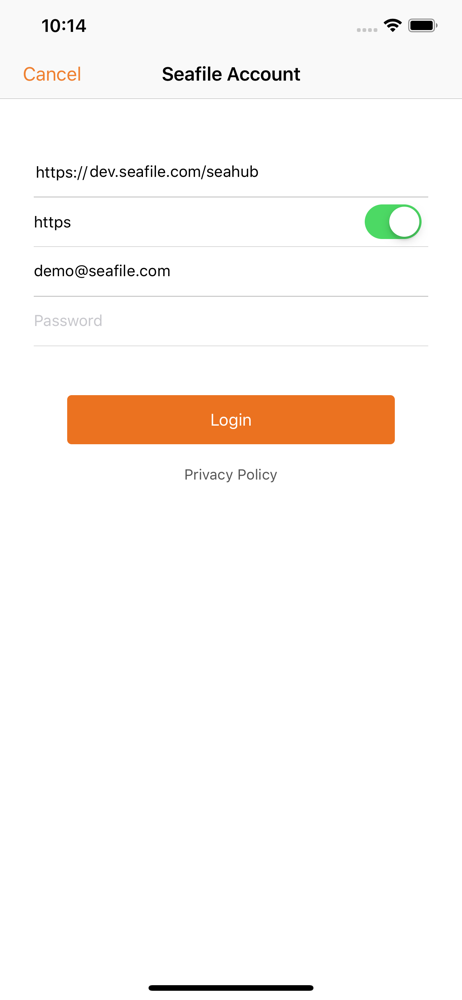
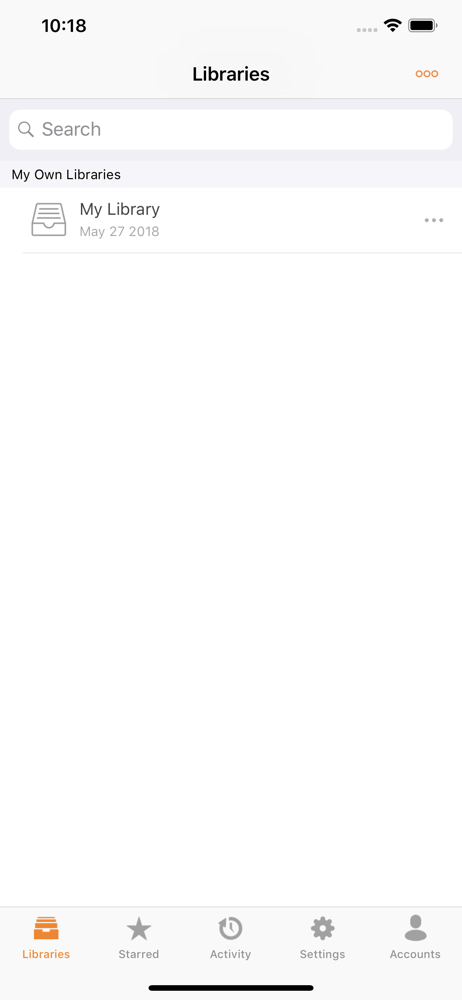
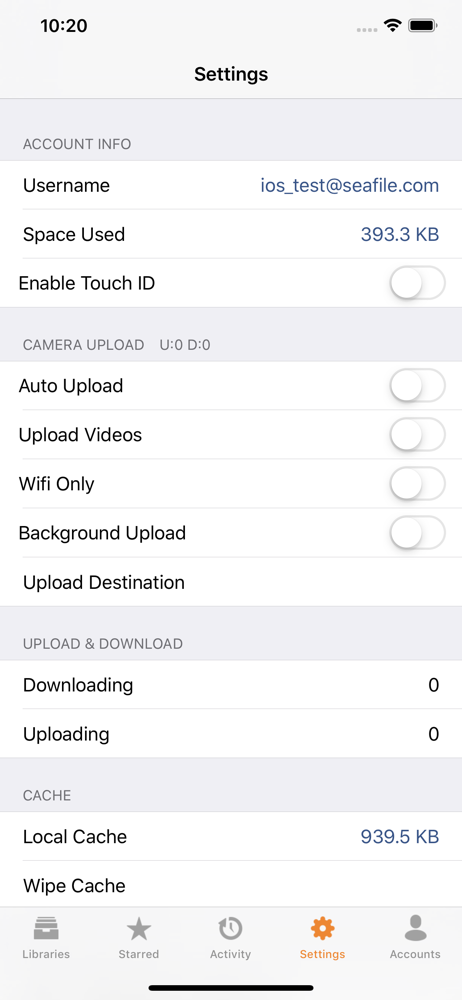
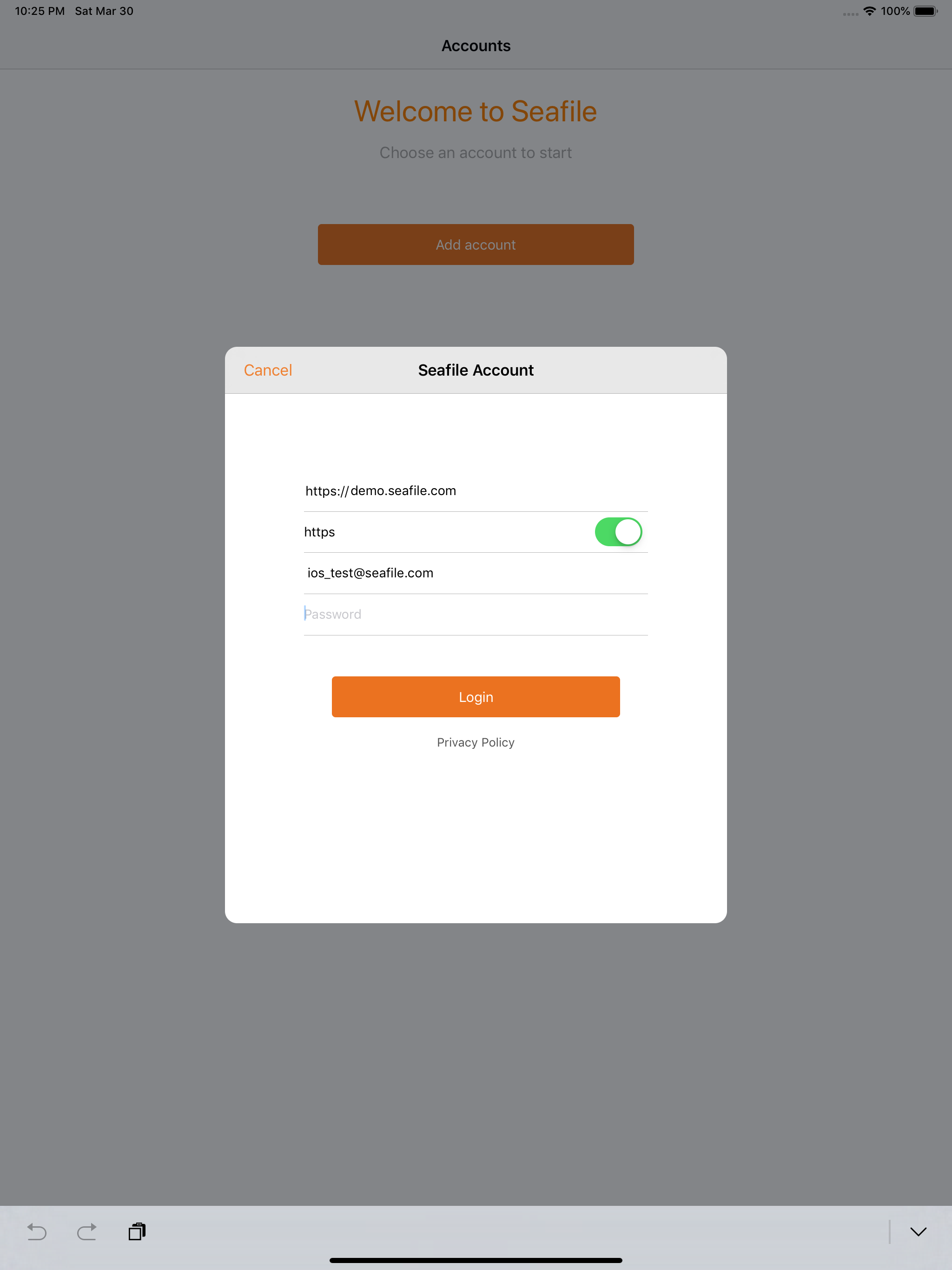
Study the product story and store experience behind the acquisition funnel.



03 / Market context
Keep revenue, downloads and store rankings separate from advertising performance.
The server software works excellent with much issue, and is FAST. The problem is, this client has a few issues and needs to be updated. Sometimes syncing glitches and doesn’t work right. I’ve had to reinstall the app and server both because of this. Sometimes I can no longer unlock my encrypted library. Face ID support is there, it just says Touch ID instead. Ultimately as it stands right now, the web app works a bit better at the moment. Hopefully they update the app soon and Seafile can reach its full potential.
The Seafile app does the job well. The main issue I see in 2020 is buggy behavior in the Files app. Sometimes Seafile is not selectable as a destination/source in the file picker, and sometimes files are “out-of-date” when browsing libraries in the Files app. Other apps seem to be integrated perfectly with Files app, but not Seafile :( This is the biggest issue I have with the app on iPadOS/iOS 14 in the year 2020. Otherwise it is fine as it is.
The application works quite well overall. Syncing and downloads work as expected, the Touch ID works as expected, and I’ve had no issues uploading and downloading files in bulk. That said, Seafile doesn’t really integrate into iOS like most other online storage apps like Dropbox or Google Drive. It doesn’t show up as a storage location in files, and applications that do see it in the share sheet do not have a way to request an authentication key to access files without exporting them directly from the Seafile UI. It suits my needs, and works well for its flagship features, but it’s not going to provide a seamless replacement on iOS even if it’s head and shoulders above competitors on Linux, Windows, and MacOS. Update: looks like the developers are actively trying to address my one gripe. Still not getting expected behavior, but active development is always a good sign for long term support. Perpetual “authentication required” for anything using the Files app in iOS.
The professional iOS client for seafile, a self-hosting dropbox for teams.


