Check the acquisition promise
Read the store headline, screenshots and description. What problem is the app promising to solve?
Study the storefront ↗
Max Schlee · iOS
Explore the ad evidence, study the storefront, and build your next acquisition hypothesis.
01 / Creative research
Read the store headline, screenshots and description. What problem is the app promising to solve?
Study the storefront ↗Explore apps with direct store-link matches. Compare their hooks and formats without assuming the same approach works here.
Browse observed advertisers ↗Store rankings and revenue estimates describe market context. They do not establish ad spend, conversions or ROAS.
Review the market context ↗02 / Storefront & product
Study the product story and store experience behind the acquisition funnel.




03 / Market context
Keep revenue, downloads and store rankings separate from advertising performance.
It is hands down easy to opperate. Layout is nice too. It only shows chords in one positions. That’s the down side! At best it’s probably only worth $2.00. The copy and paste chords is the only redeeming quality. Yet, even that is nothing to brag about do to lack of chord varitions.
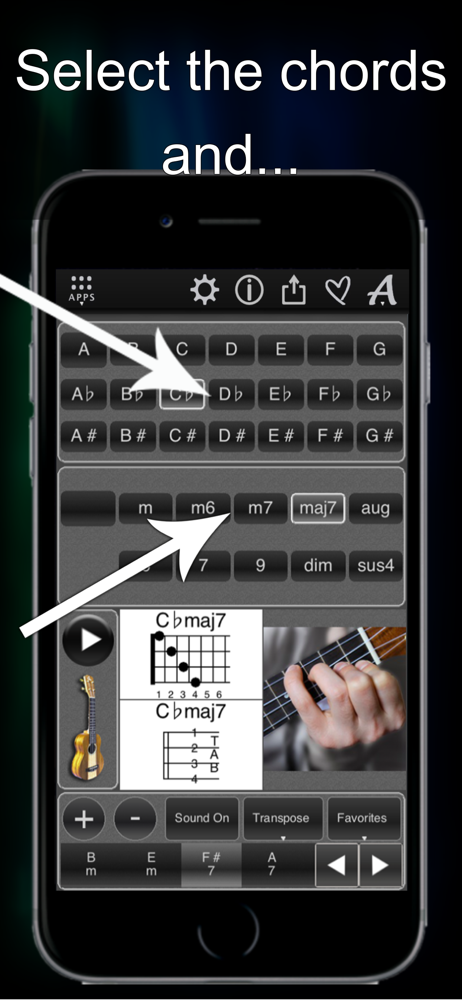
This program is fantastic, if you play songs and/or learn different keys or what ever with the uke, this program can show and even make the sound of the chord you. Very easy to use just click and there’s the chord, has visual of fingering, and you can compare sound, the only thing i would do different in the program is the numbering of the strings it really should be 1 starting at the bottom then up to 4, however it shows the finger positions, and now I’m used to it. Definitly worth the money i keep it up on my mac while playing any music. I would also like to see the program evolve to show the different chords in different positions. I would recommend this to anyone learning or even as just a reminder guide.
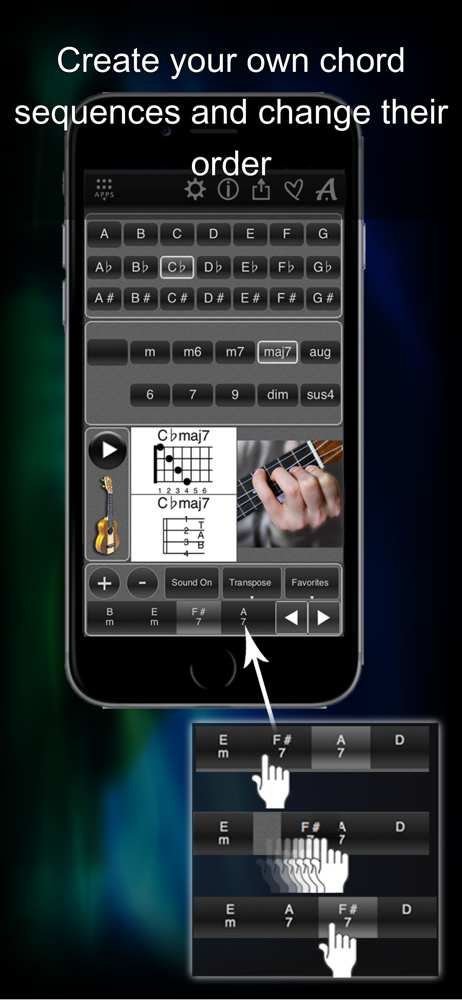
I like the app and find it useful, but I can't get the drag and drop to work properly. I've tried dragging and dropping the chords into TextEdit and Microsoft Word, but instead of the image of the chord, I get a link to the image of the chord. If I click on the link, it will open a .png image in another application. I also wish there was an area below the chords that allowed you to drag each chord image of the chords you want in a certain order, so if you are playing along with a song you can see all the chords you need rather than having to click on the chord buttons to see each chord (plus an additional button if you want to add/remove a minor to the chord, etc). As it is, it's a useful tool to look up how to play a chord, but not as useful as a reference if you need to switch frequently between chords.
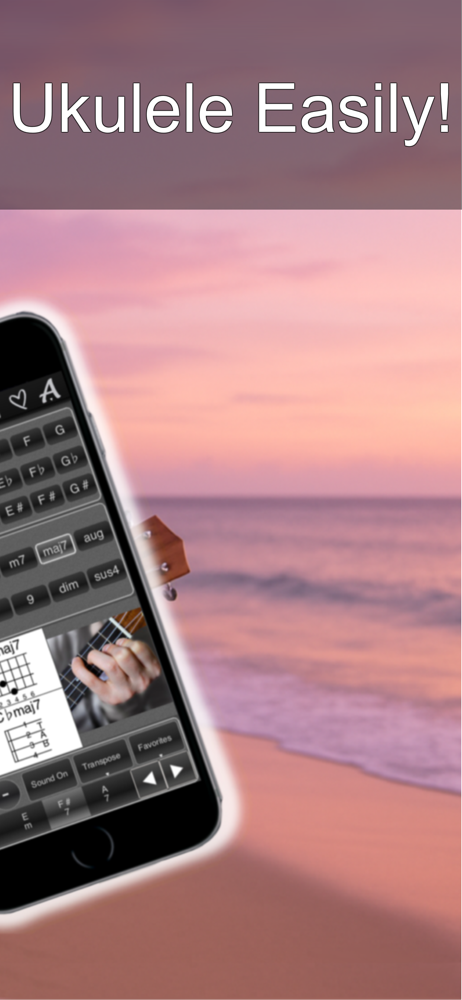
Play ukulele chords right away – no prior experience required! 120 Ukulele Chords is your complete interactive chord library, built to help you learn,...