Check the acquisition promise
Read the store headline, screenshots and description. What problem is the app promising to solve?
Study the storefront ↗
gggatelier · iOS
Explore the ad evidence, study the storefront, and build your next acquisition hypothesis.
01 / Creative research
Read the store headline, screenshots and description. What problem is the app promising to solve?
Study the storefront ↗Explore apps with direct store-link matches. Compare their hooks and formats without assuming the same approach works here.
Browse observed advertisers ↗Store rankings and revenue estimates describe market context. They do not establish ad spend, conversions or ROAS.
Review the market context ↗02 / Storefront & product
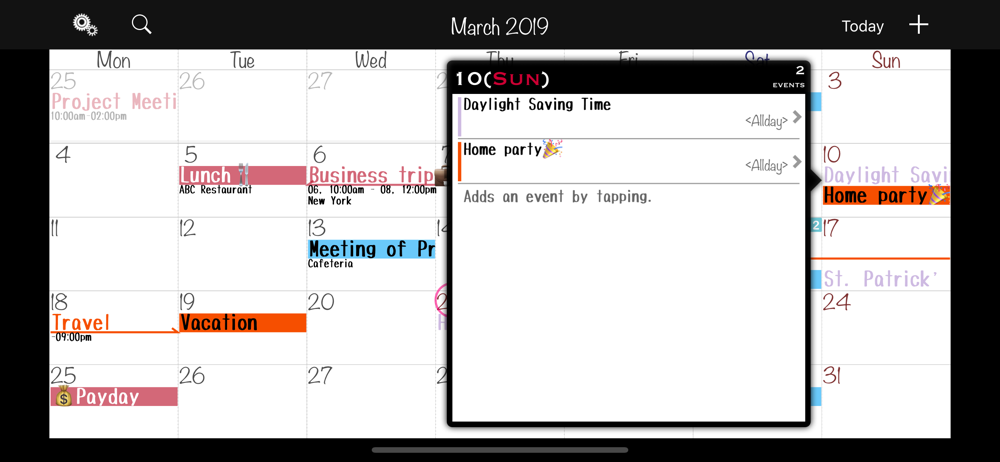
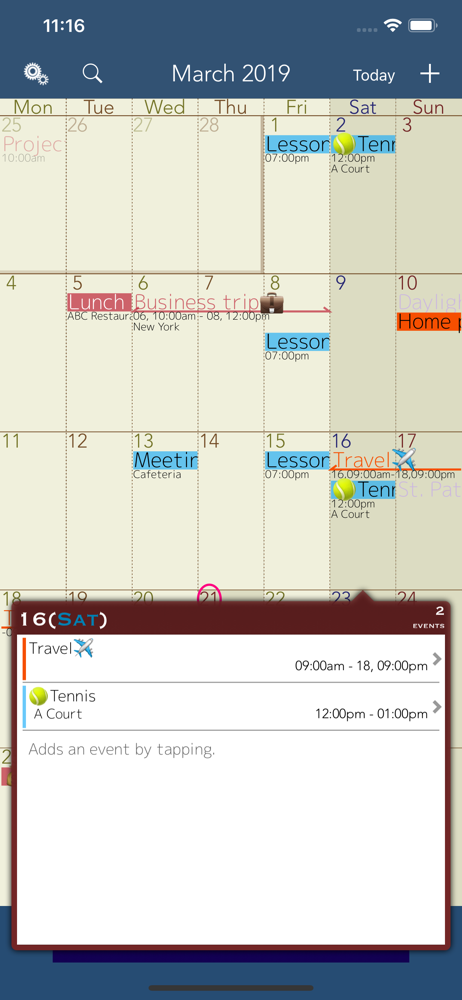
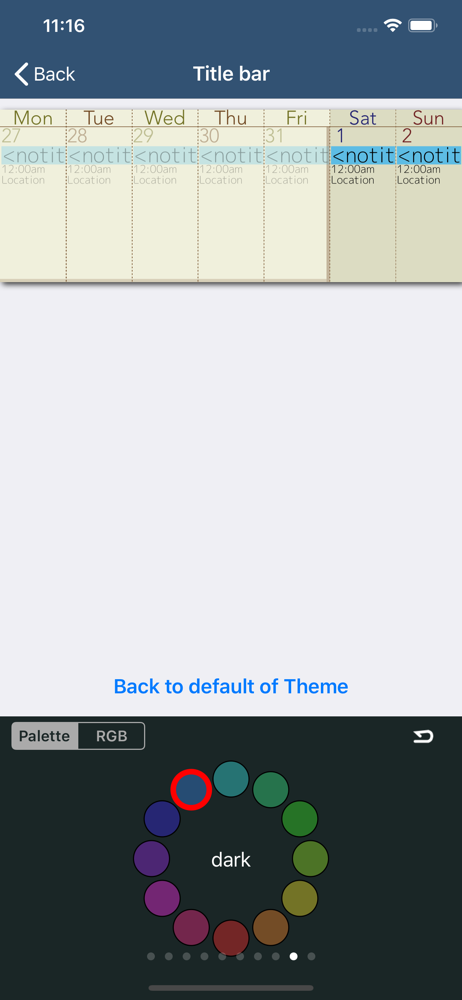
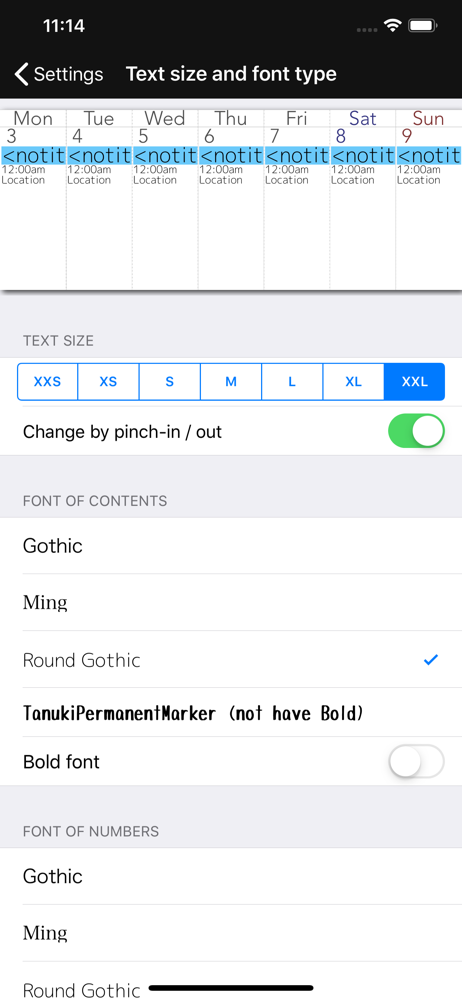
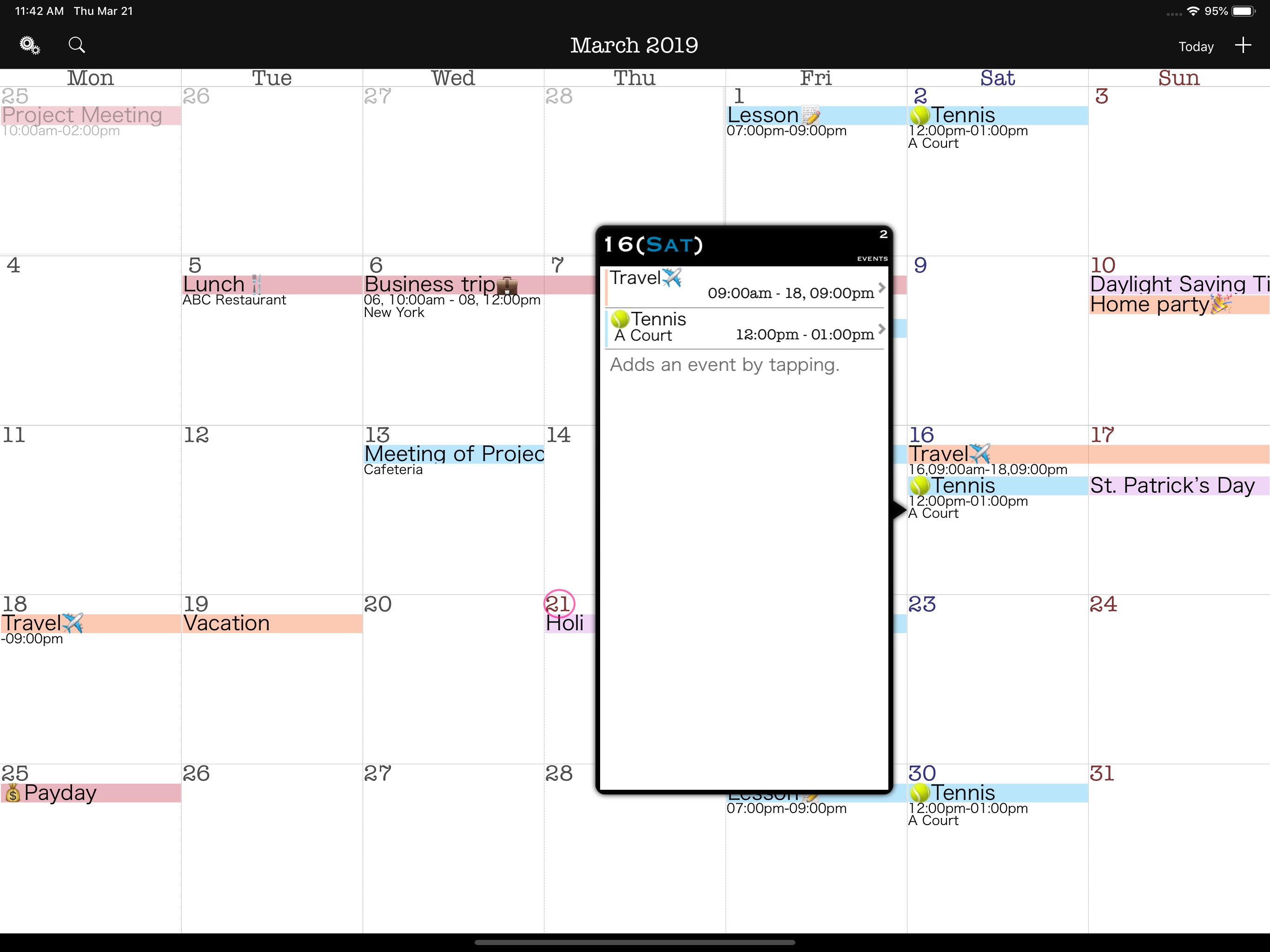
Study the product story and store experience behind the acquisition funnel.



03 / Market context
Keep revenue, downloads and store rankings separate from advertising performance.
I’ve used this calendar app for a few years now. I have really liked it. I did have a problem with my reminders showing up a day late. The developer responded to my review and told me what may be the problem. I tried his suggestion and it worked. However, now my reminders no longer work at all with iOS 26.3. I only get the apple calendar reminders. I’ve reached out to the developer several days ago but I have received no response. The last update is 9 months old and I am starting to think he no longer is supporting the app. I’ll have to look for a different calendar.
Love this calendar and have been using it for years without too many issues. A couple things I wish that would be altered is when you have an event that spans over multiple hours or days and you have to adjust the beginning or end frame of that time it will move everything up or back an hour/day ahead/behind. It took me a few times to realize that. Luckily with the work I do I try to keep space between clients and I was able to make it work. Another issue I have is I started this calendar in a different time zone and have since moved. I can’t change the time zone or else my entire calendar shifts by two hours and I have bookings out months ahead and I keep past bookings for my records. Those too will be altered. It’s not too much of an issue except if I’m working late at night and not paying attention and checking on my next day agenda but the calendar hasn’t switched over to the next day yet. Once again something I’m now aware of and can work around. But my biggest issue and wish for this app is that it can be available for iWatch. Sometimes I am separated from my phone and I need to know about availability and I wish I could pull it up. I do not use the calendar that came with the phone bc it is useless to me with all my events I can put into one day. I’m a visual person and color codes are extremely helpful in me being able to tell which item is what at a glance. I recommend this app hands down and I do all the time when anyone asks what calendar I am using! Please make it available for the iWatch! Edit: Also sharing the calendar, day, or event would be nice. There may be a feature to do so and I have figured it out yet but if not, it would be a nice addition.
I like the monthly view and had a calendar I liked but could not keep if I updated my iPad. Now finally I found one that is easy to add events. I can glance at my month and see the events without going into each day. And a bonus for me because what I put on my phone appears on my iPad and visa versa. I also like being able to share this on my husbands phone so we can both be updated
Thanks for visiting MonCalite. MonCalite is a software dedicated to monitor your schedule on and only on a monthly basis. It was developed to mimic th...