Check the acquisition promise
Read the store headline, screenshots and description. What problem is the app promising to solve?
Study the storefront ↗
Ballpark Labs Ltd · iOS
Explore the ad evidence, study the storefront, and build your next acquisition hypothesis.
01 / Creative research
Read the store headline, screenshots and description. What problem is the app promising to solve?
Study the storefront ↗Explore apps with direct store-link matches. Compare their hooks and formats without assuming the same approach works here.
Browse observed advertisers ↗Store rankings and revenue estimates describe market context. They do not establish ad spend, conversions or ROAS.
Review the market context ↗02 / Storefront & product
Study the product story and store experience behind the acquisition funnel.




03 / Market context
Keep revenue, downloads and store rankings separate from advertising performance.
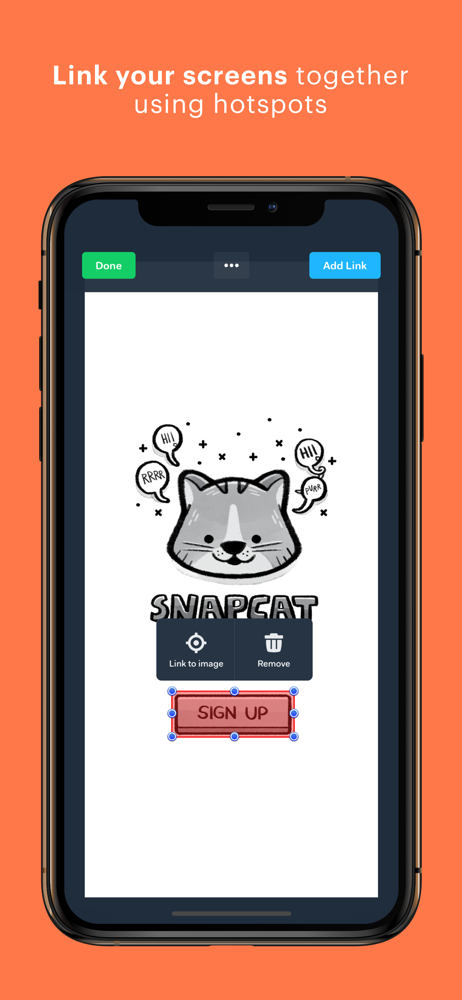
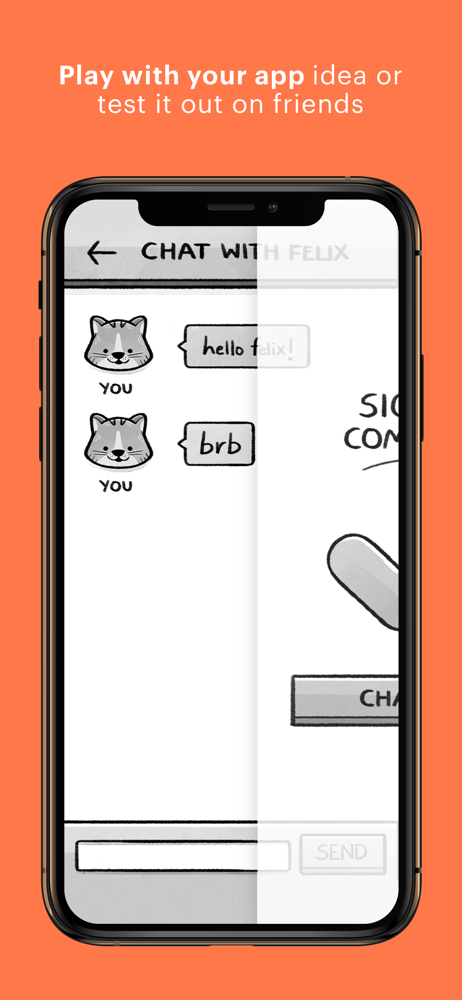
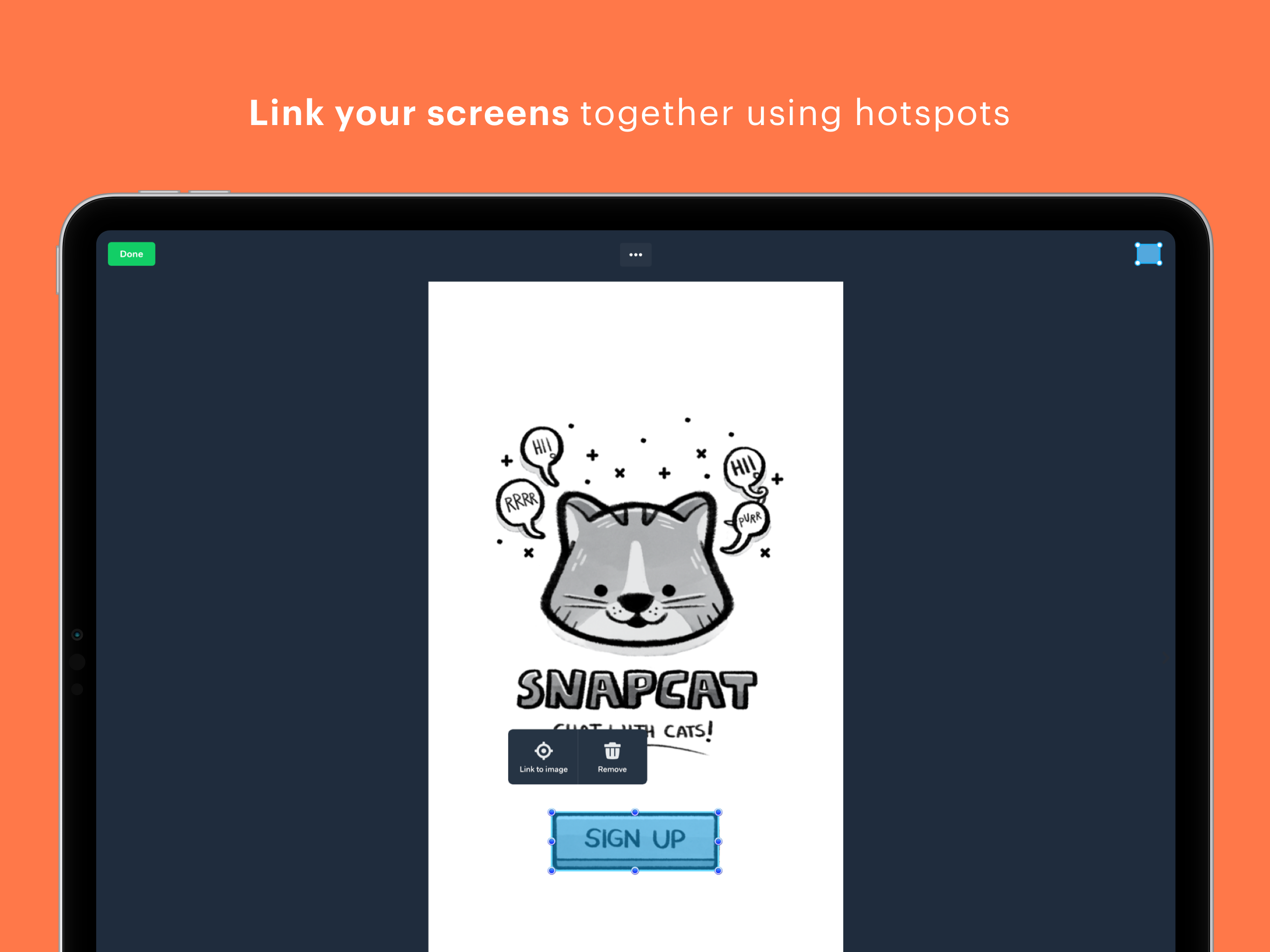
I’m learning UX Design and was referred to marvel for easy method of transferring paper wireframes to digital. I didn’t know what to expect but I started a new project and have created paper wireframes for it and wanted to see what it was like using marvel. I am beyond pleasantly surprised at how easy it is! You take pictures of your drawings and try cropping them to just the image you want to use. It won’t be perfect but it’s just to give you an idea. Then you can add links so you can create a prototype using the drawings on your phone. This has made test driving the buttons so easy and fluid so I know if I need to make changes. Absolutely recommend this for anyone who spends a lot of time and care with their paper wireframe. Now I’m off to see if I can export any of this to Figma to see how it’ll be at making purely digital lo-fi wireframes to prototype.
In reading about this app in the app store it really sounded like a great way to help in your learning curve to create an app. So I downloaded it and opened it and watched the tutorial. Is this app for kids and for simple kid-like apps? I really hope that there is a lot more to this app than what showed in the tutorial. From what I saw I have no desire to use this app because it doesn’t do what the information in the app store said you could do with it. The tutorial just has a young kid showing how to take a few pictures with the camera, determine where you want to put a hyperlink, add some very basic screen transitions and voila you have what your app would look like. Really!?!? If this is all you can do with this app it is not an app where you can create your prototype of the app you want to create. Why doesn’t the tutorial go into more in depth of what you can do with this app, if there is more to the app.I started to create a sign-in for the app thinking there must be more than this silly tutorial. But while I was filling out the form I had to accept and allow the app including whoever the people are developing, editing, the app to have access to my info, my companies info, access to my projects, and be able to change any parts of my creation any way they want. Where is the security here? These people are strangers and they might all be well intentioned but how do I know that? Why isn’t there a way to get into the app without creating a sign-in to check out the app before you have to create an account. I want to check out the app to see if there is more to the app than that tutorial.
I first heard about the POP app during my UX boot camp. We used it for one of our first projects before we learned to use other design and prototyping tools. The app is very easy to use and quite honestly, it’s very cool! Anyone, not just designers, can use POP to help envision their app ideas. It can also be used to quickly test concepts with users or test basic flows and functionally with developers. As a UX Designer, I don’t use POP much anymore. But when I do, I will cut out a sheet of approximately the size of an iPhone screen. I’ll use that to trace many screens on another sheet of paper. From there I will draw out the different screens and flows of the app. I’ll even draw and cut things out like drop-down boxes if I want to show more functionality. Then I will take pictures of all the screens and add hot spots links. Ta-da! You have an app! I think POP would also be great for kids who are interested in design. They can easily draw out screens and link them all together. Having the screens on a mobile device almost makes it feel real. Overall, this is a fun app for low-fidelity prototyping!
POP lets you create amazing interactive app designs and prototypes on your iPhone or iPad! You can design interfaces using our super-simple design mo...