Check the acquisition promise
Read the store headline, screenshots and description. What problem is the app promising to solve?
Study the storefront ↗
Sharp Corporation · iOS
Explore the ad evidence, study the storefront, and build your next acquisition hypothesis.
01 / Creative research
Read the store headline, screenshots and description. What problem is the app promising to solve?
Study the storefront ↗Explore apps with direct store-link matches. Compare their hooks and formats without assuming the same approach works here.
Browse observed advertisers ↗Store rankings and revenue estimates describe market context. They do not establish ad spend, conversions or ROAS.
Review the market context ↗02 / Storefront & product
Study the product story and store experience behind the acquisition funnel.



03 / Market context
Keep revenue, downloads and store rankings separate from advertising performance.
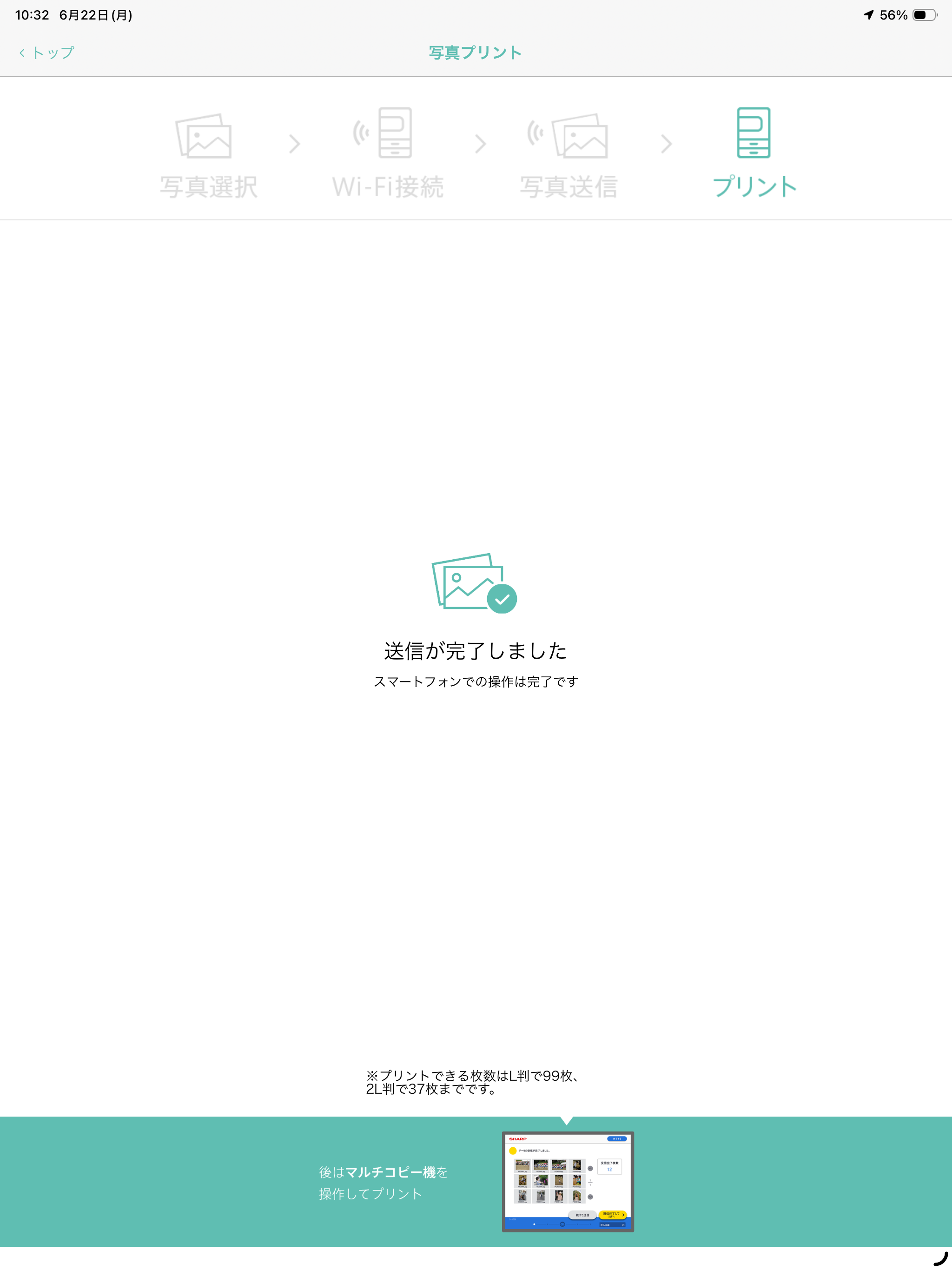
他の方のレビューにあるように、pdfファイルを印刷機に送信はできるのですが、そのあと出力されません。 30分ほど待っても出力されず、3件ほどコンビニを回ったのですが、日を改めてもいくら待っても出力されない状況です。 紙不足かな?と思い、店員の方にも相談したのですが、紙はちゃんと入っていました。 店側も原因がわからないそうで、同じようなことで相談される方が多いそうです。 他の端末にインストールして試してみましたが、やはり出力されませんでした。 pdfファイルが対応してないのかなと思い、他のファイルも試してみたりしましたが、それもダメでした。(大きなファイルは送信してないです。1枚だけ送りました) 前まで普通に使えていたので、不具合なのでしょうか?
急ぎで書類を印刷しなければならず、ローソンのプリンタにこのアプリが使えると書いてあったのでダウンロード。 登録完了してプリントしようと思ったけど、ワイファイに繋ぐところで 「接続できません」となり、ワイファイをオンオフしたり何度か試してみるも繋がらず。 なんで繋がらない!?とワイファイに憤りつつ、 繋がらない方はこちらへ みたいなリンクに飛んでみたら小難しい説明書みたいに小さい文字が画面いっぱいに詰め込まれており、ぱっと見では解決するようには思えなかったので諦めました。 ネットワークプリントに登録していたことを思い出し、そちらを利用したところ、とてもスムーズにプリントすることができました。 正しいやり方があるのかもしれないけど、分かりづらい。 ネットワークプリントの方が私は使いやすいです。
アプリは、問題無く使えています。プリント許容範囲内の仕上がりです。しかし、露出オーバーやアンダーの写真があります。 もっと、元データをきちんと再現するようにしてほしいです。
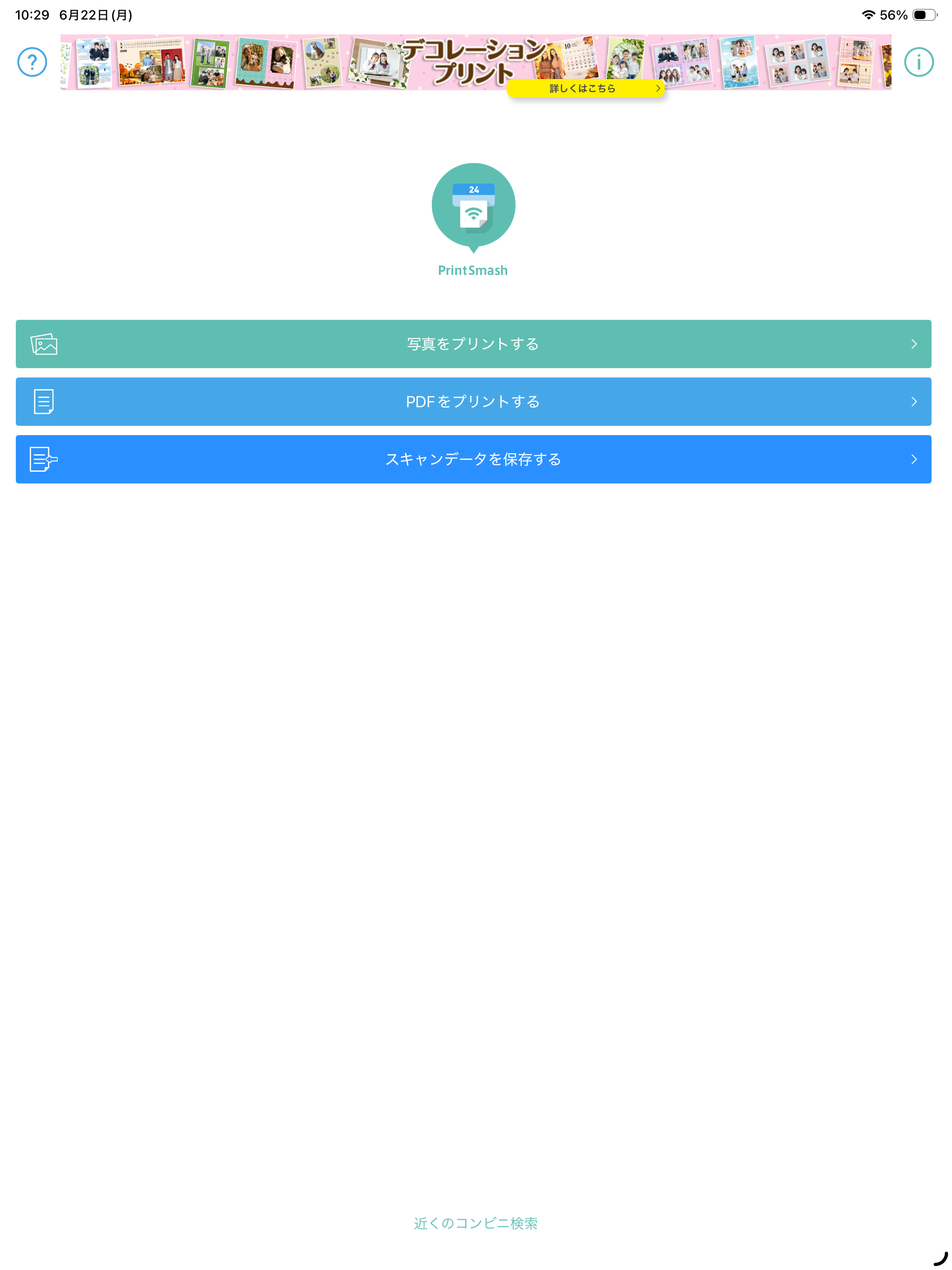
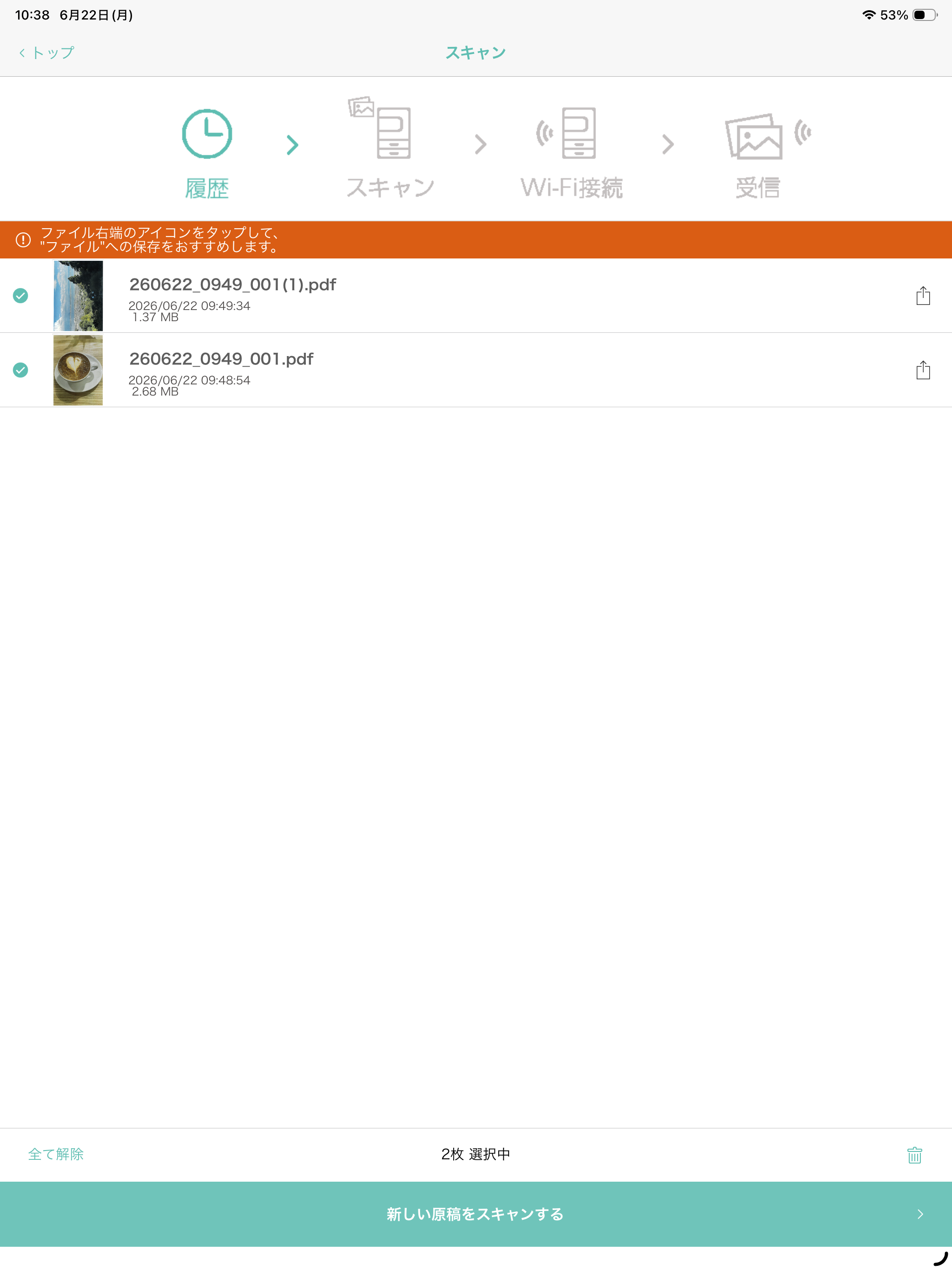
PrintSmash(プリントスマッシュ)は、iPhoneおよびiPad端末に保存された写真やPDFファイルを、Wi-Fi通信を利用して、コンビニに設置されているシャープのマルチコピー機で印刷やデータを保存できるアプリケーションです。 主な仕様 プリント ・対応ファイル形式 JPEG、PNG、P...