
Check the acquisition promise
Read the store headline, screenshots and description. What problem is the app promising to solve?
Study the storefront ↗
United Bank of Michigan · iOS
Explore the ad evidence, study the storefront, and build your next acquisition hypothesis.
01 / Creative research
Read the store headline, screenshots and description. What problem is the app promising to solve?
Study the storefront ↗Explore apps with direct store-link matches. Compare their hooks and formats without assuming the same approach works here.
Browse observed advertisers ↗Store rankings and revenue estimates describe market context. They do not establish ad spend, conversions or ROAS.
Review the market context ↗02 / Storefront & product
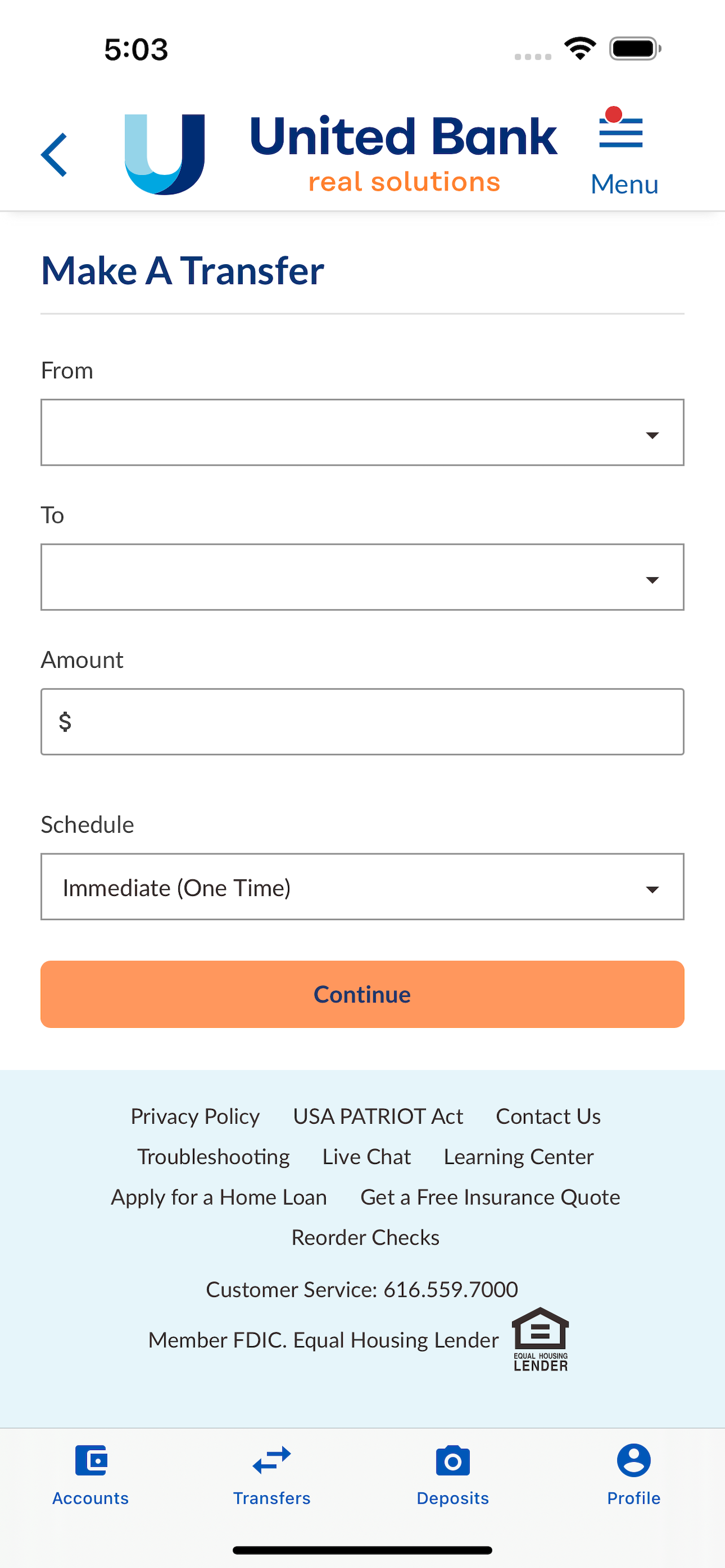
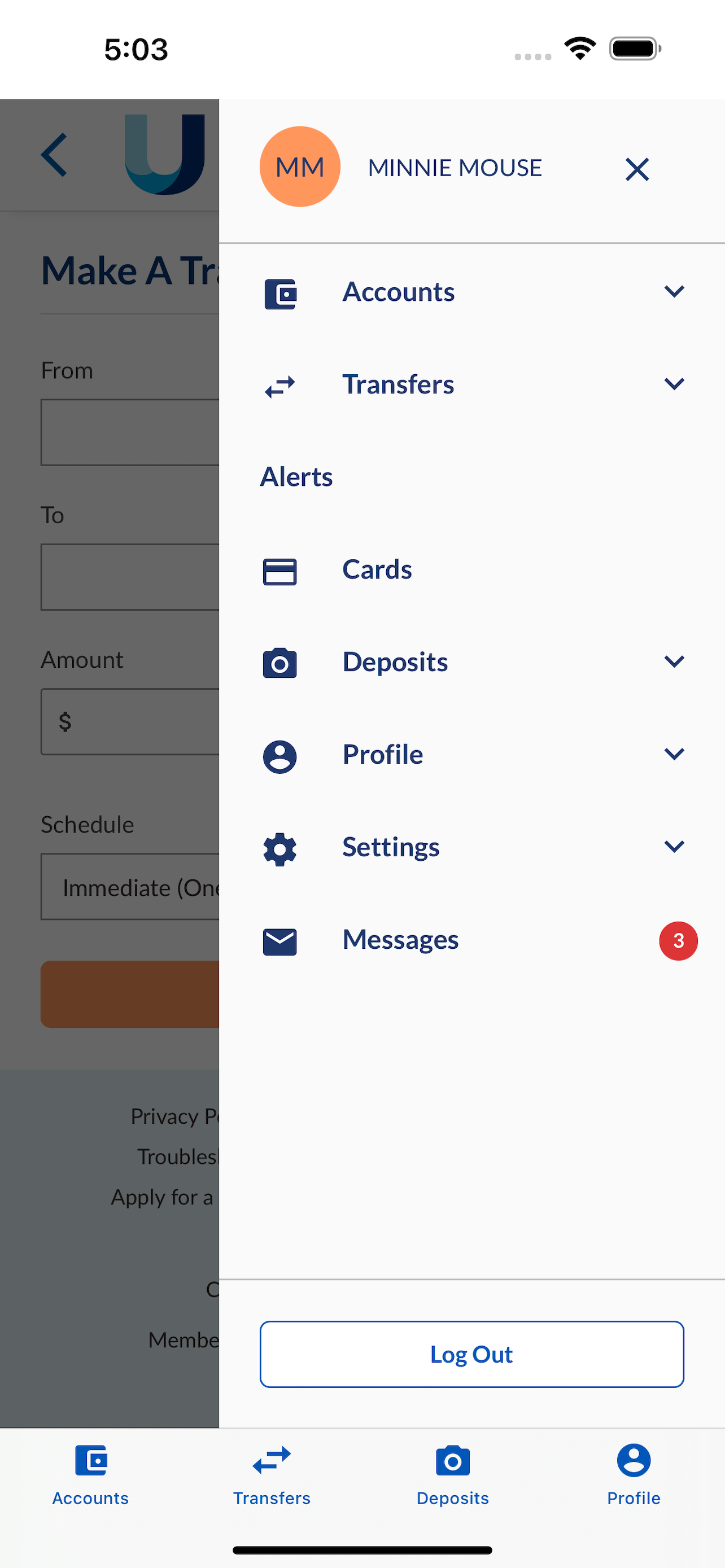
Study the product story and store experience behind the acquisition funnel.





03 / Market context
Keep revenue, downloads and store rankings separate from advertising performance.
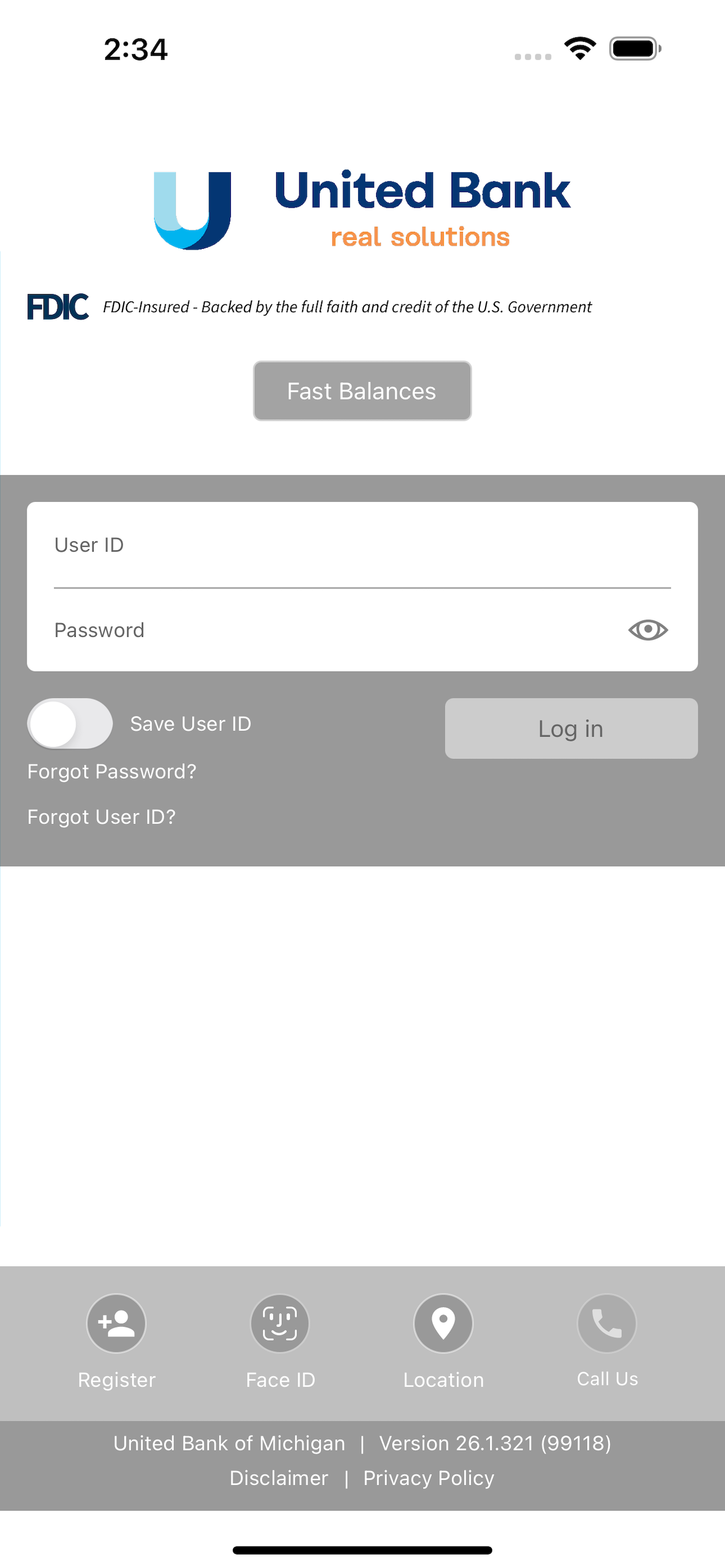
It seems that every 2 weeks or so it will log me out of my account on my phone-but when I use my FaceID to fill in my saved password, it locks me out of my account! This has happened so many times that I’m having to reset my password like once a month. Even worse, the reset password tools on the app don’t ever load, so I have to close the app and go to the not-mobile-friendly website. I just don’t understand why my FaceID saved password, which is updated EVERY TIME, logs me out of my own account? Now I have a hard time remembering what the password even is because I have changed it so many times, and you can’t use previous passwords, so I always have to come up with a new one. Extremely frustrating. I deleted and reinstalled the app with no changes.
The app is currently set to show transactions only back to the closing date of the last statement. I need to see transactions much further back than that. Ex: If my statement closed yesterday, I would only be able to see today’s transactions. If you made statements available in a PDF format, that would work also but currently the only way to see transactions further back than the last statement closing is to use a computer which is not always convenient.
App says no connectivity and I'll press ok and the error comes back. It continues to loop and you can't close it until you press home.
Bank conveniently and securely with United Bank’s Mobile Banking. Manage your finances anytime, anywhere - from your mobile device. FEATURES • Touch...


