
Check the acquisition promise
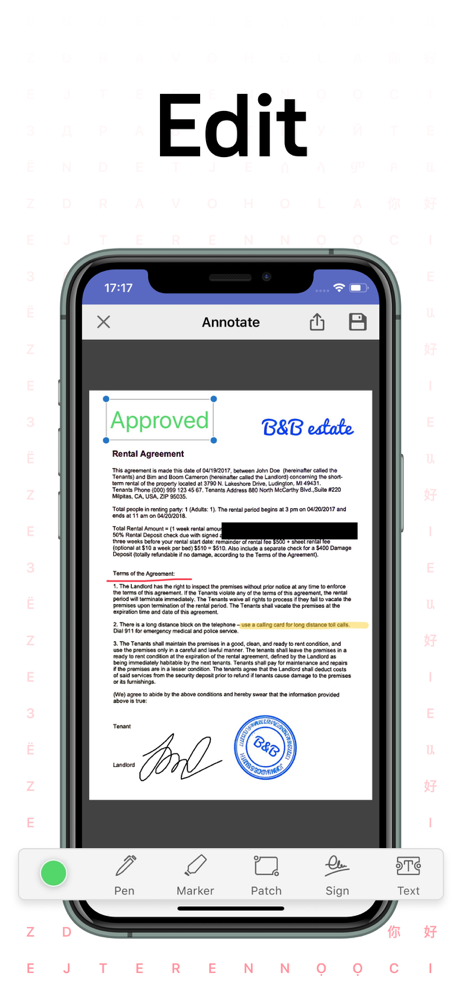
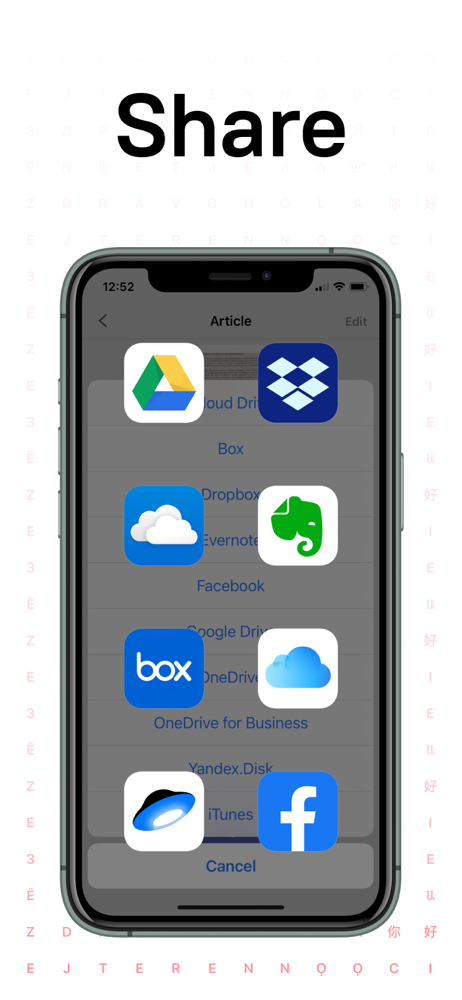
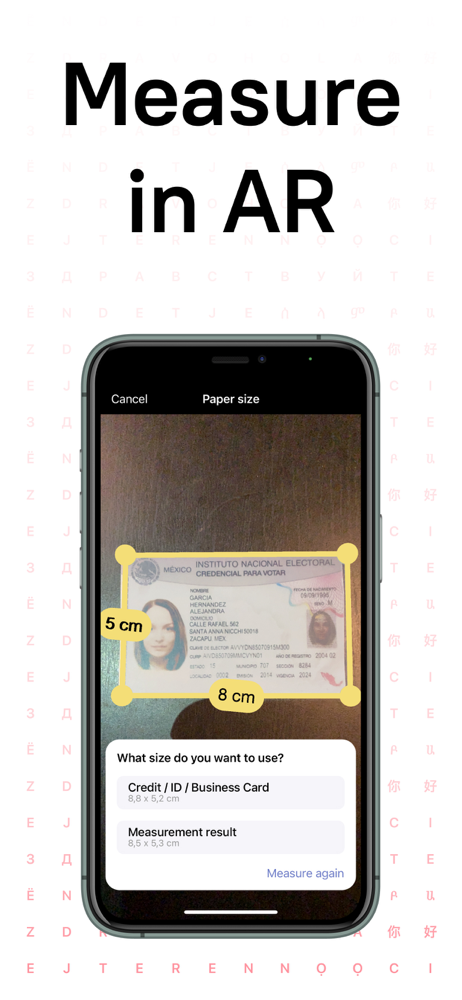
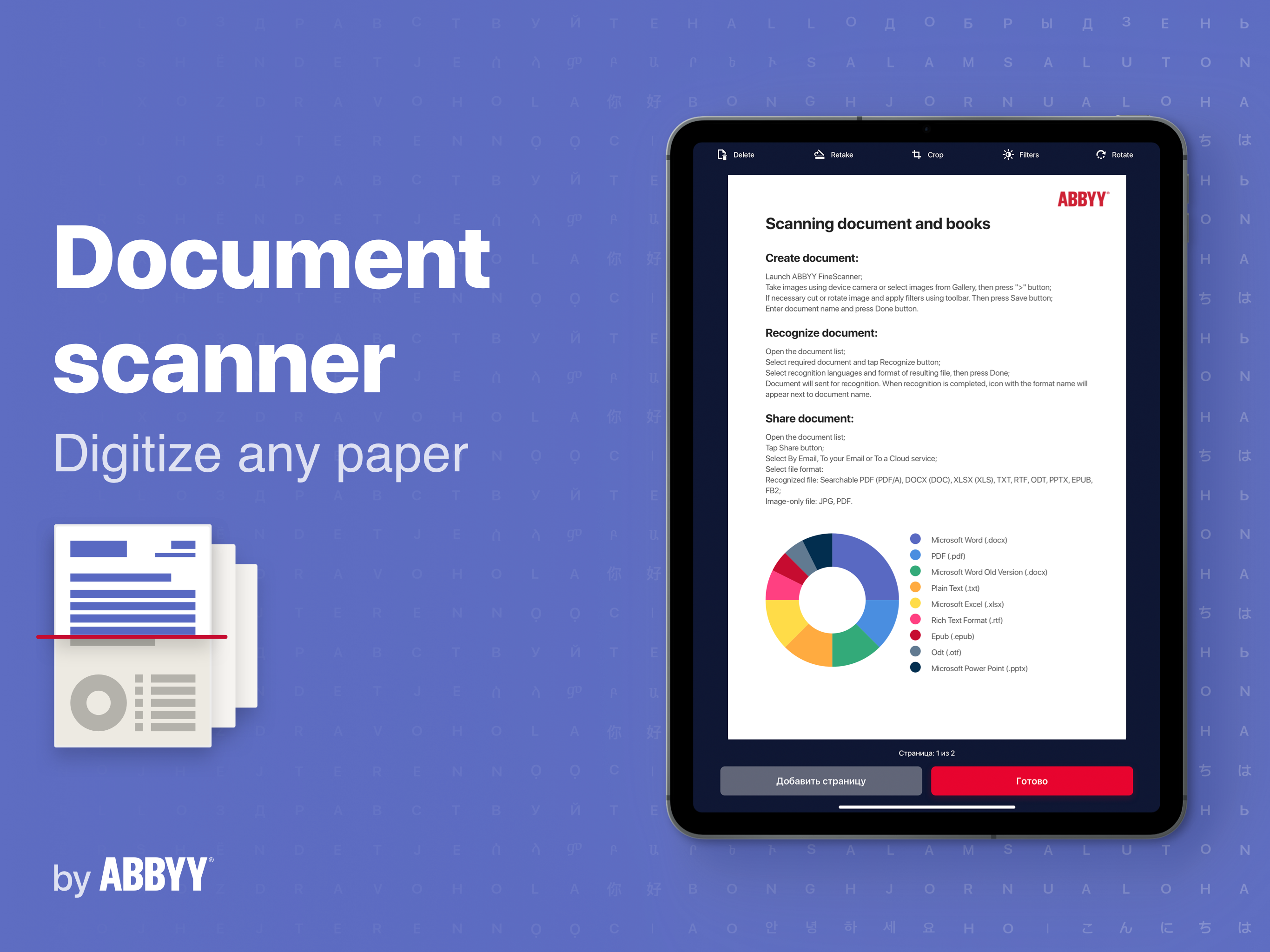
Read the store headline, screenshots and description. What problem is the app promising to solve?
Study the storefront ↗
ABBYY USA Software House Inc · iOS
Explore the ad evidence, study the storefront, and build your next acquisition hypothesis.
01 / Creative research
Read the store headline, screenshots and description. What problem is the app promising to solve?
Study the storefront ↗Explore apps with direct store-link matches. Compare their hooks and formats without assuming the same approach works here.
Browse observed advertisers ↗Store rankings and revenue estimates describe market context. They do not establish ad spend, conversions or ROAS.
Review the market context ↗02 / Storefront & product
Study the product story and store experience behind the acquisition funnel.




03 / Market context
Keep revenue, downloads and store rankings separate from advertising performance.
This app is an indispensable tool for anyone who wants to preserve their writing. I’ve been using this scanner for about a year now and it has made my life so much easier. I do a lot of journaling and I have tons of handwritten notes that I feared would get destroyed and this app has allowed me to preserve all of it by scanning it into a digital copy and emailing it to myself as a PDF. It’s easy and I’ve never had a single issue with it. It’s worth every cent. It puts my mind at ease by knowing that even if my hard copies get ruined, all my hard work is still backed up on my computer. Highly recommended!
If all you’re looking for is the ability to occasionally scan a PDF/file/image to attach to an email, this works great. However, if you’re using it everyday for something like scanning receipts, there are too many steps to go through for each receipt. Each receipt requires that you scan, crop, name, upload for OCR (which asks to choose the language every time, then wait while the document uploads), then when the OCR is done, save it to my iCloud account (which has multiple screens to jump through to find the iCloud Drive). It’s too time consuming for me. If it was $8 a year, I might not complain, but I won’t renew my subscription unless they offer a way to make these manual steps automatic each time I scan a new receipt.
I got this app some time ago, but hadn't used it for a while, thinking I would at some point use it again. Well, I can tell you for sure, this app just works as it's intended, and is simple and straightforward to use. Do some of the features cost a bit? Yeah. However, they are QUITE useful. If you are like me and have a BUNCH of things to get digitized, use this app. You won't be disappointed. Update - 2 Nov 2016 I bought a new iPhone 7 Plus a couple of days ago, and with the dual 12 MP cameras, this app is even more invaluable. Update - 16 Jul 2018 I’ve used this for a number of years now, and it’s still my go-to scanner / digitizer. As of this review update, I’ve scanned / digitized 603 items that I can find. The prices for each feature weren’t terribly expensive. Simply put, this is THE best iOS scanner I’ve used. However, I’ve switched my rating from five to four stars because there needs to be a better way to digitize larger items (like poster size), and I feel the quality of the images captured could be improved. Everything else is spot-on.
ABBYY FineReader PDF - the first smart AI-powered scanner that turns your mobile device into an all-purpose tool to quickly capture docs and books, cr...
| Name | Price | Type |
|---|---|---|
| Scan PDF and documents (Monthly) | $2.99 | Monthly |
| [ARCHIVE]Entry Premium monthly | $2.99 | Monthly |
| [ARCHIVE]Basic Premium monthly | $3.99 | Monthly |
| [ARCHIVE] No Ads | $5.99 | One-time |
| PDF Scanner + OCR (Monthly) | $5.99 | Monthly |
| ARCHIVE-Advanced Premium month | $5.99 | Monthly |
| FineScanner Premium monthly | $7.99 | Monthly |
| PDF Scanner (Annual) | $9.99 | Yearly |
| Photo Scanning app (Annual) | $20.99 | Yearly |
| FineScanner Premium yearly | $29.99 | Yearly |


