Check the acquisition promise
Read the store headline, screenshots and description. What problem is the app promising to solve?
Study the storefront ↗
Timing Software GmbH · iOS
Explore the ad evidence, study the storefront, and build your next acquisition hypothesis.
01 / Creative research
Read the store headline, screenshots and description. What problem is the app promising to solve?
Study the storefront ↗Explore apps with direct store-link matches. Compare their hooks and formats without assuming the same approach works here.
Browse observed advertisers ↗Store rankings and revenue estimates describe market context. They do not establish ad spend, conversions or ROAS.
Review the market context ↗02 / Storefront & product
Study the product story and store experience behind the acquisition funnel.



03 / Market context
Keep revenue, downloads and store rankings separate from advertising performance.
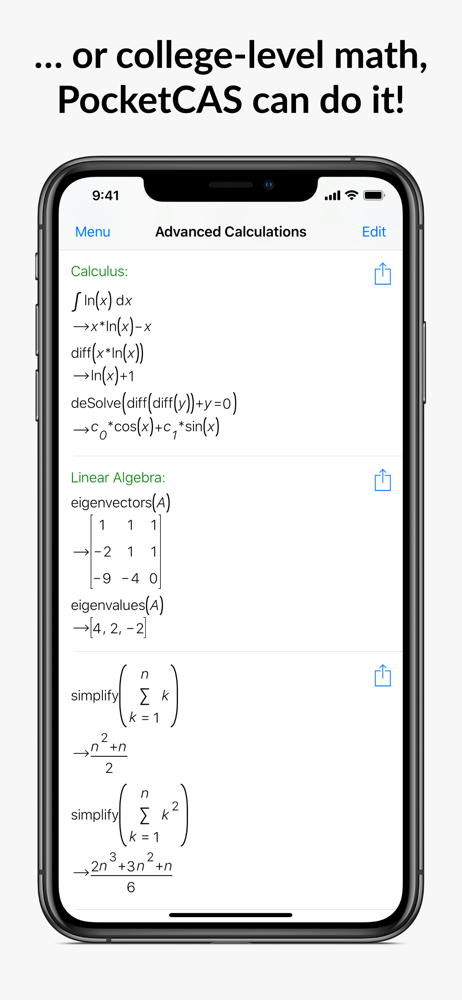
When I first purchased this app, it was to help with collegiate math classes. I noticed an interesting quirk which I see has remained unaddressed: The stddev function doesn’t not return the standard deviation. It returns the population standard deviation. I verified this using several other computer algebra system apps, a stats calculator, consulting my stats professor, and consulting a college math tutor. I contacted the maker of this app quite some time ago about it and all I got was push back. Even after providing evidence that the function’s return is incorrect based on the function’s name. The stdDev function returns the correct result, despite being listed as an alias for stdDev. It is not. Confusingly, it returns the same result as stddevp which is supposed to return the population standard deviation. It does not. It returns the standard deviation, as stdDev does, even though stdDev’s in-app description explicitly states it is returning the population standard deviation. Go check for yourself.
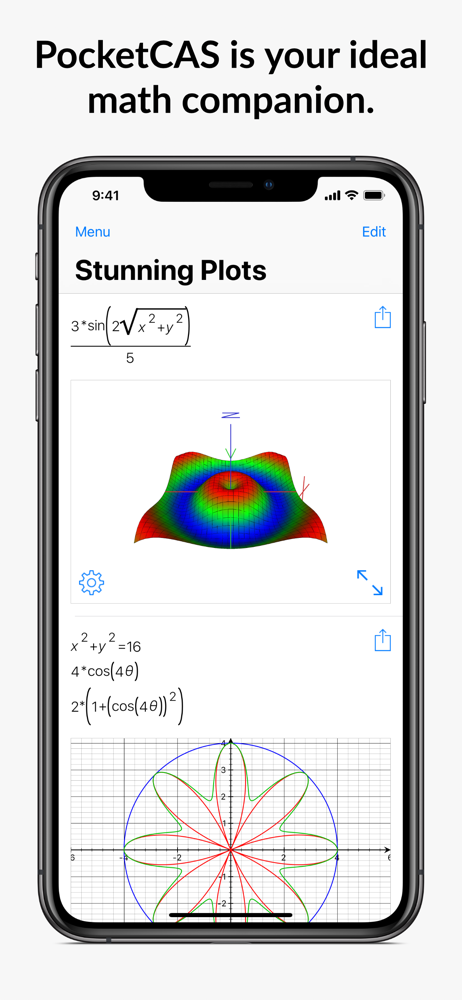
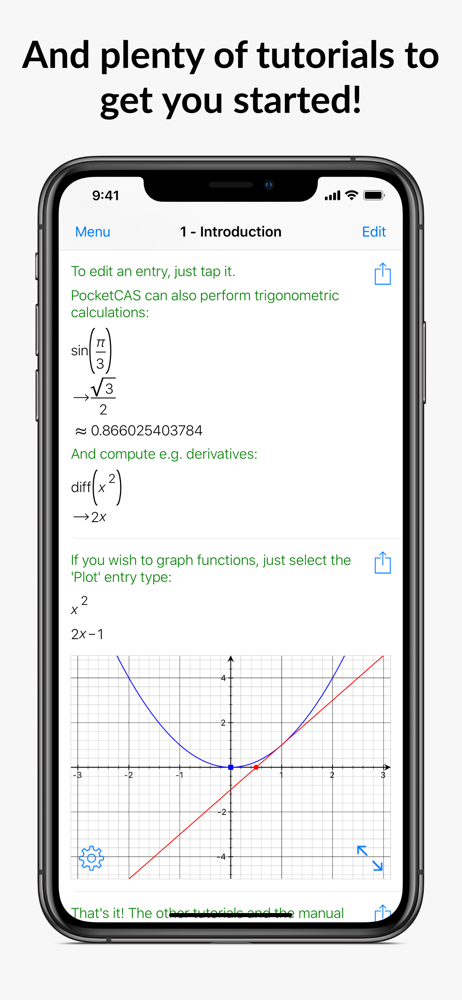
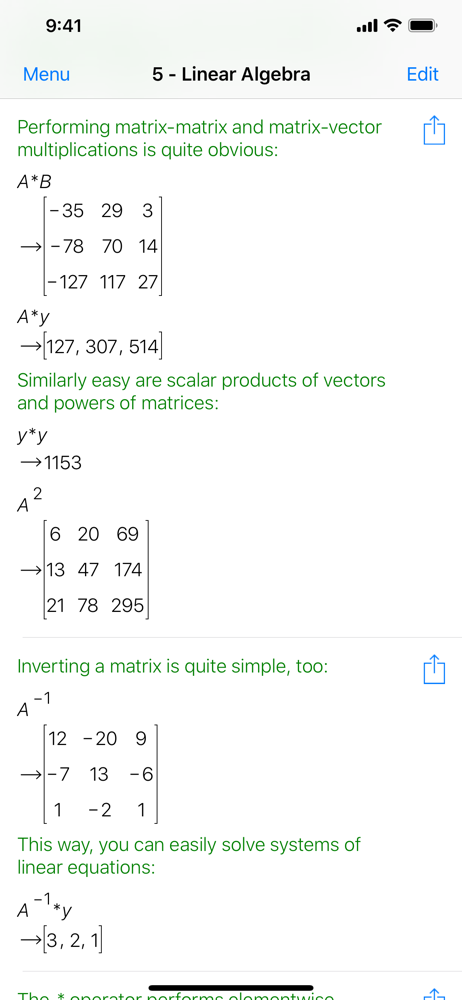
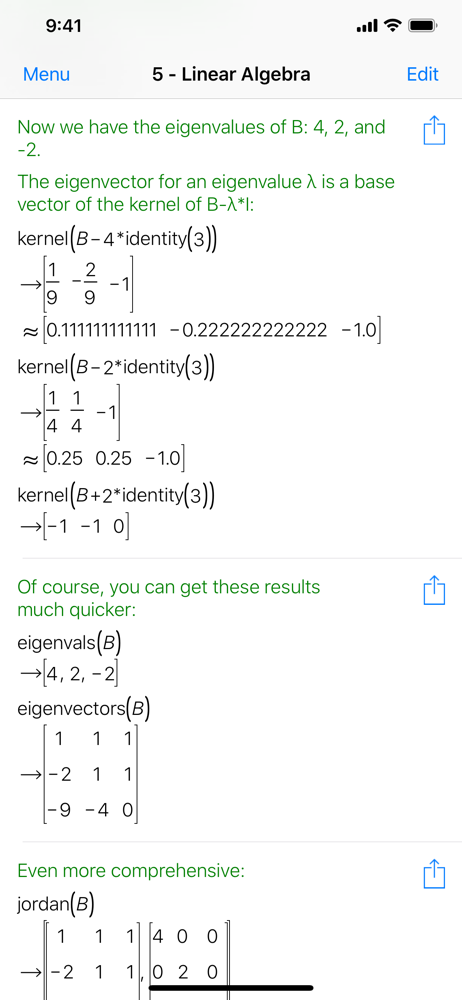
This calculator takes full advantage of the iPhone and iPad platform interface to provide efficient problem solving. Many calculator apps emulate 20-40 year old technology that involves punching emulated buttons and storing information in awkward ways. This application allows you to capture the full equation and keep it as long as you want. If you don’t know the equation the app can help you find it. There is an extensive library of functions for a wide range of disciplines. Plotting and programming capabilities are also powerful. The developer is also responsive and open to suggestions. Two suggestions I submitted showed up in a couple of weeks. In summary this is my go to tool for simple to complex calculations.
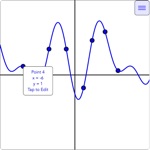
Amazing. It finds the answer to the integral ∫(1/(x^3-1),x,0,∞). Wolfram could not do that. One thing I really like about this app is how it allows you to create documents (consisting of calculation steps, plot steps, or script steps) which can be saved, imported, or exported. In any step in a document the variable Ans always contains the result of the last calculation so, for example, you can have pocketcas differentiate a function in x in a calculation step, and follow with a plot step that plots Ans, to see the graph of the derivative. Also any step can be duplicated, which saves a lot of typing when you want to do similar things. On graphs of functions, you can easily zoom in and out, display x and y coordinates while moving along a curve, and see a table of coordinate points that belong to the curve. It works very well with complex numbers and symbolic calculations. It is easiest to use on an iPad, but I've had no problem using it on my iPhone.
PocketCAS is the most advanced mathematics application for iPhone and iPad. It can help you with any kind of math problem, from elementary school all...