Check the acquisition promise
Read the store headline, screenshots and description. What problem is the app promising to solve?
Study the storefront ↗
锦文 游 · iOS
Explore the ad evidence, study the storefront, and build your next acquisition hypothesis.
01 / Creative research
Read the store headline, screenshots and description. What problem is the app promising to solve?
Study the storefront ↗Explore apps with direct store-link matches. Compare their hooks and formats without assuming the same approach works here.
Browse observed advertisers ↗Store rankings and revenue estimates describe market context. They do not establish ad spend, conversions or ROAS.
Review the market context ↗02 / Storefront & product
Study the product story and store experience behind the acquisition funnel.




03 / Market context
Keep revenue, downloads and store rankings separate from advertising performance.
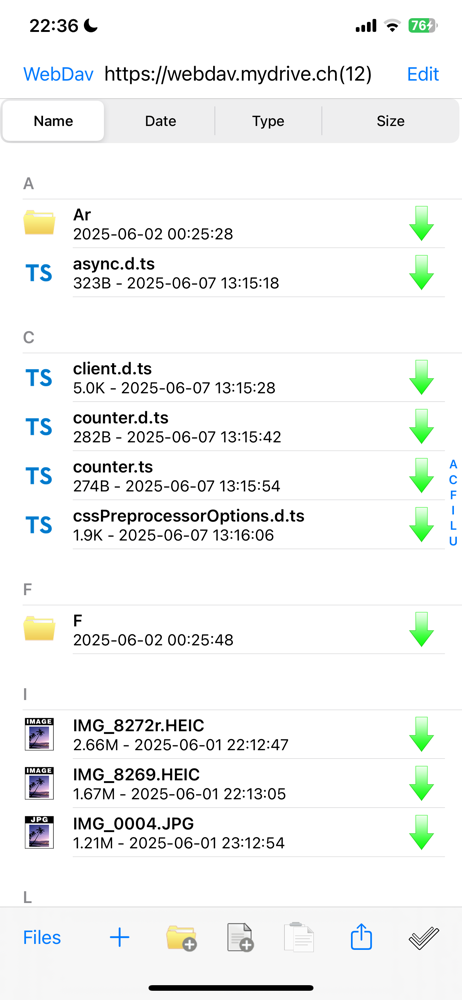
What I use this app for is accessing my home networked shared drive. It works kinda ok. The main problem I have is seeing folders. Sometimes I don't see folders that I know are there and every time I go into a folder, the folder I go into is all of a sudden in side it's self. Like if I have a folder called "pictures". Inside "pictures" there are 3 folders. "cars", "cats", and "vacation". In the app it would show 4 folders "cars", "cats", "vacation" and "pictures". When you click on "pictures" it says (not found). Which makes sense because it's not there. Was hoping for a fix. But all in all I do like the app. I can access my drive from home and school.
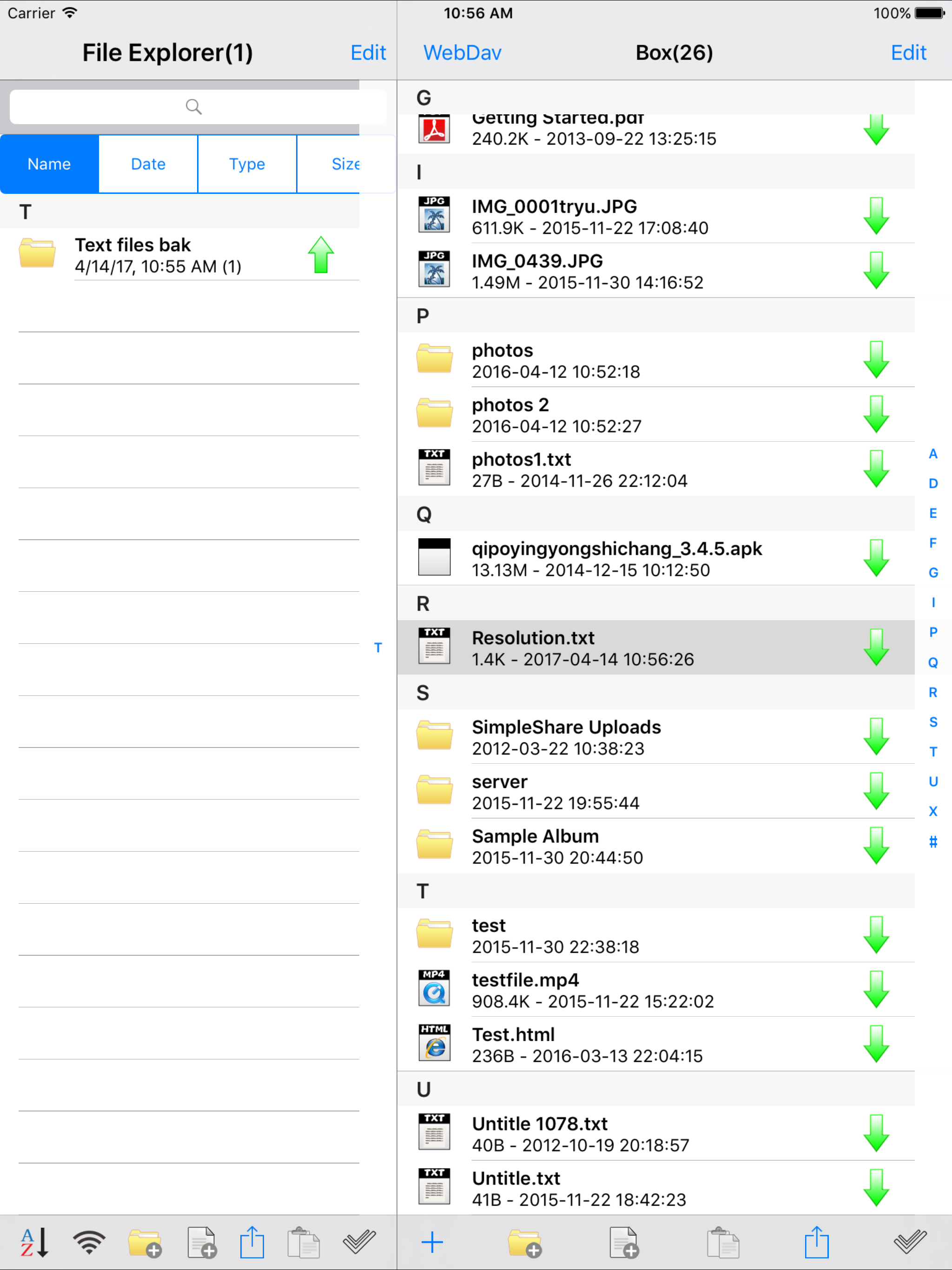
This is quite good. Most of all, it works. Though things need improved on. •The method of switching between webdav, file explorer and share needs to be changed. The location of those buttons, cancel and edit is odd. •rar password extraction •Security on files when reopening app is lacking. The last opened file can be seen briefly. •email button on edit menu should be moved to arrow button menu •Delete should be added to the edit menu and tap and hold menu •Copy, paste and delete should be removed from the arrow button menu •Slide to delete should be removed •Upload button should be moved to tap and hold menu, or simply removed, same with the download button in webdav •Adding files from photo stream should be an option •Webdav files are not sortable by type. •The locations of the photo, text paste and new folder buttons should be the same for webdav and file explorer •Cancel search button is buggy if no query is typed •Cancel button at top should be named "back"
...after a bit more development but right now It seems a bit iffy. App asked me to pay to add another server... pretty lame if you ask me. After supposedly being logged on I can't see my files, the same files I can see with other apps.
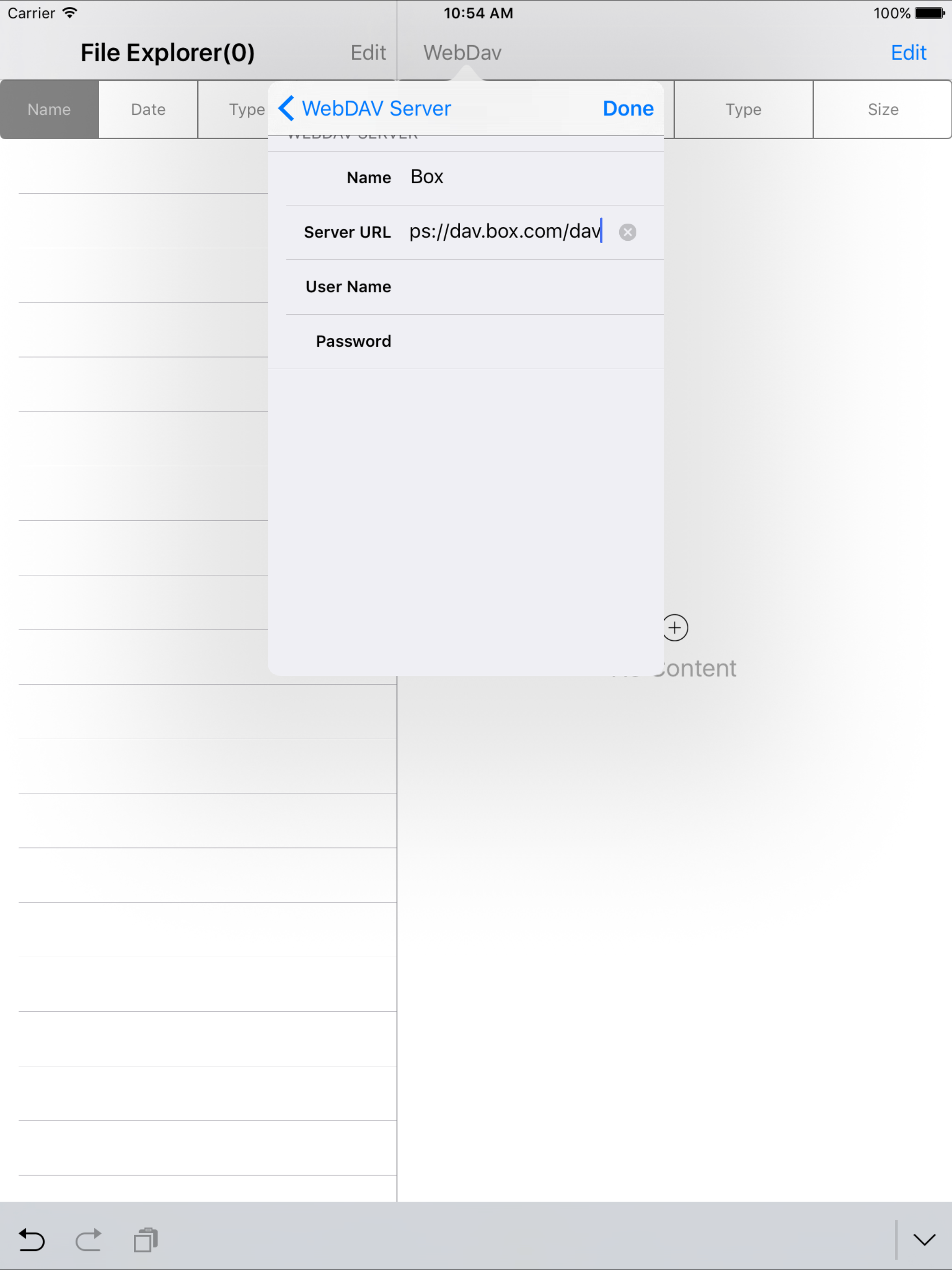
My WebDav can turn your iPhone, ipad, ipod into WebDav client, download files from WebDav server and upload files into WebDav server. *****specifica...
| Name | Price | Type |
|---|---|---|
| Multiple WebDav Servers | $0.99 | One-time |
| Remove Ads | $0.99 | One-time |
| Full Version | $1.99 | One-time |