Check the acquisition promise
Read the store headline, screenshots and description. What problem is the app promising to solve?
Study the storefront ↗
Johan Bergsee · iOS
Explore the ad evidence, study the storefront, and build your next acquisition hypothesis.
01 / Creative research
Read the store headline, screenshots and description. What problem is the app promising to solve?
Study the storefront ↗Explore apps with direct store-link matches. Compare their hooks and formats without assuming the same approach works here.
Browse observed advertisers ↗Store rankings and revenue estimates describe market context. They do not establish ad spend, conversions or ROAS.
Review the market context ↗02 / Storefront & product
Study the product story and store experience behind the acquisition funnel.


03 / Market context
Keep revenue, downloads and store rankings separate from advertising performance.
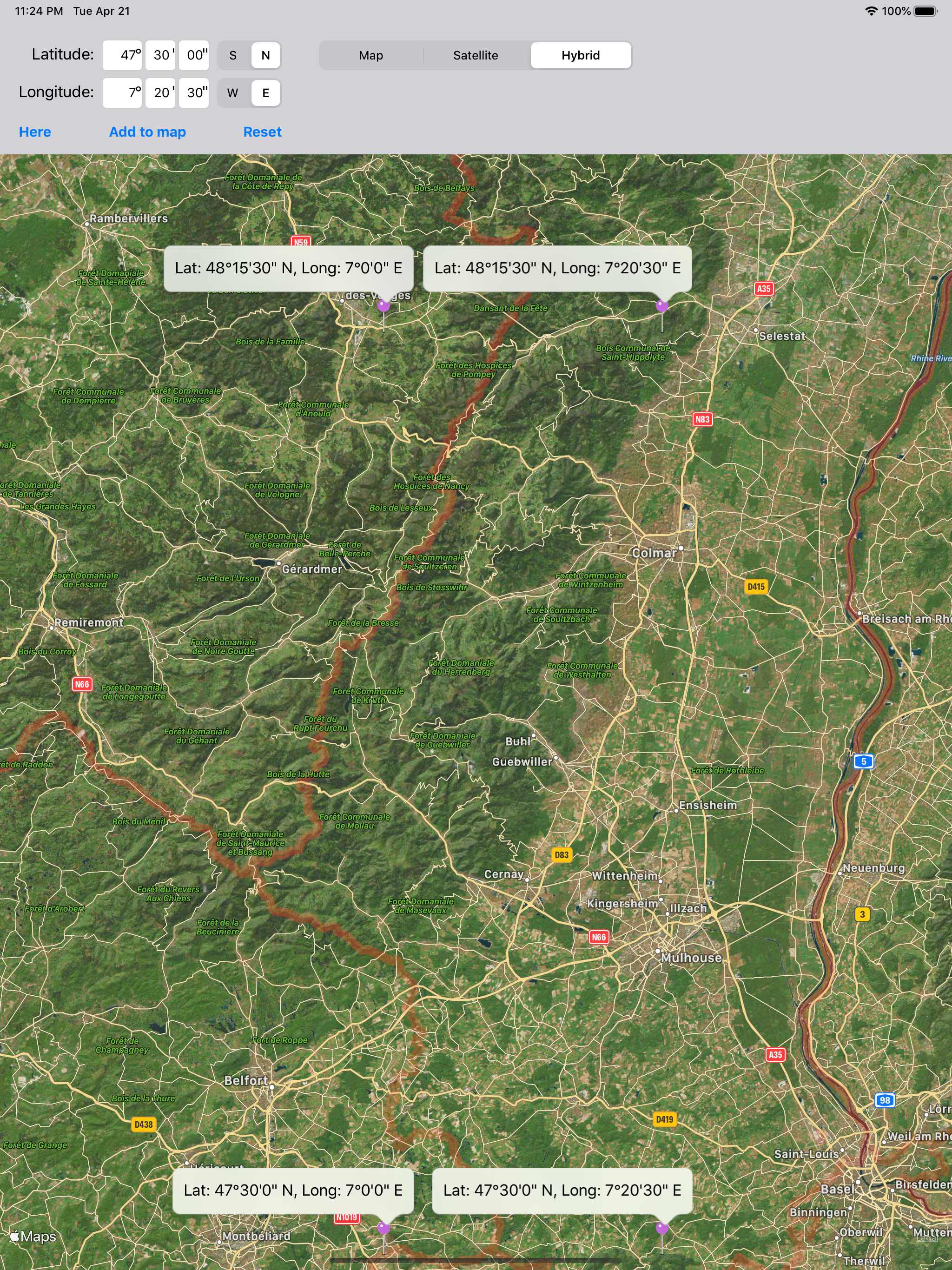
This App is perfect for locating anyone or anything. It is a useful combination with the iPhone Compass. The Compass will give the coordinates and the Location App will pin point to within 100 yards. The rest is up to you. Of course Government Satellites can get you within 30 feet.
If you know the coordinates, then punch them in and this will locate them on a satellite image. I agree with other reviewers that it would be nice to have street names listed, but that would add to the amount if data this app would need to drag around. The "Here" button shows your current coordinates which helps a lot with reference to entered coordinates.
You'd think at LEAST there would be map view with labels AND/OR a "Home" button so I can find my own location and/or coordinates. As a matter of fact-- there should be an option to double tap the map at any point to get coordinates.
Lookup any lat/long coordinate on the earth's surface, and display it on a satellite image/map. Useful for finding a location specified only by its co...