Check the acquisition promise
Read the store headline, screenshots and description. What problem is the app promising to solve?
Study the storefront ↗
Made for Use · iOS
Explore the ad evidence, study the storefront, and build your next acquisition hypothesis.
01 / Creative research
Read the store headline, screenshots and description. What problem is the app promising to solve?
Study the storefront ↗Explore apps with direct store-link matches. Compare their hooks and formats without assuming the same approach works here.
Browse observed advertisers ↗Store rankings and revenue estimates describe market context. They do not establish ad spend, conversions or ROAS.
Review the market context ↗02 / Storefront & product
Study the product story and store experience behind the acquisition funnel.


03 / Market context
Keep revenue, downloads and store rankings separate from advertising performance.
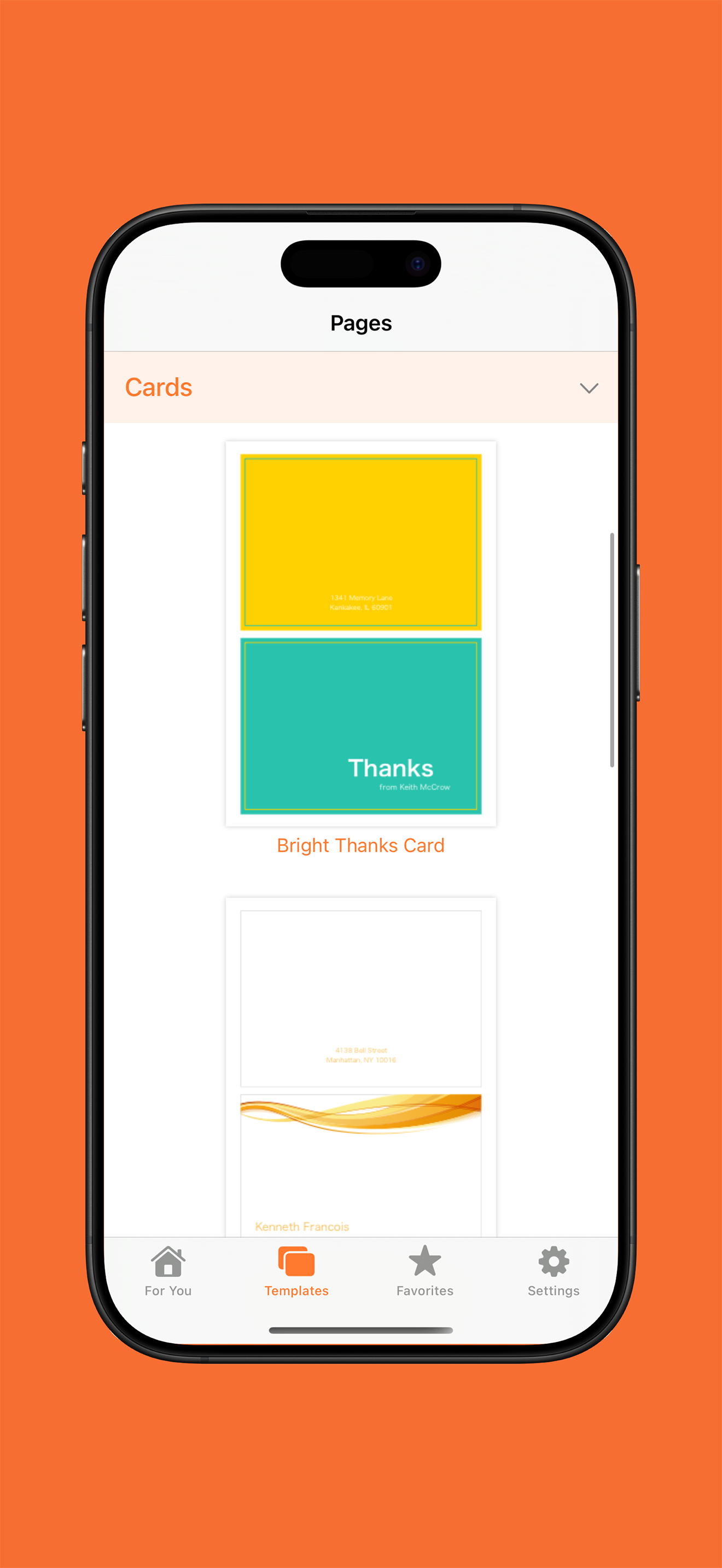
I've found this application to be extremely useful. I like the ease of sending it to the Pages application, which I think is very important. It's easy to edit as well and is very helpful as a guideline or tool for whatever you are creating. I do, however, wish there were more options. I thought some of the various templates could be a little more unique. I've found that I mostly use these as starting points which is totally okay and I appreciate the ability to have this at my fingertips. My biggest concern with the app is formatting. I think it could be made a little easier, or could work more closely with the Pages application as to what you are actually able to format. All-in-all, I think it's a wonderful application and has been immensely helpful in starting whatever project I am embarking upon.
Way back in the 1990's, when I first saw what an Apple Mac could do, it was the style and class of the document printing that really blew my mind... but I never had the design & layout "chops" to replicate those results. Then, about a month ago, I bought this app -- which is really more of an aftermarket "upsell" package, filled with templates for Pages, and... Voila: PERFECTION!!! Honestly, I couldn't be any happier than I am, with this, and wholeheartedly recommend it to anyone and everyone who'd like to be able to produce crisp, clean and readily recognizable layouts, quickly and easily. As a parent and owner of two small businesses, what this offers me, most and best of all, is a fast & easy way to get the hard stuff out of the way, so I can get on to the parts of my life that matter most to me. (And hey, isn't that what apps are supposed to be about, in the first place.)
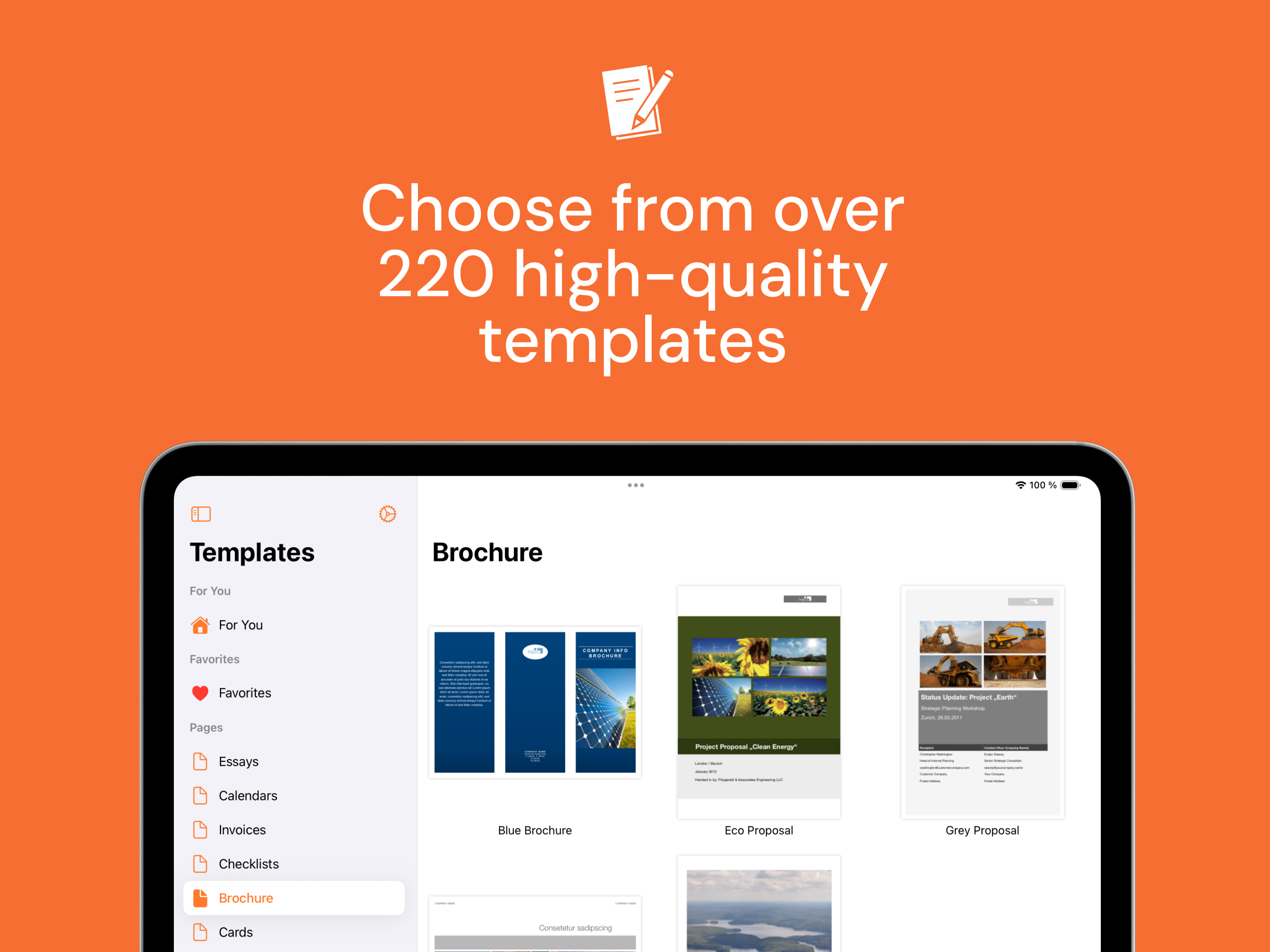
This author has an excellent and much needed series (one for pages, keynote and numbers). Keep in mind the key word here is 'template' (eg something you use with the tool) - you have to have installed pages, numbers or keynote depending on the template app you choose (did I have to say that? Yes, someone actually wrote a 1 star comment that said 'i cant use these without pages/number/keynote. Uh hem.). These look like many of the Fortune 500 types of templates I saw and used and needed during a 30 yr career (2012 to back when we just had punch cards to compute). If you're an MBA/student or a mid-Sr level Exec/aspiring, Get these....each series if you have the tools (pages, keynote and numbers)...you will use them, get good results and theyll save time. Pro stuff. Well done.
Templates for Pages Pro is the best way to create professional, high quality and polished documents with Apple's Pages application on your iPhone, iPa...