Check the acquisition promise
Read the store headline, screenshots and description. What problem is the app promising to solve?
Study the storefront ↗
Beginning to Sign · iOS
Explore the ad evidence, study the storefront, and build your next acquisition hypothesis.
01 / Creative research
Read the store headline, screenshots and description. What problem is the app promising to solve?
Study the storefront ↗Explore apps with direct store-link matches. Compare their hooks and formats without assuming the same approach works here.
Browse observed advertisers ↗Store rankings and revenue estimates describe market context. They do not establish ad spend, conversions or ROAS.
Review the market context ↗02 / Storefront & product
Study the product story and store experience behind the acquisition funnel.


03 / Market context
Keep revenue, downloads and store rankings separate from advertising performance.
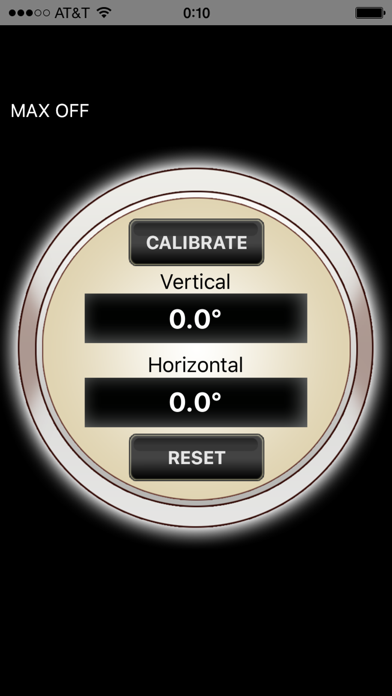
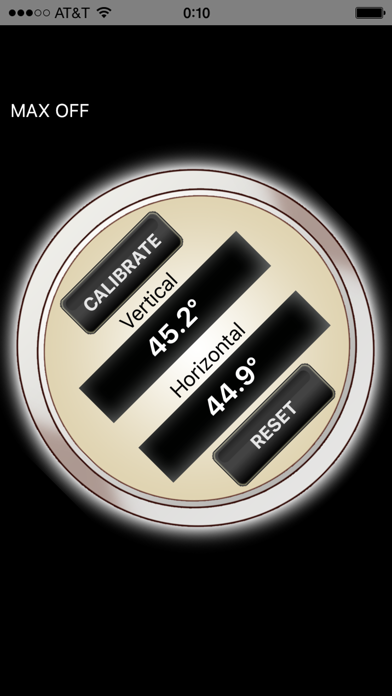
Not completely terrible, but it has it's problems. I need to angle many things all. So while prepping the other items to angle, I'll set the phone down with the app open and it'll get confused on which way is up. Therefore, forcing me to close out the app and reopen it.
Doesn't work for me & has no directions- I gave it 1 star because it didn't cost anything so now I will delete it in the cyber waste can.
When trying to utilize on my iPhone 4S, I found it difficult to use due to the rapidly changing readings. If the reading were slowed down and dampened by averaging several reading before updating the display it might be salvaged. I could not determine it accuracy because of the unsteady readings.
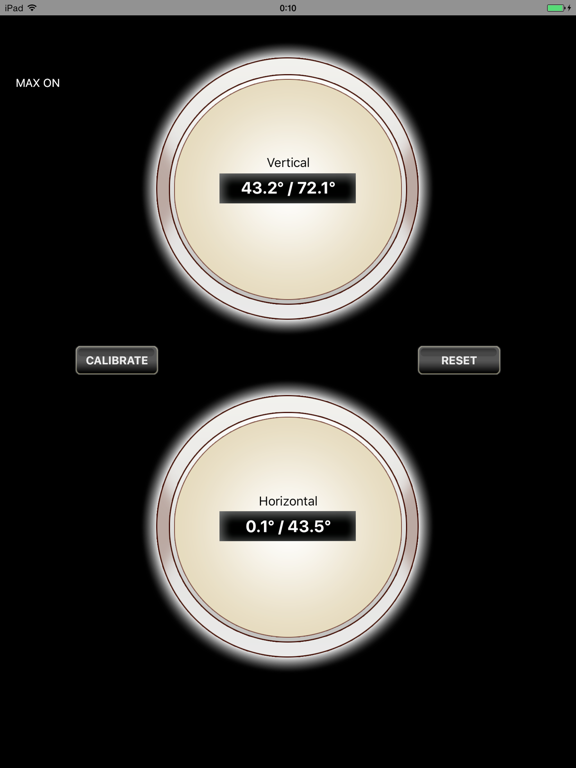
Use your iOS device to quickly find multiple angles. Features: - measure an angle on lateral movement - measure an angle on vertical movement - abili...
| Name | Price | Type |
|---|---|---|
| Disable Ads | $0.99 | One-time |