
Check the acquisition promise
Read the store headline, screenshots and description. What problem is the app promising to solve?
Study the storefront ↗
Hans-Joachim Kretzschmar · iOS
Explore the ad evidence, study the storefront, and build your next acquisition hypothesis.
01 / Creative research
Read the store headline, screenshots and description. What problem is the app promising to solve?
Study the storefront ↗Explore apps with direct store-link matches. Compare their hooks and formats without assuming the same approach works here.
Browse observed advertisers ↗Store rankings and revenue estimates describe market context. They do not establish ad spend, conversions or ROAS.
Review the market context ↗02 / Storefront & product
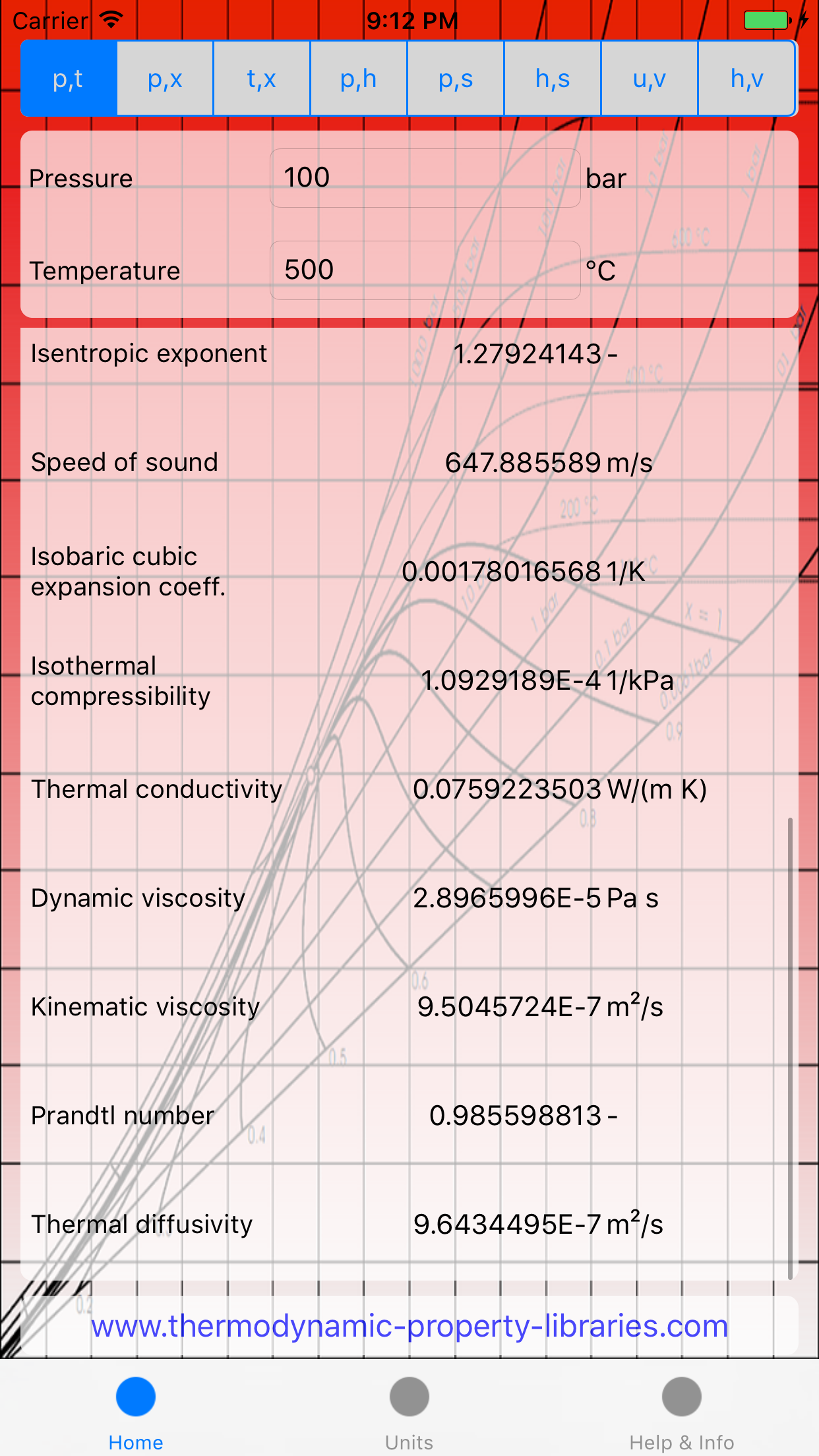
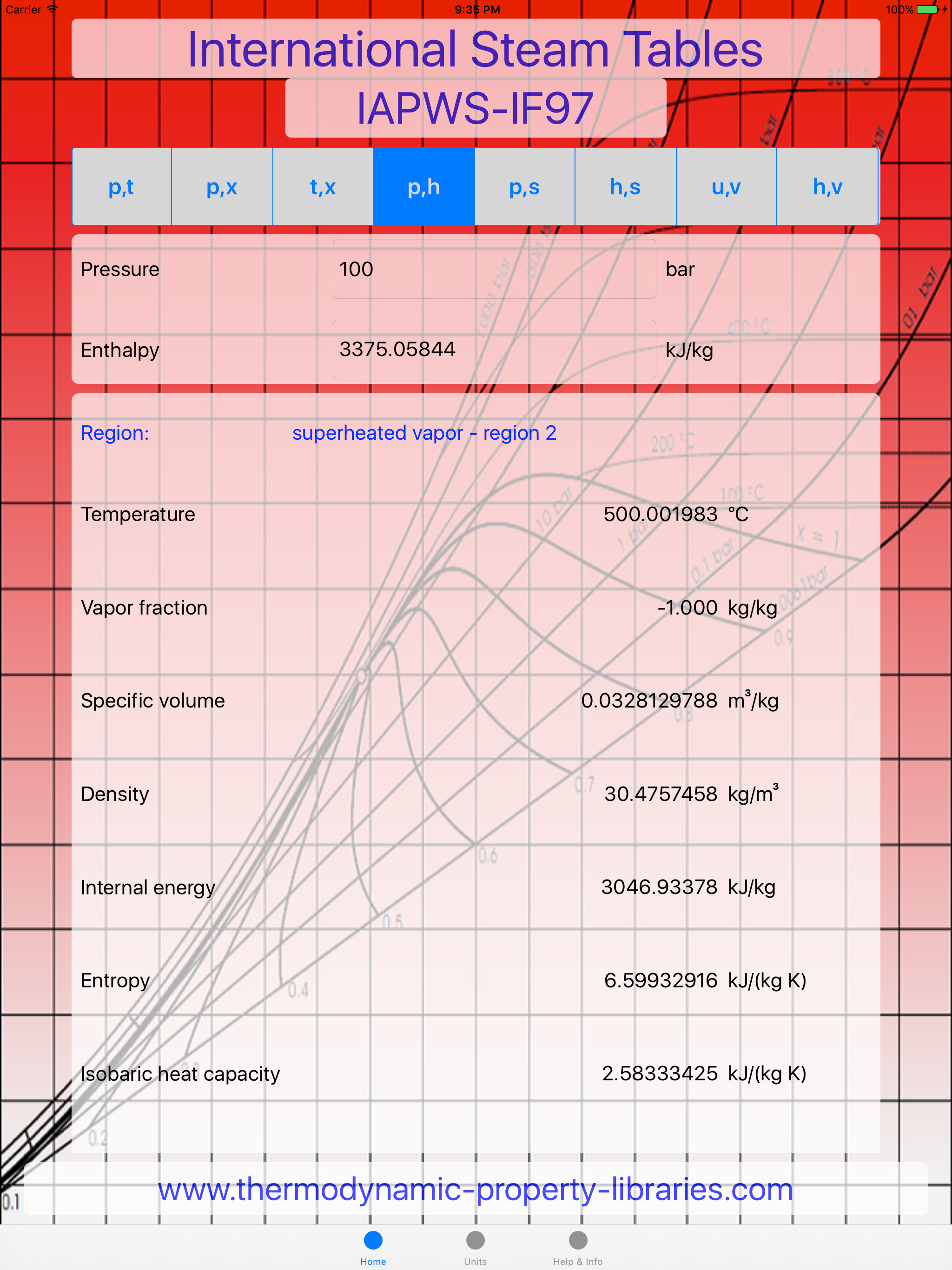
Study the product story and store experience behind the acquisition funnel.



03 / Market context
Keep revenue, downloads and store rankings separate from advertising performance.
If you're an engineering student, this is the steam app you want. It includes compressed water properties too, which the other apps don't have. Almost all units available including mixing an matching of English and Standard units. Great app, I wish I had this when I took Thermo.
this app is one of my most valuable tools. perfect for steam plant work and power systems analysis. quick, easy to use, and beats the HELL out of doing table lookups with interpolations all day. one suggestion for improvement would be to include "thermodynamics" in the keywords list for AppStore searching. I almost didnt find this app? good thing I stumbled upon it.
Spot-checked against a copy of Keenan & Keyes (1969) with good agreement. I understand that the IAPWS-IF97 formulation gives slightly different results than the classic tables ... As the joke goes, if you're worried about the fourth significant digit, you're already in trouble! Nice and useable, fast results, and handy to have instead of a book taking up space. Possible suggestions for future versions: * please clarify I-P units (specify psia, for instance, instead of psi) * it was not immediately obvious how to get to saturation properties (use the p,x or t,x tabs and set quality to 1 for vapor and 0 for liquid), maybe if there was a quick toggle option that would help * take better advantage of the real estate on the iPad -- less scrolling or f, fg, and g saturation properties in a three-column table * provide a way to mix units -- e.g., enter units in I-P and get SI results without having to toggle the entry units as well, but this may add needless complexity * instead of verbose property descriptions consider the use of standard nomenclature (h instead of enthalpy, s instead of entropy, cp instead of isobaric heat capacity) with a touch to bring up verbose description or an option to switch between the two.
The "International Steam Tables - IAPWS-IF97" app has been developed by active members of the International Association for the Properties of Water an...