
Check the acquisition promise
Read the store headline, screenshots and description. What problem is the app promising to solve?
Study the storefront ↗
Ministry of National Defense - Republic of Korea · iOS
Explore the ad evidence, study the storefront, and build your next acquisition hypothesis.
01 / Creative research
Read the store headline, screenshots and description. What problem is the app promising to solve?
Study the storefront ↗Explore apps with direct store-link matches. Compare their hooks and formats without assuming the same approach works here.
Browse observed advertisers ↗Store rankings and revenue estimates describe market context. They do not establish ad spend, conversions or ROAS.
Review the market context ↗02 / Storefront & product
Study the product story and store experience behind the acquisition funnel.


03 / Market context
Keep revenue, downloads and store rankings separate from advertising performance.
Pc에 저장된 인증서를 어느 사이트를 통해 어떻게 가져오라는 안내도 하나도 없고, 가져오기 누르면 QR 코드 인식하는 화면이 뜨는데 시중 은행 및 다른 QR코드 생성 인증서 내보내기를 아무리 시도해도 인식도 안됩니다. 아니면 인증번호를 입력하라고 하는데 보통 인증서 가져오기는 인증번호를 주고 가져오라고 합니다. Pc에서도 스마트폰앱에 뜬 인증번호를 입력하라고 하고 예비군 앱에서도 인증번호를 입력하라 하면 어쩌자는겁니까? 매뉴얼 내용이랑 하나도 안맞네요. 국방부 예산 없습니까? 앱관리좀 하세요 아니면 아예 만들질 말든지
자꾸 확인버튼만 있는 팝업 뜨고 앱이 종료됩니다.
좆같네 씨발거
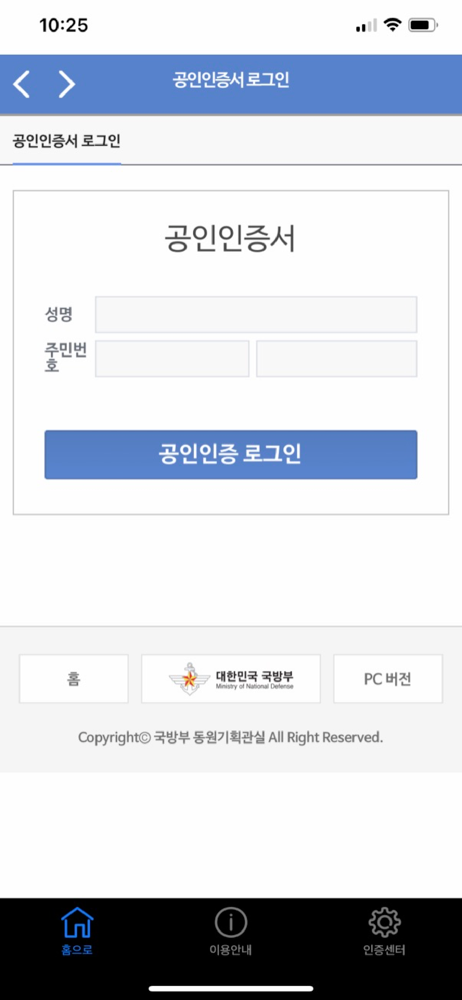
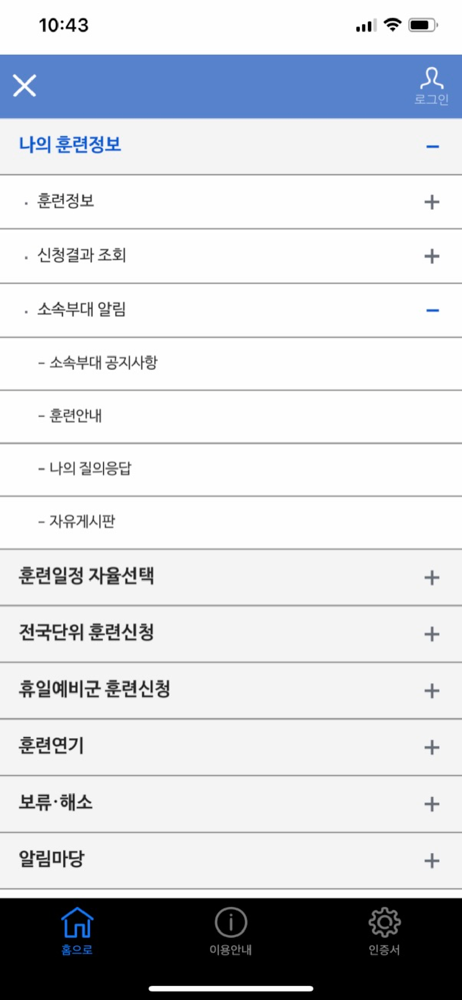
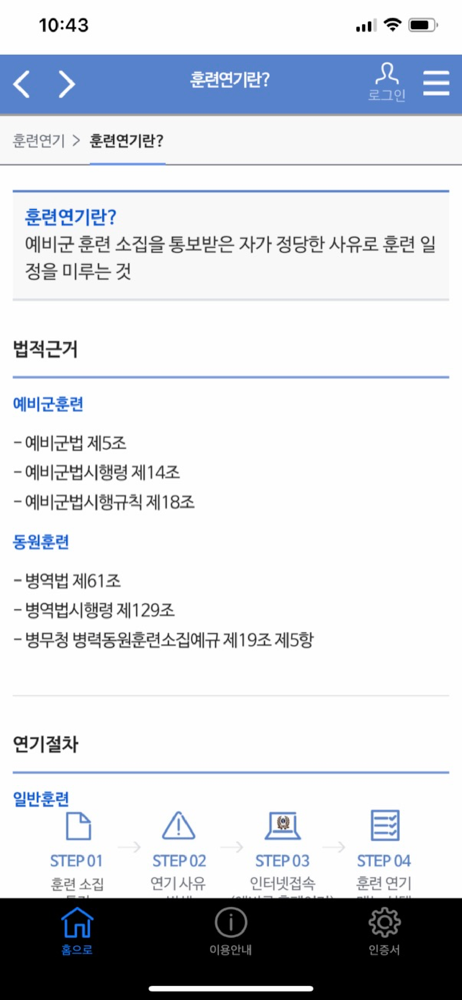
예비군 앱은 국방부에서 제작하여 무료로 배포하는 서비스로서 예비군의 소속 및 훈련정보를 조회할 수 있으며, 훈련일정 자율선택, 전국단위 훈련신청, 훈련연기 및 보류 등 예비군 홈페이지의 기능을 스마트폰에서 사용할 수 있도록 제공합니다. ※ 본인 공인인증서를 사용하지...


