
Check the acquisition promise
Read the store headline, screenshots and description. What problem is the app promising to solve?
Study the storefront ↗
Authy Inc. · iOS
Explore the ad evidence, study the storefront, and build your next acquisition hypothesis.
01 / Creative research
Read the store headline, screenshots and description. What problem is the app promising to solve?
Study the storefront ↗Explore apps with direct store-link matches. Compare their hooks and formats without assuming the same approach works here.
Browse observed advertisers ↗Store rankings and revenue estimates describe market context. They do not establish ad spend, conversions or ROAS.
Review the market context ↗02 / Storefront & product
Study the product story and store experience behind the acquisition funnel.


03 / Market context
Keep revenue, downloads and store rankings separate from advertising performance.
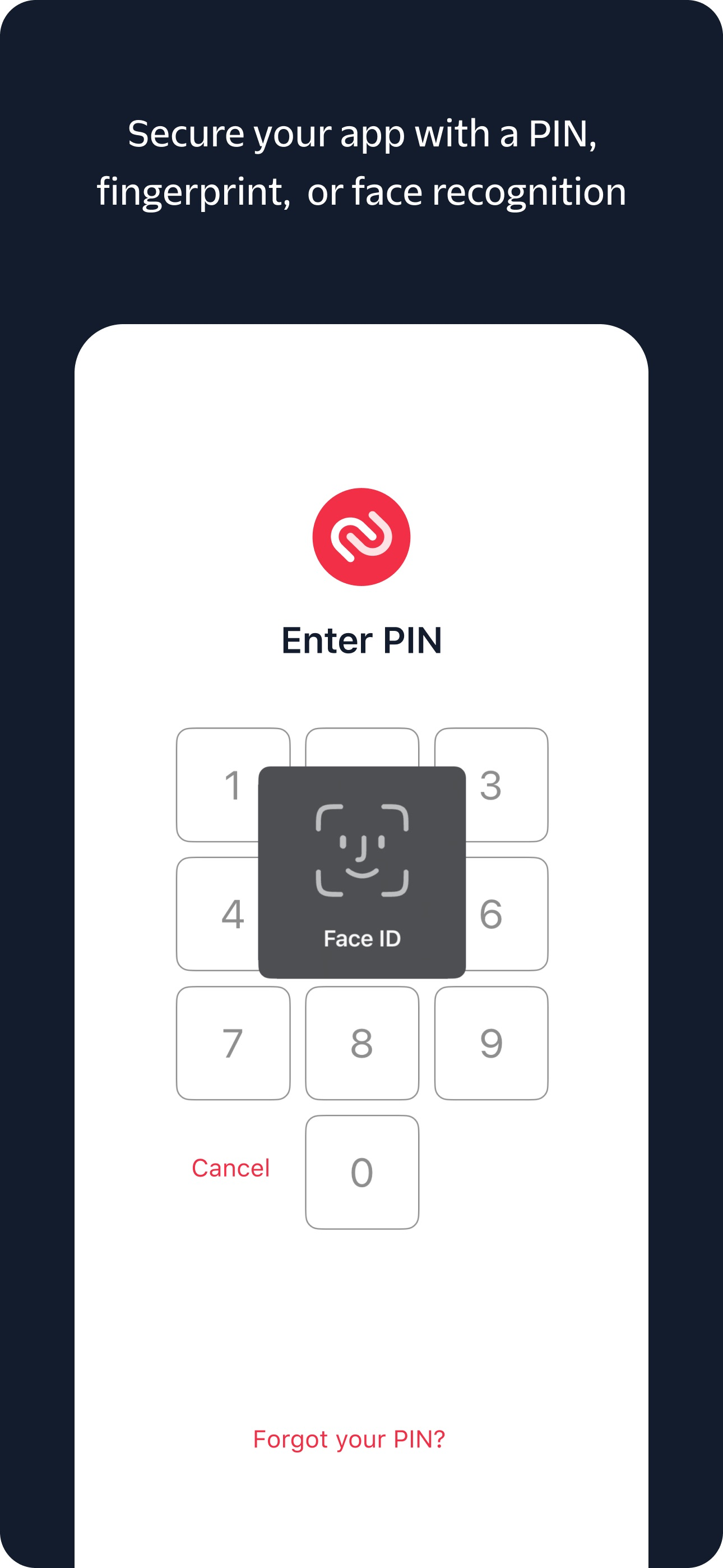
This is a very secure way to protect your account. There’s no one that can log into your account. I absolutely hate the horrible, almost indecipherable, fuzzy, hard to see pictures showing crosswalks, stairs, bicycles, cars , brudges, or motorcycles that I have to keep proving I am not a robot every time even after logging in from my same phone 1000 times!!!! It still thinks I am a robot using my cell phone and same ip, which is face ID protected anyway. Then the entire log in us also face-ID protected. .Then I have to get busy copy/pasting security numbers , using Face ID, switching from Authy to my exchange with a 15 second window of opportunity. My clipboard no longer wirks so I have to remember the 7 digit number. In order to withdraw money, I have to log in to Gemini app and go to Authy, find Authy messages, open message and approve my withdrawal. All in all, its very hard to use and I cuss a lot, but no one can get into your account. After using Authy for years, it’s still hard to use. But it’s super secure!! You won’t get in for a while either while you are figuring out how.
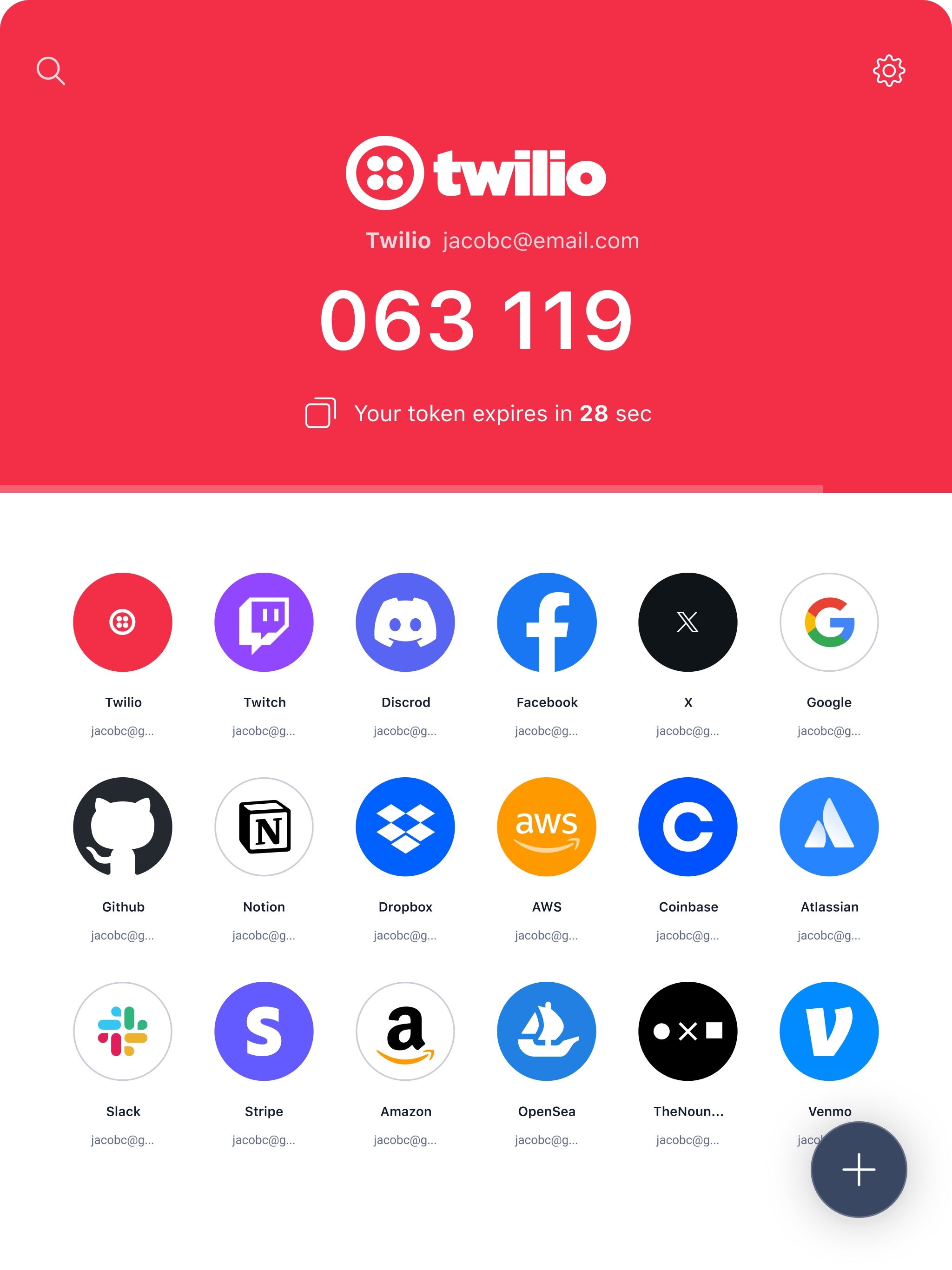
This authenticator does everything right, it keeps my codes secure, backed up and it does get the job done, and it also is just the absolute best! And it actually works parallel with Google Authenticator! Although, there are a couple of issues that need to be addressed: 1. Authy for Desktop The issue with the desktop version is that every time it is started up, (and this also includes the desktop web version) the codes aren’t synchronized correctly because the codes are refreshed at different times than it actually is on the mobile version because the mobile version always refreshes and gets the right codes in real time, and it’s just not advised to any user reading this, to get the desktop version. It still syncs the right codes, but the syncing is delayed. 2. Dark Mode support! Now, this isn’t really an issue but it’s just like feedback to the developers to add Dark Mode support because the app already looks great, but I want it to look better so please add it and so it can go easy on my eyes when I use this in the nighttime. But, I also have one question. Why is there a clone to the app made by the same devs called Starling 2FA? Isn’t Authy enough or is this supposed to be a companion because, I kind of don’t understand as to why there is already a clone...
There are so many Authenticators that I had to analyze each. This one wins due to the ability to change devices and numbers. If you use google authentication you have to do everything all over and there is no backup with google authentication. If you have issues, contact them where they’ll give you steps to recover your account. It’s a bit troublesome in the beginning to figure it out and why it’s not working. You must remember that when you do it, you’re on a trusted devices. If you go into your emails section to “remove all devices” and try again, it’ll request the Authenticator. Which, is what we need. Next, be smart, write down your backup password so you can log back in. I’ve read the critical reviews and that seems to be an issue with their forgetting. Please note, it doesn’t work for yahoo because yahoo doesn’t have it and depend on the two step which can be a problem if hacked. Once those criteria are changed, your screwed because there isn’t support for lost accounts that ever help. They have their version but it’s a physical device that plugs into your machine, via usb, to continue. But that’s specifically for yahoo. At any rate, it’s pretty solid and this is old technology that should have been used years ago to prevent forgotten or hacked passwords.
Your use of the Authy App is subject to these Authy App Terms (https://www.twilio.com/en-us/legal/authy-app-terms) Authy brings the future of two-fac...