Check the acquisition promise
Read the store headline, screenshots and description. What problem is the app promising to solve?
Study the storefront ↗
Fishington Studios · iOS
Explore the ad evidence, study the storefront, and build your next acquisition hypothesis.
01 / Creative research
Read the store headline, screenshots and description. What problem is the app promising to solve?
Study the storefront ↗Explore apps with direct store-link matches. Compare their hooks and formats without assuming the same approach works here.
Browse observed advertisers ↗Store rankings and revenue estimates describe market context. They do not establish ad spend, conversions or ROAS.
Review the market context ↗02 / Storefront & product
Study the product story and store experience behind the acquisition funnel.




03 / Market context
Keep revenue, downloads and store rankings separate from advertising performance.
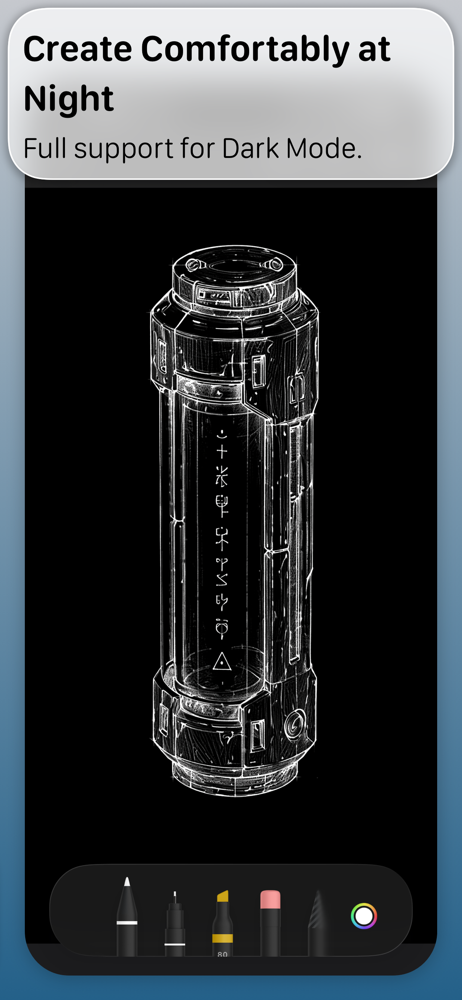
I like that this app seems to be kind of free to use. I’ve so far drawn two pictures and still haven’t had to pay anything. That said, this app is definitely buggy.Literally every time I open the app, the app glitches out and thinks that my pictures all have white backgrounds, when in fact my backgrounds are black. When I open the images, though, it seems to correct itself and looks correct. Still, very buggy.And next bug is on the eraser... I’m seeing repeating bugs on the eraser tool. First, it doesn’t save the work you do with the eraser correctly. The eraser always look correct while you are using it. But when you save the image, and reload the image, the eraser often had a small outline around it, which looks terrible.And another bug on the eraser is that, any place where I used the eraser, I can no longer draw in those areas using one of the marker tools. So yup, that’s quite a bug.If these bugs get worked out then yea, the app could be pretty good. I’m on iPad Pro btw, dark mode.
Update: With the help of a backup viewer I was able to salvage my pages. They’re not viewable in the app itself on my phone, but after backing up my phone (even after this horrible update) they were thankfully still there in the backup. Posting this so others might save their notes. That doesn’t pardon the one star review. 😒 Maybe if the developer 👋(hello?) made those files accessible within the app post update??I am going to be very wary of this developer; especially if by some miracle I ever consider giving a cent to them in the future. ALL of my notes and drawings are gone (though I spent all day salvaging them by some stroke of luck). I'm not well versed in restoring from backups and my last backup was a long time ago since this deplorable power move from developers doesn't normally happen. I can only think of words no reasonable person should say.
Not the best. I paid money for this and their is not even a fill tool and you have to buy a bunch of stuff to get something good out of this app but I did pay money for so I’m going to use it but pls add fill tool and make it free
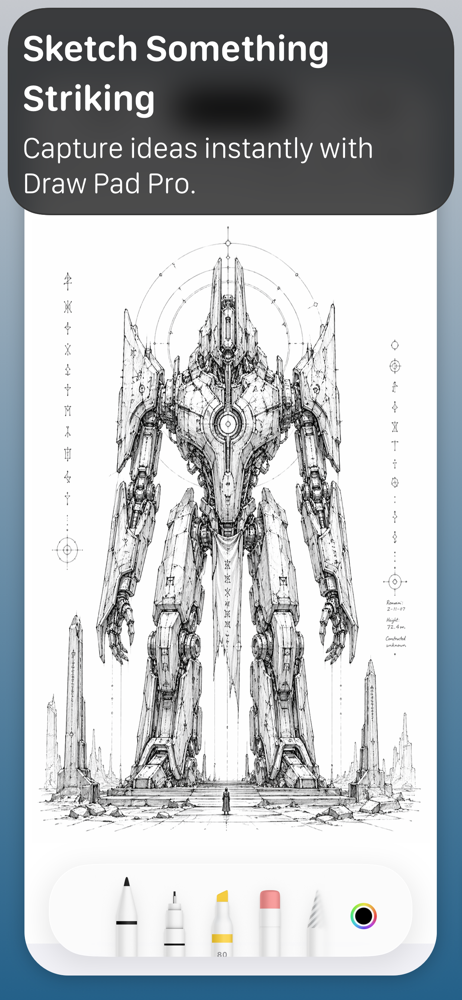
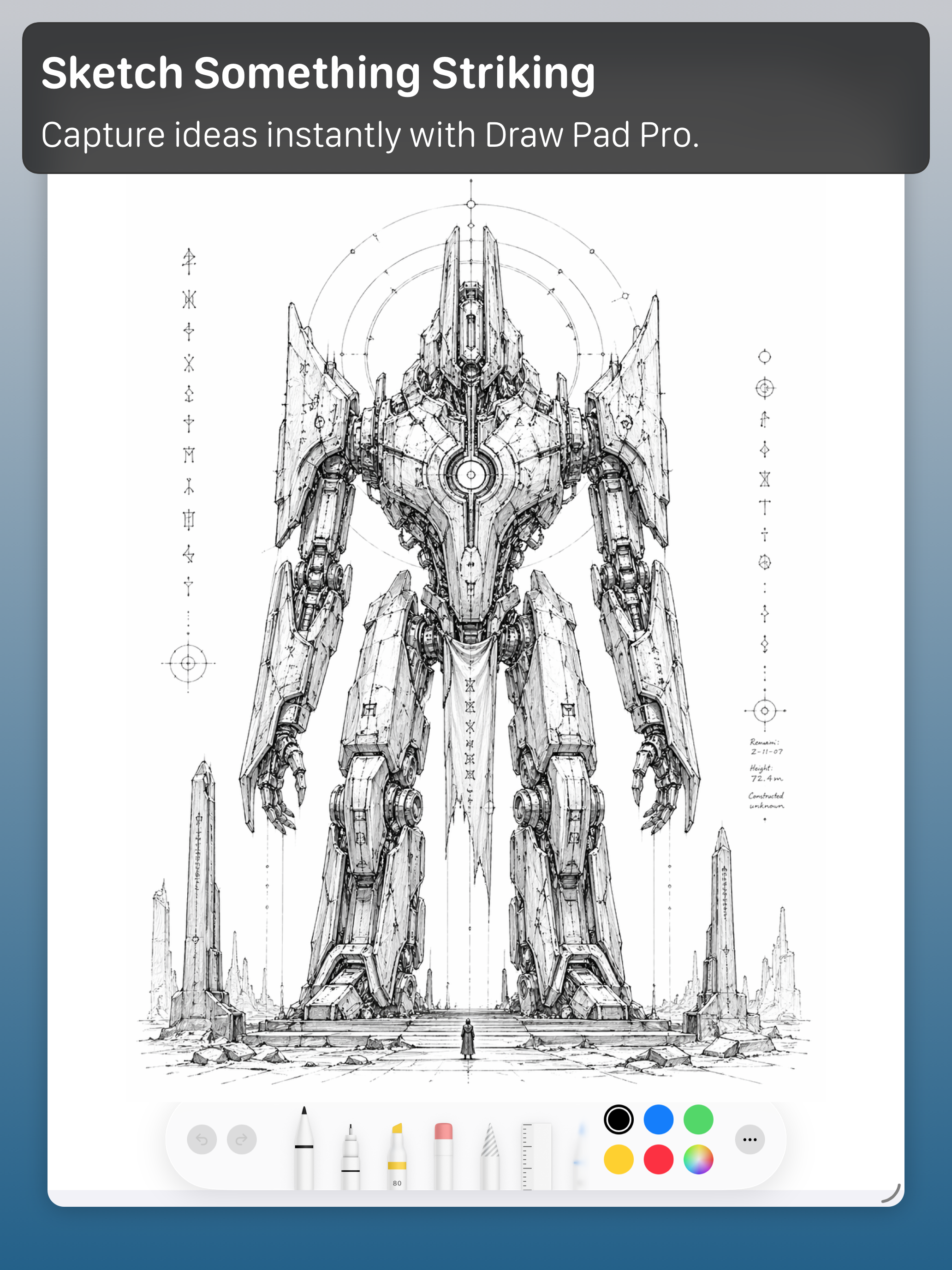
Draw Pad Pro helps you capture ideas the moment they appear. Turn quick sketches into organized notebooks without slowing down your flow. Keep everyth...
| Name | Price | Type |
|---|---|---|
| 3D Pack | $0.99 | One-time |
| Construction Pack | $0.99 | One-time |
| Game Pack | $0.99 | One-time |
| Productivity Pack | $0.99 | One-time |
| Text Add-on | $0.99 | One-time |
| Blueprint Pack | $0.99 | One-time |
| Sports Pack | $0.99 | One-time |
| Photo Add-on Tool | $0.99 | One-time |
| Business Pack | $0.99 | One-time |
| All Drawing Tools | $2.99 | One-time |