Check the acquisition promise
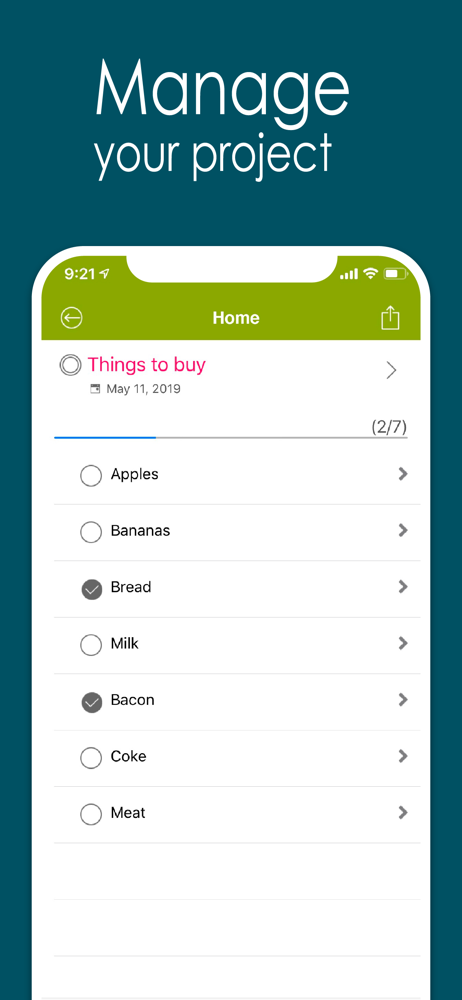
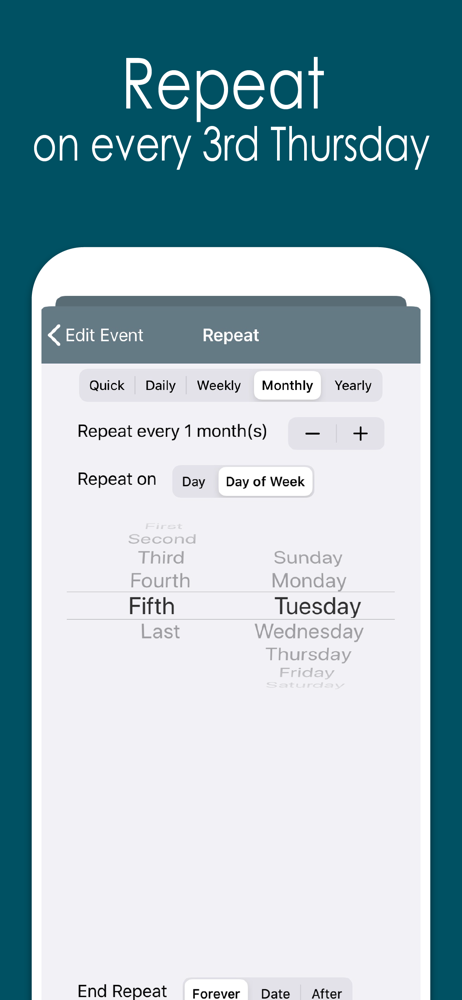
Read the store headline, screenshots and description. What problem is the app promising to solve?
Study the storefront ↗
YunaSoft Inc. · iOS
Explore the ad evidence, study the storefront, and build your next acquisition hypothesis.
01 / Creative research
Read the store headline, screenshots and description. What problem is the app promising to solve?
Study the storefront ↗Explore apps with direct store-link matches. Compare their hooks and formats without assuming the same approach works here.
Browse observed advertisers ↗Store rankings and revenue estimates describe market context. They do not establish ad spend, conversions or ROAS.
Review the market context ↗02 / Storefront & product
Study the product story and store experience behind the acquisition funnel.



03 / Market context
Keep revenue, downloads and store rankings separate from advertising performance.
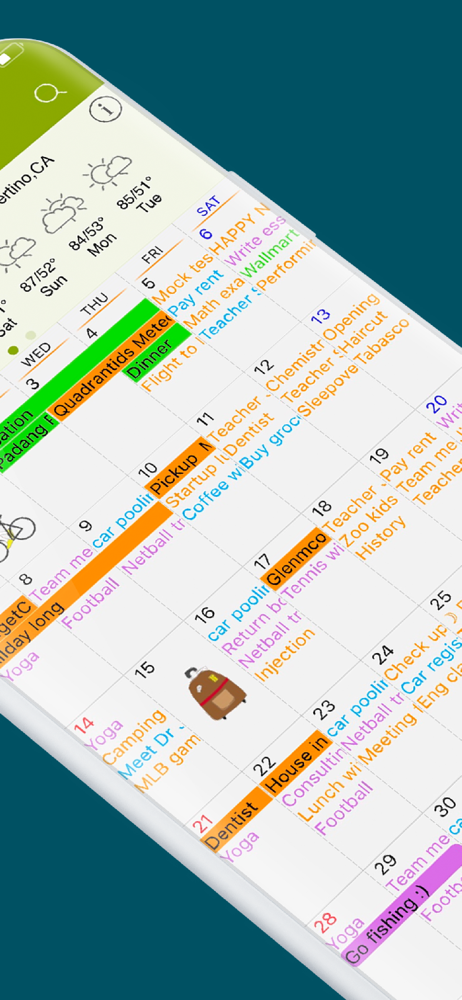
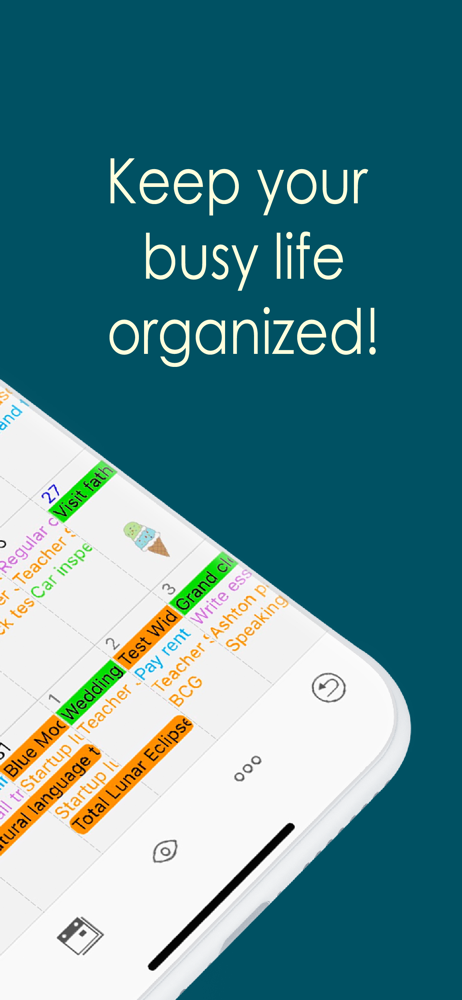
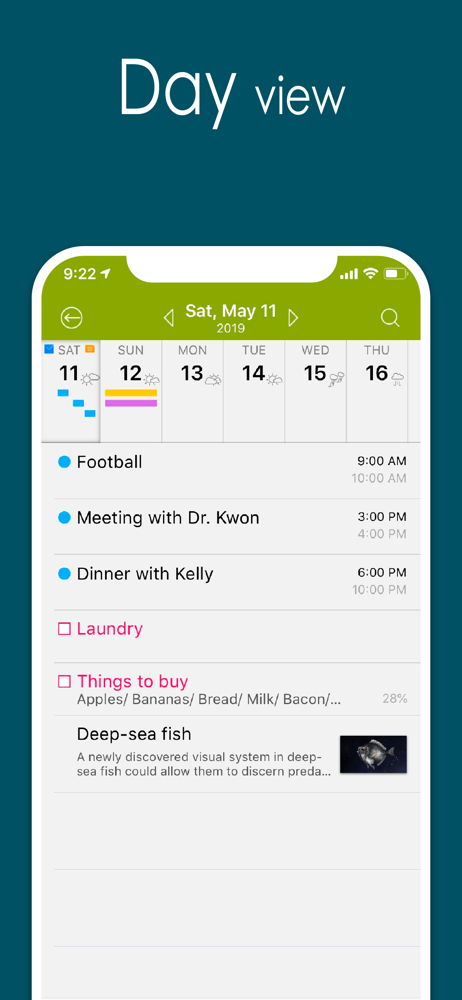
Still our family’s fav iPhone calendar app! But without Dark Mode or Apple Watch support, it’s out of date. There’s also a bug defaulting to 2 alerts. The new app Awesome Cal 2 version addresses these issues, but is not the same calendar display and without the fantastic customizations this one has. Can’t these two be integrated? Been using it since 2011 and still our family go to calendar. The display layout is beautiful, yet simple. Plenty of customizations available. It supports multiple, shareable calendars and notes. It’s SO reliable and easy to add events. Sync all past events forever or choose a time frame. I love the monthly view the best! Seeing the whole month all you events for the in one glance is extremely useful. And with One-button push, I can see weekly or daily agenda. As good as it is, there are a few things needed to bring it up to today’s iOS14 standard: - dark mode support. I’m surprised we don’t have this yet!! Need the ability to attach a photo to a specific event. Yea one can be added to a note, but a note doesn’t save the same purpose as an event. No alerts attached to those. - Alerts keep defaulting to two of them, forcing me to go back in to delete one. - the date clicker gets confused sometimes between am/pm settings edit especially when noon is involved. I would also LOVE an Apple Watch version.
I had 10 years worth of notes and stickers to be all deleted with this new update. Even when I add a new note with this updated version, I can only add one before it crashes and the app shuts down. I have to constantly close out the app and what’s the use of syncing notes with iCloud? It didn’t bring my notes back at all and it just keeps syncing endlessly without any results. I loved this calendar. Past tense. All the data I typed from appointments to vacation itineraries to random notes are all gone! I am NOT happy! Update: 2/1/22 I had deleted the app thinking it would help restore my notes but it didn’t then when the update came nothing came back. My mistake. However on my iPad everything restored since I left it alone, so I thought I could just sync it so my iPhone will also get the notes but it just keeps syncing endlessly. I even set my settings to never turn off so the syncing could complete over night. It synced for 8 hours with no results. Please fix the syncing feature so both my iPad and iPhone are the same for the notes. Update 2/1/22 I tried to sync my iPad and iPhone since all my notes only appeared on my iPad so I turned off iCloud Drive, and iCloud note, turned it back on and lost my notes again!!! I regret these updates.
Still the best calendar app. Love this. I was using two separate calendars, one for work, one for me. Awesome Cal was mine. The other calendar I won’t mention (Pocket Informant) I used since my Blackberry days and recently they changed design AND added a monthly $2.99 subscription fee. I tried hard to continue liking and using it. But, Paying a fee on a calendar that does nothing other than be a calendar is like paying someone to watch you sleep. I quit them and migrated my entire life here to Awesome Cal. I will miss the vertical scrolling and the dark calendar, but, I will survive. It is an Awesome Calendar and has my reminders and Calendars in one place with some fun. Can color the entire day, add stickers, and the return to TODAY page flips are fun. May as well get some enjoyment and laffs out of a calendar. Plus, they don’t charge a subscription fee to access stuff you put on your own phone. I can’t get over how absurd that is. But, all that aside, Awesome Cal just flat out works & is stable & reliable.
Now you can automatically sync with all iPhone calendars, write your todo list, create notes with photos, check the weather and more, all with Awesome...
| Name | Price | Type |
|---|---|---|
| TV Schedules | $0.99 | One-time |
| Religious holidays | $0.99 | One-time |
| Moon Phases calendar | $0.99 | One-time |
| Week Numbers | $0.99 | One-time |
| Calendars - Rio Games 2016 edition | $0.99 | One-time |
| Holidays United States | $0.99 | One-time |
| Calendars - Pro Baseball USA 2015 edition | $0.99 | One-time |
| Calendars - Pro Football USA 2014-2015 edition | $0.99 | One-time |
| +800 Emoji Stickers | $0.99 | One-time |
| Weather calendars | $1.99 | One-time |