Check the acquisition promise
Read the store headline, screenshots and description. What problem is the app promising to solve?
Study the storefront ↗
iWriteMusicProject · iOS
Explore the ad evidence, study the storefront, and build your next acquisition hypothesis.
01 / Creative research
Read the store headline, screenshots and description. What problem is the app promising to solve?
Study the storefront ↗Explore apps with direct store-link matches. Compare their hooks and formats without assuming the same approach works here.
Browse observed advertisers ↗Store rankings and revenue estimates describe market context. They do not establish ad spend, conversions or ROAS.
Review the market context ↗02 / Storefront & product
Study the product story and store experience behind the acquisition funnel.




03 / Market context
Keep revenue, downloads and store rankings separate from advertising performance.
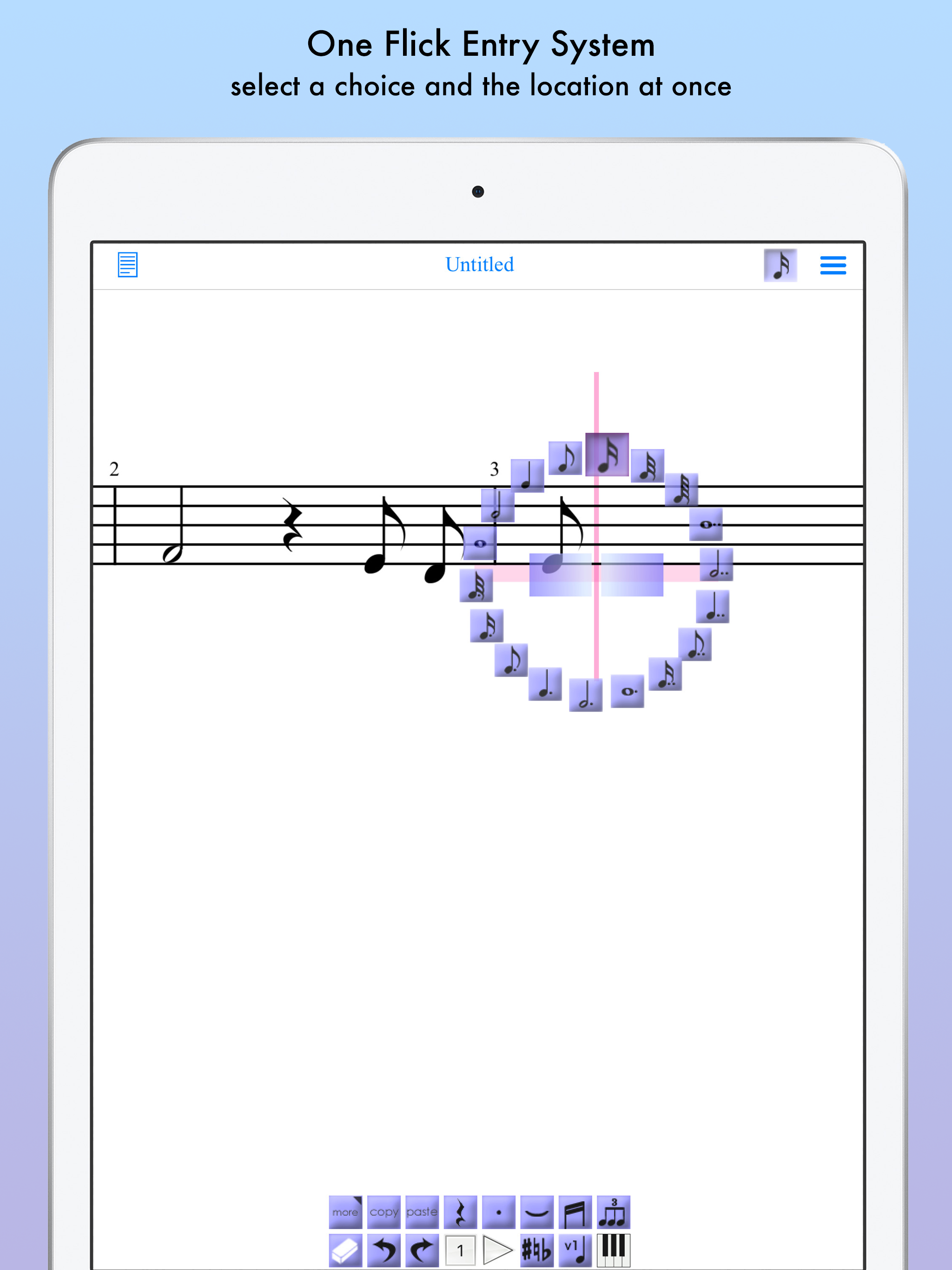
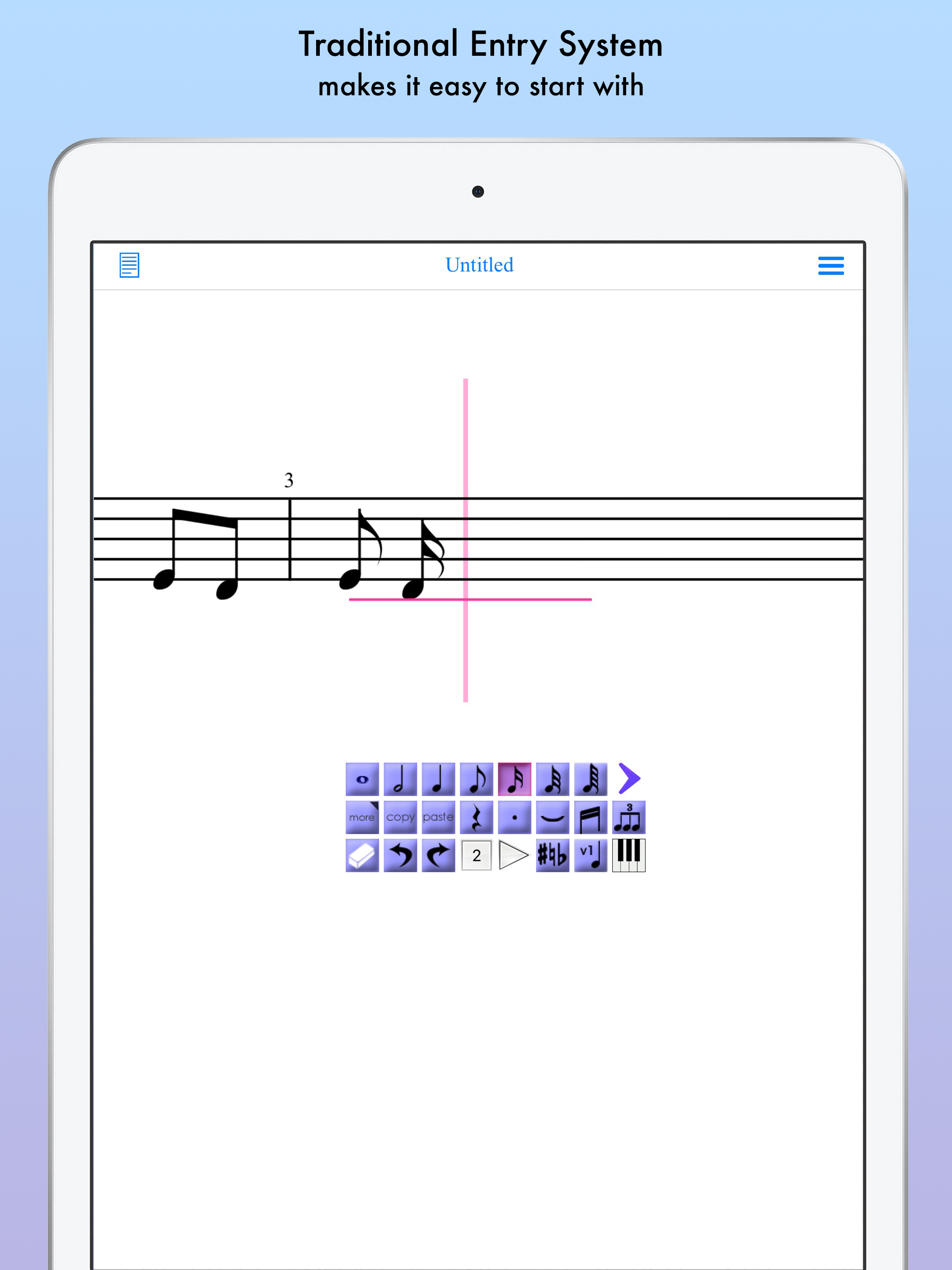
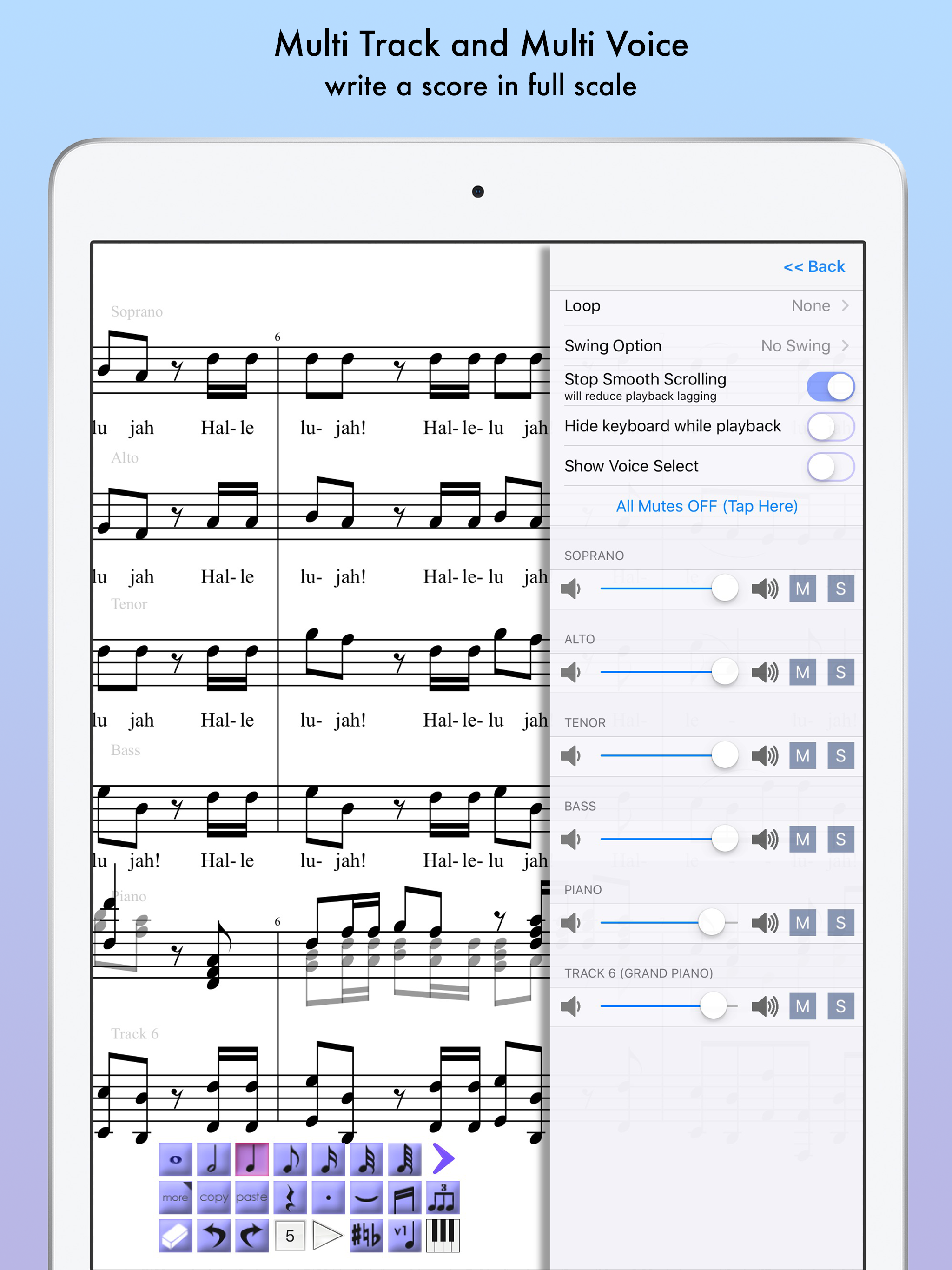
This app works well with the iPad Pro. . I use Apple Pencil and it is great! I am able to compose, playback, edit, and print the music. It is worth the,$. One thing that would make it even better would be to be able to use the keyboard without it asking you to select an area to insert a note. Sometimes you need to hear a note or a series of notes before Inserting them in the music.. Perhaps the developer will add an option to turn note insertion on or off when using the keyboard. It would also be useful if you could move the note selector around. I will note that i-am a new user. It's possible that these options already exist and I just haven't found them yet. Would also be nice if the tutorials were updated. Thank you, hopefully the latest update will not cause any issues.
What a help to have a portable, easy-to-use music writing platform that lets me hear just what I have written, with the instrumentation I want and with the parts (not the voices within a part) balanced for loudness throughout. For live performance, professional-looking separate part sheets are generated automatically. Though verbal tempo marks are ignored, numerical tempo can be changed at every measure. So to sing a wedding solo with organ in a venue without an organ, I copied out the organ part, writing out the rubato explicitly, and handed my iPad to the disc jockey. No one knew! Dynamics require two or more staves per part, unfortunately, and the staff for a seldom-used instrument has to extend throughout the score. Maybe fixing this in a nine-dollar app is too much to ask.
3/9/18 - Once again, another great update. Developer has made this even better. It hasn't left my iPad since it came out and was the first app I put on my latest iPad. (Previously, and still true) Perfect for my use with various folk musics. Valuable tool for copying poorly reproduced, and old (ancient) sheet music. Updates increase its value for me. (Previously, and still true) I have used this app for a while now. It has not left my iPad since I bought it when it first came out. Each version has been an improvement. I requested support using ornamentation and it happened. I like that I can transcribe with ease, and can immediately hear when a "fat finger" mistake has occurred. Plus midi! Received many compliments with the results. Highly recommended!
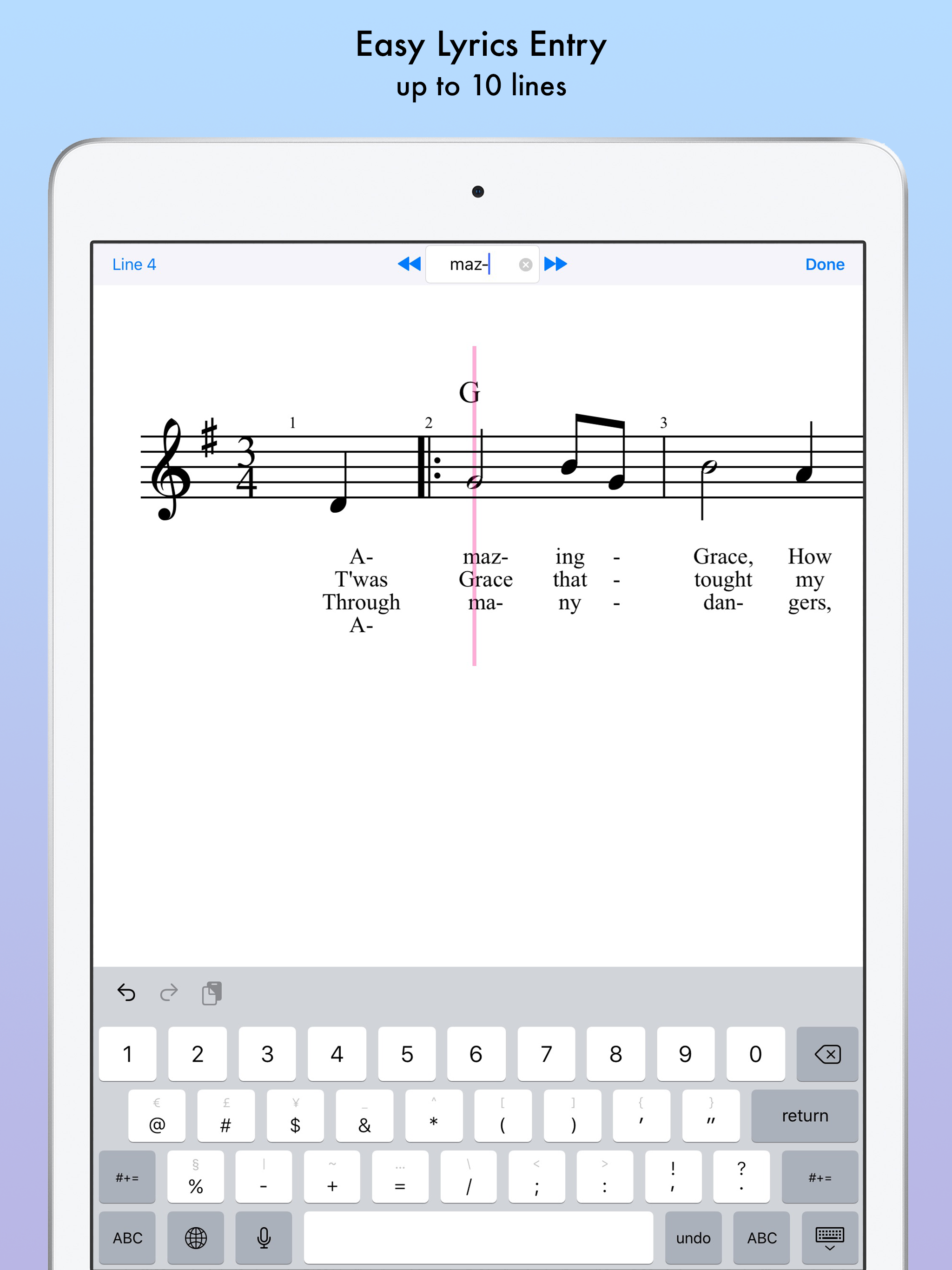
Music Writing is easy and fun when you use iWriteMusic! Experience the perfect harmony of ease and versatility in sheet music creation with iWriteMusi...
| Name | Price | Type |
|---|---|---|
| Advanced File Management | $0.99 | One-time |