Check the acquisition promise
Read the store headline, screenshots and description. What problem is the app promising to solve?
Study the storefront ↗
Sebastien BUET · iOS
Explore the ad evidence, study the storefront, and build your next acquisition hypothesis.
01 / Creative research
Read the store headline, screenshots and description. What problem is the app promising to solve?
Study the storefront ↗Explore apps with direct store-link matches. Compare their hooks and formats without assuming the same approach works here.
Browse observed advertisers ↗Store rankings and revenue estimates describe market context. They do not establish ad spend, conversions or ROAS.
Review the market context ↗02 / Storefront & product
Study the product story and store experience behind the acquisition funnel.






03 / Market context
Keep revenue, downloads and store rankings separate from advertising performance.
Crashes after editing, crashes when browsing photo albums, and it doesn’t show or let you edit the title, description or keyword fields from Photos on the Mac. Rather useless.
I really think the app is very good, it can read keywords and metadata of pictures imported(saved from email pics). I would give it a 5 if it would allow some sort of search function, let's say for example search with keywords!! :-)
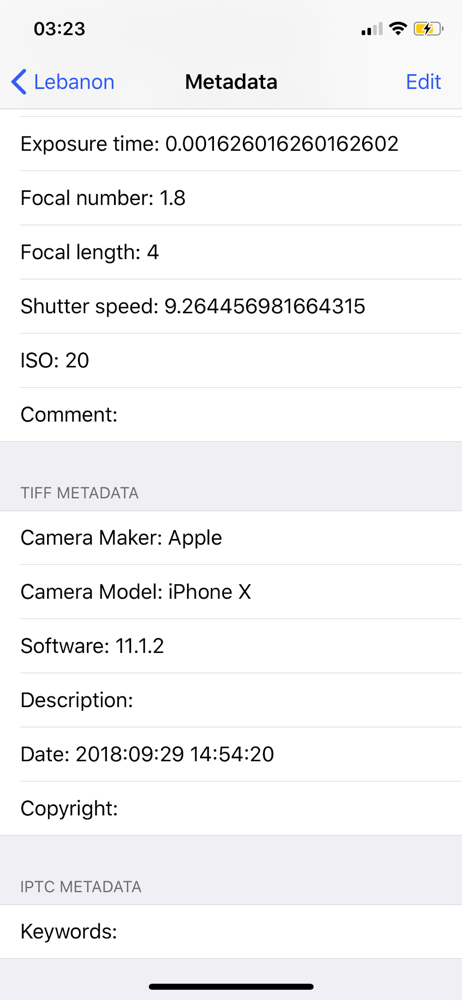
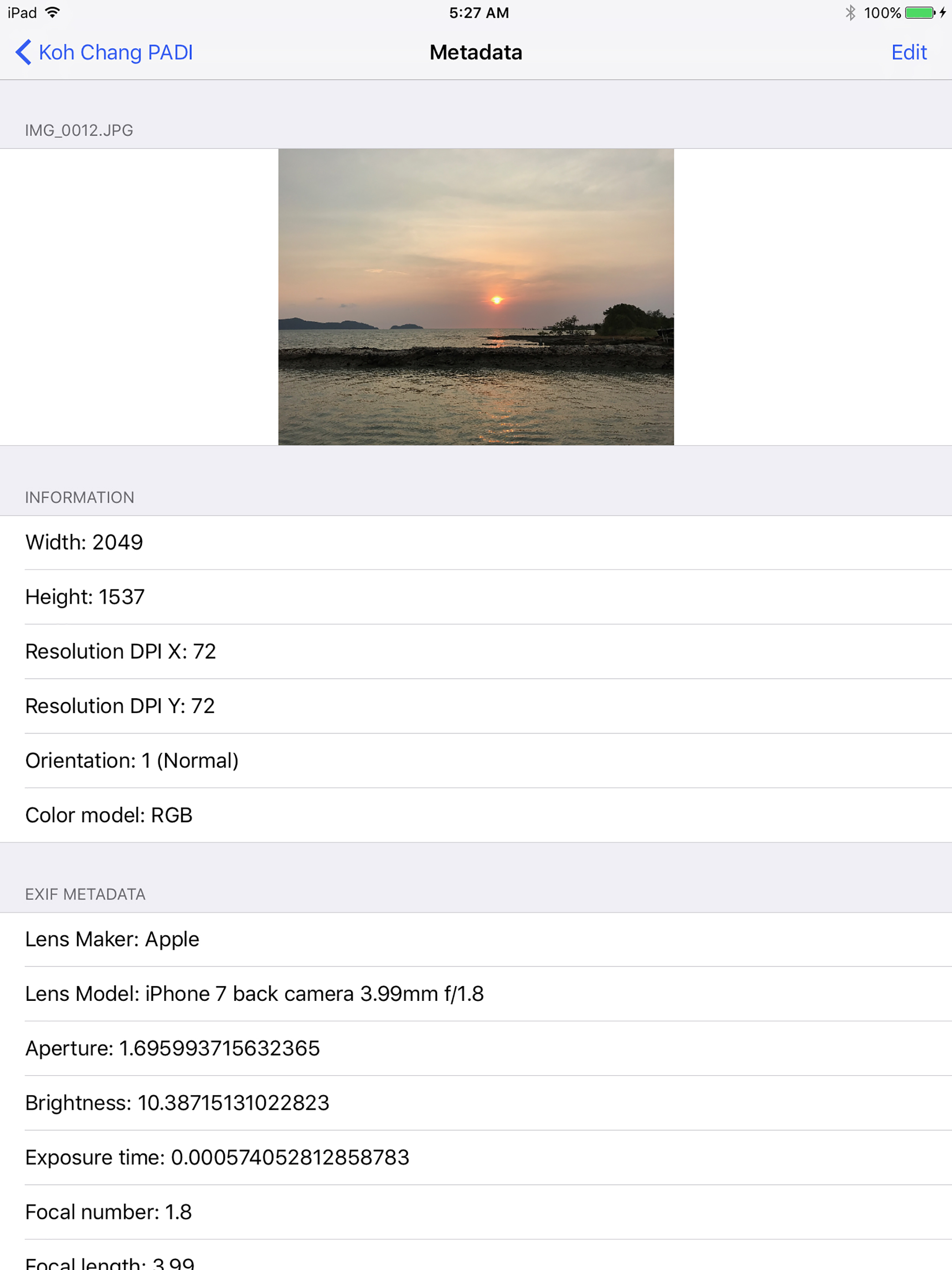
This excellent application allows metadata manipulation from iPhone in a fashion similar to exiftool and exiv2. It is particularly useful in adding gps data, keywords and descriptions at the time a photo is taken. Other users have panned the app because the results are not immediately visible on iPhone. They sure are visible when importing into DigiKam or other photo manager. If it had an option to overwrite the original file, I'd give it 5 stars. The application's making a copy of a picture is a little annoying. Keep up the good work!
PhotoNotes provides you with a very simple way to see the metadata of your photos easily, add some information into it and/or modify a part of it. Di...