Check the acquisition promise
Read the store headline, screenshots and description. What problem is the app promising to solve?
Study the storefront ↗
Productive Monkey Ltd · iOS
Explore the ad evidence, study the storefront, and build your next acquisition hypothesis.
01 / Creative research
Read the store headline, screenshots and description. What problem is the app promising to solve?
Study the storefront ↗Explore apps with direct store-link matches. Compare their hooks and formats without assuming the same approach works here.
Browse observed advertisers ↗Store rankings and revenue estimates describe market context. They do not establish ad spend, conversions or ROAS.
Review the market context ↗02 / Storefront & product
Study the product story and store experience behind the acquisition funnel.




03 / Market context
Keep revenue, downloads and store rankings separate from advertising performance.
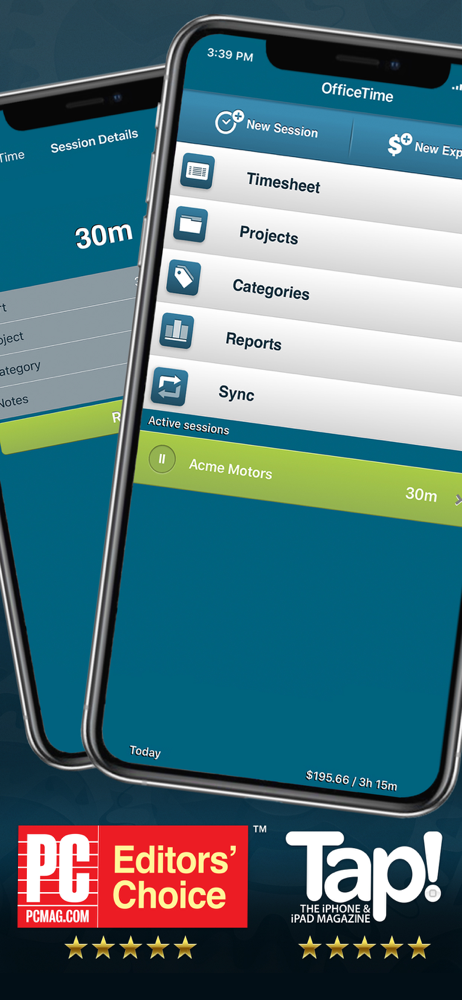
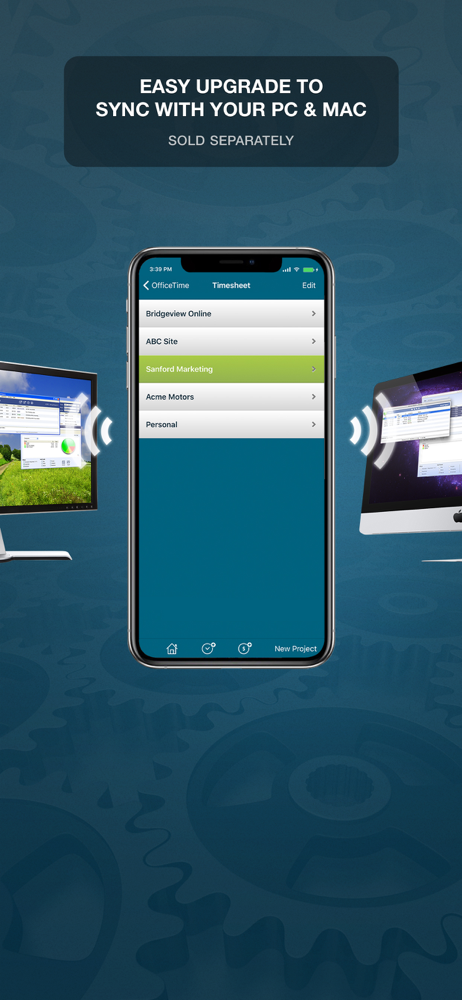
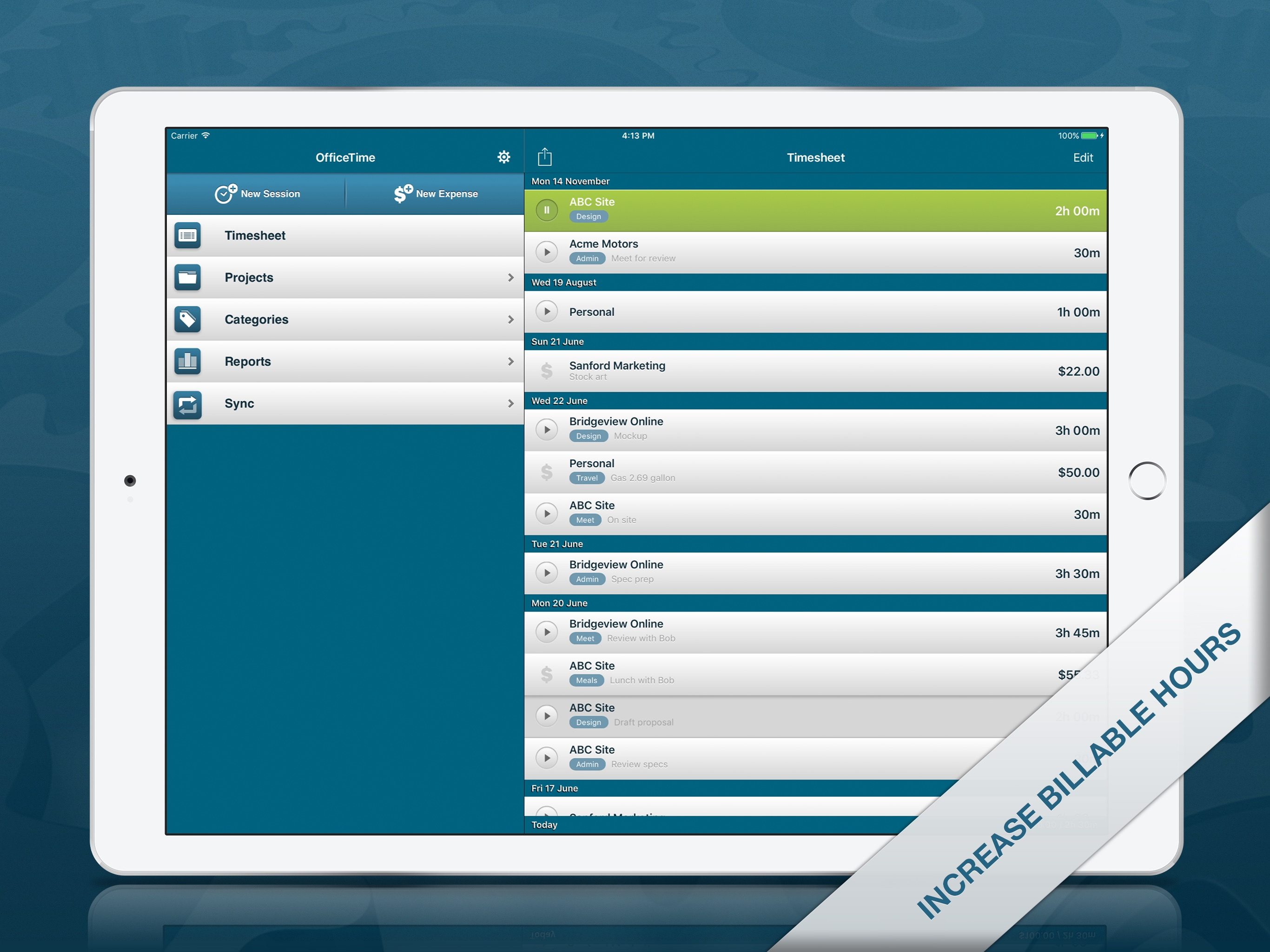
I have been using this app for over 10 years and I use it to time my job so I know how much to charge based on the hourly rate that I set for each client. it’s working very well on my Mac, iPhone, and iPad. I did purchase the subscription because I wanted to use the cloud sync which works very well. I emailed their support the other day and they were fairly quick to respond to the email and was very helpful. There also is a reporting feature so if you need to calculate for tax season all the jobs and how much you made, you can easily do that by filtering for the whole year or doing a custom filter for other years. Personally, I think it’s good to make a project for each client or at least that is is what I’m doing. When you’re in the projects, you can select a project tap the edit button and you can set a default hourly rate for that project. You set the hourly rates in the categories area. So basically when you’re in the settings for the projects, you can set a default category for that project so every time you add a new timer to that project it will use that hourly rate, but you can always change the hourly rate/category on the fly also.
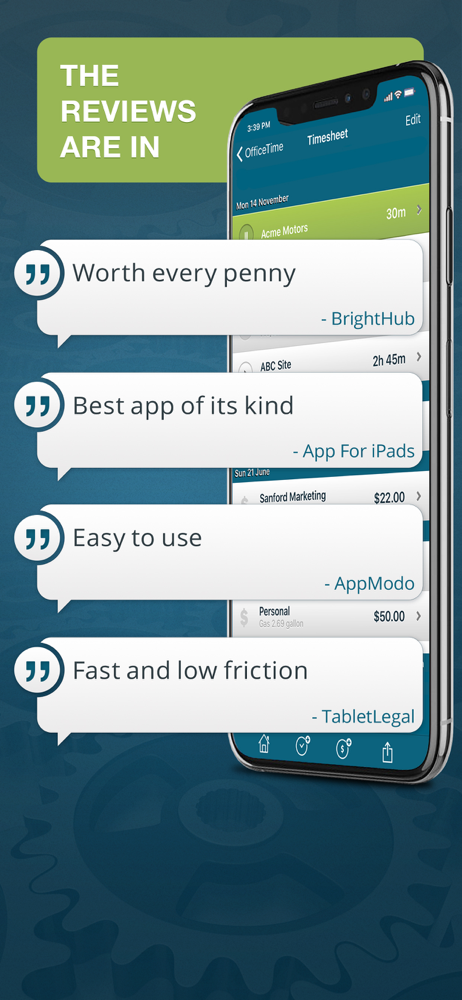
This is a great product! If you need to track billable time it does everything you need. I much prefer it to Timeslips. It isn’t high maintenance, doesn’t require lots of set up time, and it never crashes.
The free version is just Ok, but the paid version has the better options. Managing 2-3 projects at a time is quite easy.
OfficeTime is an amazingly intuitive time tracker . Where other time keepers are clumsy or oversimplified, OfficeTime balances features and ease of us...