
Check the acquisition promise
Read the store headline, screenshots and description. What problem is the app promising to solve?
Study the storefront ↗
Pivotal Labs · iOS
Explore the ad evidence, study the storefront, and build your next acquisition hypothesis.
01 / Creative research
Read the store headline, screenshots and description. What problem is the app promising to solve?
Study the storefront ↗Explore apps with direct store-link matches. Compare their hooks and formats without assuming the same approach works here.
Browse observed advertisers ↗Store rankings and revenue estimates describe market context. They do not establish ad spend, conversions or ROAS.
Review the market context ↗02 / Storefront & product
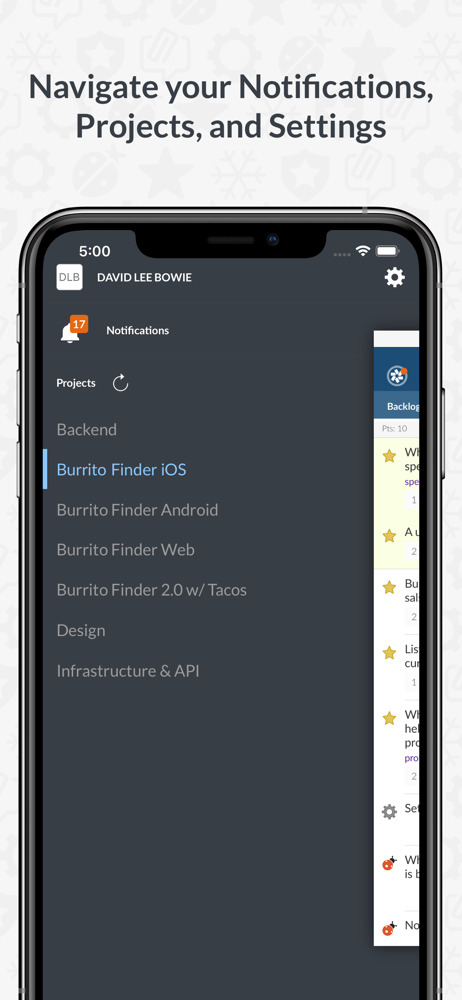
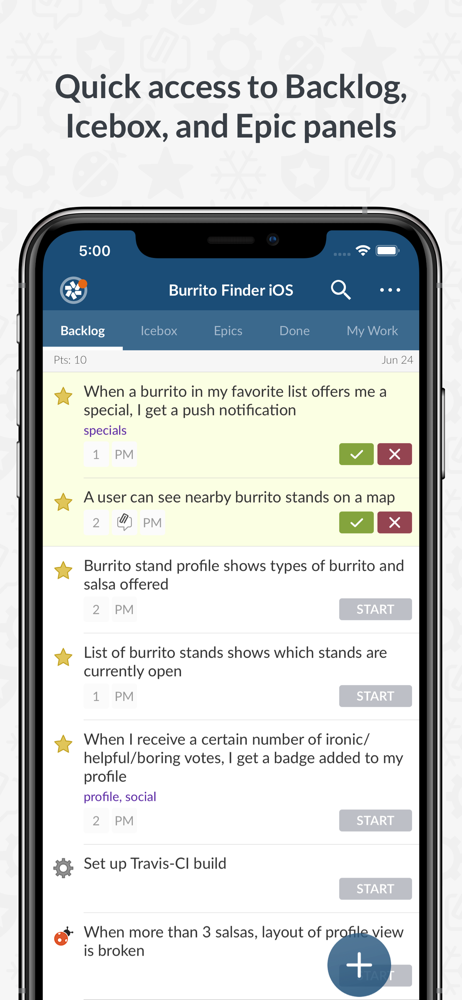
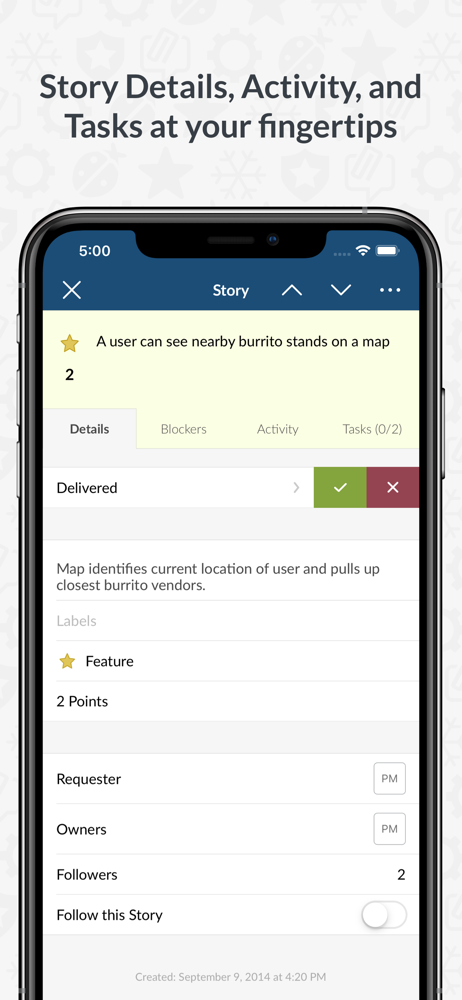
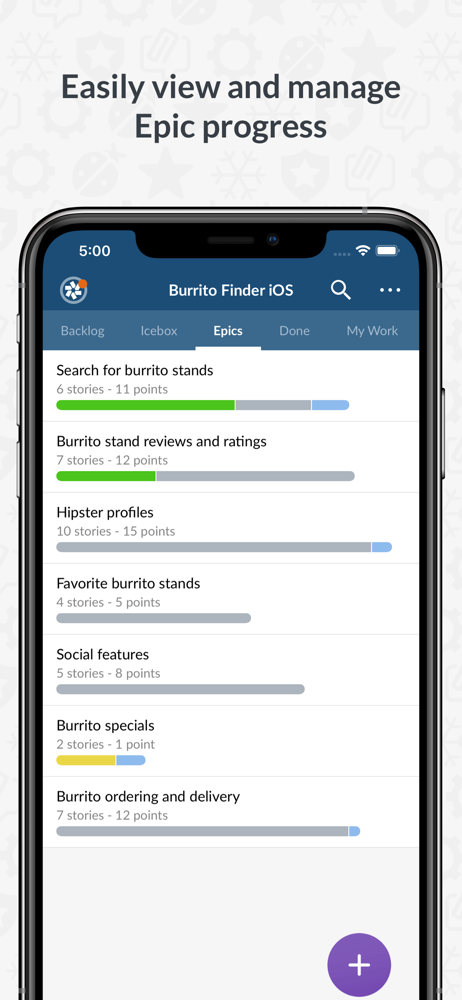
Study the product story and store experience behind the acquisition funnel.



03 / Market context
Keep revenue, downloads and store rankings separate from advertising performance.
I tried to comment on a ticket but the app didn’t display my comment even after refreshing so I posted it again, it still didn’t show up so I uninstalled the app so that I could access the web interface. Lo and behold, there were both of my comments, making me look like an idiot. I won’t be reinstalling the app.
The last update performed screwed up the way you could add screenshots to PT. I can only add a couple pics and never add more to my “Recents” folder. This feature is essential. Please go back to the way it was before where I could just choose whatever I wanted from my photo library.
This app is a light version of what the web app can do. I use it at work and for my personal projects. I normally rely on the web version but sometimes use the mobile app while not in front of a computer and there is an idea I would like to flash out as a bundle of stories. Works great!
Pivotal Tracker is a product-planning and management tool designed exclusively for modern software development teams. Our iOS app lets on-the-go team...


